



This topic has been closed for replies.
Correct answer Ricky336

Hello,


You have problems with quality when enlarged to a 100%.

You have compression artefacts:


This is on all of them! Therefore an obvious rejection.

The problem here is connected with upscaling your images.

4 replies

Ricky336
Community Expert
Ricky336Community ExpertCorrect answer
Community Expert
April 9, 2024

Hello,


You have problems with quality when enlarged to a 100%.

You have compression artefacts:
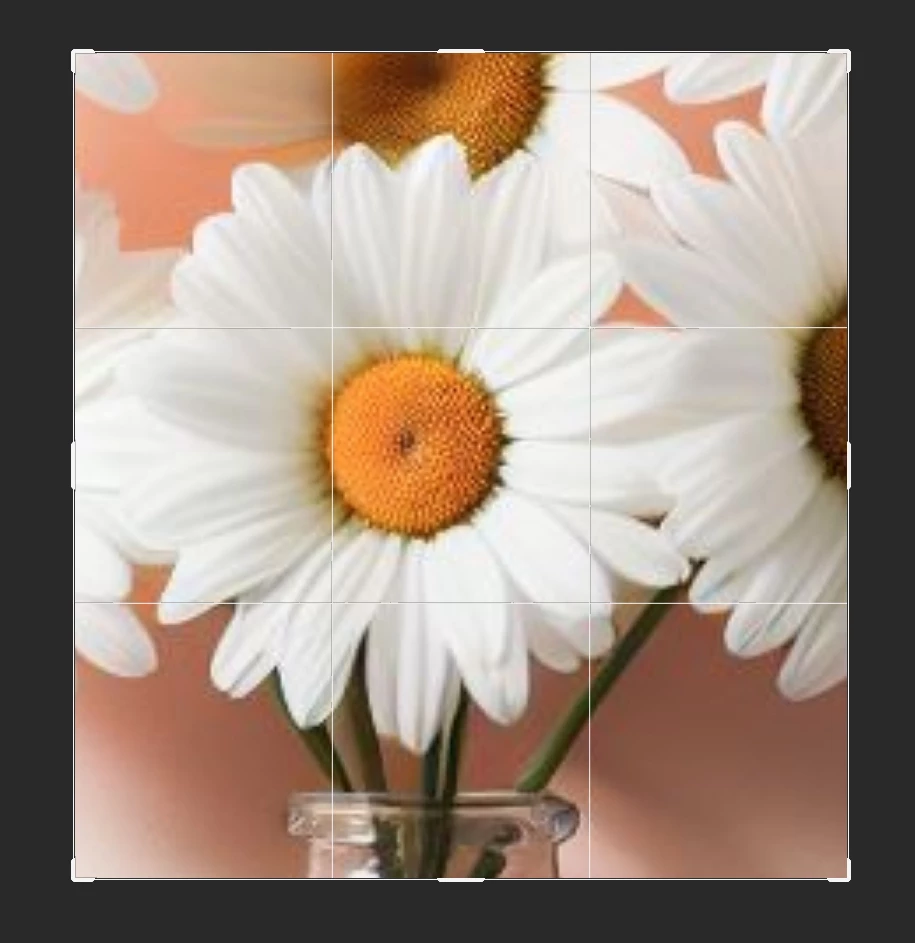


This is on all of them! Therefore an obvious rejection.

The problem here is connected with upscaling your images.

jacquelingphoto2017
Community Expert
Community Expert
April 9, 2024

Hi @34228258 ,

All files have quality issues. The first file has artifacts which seem to be resulting from compression.

The second file also has compression artifacts, not sharp and has lost details.

The third file has color noise.

For the fourth file I'm seeing some purple and green in the shadows and loss definition of the subject's edge.

The fifth file is not sharp, noisy and too compressed.

Best wishes

Jacquelin


April 9, 2024

Can you tell me some tips to improve my picture quality.

Abambo
Community Expert
Community Expert
April 11, 2024
quote

Can you tell me some tips to improve my picture quality.


By @34228258


Compression artefacts are an issue, when you save your files either multiple times as JPEG, or you use a high compression factor (thos a low quality). JPEG is great, but you should save only the final edit as JPEG and always as a high quality file.

ABAMBO | Hard- and Software Engineer | Photographer
Jill_C
Community Expert
Community Expert
April 8, 2024

Zoomed in to ~100% these are all quite blurry. Did you do any upscaling? Some if the details are malformed, such as this one.

Jill C., Forum Volunteer
April 8, 2024

yes i have to upscale my images.. asmy software generates of 1024px

daniellei4510
Community Expert
Community Expert
April 8, 2024

What upscaler are you using?

Adobe Community Expert | If you can't fix it, hide it; if you can't hide it, delete it.