Your first: The overall quality is not the best.
Some general issues:
- You have colour clipping.
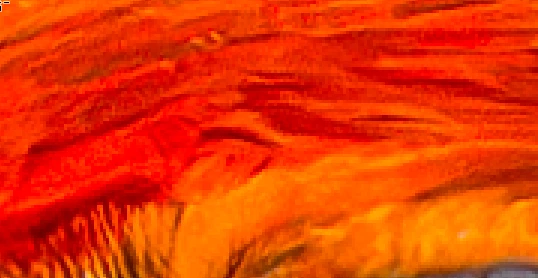
- You have a high noise level:
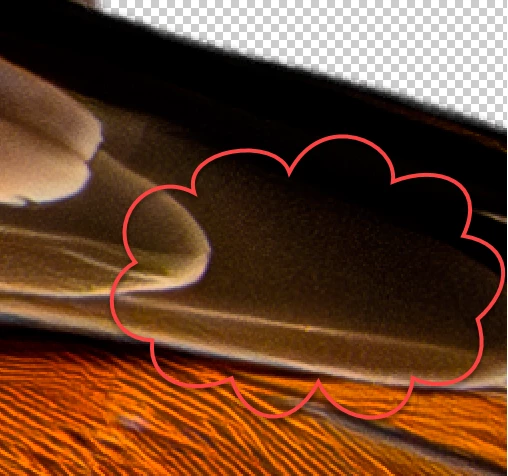
- You have blown out blacks and missing whites, so I think the original picture was underexposed.
- You have not embedded the sRGB colour profile, as required.
Then you have multiple errors in your cutout work. @Jill_C has mentioned some. Let me add some of mine too:
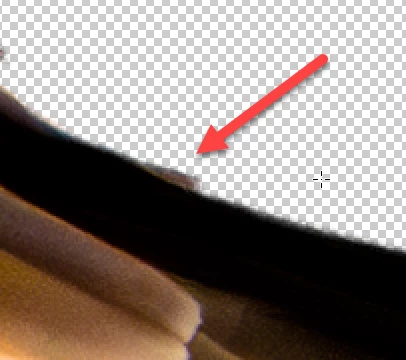
If you look at this part, you see the shadowy leftovers from the background, and you see that you did not used the erasesr in a steady line.
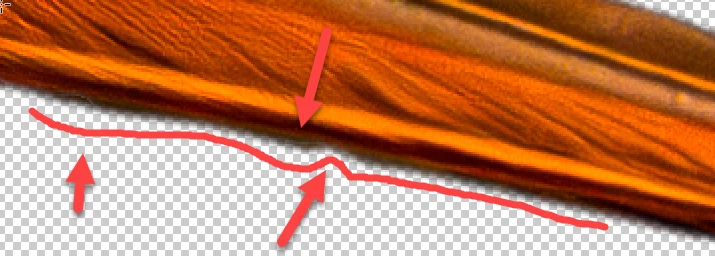
My two-minute fix solved some of the issue:
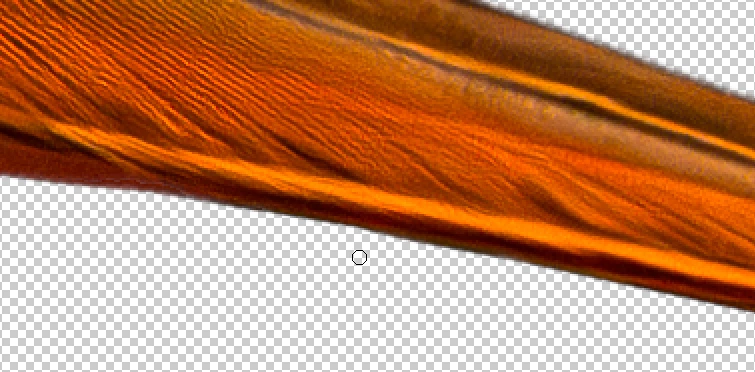
(It's not yet perfect, but with more time and energy, it could work out.
You were over the “line” (1) here, and I can't bring that back, as I do not have the original, but I can help you out with the sharp corners, as laid out by @Jill_C (2):
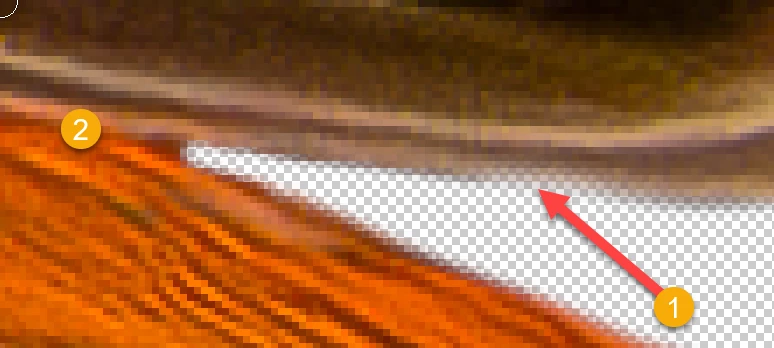
First, you erase more than needed:
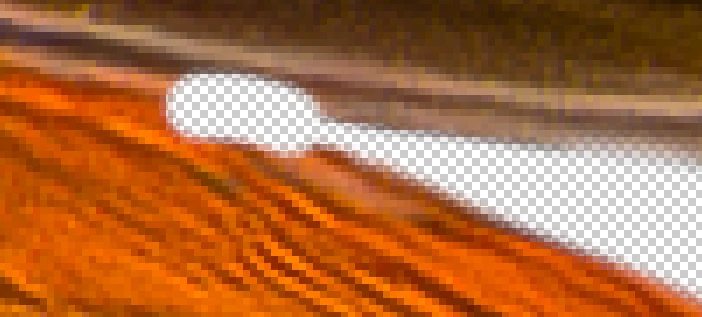
Then you bring back the foreground that has been erased with the background.
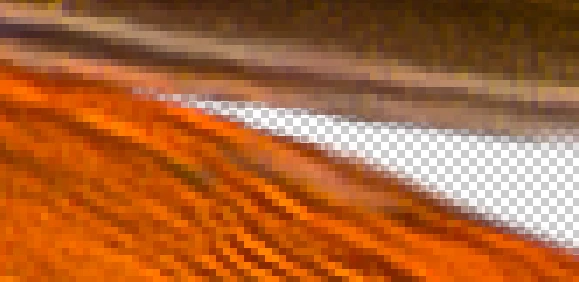
To be able to orient myself, I use a second layer, that I overlay to the cutout, with a strong transparency, so that I see, where I'm working. That makes sharp corners, without any effort.
To visualize places, where you did work sloppily, I can use in Photoshop the fx effects, where you lay a “red” line around your cutout:
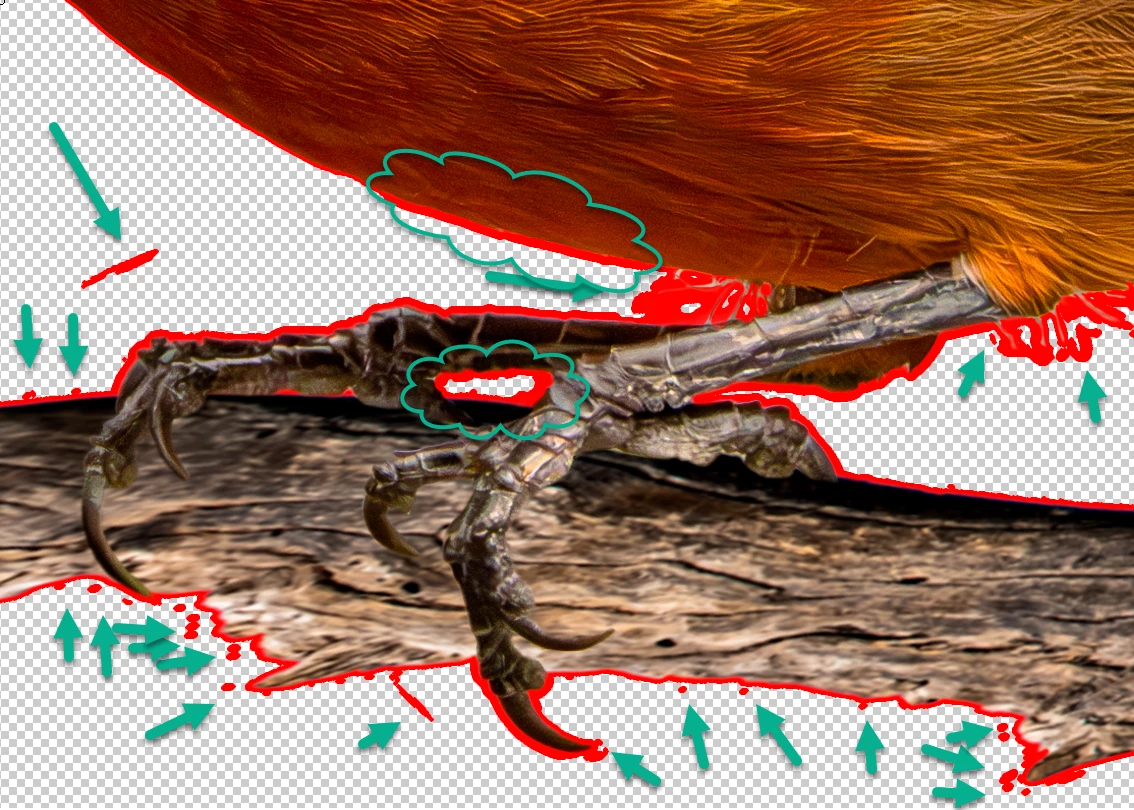
You see immediately all those imperfections, that are difficult to see, but will create issues when you superpose your cutout to a background. When you're done, you delete the effect, and the line is gone.
The clouds show areas where your masking brush was soft so that there is a gradient transparency. Usually, you do not wish that, especially with branches and claws. With the feather it may be of use, but it needs to be consistent.




 AdChoices