This topic has been closed for replies.
Correct answer Marianne-Deiters

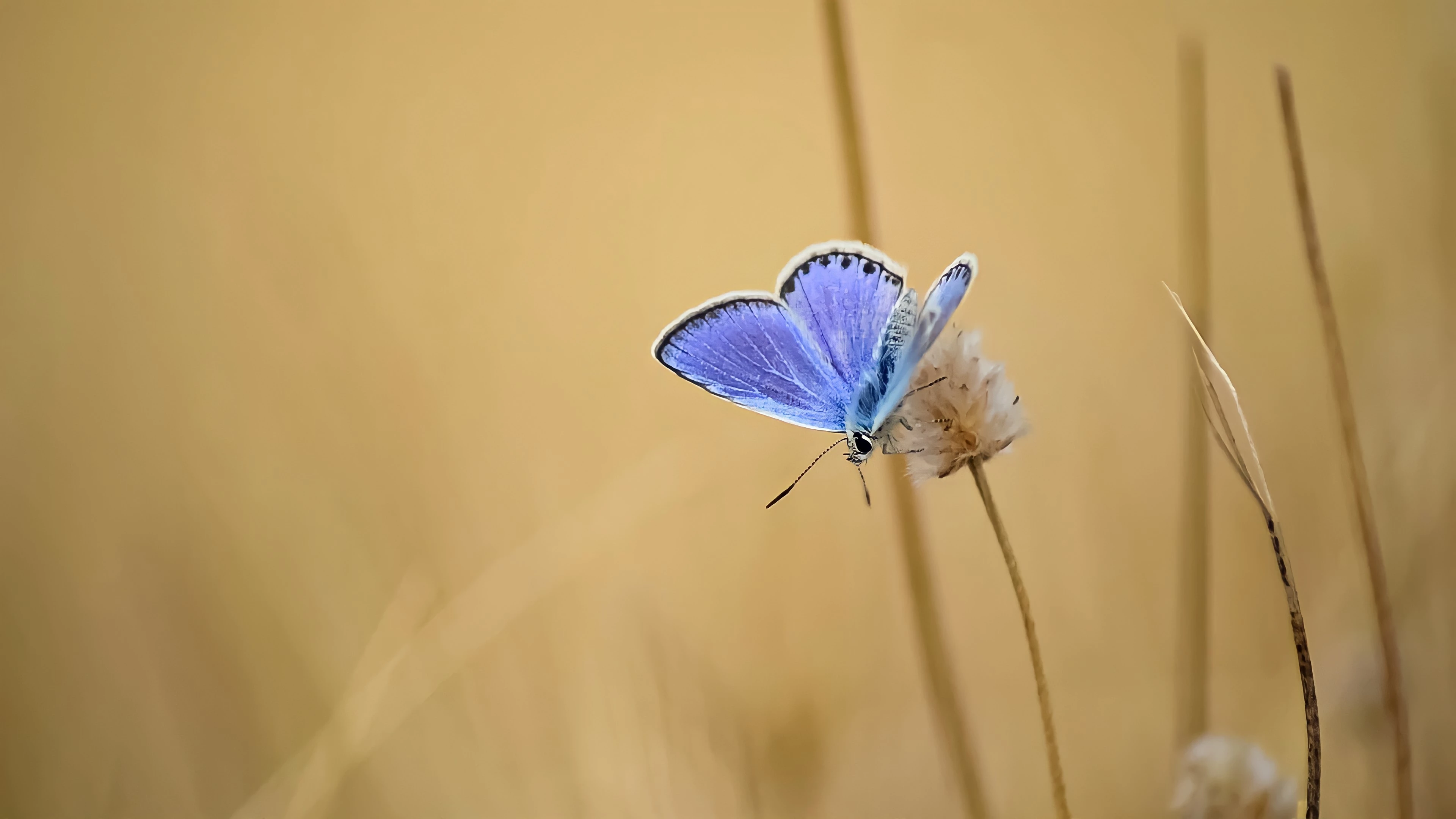
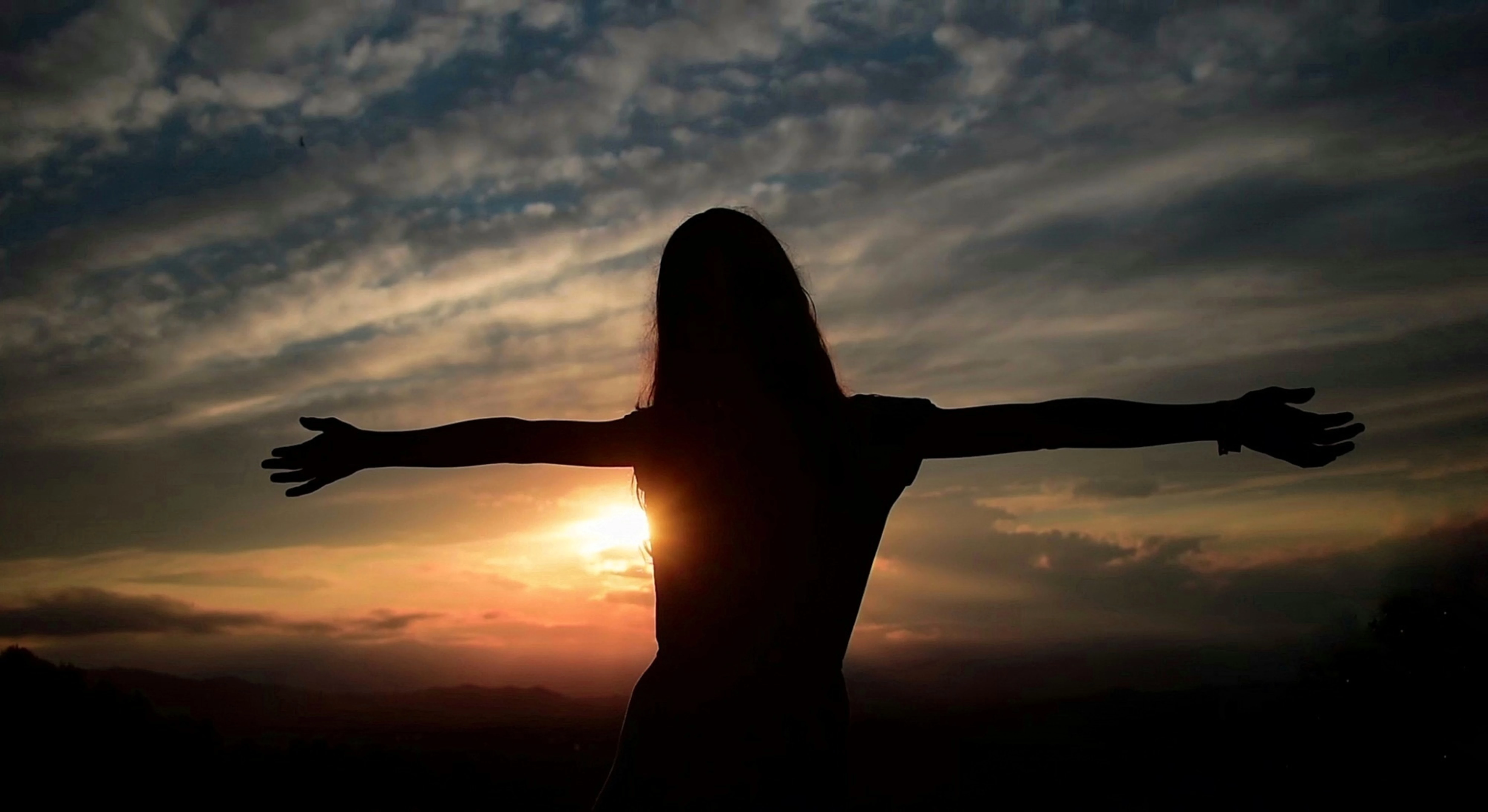
In the first picture the butterfly is unfortunately partly out of focus. In the second image, artifacts can be seen after zooming in. The white border around the person is not nice. The whole photo is also very dark.

2 replies

Abambo
Community Expert
Community Expert
July 29, 2021

Look at your pictures at 100% and 200% and see if they are looking naturally and detailed, with not artefacts, no washed out colours and other defects.

The butterfly was out of focus, so you tried to sharpen and compensate for noise:

The result is a pleasant image looked at 30% at most, but at 100% you see washed out colours and structures that disappear. Furthermore, please look at the Butterfly antennas. One is out of focus, the other is simply over sharpened.


As for the girl: look for yourself:

Being dark is not exactly a defect, but it needs to be understandable. Some structure is in most of the cases needed.

(all screenshots are at 100% of the posted images!)

If you are new to stock, you should consider these resources: https://helpx.adobe.com/stock/contributor/tutorials.html
Please read the contributor user manual for more information on Adobe stock contributions: https://helpx.adobe.com/stock/contributor/user-guide.html
See here for rejection reasons: https://helpx.adobe.com/stock/contributor/help/reasons-for-content-rejection.html
and especially quality and technical issues: https://helpx.adobe.com/stock/contributor/help/quality-and-technical-issues.html

ABAMBO | Hard- and Software Engineer | Photographer
Marianne-Deiters
Marianne-DeitersCorrect answer
Participating Frequently
July 29, 2021

In the first picture the butterfly is unfortunately partly out of focus. In the second image, artifacts can be seen after zooming in. The white border around the person is not nice. The whole photo is also very dark.