kimc41331232
Participant
February 11, 2026
Answered

Quality issues

  • February 11, 2026
  • 4 replies
  • 39 views

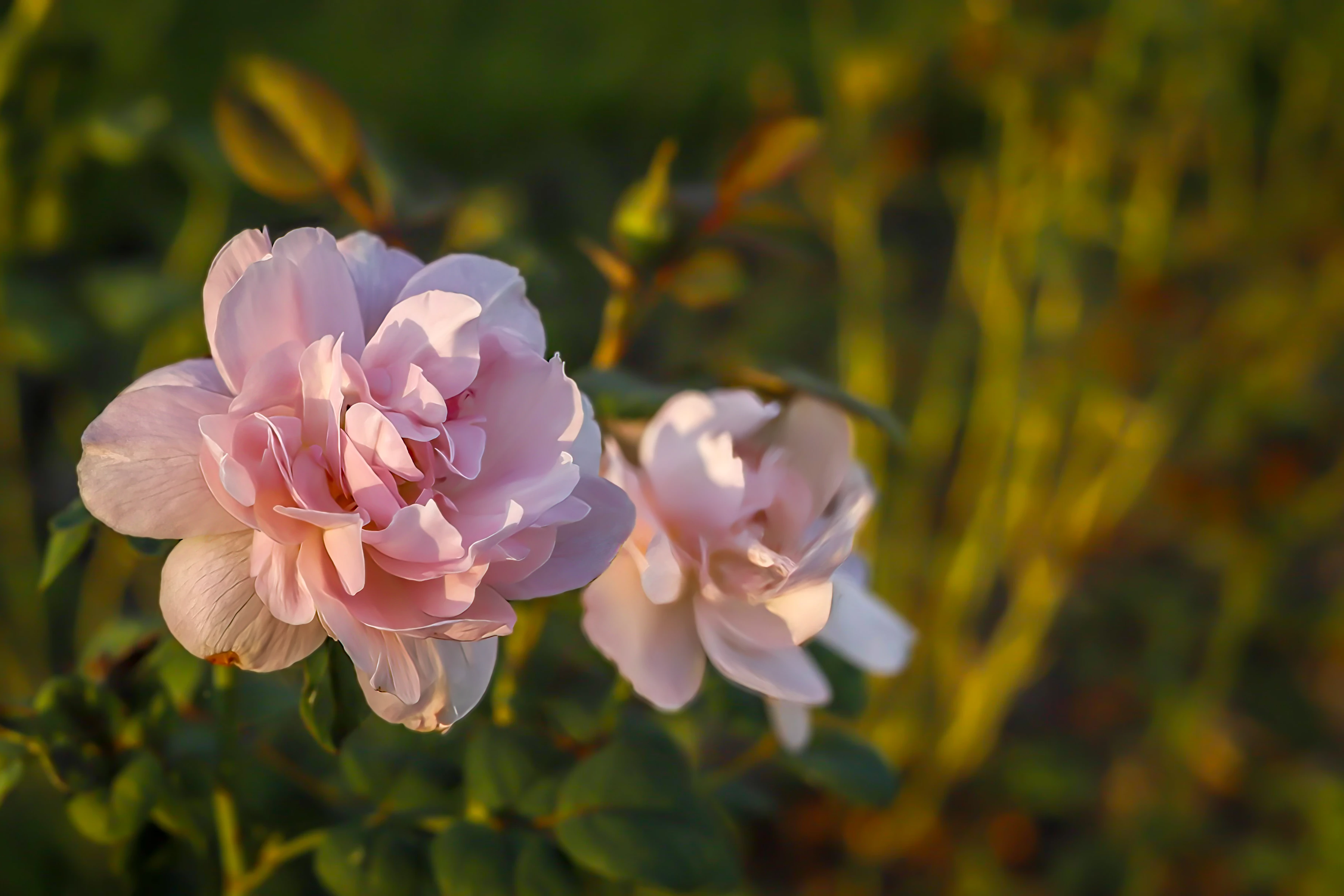
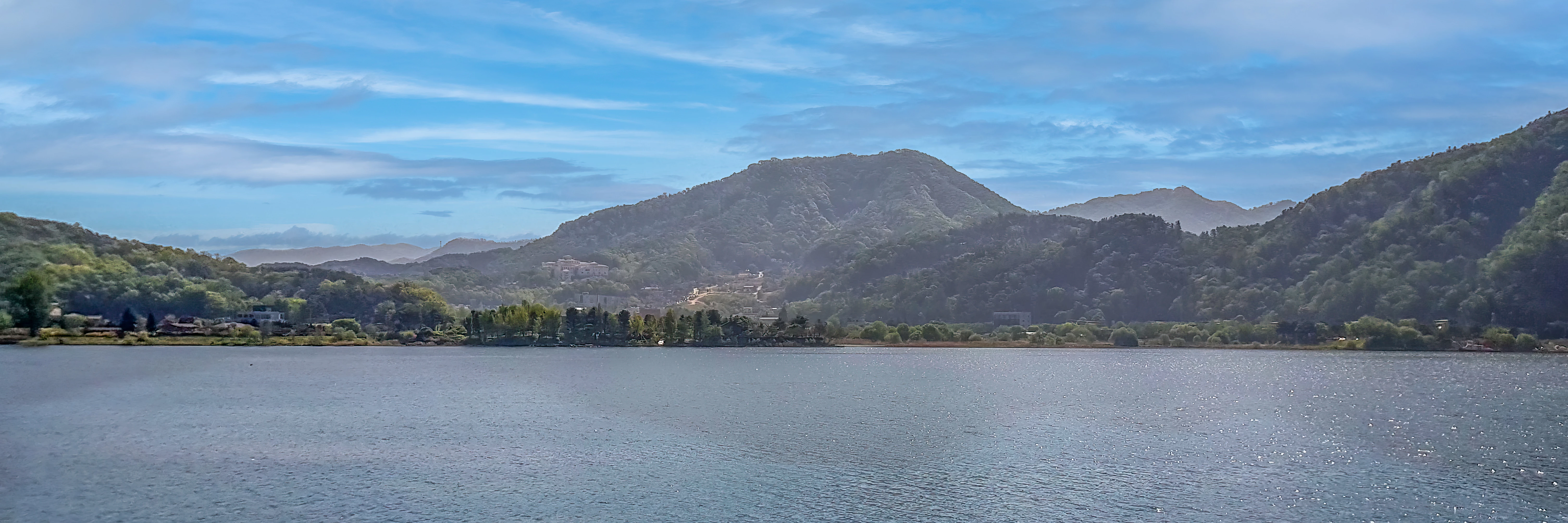
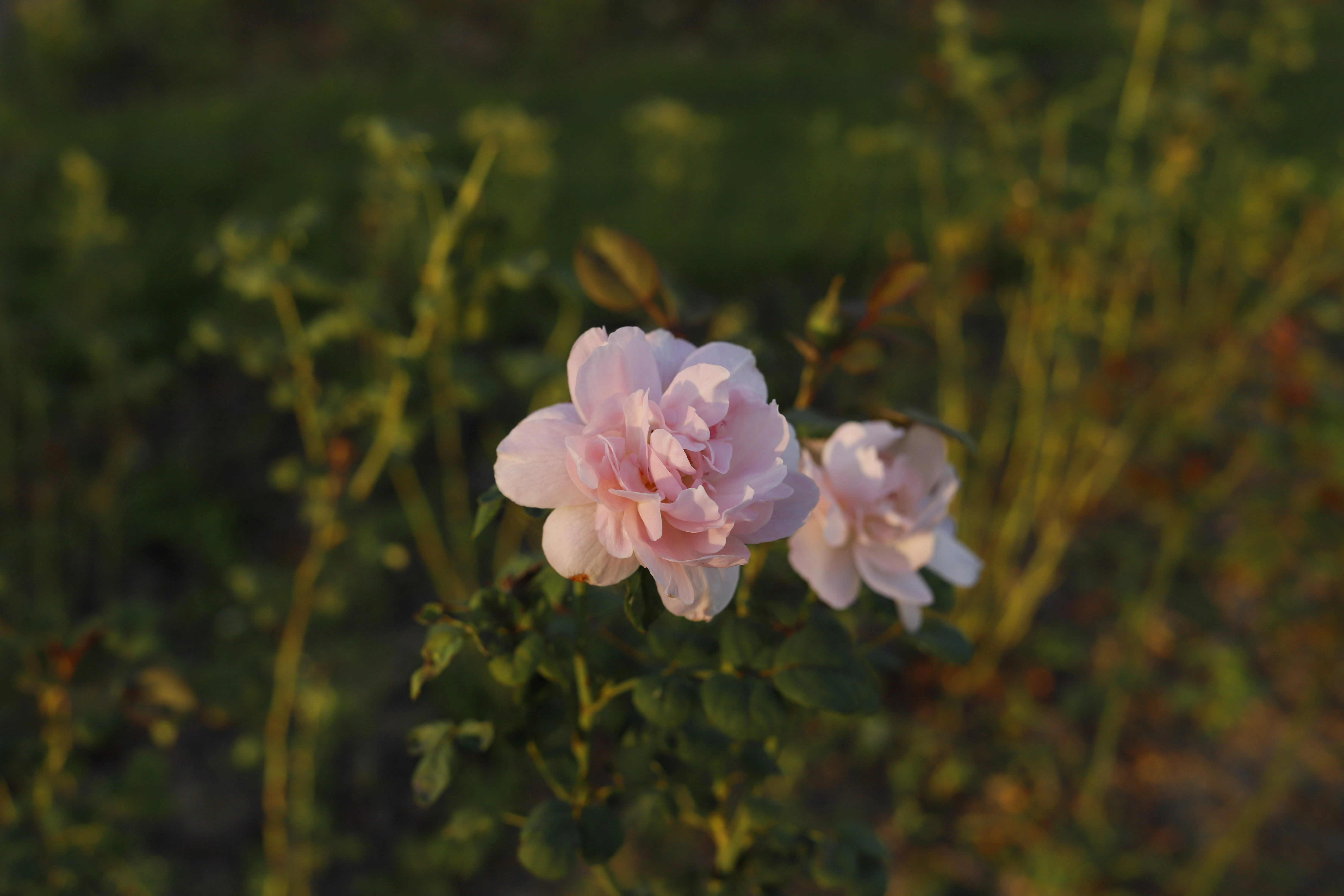
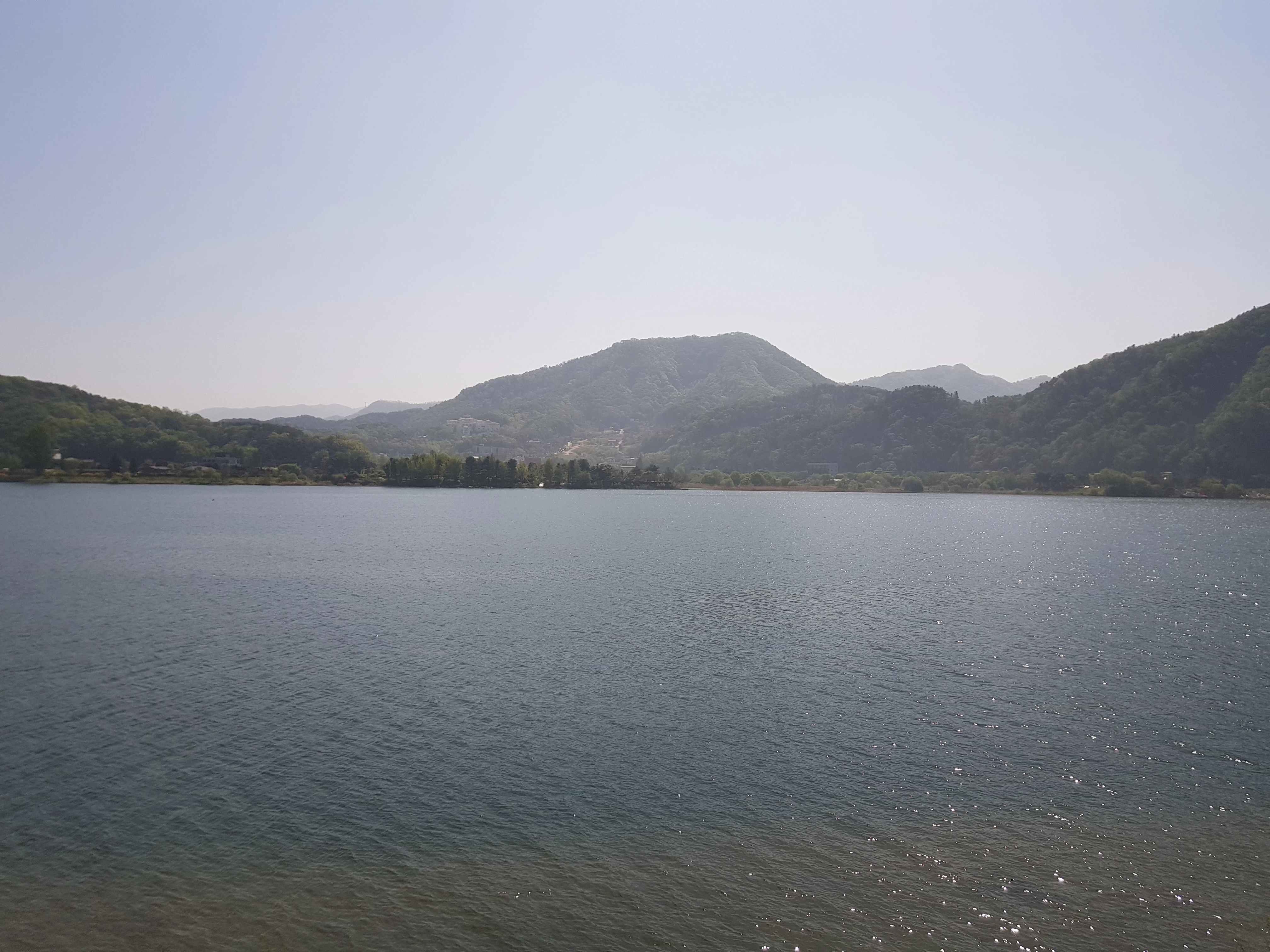
I recently had several photos rejected due to “quality issues,” and I would appreciate some feedback from the community.
 

    Correct answer RALPH_L

    The first is not sharp, too dark and the subject too small and leaves no copy space. Use the Rule of Thirds.
    The second lacks contrast, too light with no details in the sky. Is not focused and the horizon is slanted. Again use the Rule of Thirds and put the horizon on a grid line. Also, I recommend a panorama format (3:1) for a panorama view.
    The third is poorly cropped and poorly displayed.

    Quick Example:


    To gain further ideas view examples of approved Flower and Landscape photos on my Adobe PF site:
    Ralph Lear | Commercial Outdoor & Lifestyle Hobby Photographer

    4 replies

    daniellei4510
    Community Expert
    Community Expert
    February 11, 2026

    Flowers: Poor composition. And even if excepted, there are gazillions of flowers in the database. Do a search for them and look at your competition.

    Landscape: Slanted horizon and lack of contrast.

    Third image: Poorly cropped.

    Adobe Community Expert | If you can't fix it, hide it; if you can't hide it, delete it.
    kimc41331232
    Participant
    February 11, 2026

    Thanks!


    It was the first time... I’ll keep your advice in mind for next time.


    I’ve received the clarification I needed. Thanks again for all the helpful feedback.

    Ricky336
    Community Expert
    Community Expert
    February 11, 2026

    Hello,

    Work on your composition to improve your photos.

    Read this link from Adobe about composition:

    Composition_Adobe

    and exposure:

    Exposure_Adobe

    These guides will help!


    kimc41331232
    Participant
    February 11, 2026

    Appreciate your comment!

    yamato713108855
    Community Expert
    Community Expert
    February 11, 2026

    The flower photo has shallow focus.
    Adobe Stock prefers a wider area in focus.


    The landscape photo has the water in the center in focus, but the left side is completely out of focus.
    Narrow the aperture to bring a wider area into focus.


    The food photo is either out of focus or blurry.

    RALPH_L
    Community Expert
    RALPH_LCommunity ExpertCorrect answer
    Community Expert
    February 11, 2026

    The first is not sharp, too dark and the subject too small and leaves no copy space. Use the Rule of Thirds.
    The second lacks contrast, too light with no details in the sky. Is not focused and the horizon is slanted. Again use the Rule of Thirds and put the horizon on a grid line. Also, I recommend a panorama format (3:1) for a panorama view.
    The third is poorly cropped and poorly displayed.

    Quick Example:


    To gain further ideas view examples of approved Flower and Landscape photos on my Adobe PF site:
    Ralph Lear | Commercial Outdoor & Lifestyle Hobby Photographer

    kimc41331232
    Participant
    February 11, 2026

    Thank you so much for your detailed explanation.