Participant
October 7, 2022
Question

Quality issues

  • October 7, 2022
  • 4 replies
  • 623 views

I thought I was ready for stock photos but I think I still have a lot to learn. These imaes were rejected for quality. I am all ears. 


This topic has been closed for replies.

4 replies

Abambo
Community Expert
Community Expert
October 7, 2022

If you are new to stock, you should consider these resources: https://helpx.adobe.com/stock/contributor/tutorials.html
Please read the contributor user manual for more information on Adobe stock contributions: https://helpx.adobe.com/stock/contributor/user-guide.html
See here for rejection reasons: https://helpx.adobe.com/stock/contributor/help/reasons-for-content-rejection.html
and especially quality and technical issues: https://helpx.adobe.com/stock/contributor/help/quality-and-technical-issues.html

ABAMBO | Hard- and Software Engineer | Photographer
Abambo
Community Expert
Community Expert
October 7, 2022

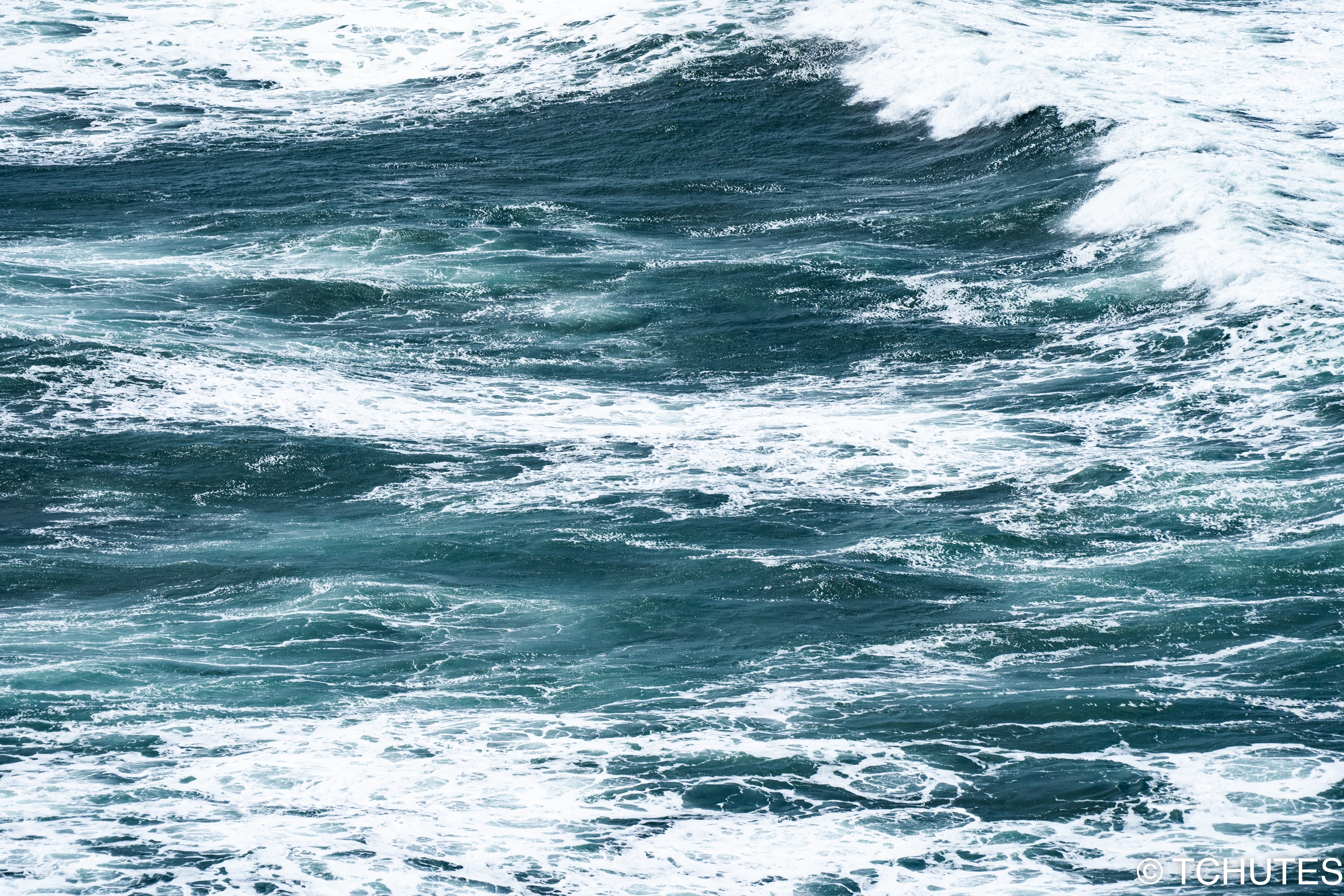
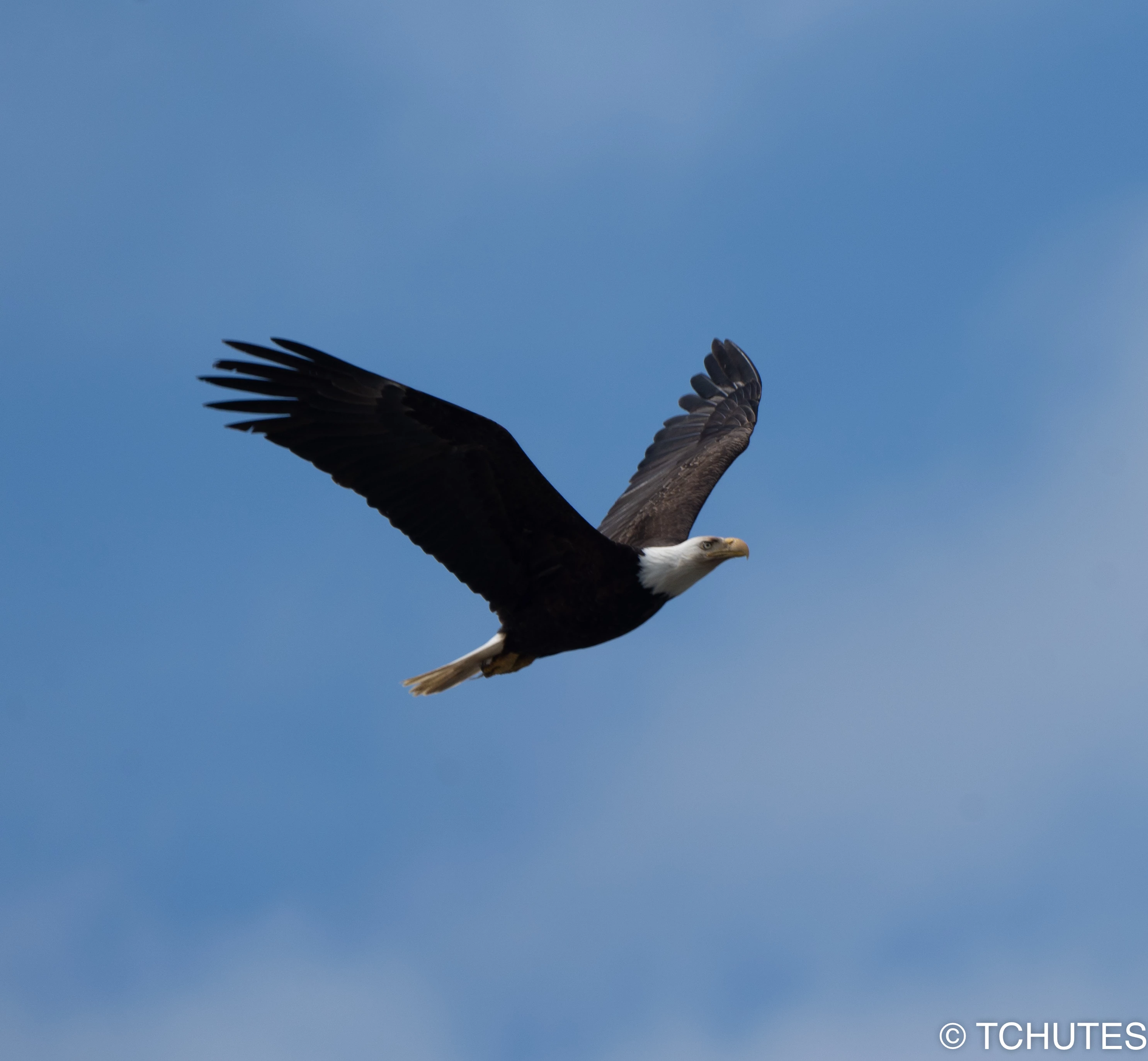
Your first: the spots are really disturbing and well visible. They need to be edited out. The histogram shows missing blacks and partly also shadows, but also a tiny part of missing whites. This makes that flat look. For stock, you need to correctly expose the pictures.  In your case, this will increase the contrast.

I suppose you are aware, that the watermark is not allowed.

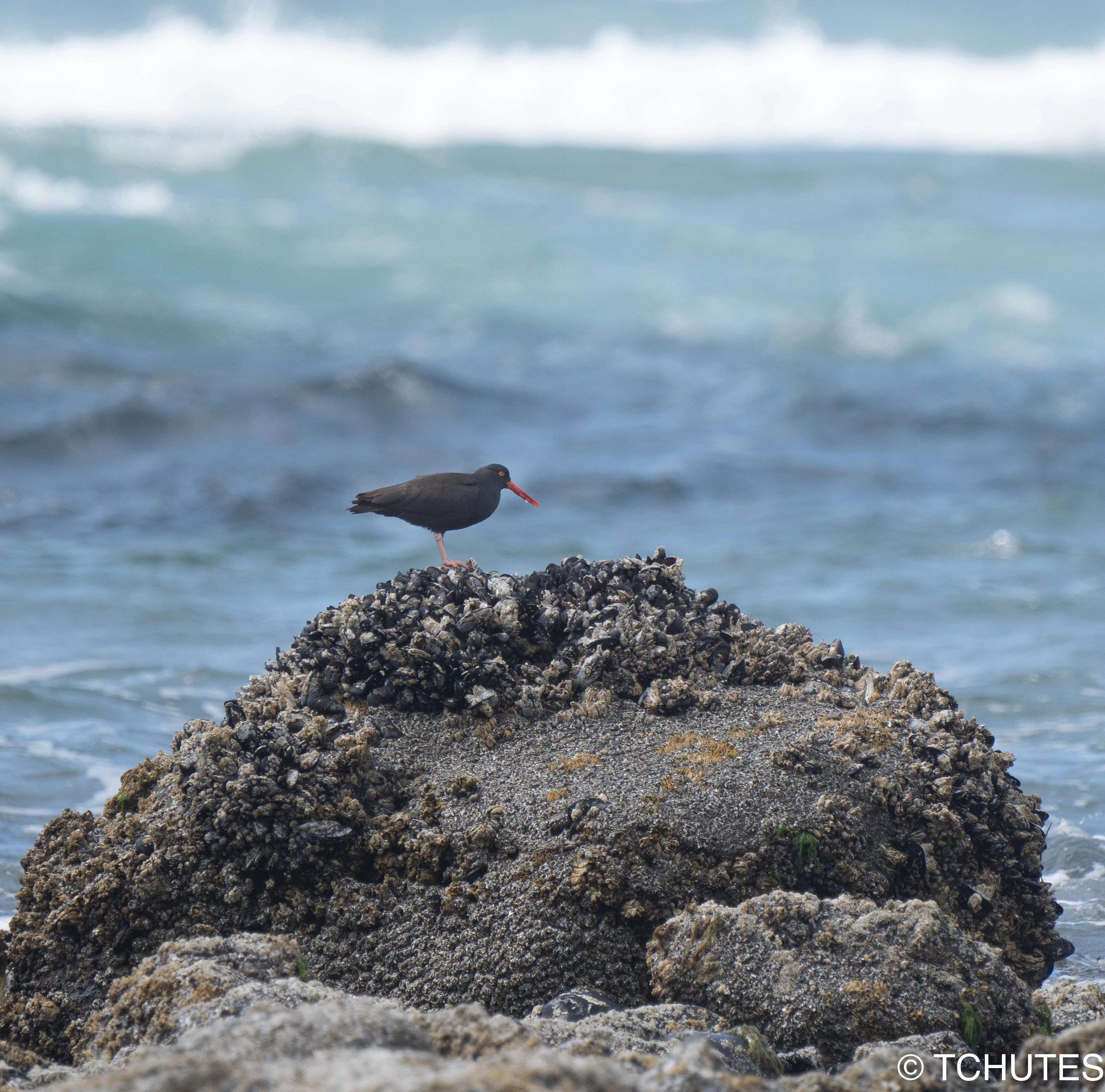
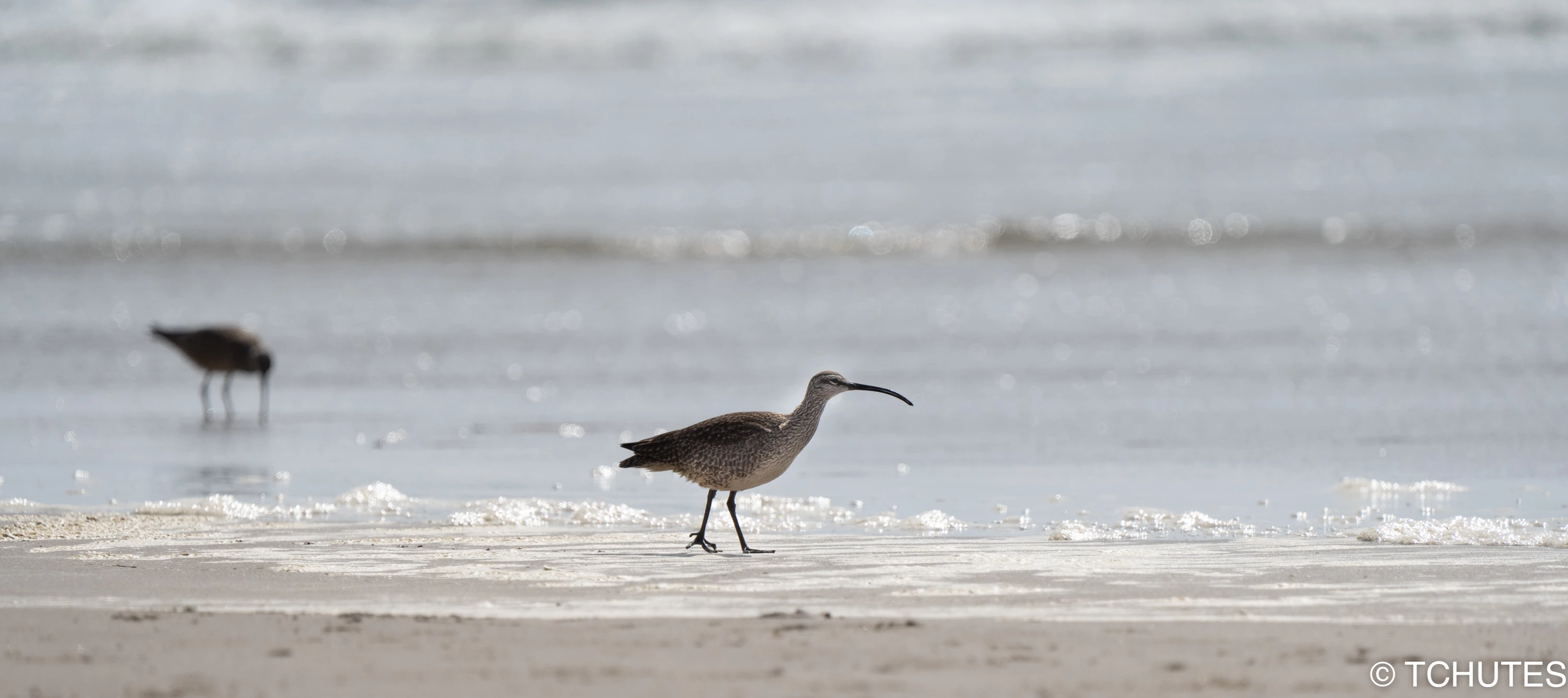
Your second: Blacks are missing here. Check the histogram to correct that:

This could pass with little editing.

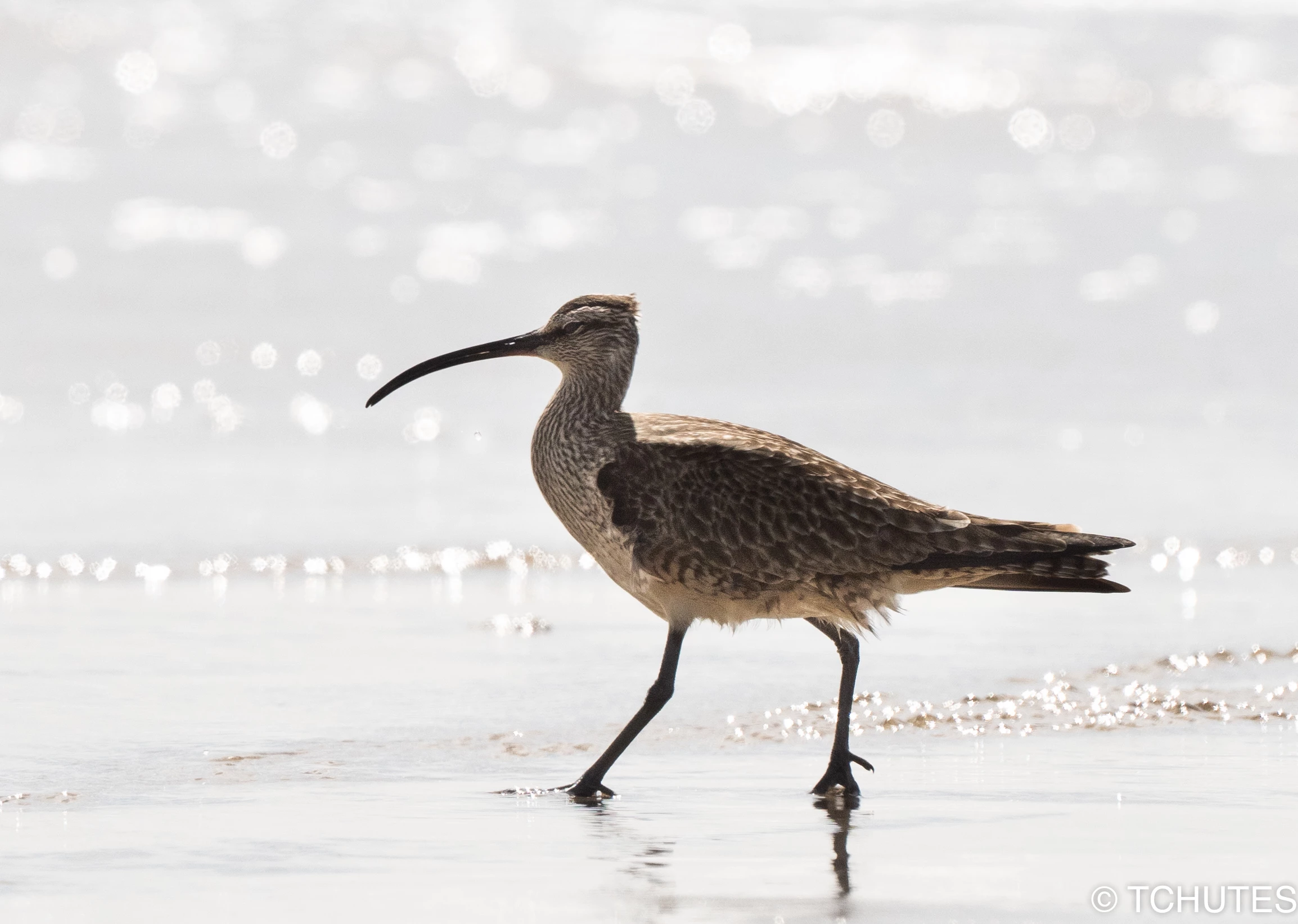
Your third: Noise, out of focus and also blacks missing in the histogram. The bird needs to be crisp sharp for this one.

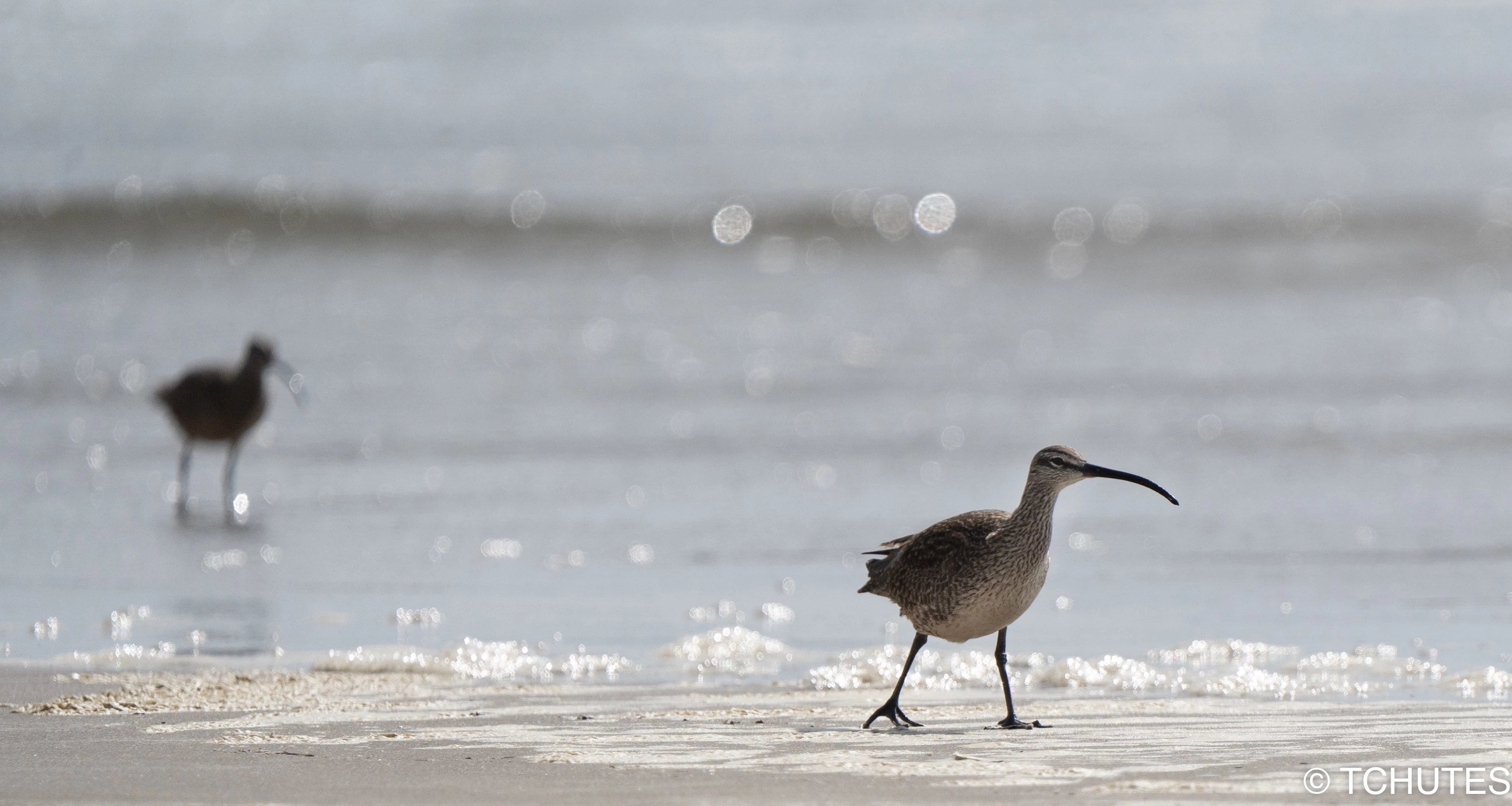
Your forth: Noisy, out of focus, and guess: blacks missing. If you take pictures at ISO1250, you need to have an excellent noise reduction.

Your fifth: noisy, out of focus.

Your sixth: You really need a nice sensor cleaning, as the eagle pictures also exposes sensor spots (I've seen at least 2).

It's very out of focus, also noisy and this time it's underexposed as shown by the histogram:

Highlights and whites are completely missing.


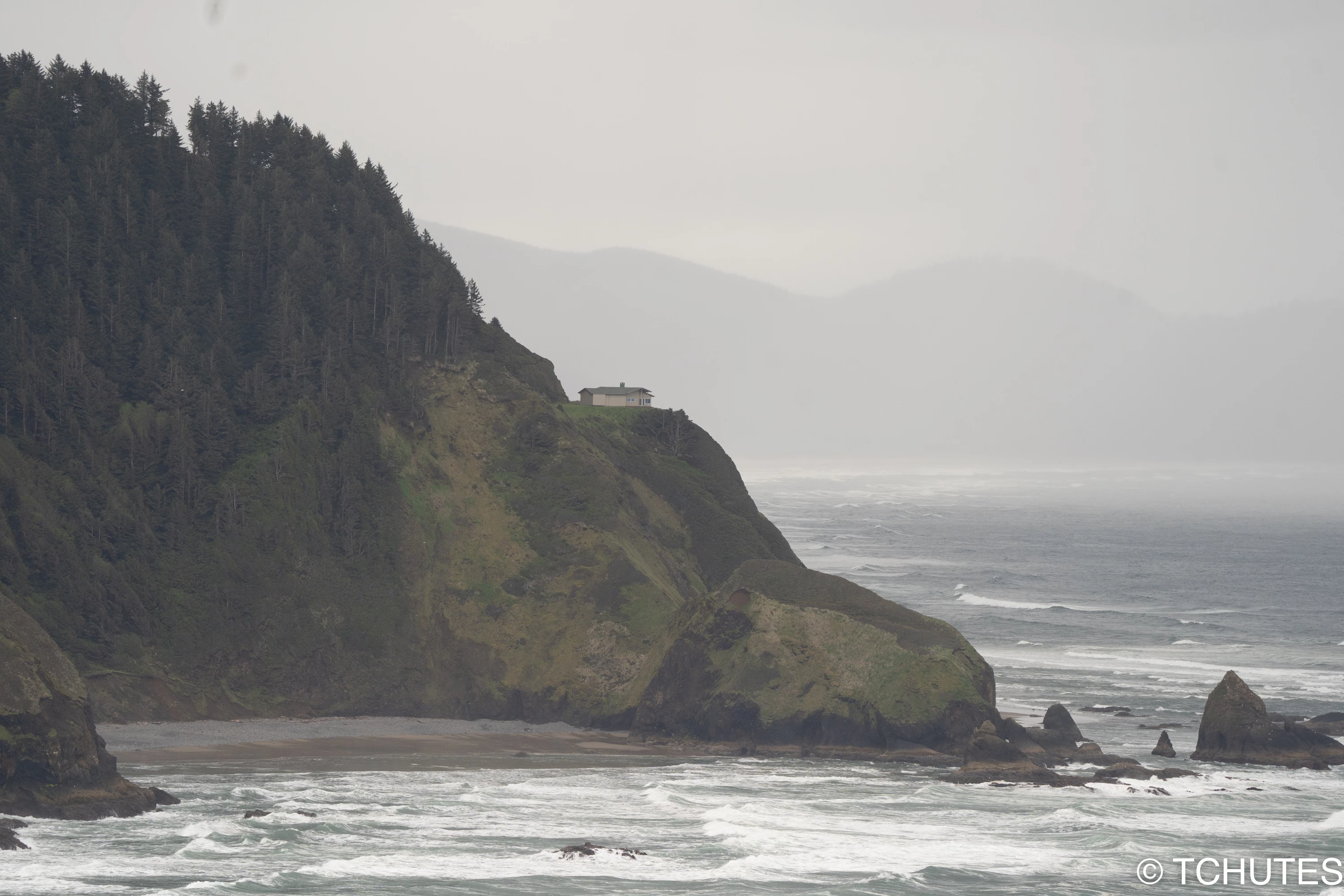
Your last: Playing a bit around with the exposure (highlight shadows, compensate the blacks) and adding a small amount of sharpness, texture or clarity and keeping an eye on the whites and the noise could get this image passing. Check for sensor spots, I think there are some hidden in the bokeh.


Please post next time only one or two images. After some counsel, you can mostly do self assessment on the rest. It helps us, and analysis on a single image may be more precise and extended.

ABAMBO | Hard- and Software Engineer | Photographer
jacquelingphoto2017
Community Expert
Community Expert
October 7, 2022

Hi @Tchutes 

The first file is underexposed and noisy. 

The second file is not looking natural. Your photos should be as close to natural as possible. That file is a little overexposed. 

The third has white balance issues, noisy, underexposed and has color fringing on the edges.

The fourth and fifth are noisy and have color fringing visible around the birds.

The bird of the sixth file is out of focus and the photo is noisy.

The seventh and fifth files are similar.

To learn more about what Adobe is looking for take a look at the Adobe Guidelines. There are Seven tips here to help to help you get your files accepted. There are additional tips here that will help you improve the quality of your files.

Best wishes

Jacquelin


TchutesAuthor
Participant
October 7, 2022

Thank you. The links provided are very helpful. 

jacquelingphoto2017
Community Expert
Community Expert
October 8, 2022

You are welcome @Tchutes.

Best wishes

Jacquelin

Jill_C
Community Expert
Community Expert
October 7, 2022

1. Misty scenes such as this are difficult to get accepted, because when the Moderator zooms in to inspect for focus, it often looks like it's poorly focused. Additionally you have some very noticeable sensor or lens spots in the upper left corner.

2. Blown highlights 

3. Bird is not sharply focused 

4. Blown out overexposed background, and I see a lot of noise in the bird's feathers 

5. Remaining 3 birds also not sharply focused 


Additionally, watermarks are not permitted, but perhaps you just added them to your uploads here in the forum.

Jill C., Forum Volunteer
TchutesAuthor
Participant
October 7, 2022

Thank you for the advice!

 What recommendations do you have for using the sharpening tool in Lightroom? Obviously it can't fix a bad photo, but sometimes it seems to add noise and other undesired effects. 

Abambo
Community Expert
Community Expert
October 7, 2022

Sharpening always increases noise and noise reduction adds blur. So, it's always a tradeoff. For High ISO images, I'm using an external denoiser (DeepPrime), before even starting editing.


As for the rest, adding texture and clarity does add local contrast and that may also enhance the sharpness.


But there is no magic formula for correcting a missed focus.

ABAMBO | Hard- and Software Engineer | Photographer