The first image has lens spots in the sky, an easy fix. The second image is quite beautiful; you really nailed the symmetry. I don't see any obvious quality issues here, perhaps a bit of noise in the deepest shadows, and the woman is not tack sharp, but I had to zoom in quite far to detect that.
The first image has lens spots in the sky, an easy fix. The second image is quite beautiful; you really nailed the symmetry. I don't see any obvious quality issues here, perhaps a bit of noise in the deepest shadows, and the woman is not tack sharp, but I had to zoom in quite far to detect that.
I added a release so that couldn't be it. I allways try to correct all highlights and shadows starting with the auto setting in Lightroom. After that I useally darken my shadows and add a bit more light as my default style. But I will change it and upload it again. See what happens. Thanks for your feedback Daniell
When it comes to style, I'd say save your personal style for your personal work, not stock. If your images get sent to a moderator who automatically checks histograms first thing, you'll get a rejection.
Translate
Adobe Community Expert | I have miles to go before I sleep, but I'm all done on this end.




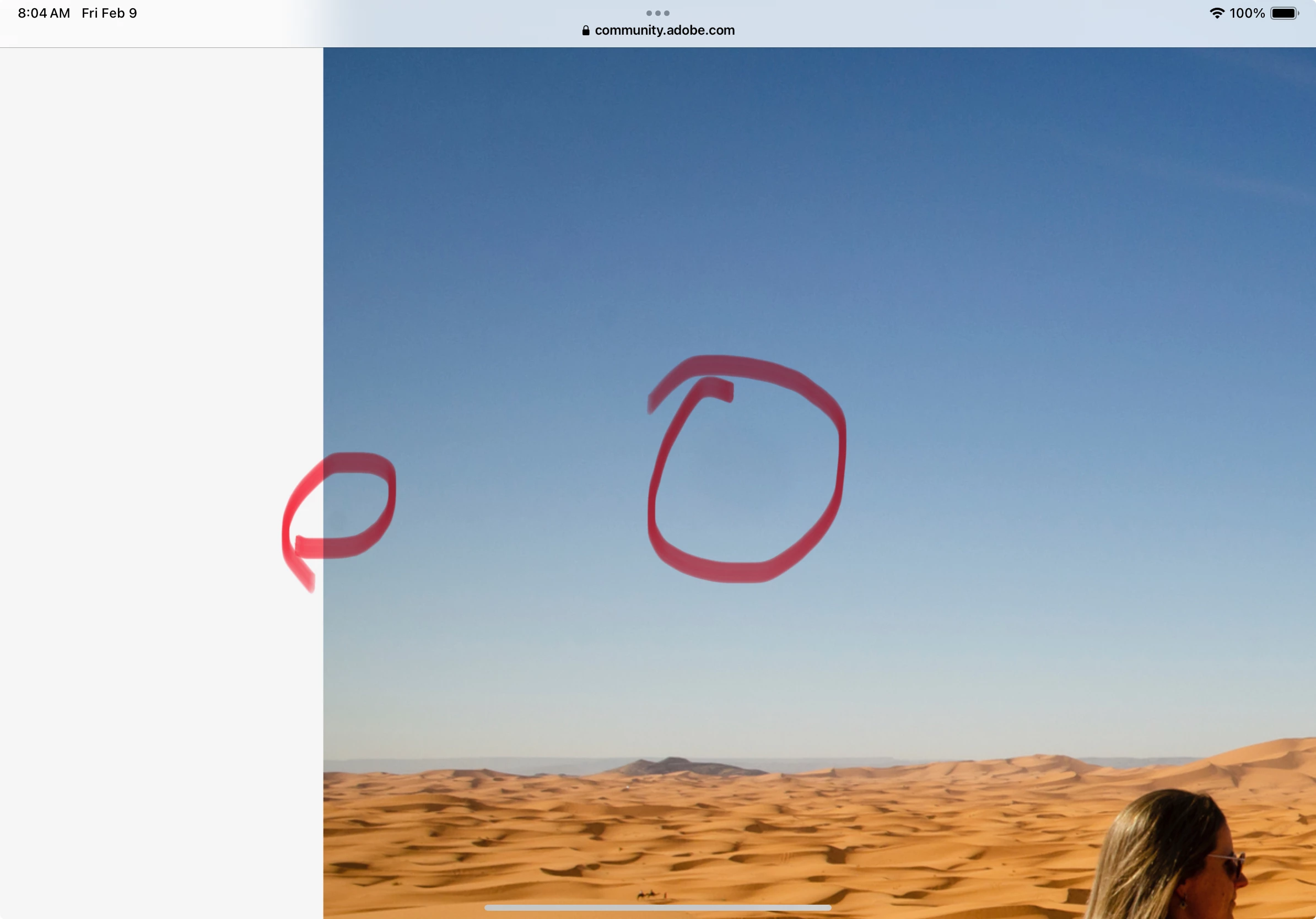 issues here, perhaps a bit of noise in the deepest shadows, and the woman is not tack sharp, but I had to zoom in quite far to detect that.
 AdChoices