Known Participant
March 4, 2024
Answered

quality issues?

  • March 4, 2024
  • 4 replies
  • 1691 views

dose having a blur AI photo count as quality issues photo?
example below

This topic has been closed for replies.
Correct answer Abambo

Your picture is not the size you submitted. So, it's a different quality as submitted.

But even so, I see many issues with your asset that will only be amplified, when you resize:
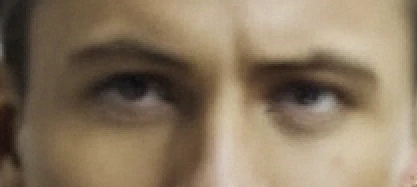
The young man looks awkwardly upwards. It's not directly a technical quality issue, but you still need to correct that, if you want to make many sales. Like this, it's more like a walking dead man.

The woman's nose needs to be corrected:
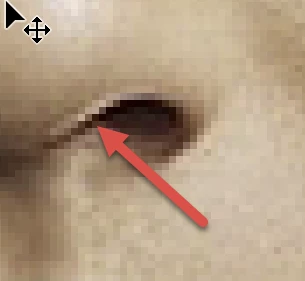
You have a similar issue with the eyes:
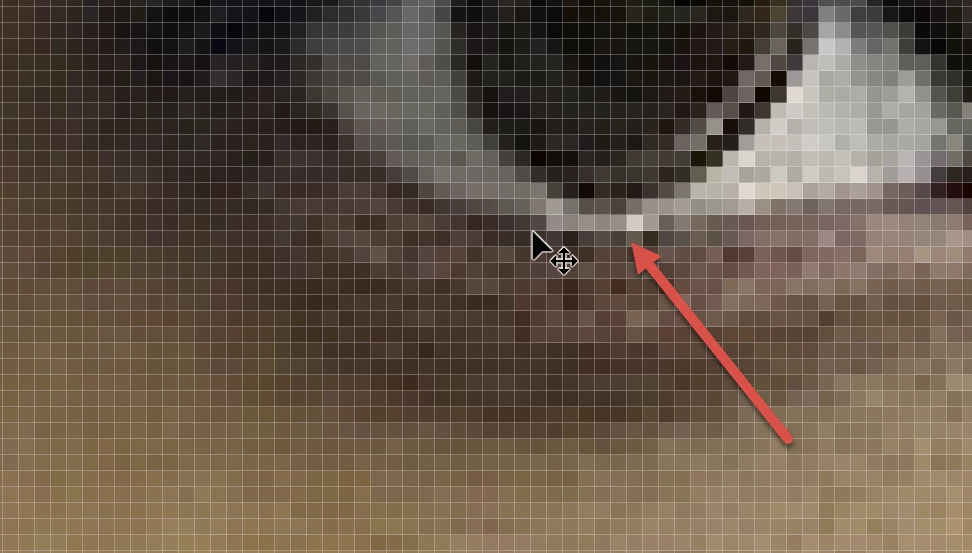
 

The eyes of the young man to the left have been addressed before:

The lady's hair is interwoven with the gentleman's ear:


You should edit this element out, as it looks like it's growing out of the left man's cheek:


The white border visible at several places comes either from the AI trying to paste the woman into the background, or from sharpening. You need to correct that everywhere:

The hair does not merge well with the background here:

This rendering error with the jacket has to be addressed (man to the right):

Idem here, where the AI gets confused with the foreground/background rendering.

I would also correct the buttons on the far-right man's shirt:

Far-left man's shirt: the buttons don't look naturally like buttons. That may or may not be an issue:

The only thing that does not disturb me here is the background.

4 replies

Abambo
Community Expert
AbamboCommunity ExpertCorrect answer
Community Expert
March 5, 2024

Your picture is not the size you submitted. So, it's a different quality as submitted.

But even so, I see many issues with your asset that will only be amplified, when you resize:

The young man looks awkwardly upwards. It's not directly a technical quality issue, but you still need to correct that, if you want to make many sales. Like this, it's more like a walking dead man.

The woman's nose needs to be corrected:

You have a similar issue with the eyes:
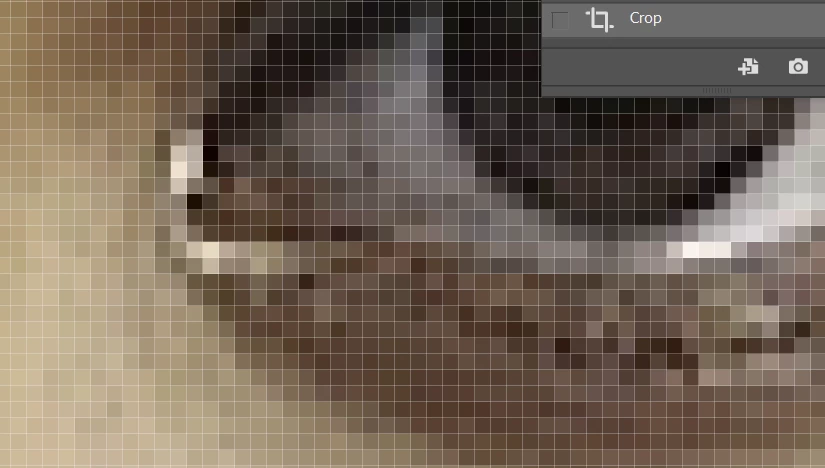
 

The eyes of the young man to the left have been addressed before:
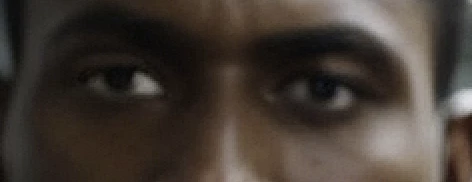
The lady's hair is interwoven with the gentleman's ear:
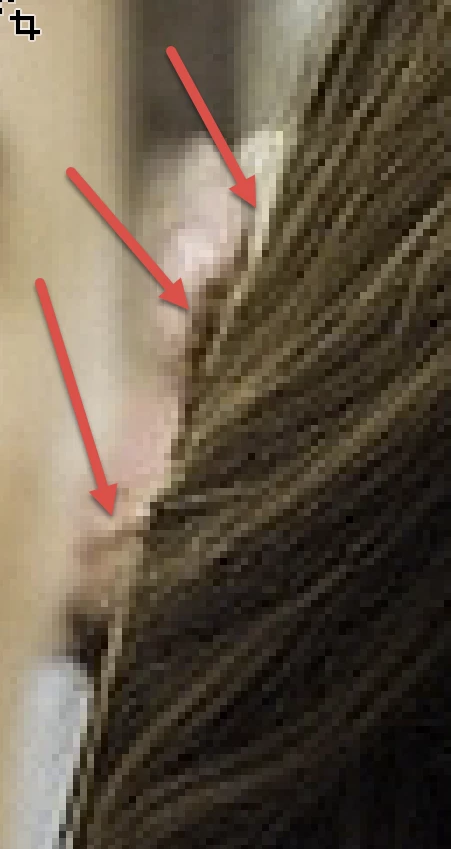
 

You should edit this element out, as it looks like it's growing out of the left man's cheek:
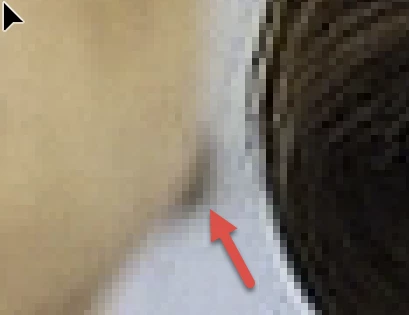
 

The white border visible at several places comes either from the AI trying to paste the woman into the background, or from sharpening. You need to correct that everywhere:
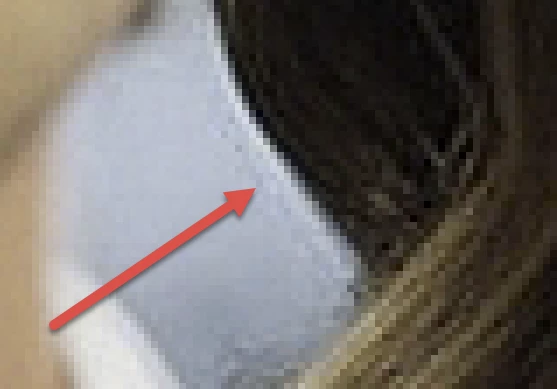
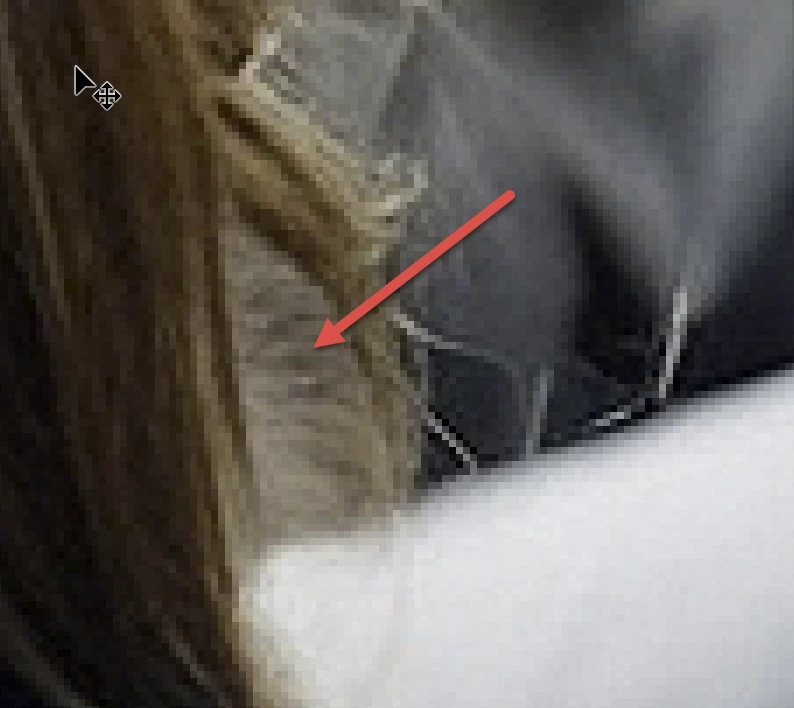
The hair does not merge well with the background here:
This rendering error with the jacket has to be addressed (man to the right):
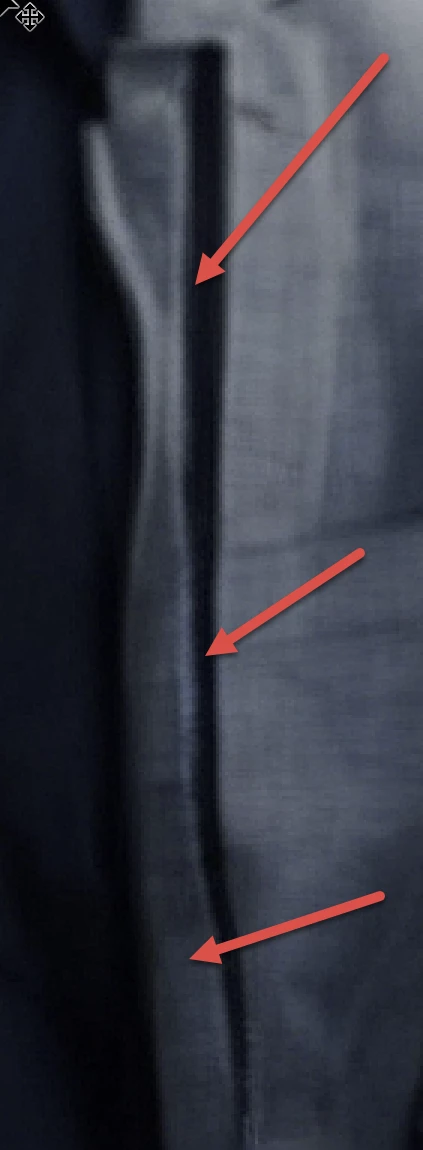
Idem here, where the AI gets confused with the foreground/background rendering.
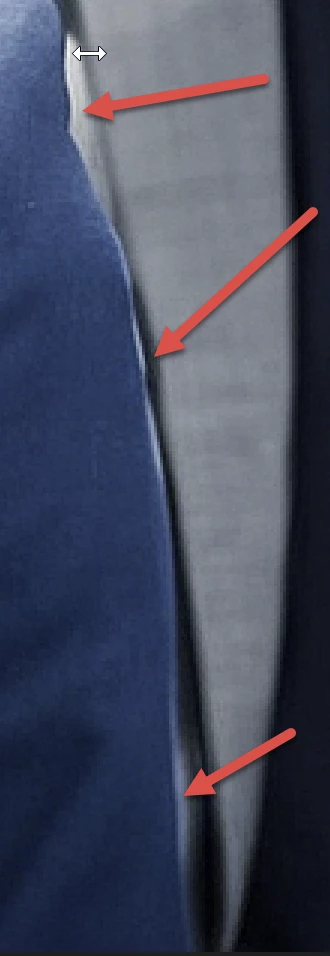
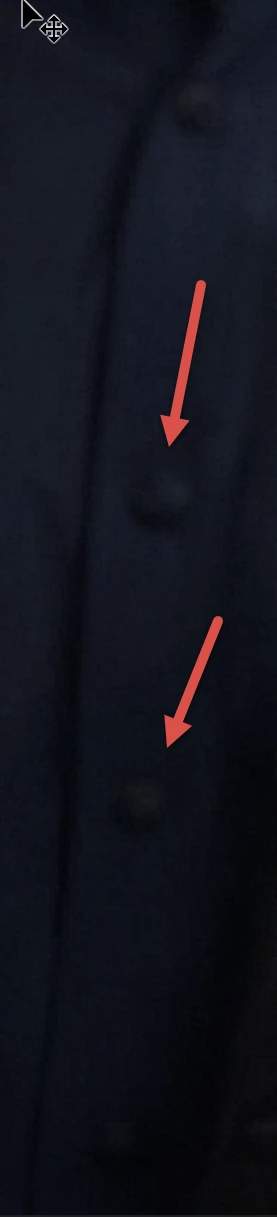
I would also correct the buttons on the far-right man's shirt:

Far-left man's shirt: the buttons don't look naturally like buttons. That may or may not be an issue:
The only thing that does not disturb me here is the background.


ABAMBO | Hard- and Software Engineer | Photographer
Known Participant
March 5, 2024

thanks

Abambo
Community Expert
Community Expert
March 5, 2024

You're welcome. You should give Photoshop a try. Check out YouTube for tutorials. You will find many tutorials, some are rubbish, however. You will find out that very soon.

ABAMBO | Hard- and Software Engineer | Photographer
Jill_C
Community Expert
Community Expert
March 4, 2024

Background blur (depth of field) is not the issue here, but AI drawing errors are. 4 of the subjects have poorly drawn eyes, apparent even in the blurry subjects. There's a white halo around the woman's jacket edges, and some of her hair has a woven appearance. All images should be inspected by zooming in to at least 100% to detect and repair such issues before submitting.

Jill C., Forum Volunteer
Known Participant
March 5, 2024

how i can fix these issue, which AI could help me

daniellei4510
Community Expert
Community Expert
March 5, 2024

None. Even Midjourney, which is probably the best AI software available, requires serious editing. But it also costs money. If the return on your investment in Midjourney isn't at least equal to your sales on Adobe Stock, there is really no point in continuing. Sorry. AI is not the cash cow YouTubers would like you to believe.

Adobe Community Expert | If you can't fix it, hide it; if you can't hide it, delete it.
daniellei4510
Community Expert
Community Expert
March 4, 2024

No, but there are other issues that need addressing.

Adobe Community Expert | If you can't fix it, hide it; if you can't hide it, delete it.
Known Participant
March 4, 2024

why you made circle around the hair? and the clothes of the woman.

daniellei4510
Community Expert
Community Expert
March 4, 2024

Fly away hairs, dust spots, weird white areas on jacket. Look closely. These issues are not minor and will always result in rejections.

Adobe Community Expert | If you can't fix it, hide it; if you can't hide it, delete it.
Known Participant
March 4, 2024

I mean blur background.

Ricky336
Community Expert
Community Expert
March 5, 2024

Another thing to consider here is tone, exposure, contrast, and white balance. For instance, your AI photo has a rather slight green cast, so you have to fix that. As it is 'taken indoors under artificial lighting' it gives the photo a colour cast, so, in the real world, the white balance would have to be fixed, so it is the same with AI photo-realistic images. 

The blurred background is not an issue in this instance.

