Participant
March 23, 2024
Answered

"Quality Issues"

  • March 23, 2024
  • 3 replies
  • 523 views

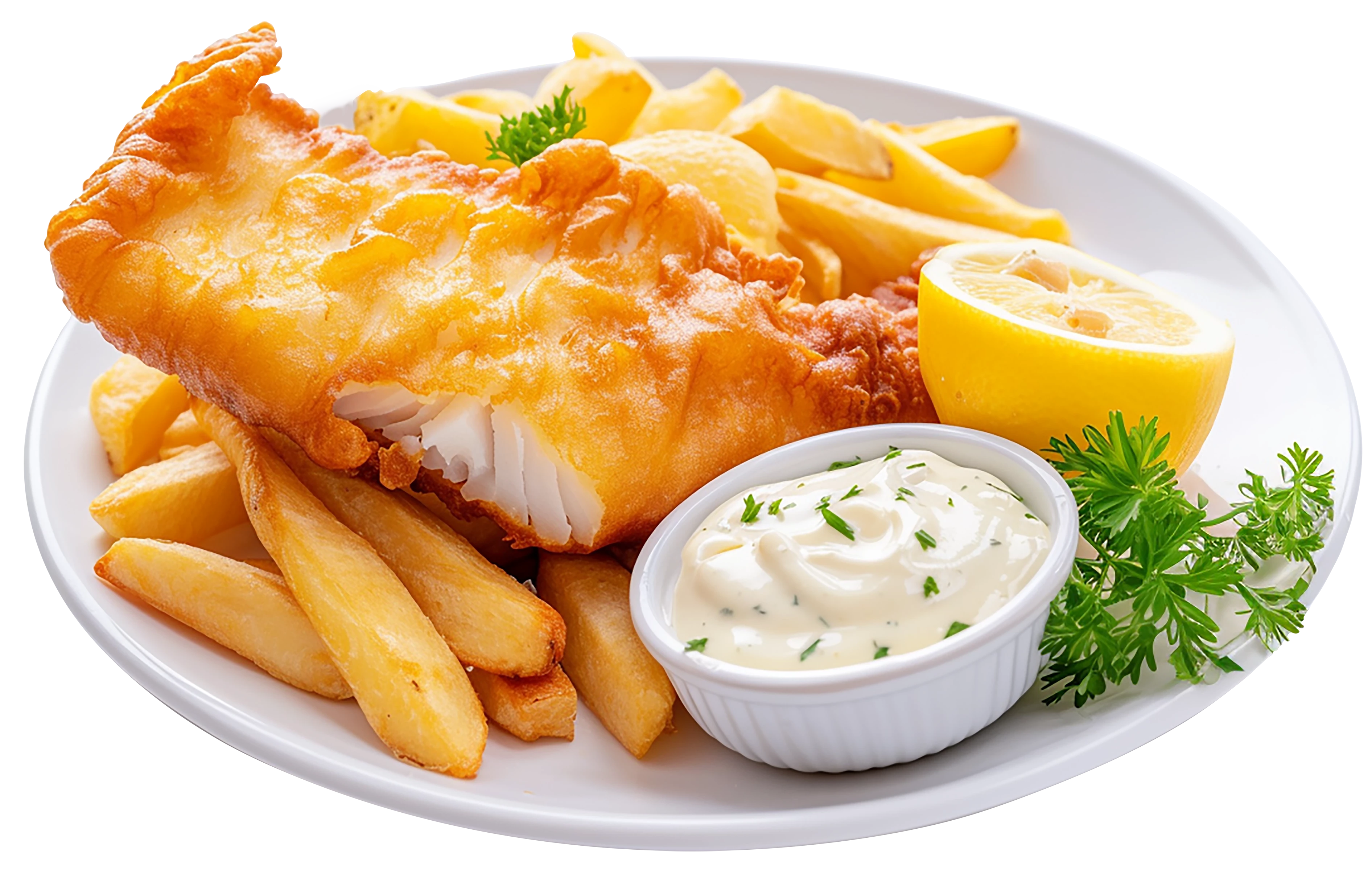
Hello. Please help. Recently, most of my submitted AI-generated files are being rejected due to "Quality Issues". Please tell me what I need to change to make the files accepted. I will try to attach sample files to this post. Please be understanding, this is my first time on the forum and I'm using a translator. Regards.

This topic has been closed for replies.
Correct answer Jill_C

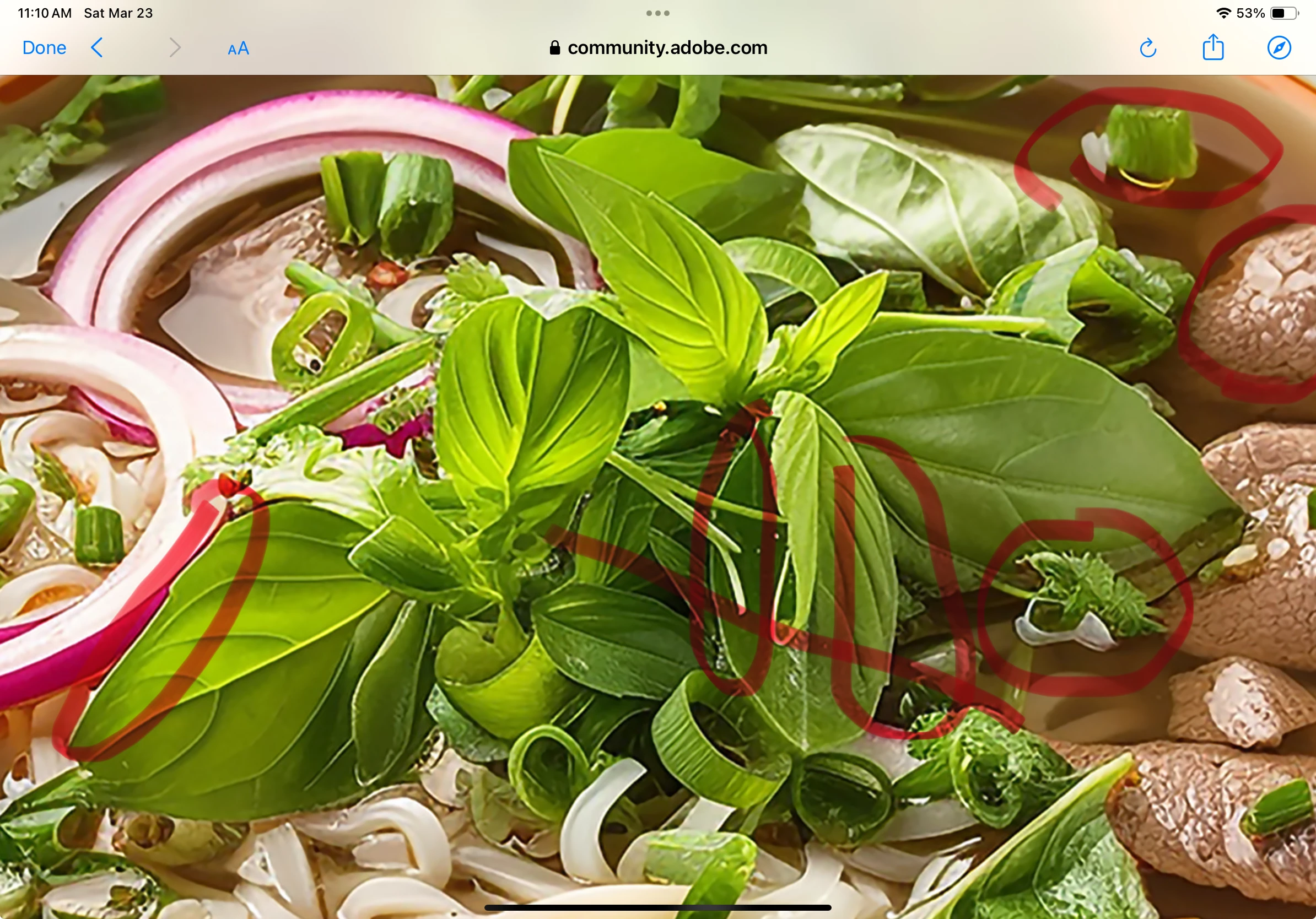
The white halos around the edges might be an indication of overuse of whatever sharpening tool you used. Upon close examination there are poorly drawn objects. The brown objects in the right don't look like any food that I'm familiar with...

3 replies

Abambo
Community Expert
Community Expert
March 24, 2024

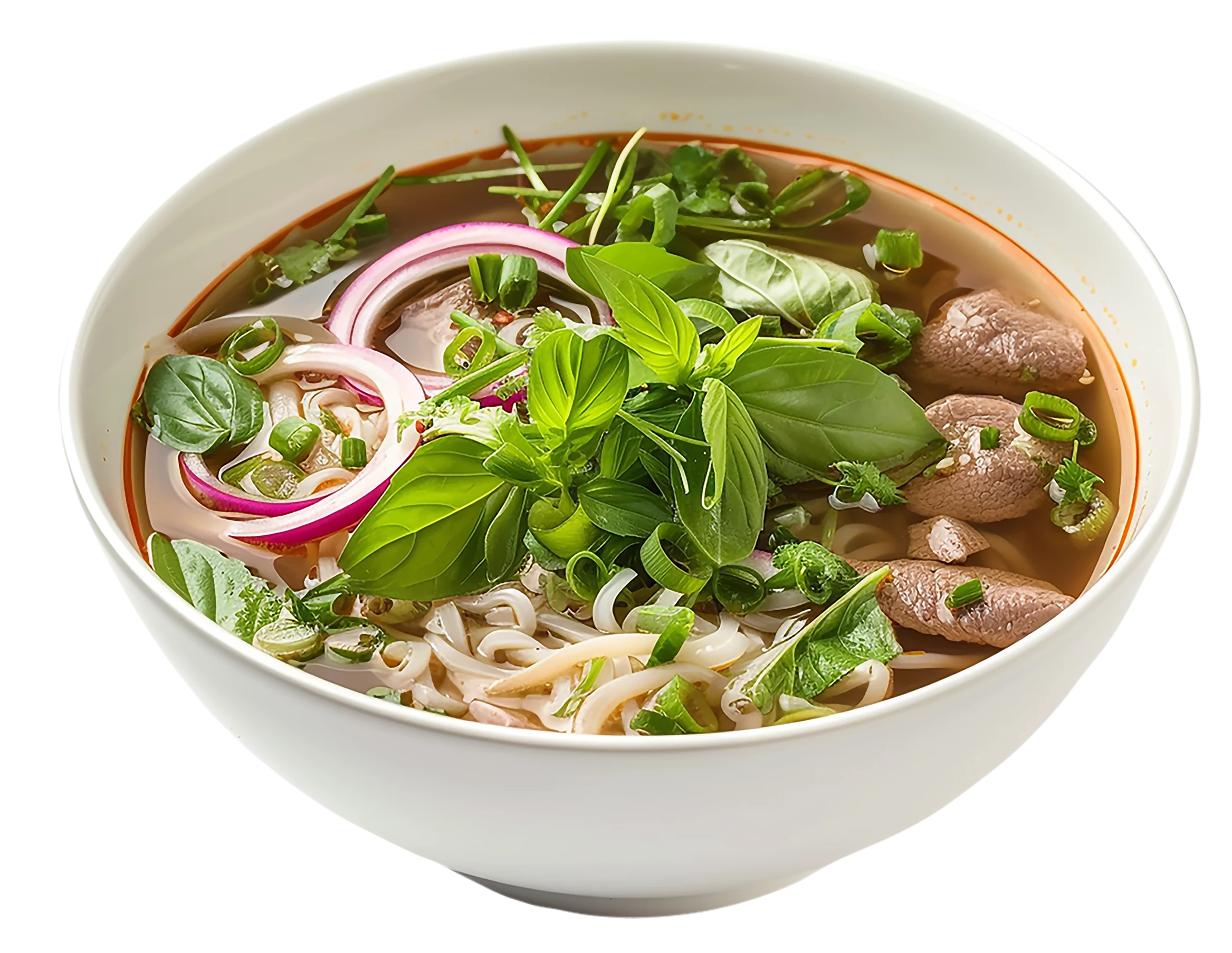
Your cutout work is not precise enough, you need to train your skill in that task: 


I just shortly looked into that file, without doing my usual tests, and I saw those errors immediatly. 

Taking the images to Photoshop, and laying a red line around the cutout shows very easily where you have cutout defects:


You have here multiple errors: aliasing (arrow), rendering inconsistencies and cutout errors. As the plate is a geometric form, you should have cut out the plate geometricly, without considering the greens. After that, you recreate the mask at the greens. That gives you the needed sharp corners, where the leaves get over the plate's border. It also makes sure that the plate is correctly cut out. You have, by accident, cut off part of the plate.

i


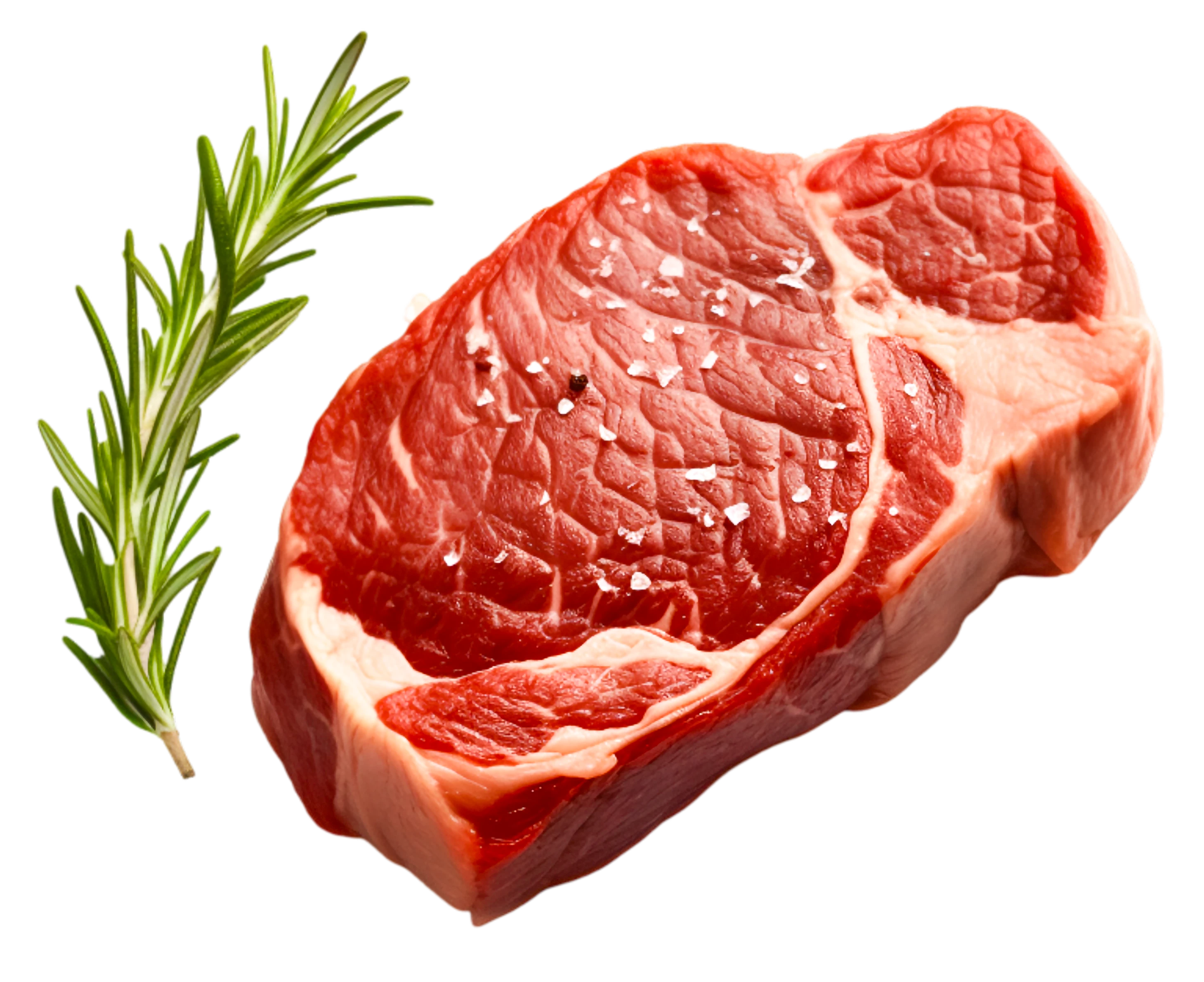
Coming back to your steak asset, a blue line exposes errors in the cutout. Those blue points show transparency, where no transparency should be. The blured line shows that your cutout is too soft, checking at high magnification (without the line effect) shows a ghost line around the flesh. 

This will cause major issues with the asset, when a buyer decides to get a drop shadow, or use a non-white background. They won't be happy, as they will need to pass hours of correcting your asset.

Whith the blue line, you see immediately where errors are to be found. Those are easy corrections during the cutout work, as you only need to paint over the mask to get rid of those holes. I suppose that you used some automatic masking to start with. I avoid that, whenever I can.


ABAMBO | Hard- and Software Engineer | Photographer
Participant
March 24, 2024

Jestem bardzo wdzięczny za tak szczegółowe omówienie błędów cięcia. Dziękuję.

Abambo
Community Expert
Community Expert
March 25, 2024

You're welcome.

ABAMBO | Hard- and Software Engineer | Photographer
Jill_C
Community Expert
Jill_CCommunity ExpertCorrect answer
Community Expert
March 23, 2024

The white halos around the edges might be an indication of overuse of whatever sharpening tool you used. Upon close examination there are poorly drawn objects. The brown objects in the right don't look like any food that I'm familiar with...

Jill C., Forum Volunteer
Participant
March 23, 2024

Thank you very much for your comments.

Jill_C
Community Expert
Community Expert
March 23, 2024

Glad to be of assistance. Hope it was helpful.

Jill C., Forum Volunteer
daniellei4510
Community Expert
Community Expert
March 23, 2024

I'll discuss one specifically; however, generally speaking, the rest lack a sense of actual photorealism and have a "plastic" quality about them. Improved irises with facial restoration software and some editing.


Adobe Community Expert | If you can't fix it, hide it; if you can't hide it, delete it.