Participant
August 21, 2024
Answered

Quality Issues

  • August 21, 2024
  • 3 replies
  • 1004 views

My PNG files with transparent backgrounds were rejected (AI image). Could you please assist me in understanding the reason and how I can correct them?

(The website doesn't allow to attach files larger than 9.79MB, so I compressed them once. Before compression, the file sizes were around 20-30MB.)


Thank you in advance for your guidance. 

This topic has been closed for replies.
Correct answer Jill_C

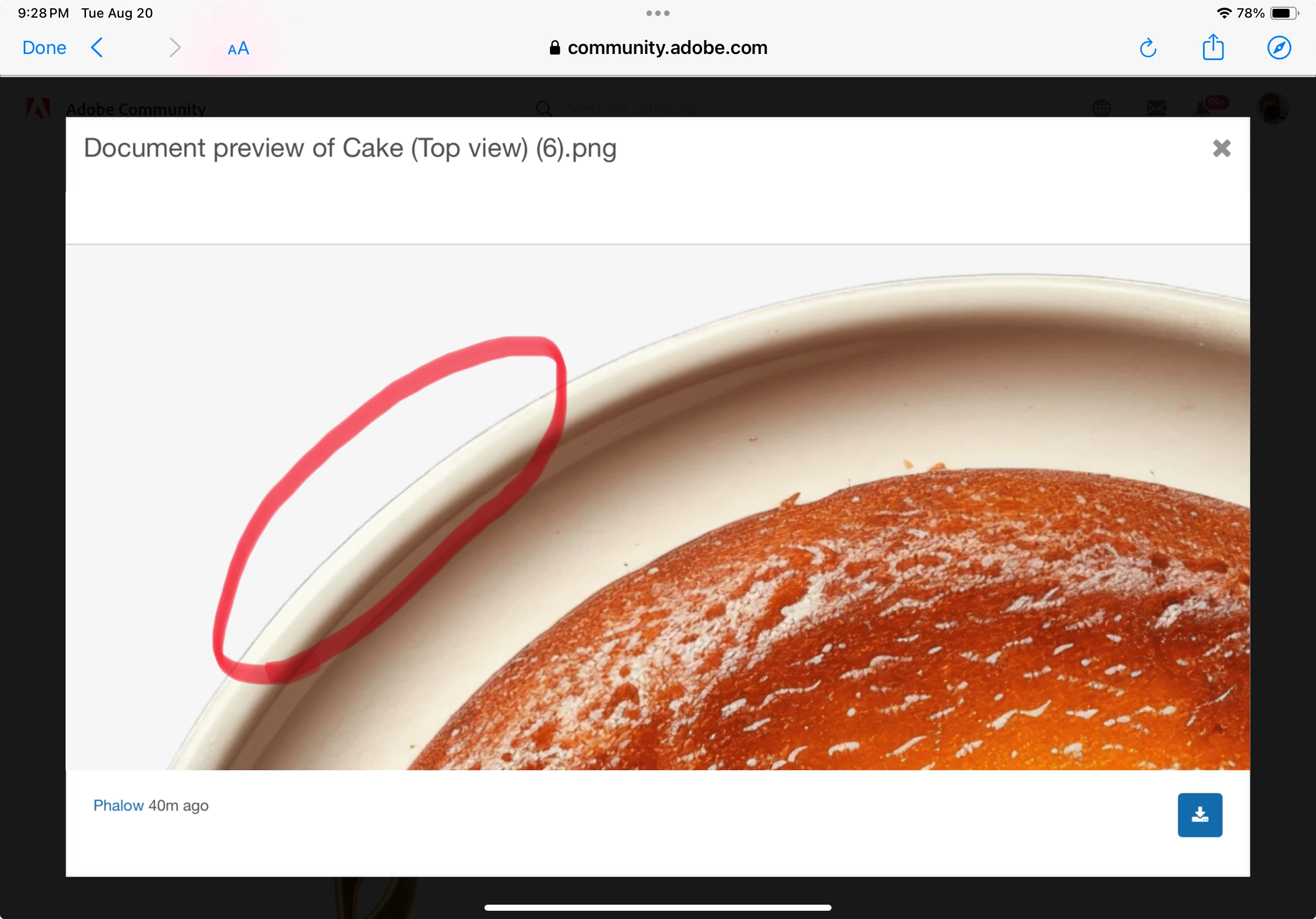
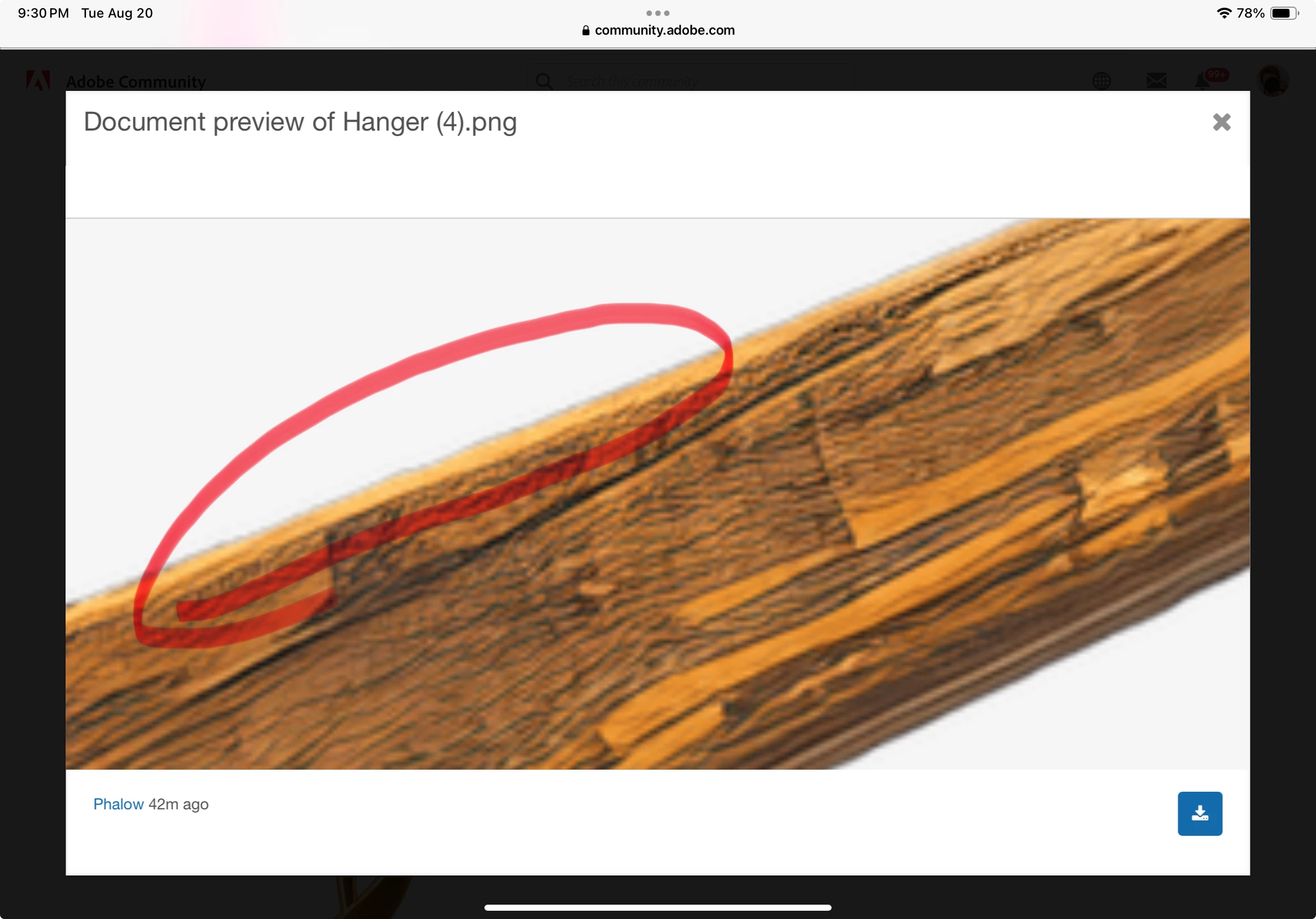
Some issues with the edge cutouts.

3 replies

jacquelingphoto2017
Community Expert
Community Expert
August 25, 2024

Hi @Phalow ,

If you zoom in on cake 2 you'll observe that the edges is not clean cut. A bit of the background is left on the edge of the cake.

Best wishes

Jacquelin

PhalowAuthor
Participant
August 25, 2024

Thank you very much for your advice.

jacquelingphoto2017
Community Expert
Community Expert
August 26, 2024

You're welcome @Phalow 

Best wishes

Jacquelin

Jill_C
Community Expert
Jill_CCommunity ExpertCorrect answer
Community Expert
August 21, 2024

Some issues with the edge cutouts.

Jill C., Forum Volunteer
PhalowAuthor
Participant
August 21, 2024

Thank you very much.

daniellei4510
Community Expert
Community Expert
August 21, 2024

There are some minor cutout and spotting issues that could be corrected. Looks like your assets were pushed to a moderator who is very detailed oriented and doing their job properly.

Adobe Community Expert | If you can't fix it, hide it; if you can't hide it, delete it.
PhalowAuthor
Participant
August 21, 2024

Thank you very much for your help.