Participating Frequently
January 14, 2025
Answered

Quality issues rejection

  • January 14, 2025
  • 2 replies
  • 1612 views

My ai generated content is continuously rejected by Adobe due to quality issues. I upscale every image upto 5x to 6x and still face rejection everytime. My recent result was 99 not accepted, 0 accepted. If anyone help, it will be great act of kindness.

Correct answer jacquelingphoto2017

Hi @Jawad Zaheer ,

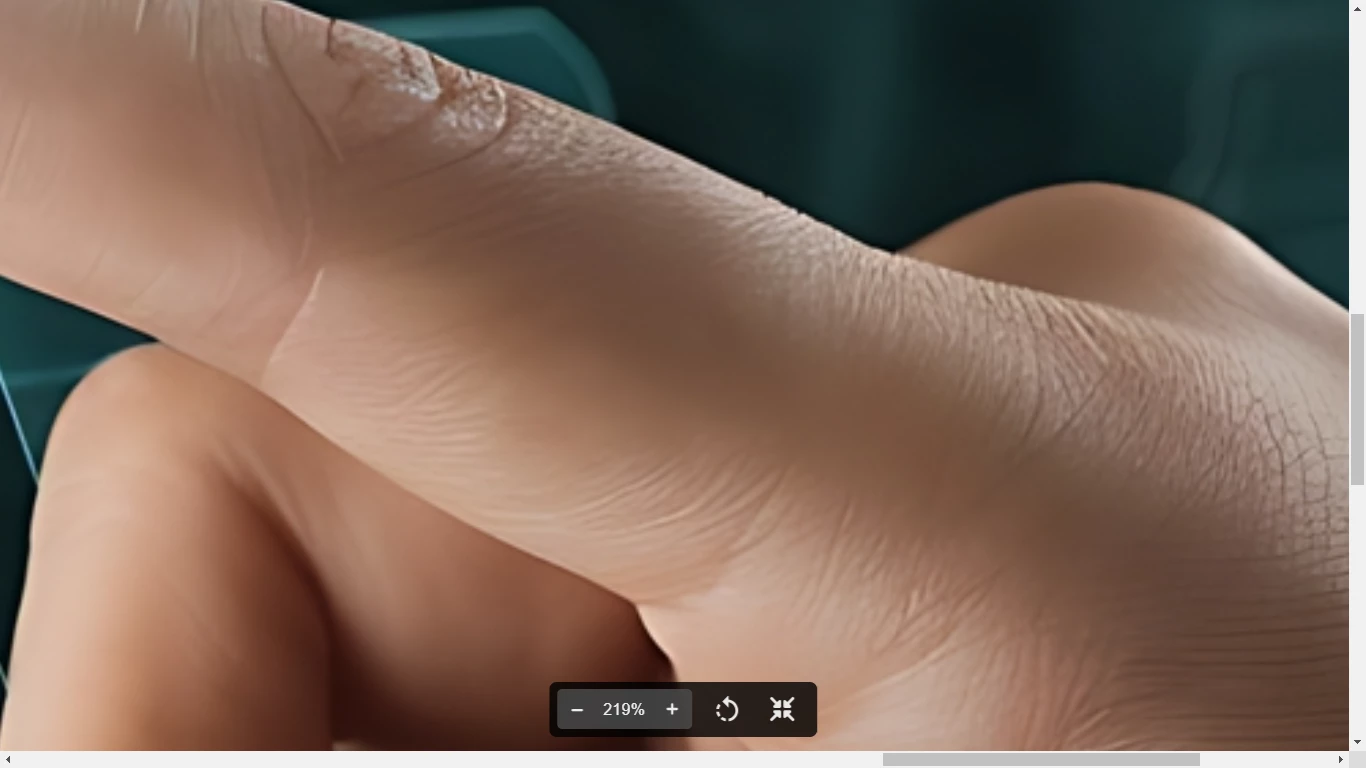
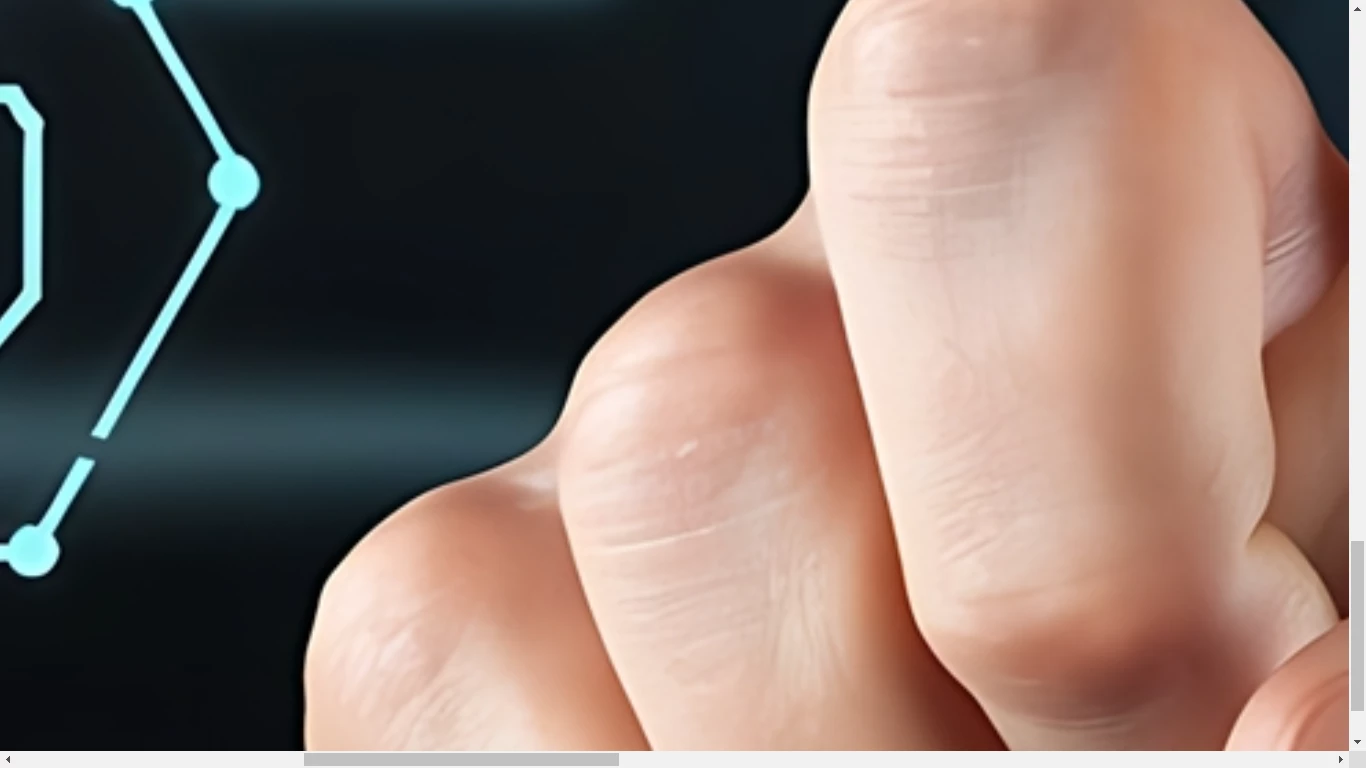
There are missing space between the fingers of the first image. Also there are sharp corners instead of smooth curves. 

For the second file: the angle of the joint at the top of the hand is incorrect in relation with the finger it should be a part of.

There's also an issue with the rendering of the tip of the finger pointing.


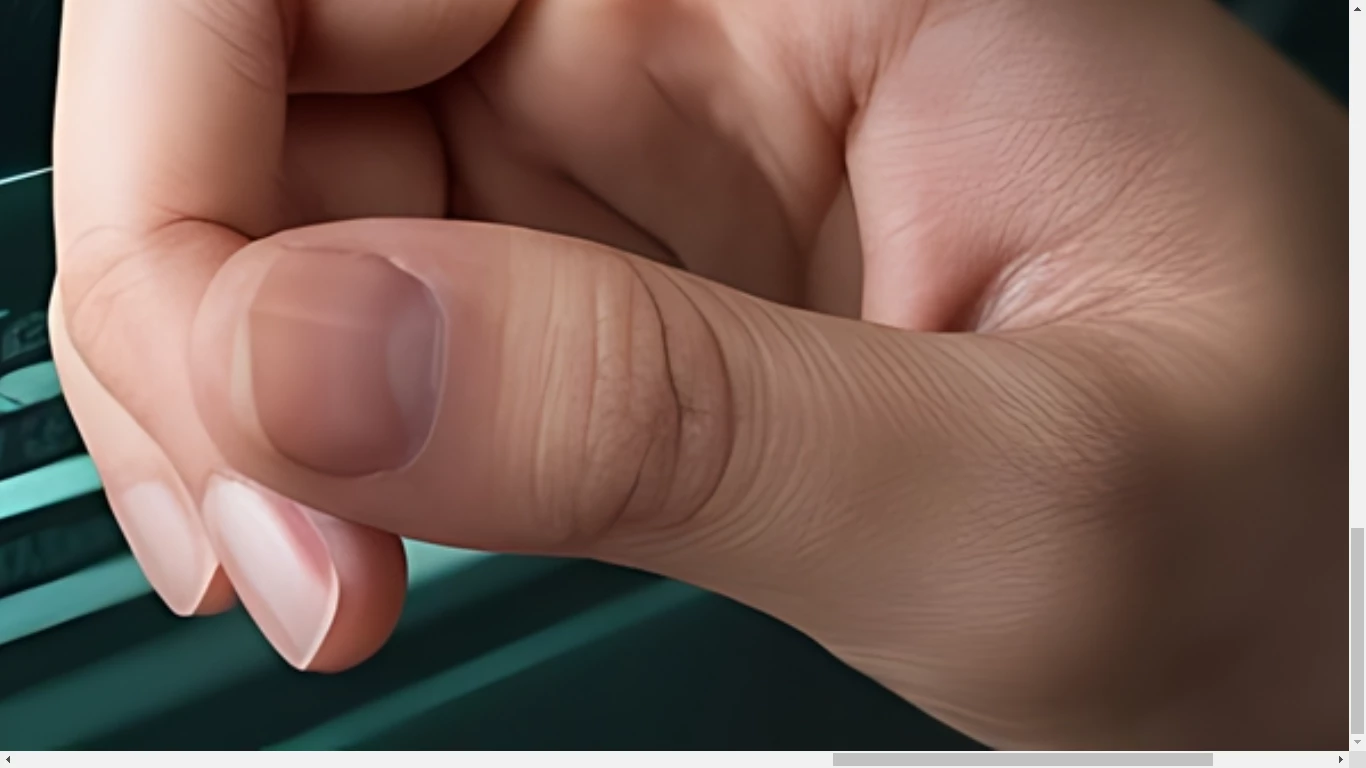
The third image hand has four digits (fingers) instead of five.

There's also a problem with the appearance of the thumb.


Best wishes

Jacquelin


2 replies

Jill_C
Community Expert
Community Expert
January 14, 2025

A Quality rejection has nothing to do with file size. If the file was too small you wouldn't even have been able to upload it. 


Thanks for giving us the chance to consider your image. Unfortunately, this image doesn't meet our quality standards so we can’t accept it into our collection.

Common issues that can impact the technical quality of images include exposure issues, soft focus, excessive filtering or artifacts/noise. Learn more about our technical requirements here.


If you follow the link in that message, you will arrive at this page which provides more detail as to the possible defects in your image.

https://helpx.adobe.com/stock/contributor/help/quality-and-technical-issues.html


Quality issues in AI images are usually rendering errors. As @daniellei4510 indicated, post a couple of your rejects and we will provide our opinions as to the possible reasons for rejection.

Jill C., Forum Volunteer
daniellei4510
Community Expert
Community Expert
January 14, 2025

File size has absolutely nothing to do with image quality. Post one or two of your rejected assets here and we'll try to help you see what you're doing wrong.

Adobe Community Expert | If you can't fix it, hide it; if you can't hide it, delete it.
Participating Frequently
January 14, 2025

Yes plaese correct me if I am doing wrong. Attachements are below.

daniellei4510
Community Expert
Community Expert
January 14, 2025

Check the words and numbers on all the panels. Many are very poorly rendered.

Adobe Community Expert | If you can't fix it, hide it; if you can't hide it, delete it.