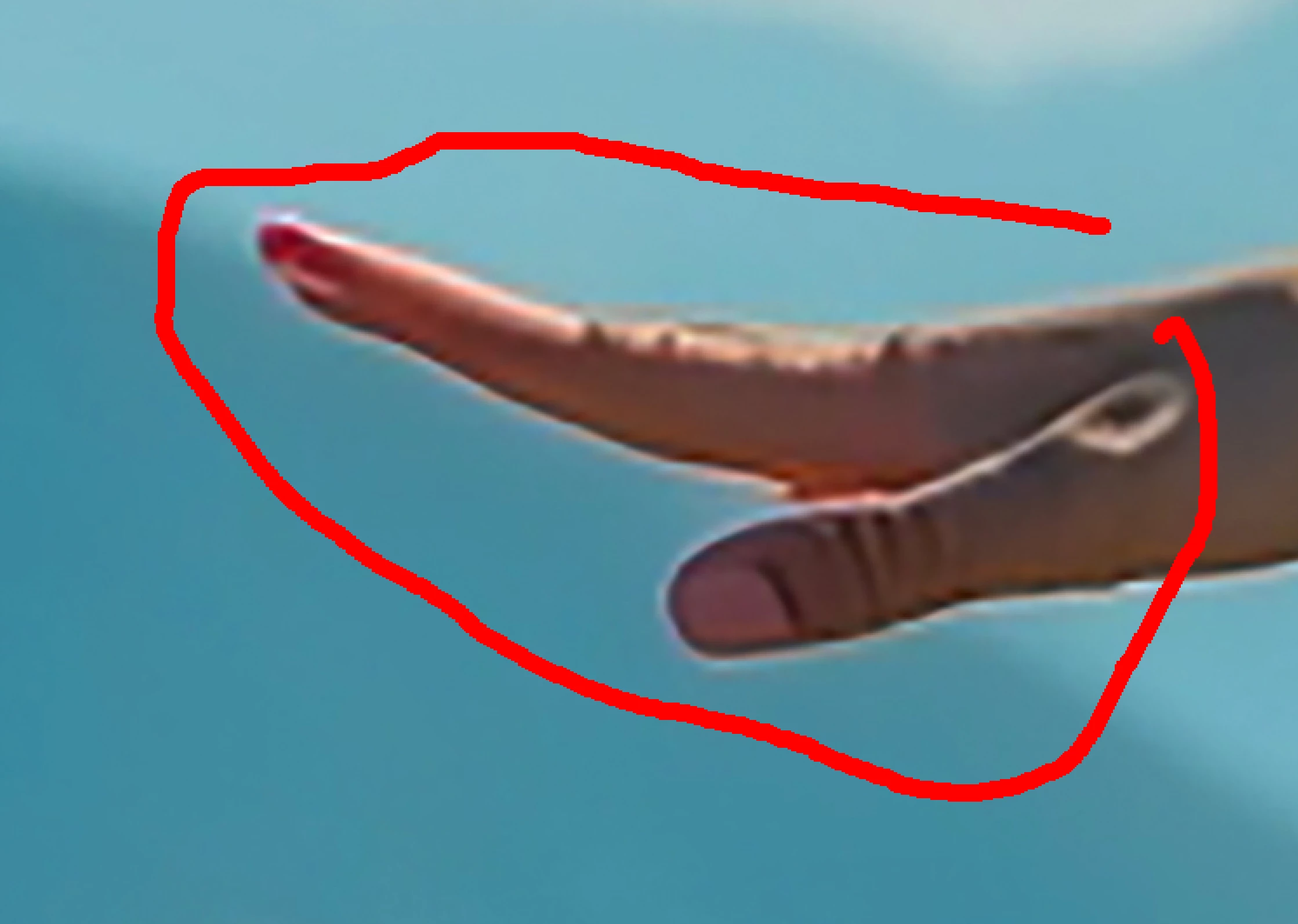
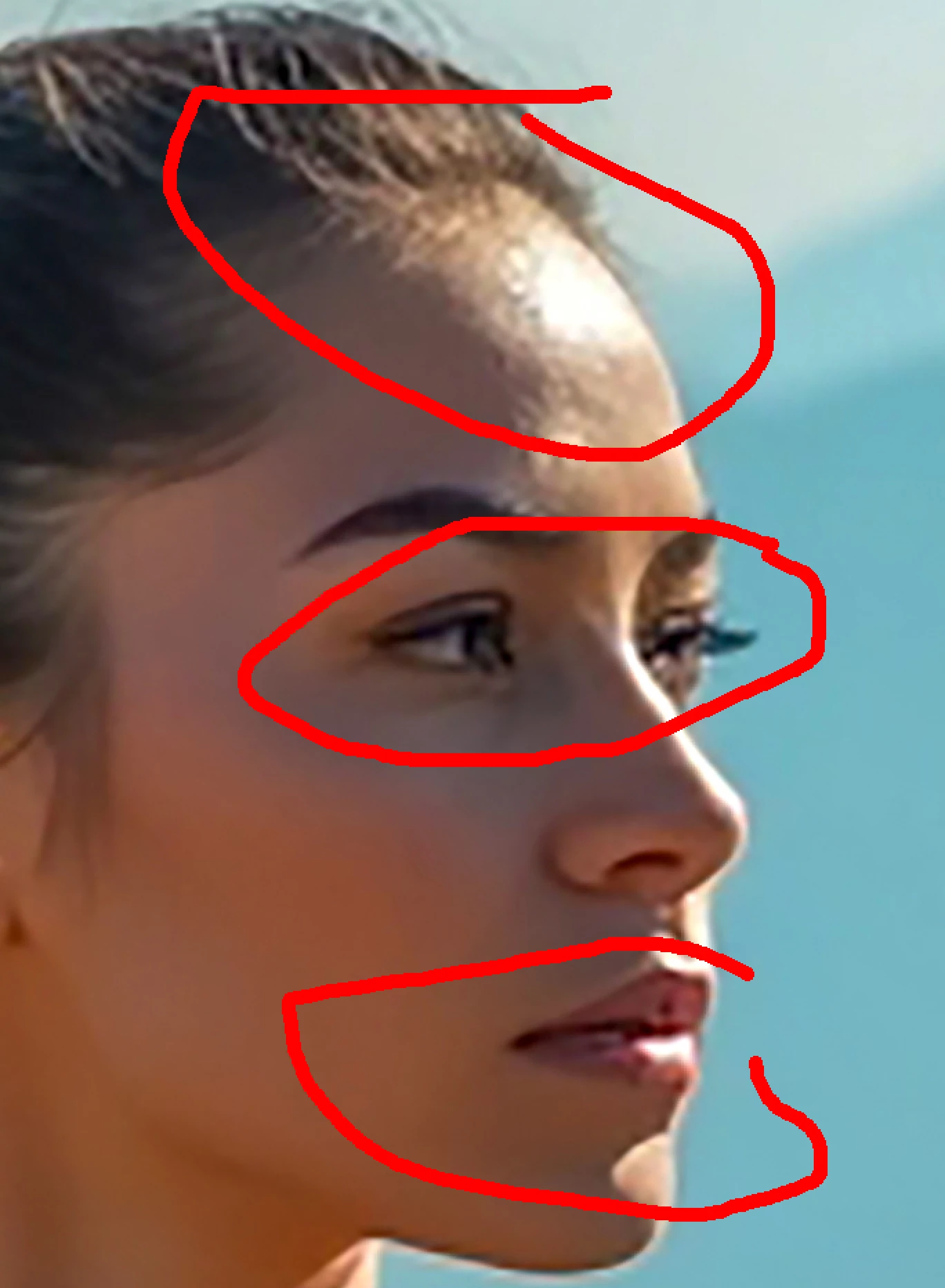
Correct answer daniellei4510

5 replies

Abambo
Community Expert
Community Expert
February 25, 2025

In addition to what has been said: you upscaled too much. That created unsharp images and enhanced the artefacts with the images.

In addition: the texture here is inconsistent.

ABAMBO | Hard- and Software Engineer | Photographer
Jill_C
Community Expert
Community Expert
February 24, 2025

 Various drawing errors:

Jill C., Forum Volunteer
daniellei4510
Community Expert
daniellei4510Community ExpertCorrect answer
Community Expert
February 24, 2025

Adobe Community Expert | If you can't fix it, hide it; if you can't hide it, delete it.
yamato713108855
Community Expert
Community Expert
February 24, 2025


The shape of the shoes and dumbbells are strange.

The strings on the paper bags are a mystery.


Participant
February 25, 2025

Noted, thank you!

RALPH_L
Community Expert
Community Expert
February 24, 2025

To start with, all of the hands are poorly rendered.

Participant
February 24, 2025

It's any software to refine this? Or I just can refine manually? Thanks

Abambo
Community Expert
Community Expert
February 25, 2025
quote

It's any software to refine this? Or I just can refine manually? Thanks


By @Anang25730956sfo3

As obviously the generative AI introduces these errors, either your generative AI can correct those using generative AI, or you need to address the issues manually. There is Photoshop or similar to correct the images. Then you have programs that can enhance real photos. They may help, too. But there is no alternative to checking your pictures manually, deciding on the corrections, that need to be applied and to doing the corrections. Or if you decide that it is too much work, to discard the asset.

ABAMBO | Hard- and Software Engineer | Photographer