Participant
June 18, 2025
Question

Quality issues rejection (first upload)

  • June 18, 2025
  • 6 replies
  • 311 views

Hi, 

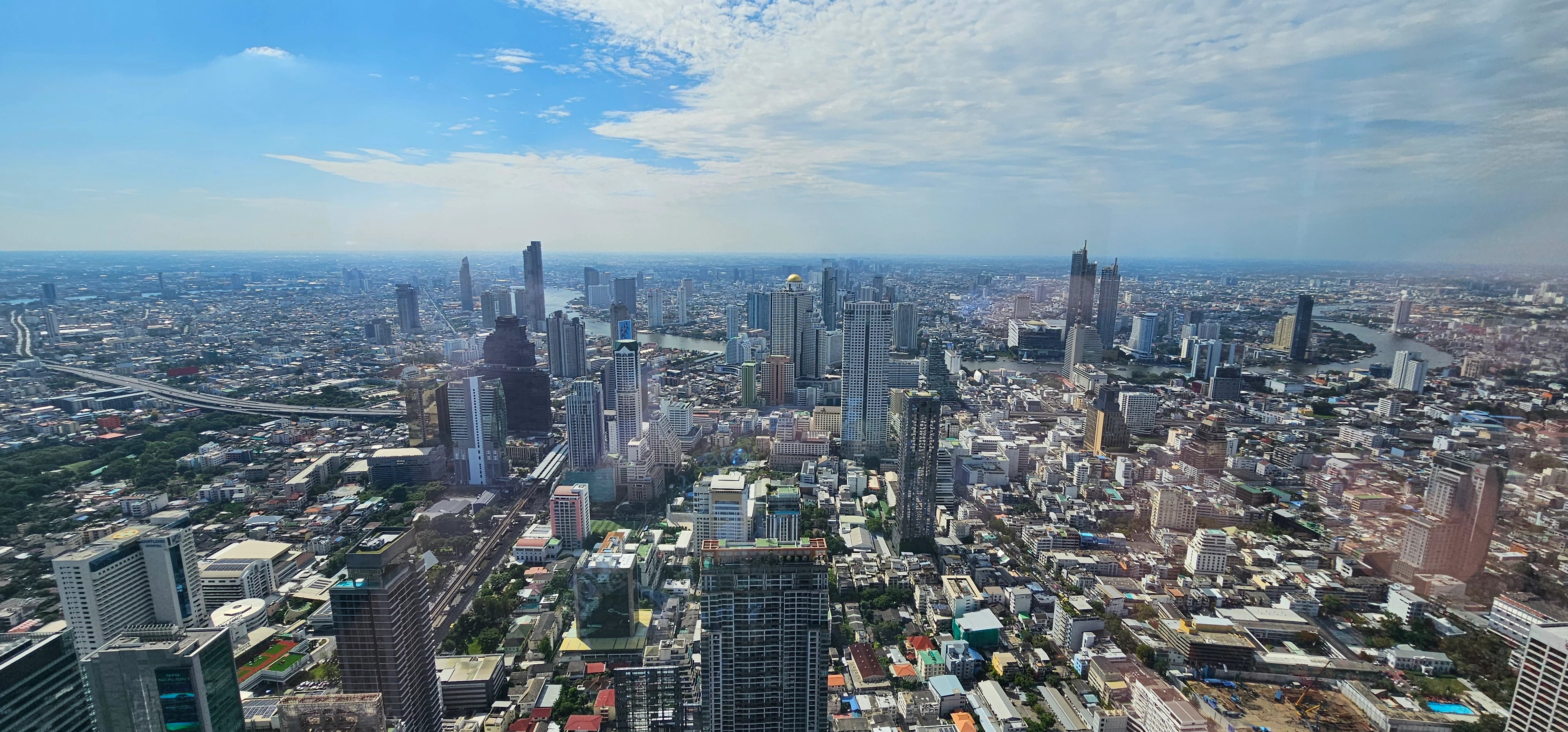
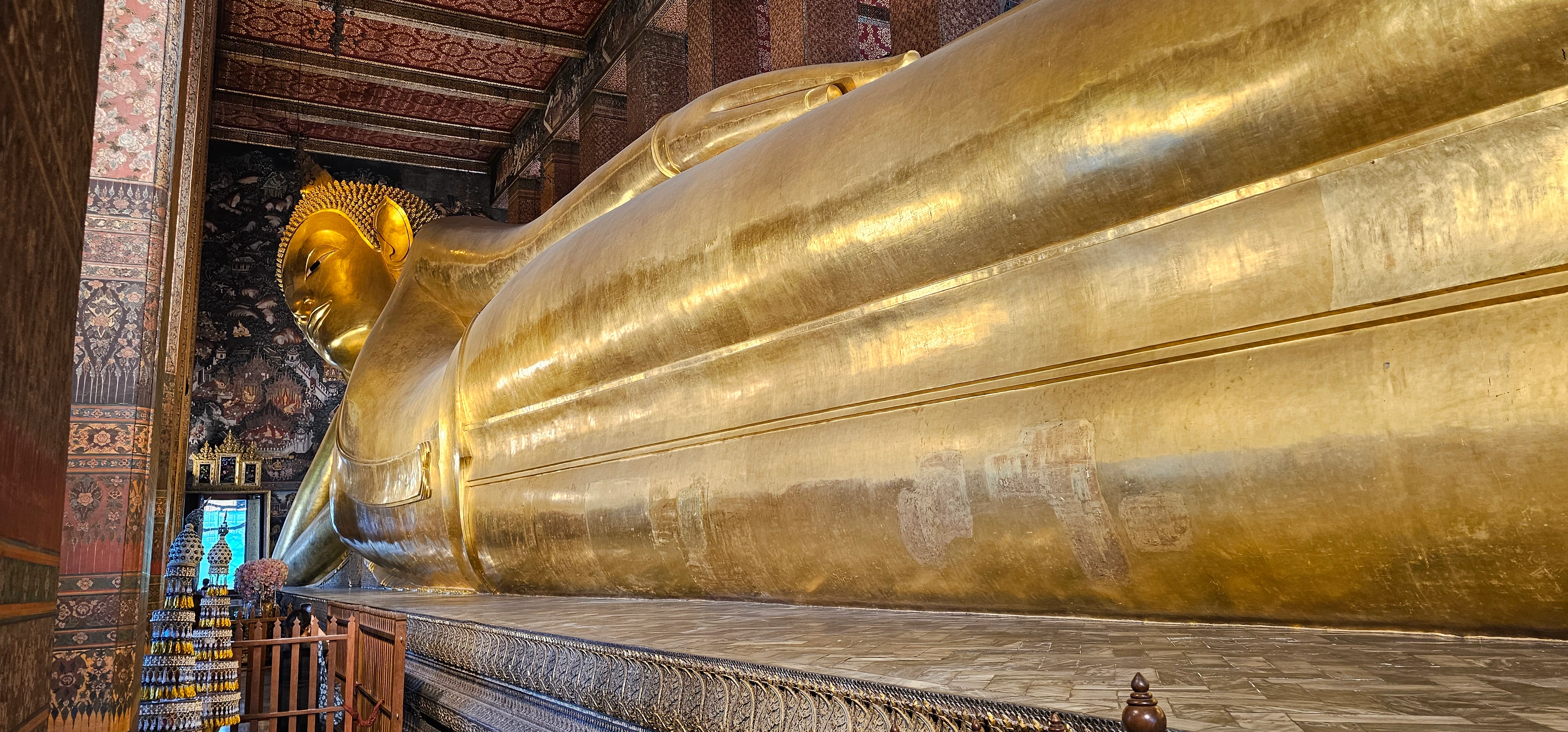
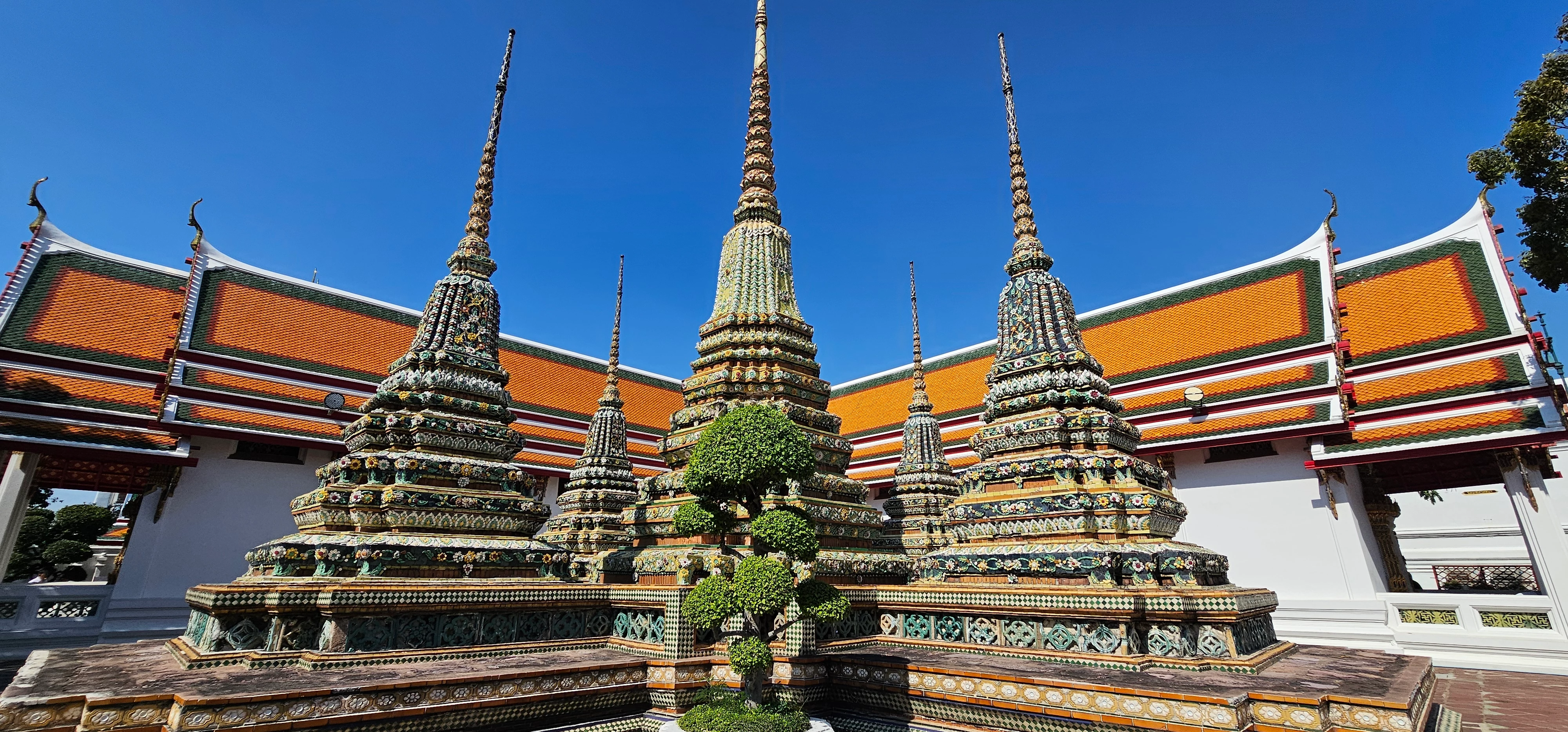
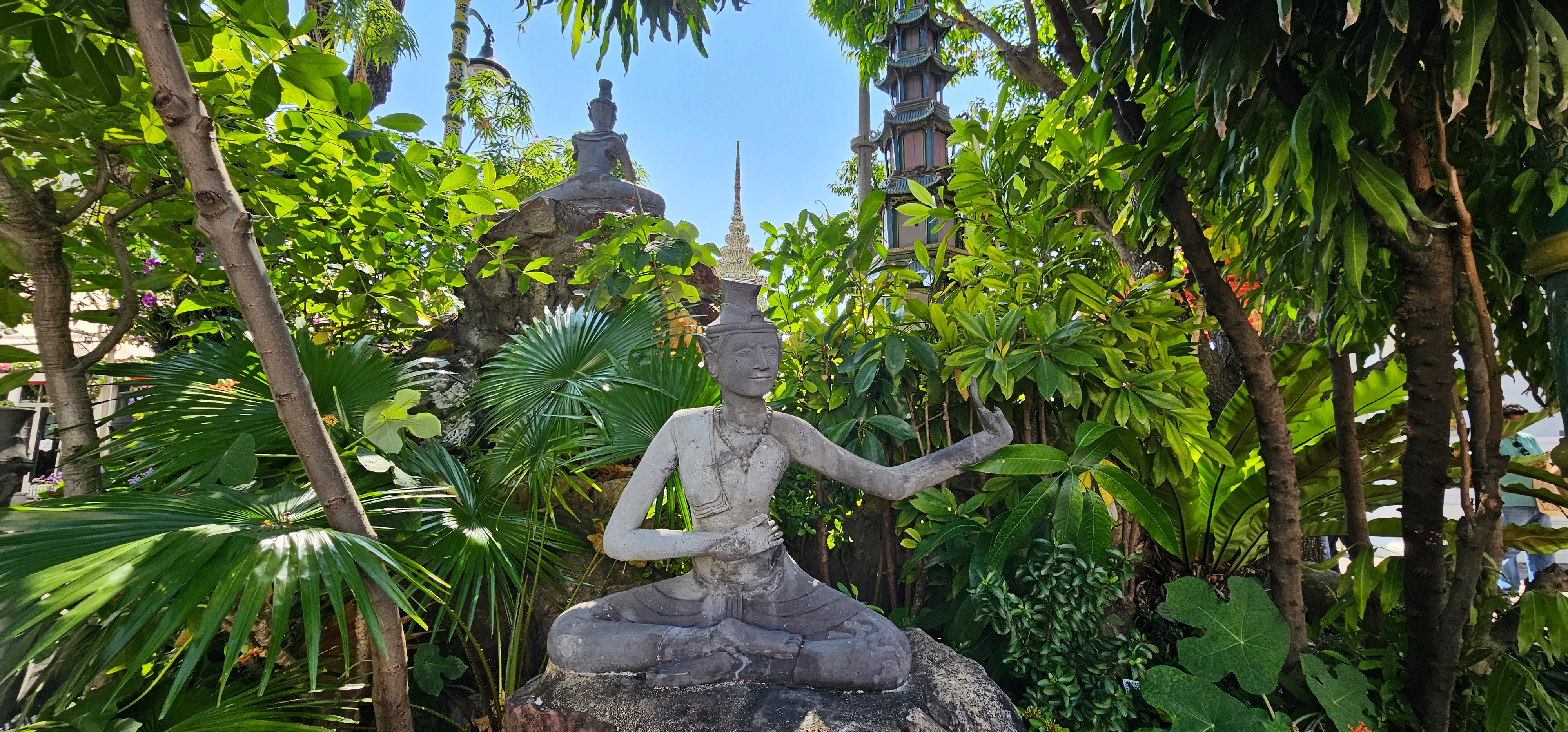
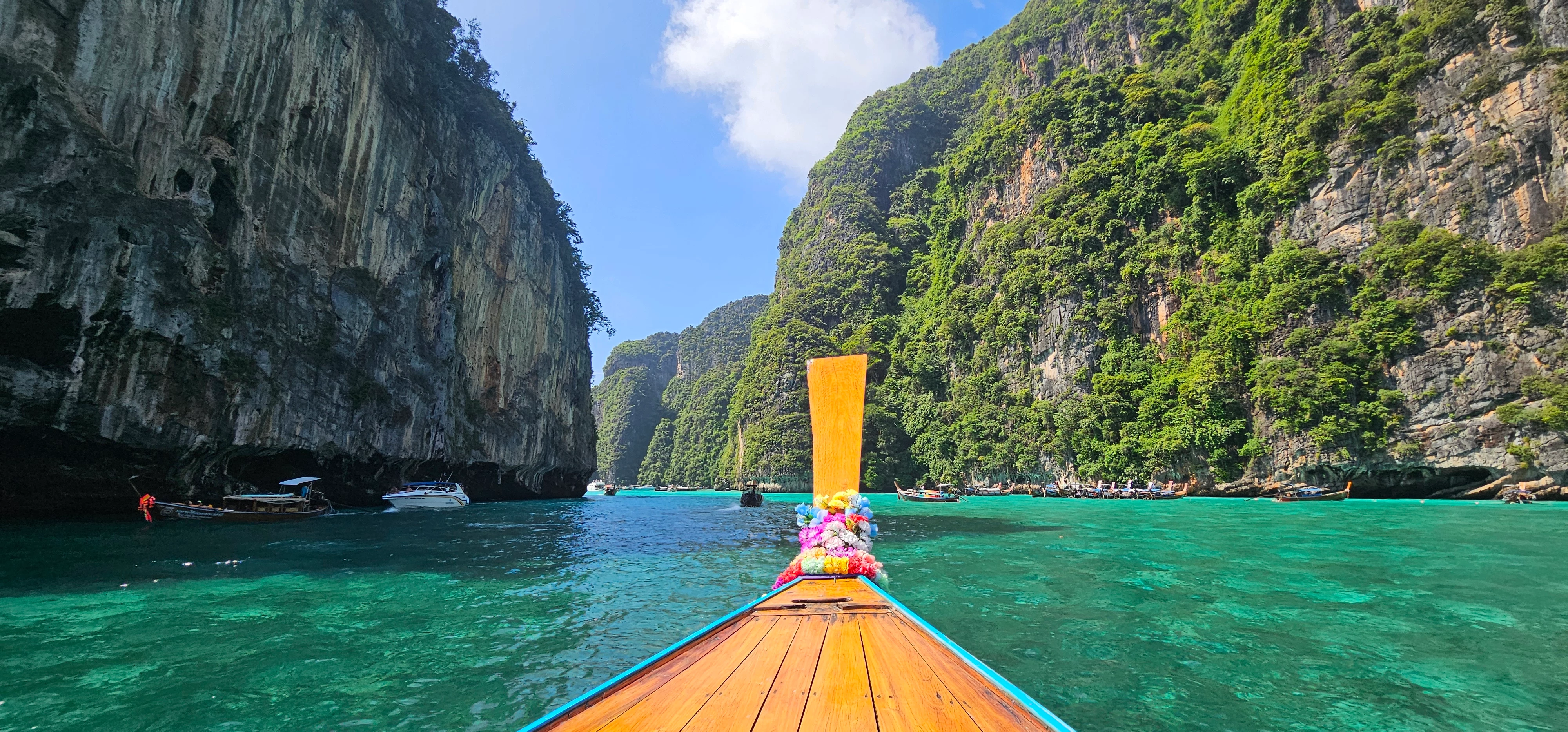
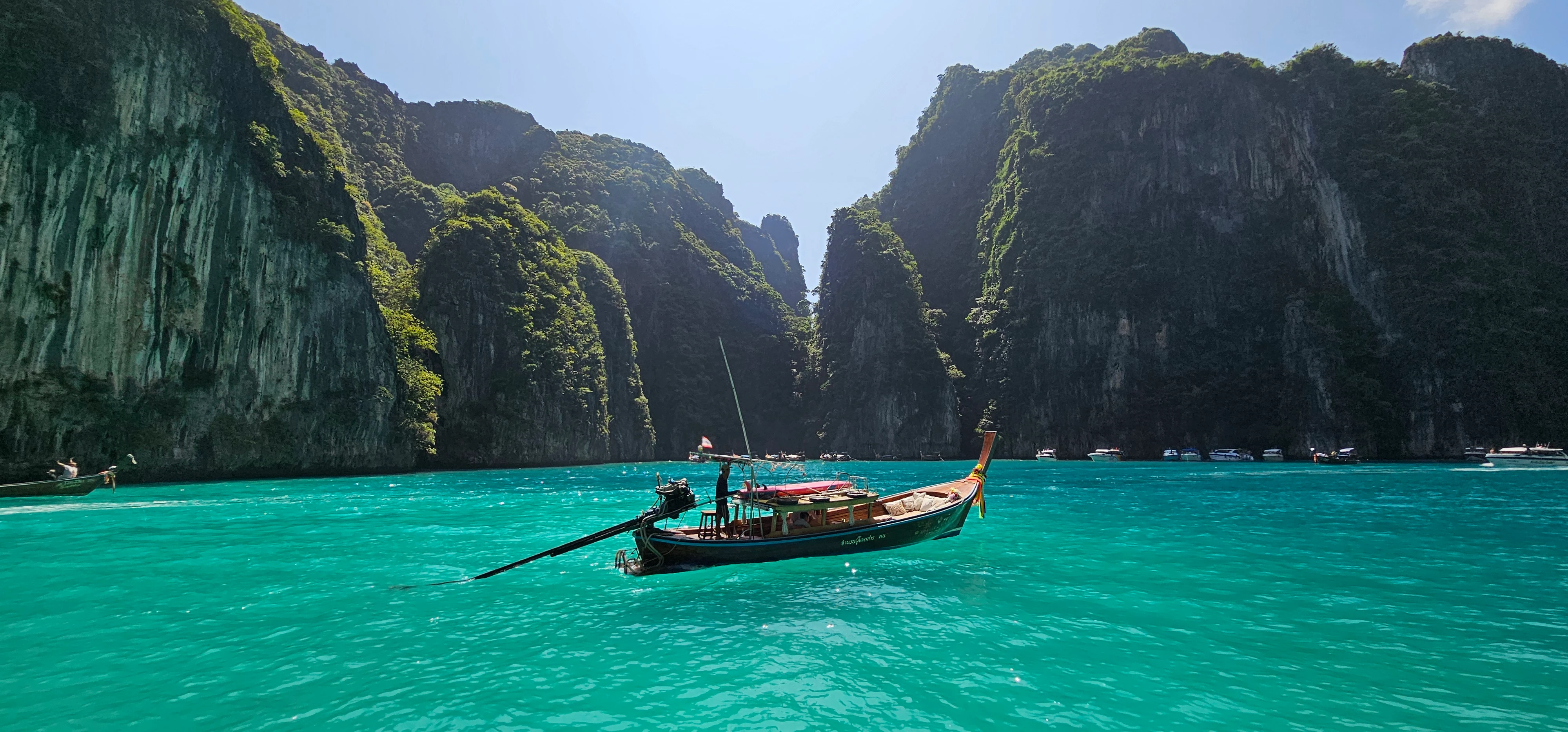
I'm new here and uploaded my first images to Adobe Stock. Just a few hours later I noticed that 6x images were not accepted due to quality errors:
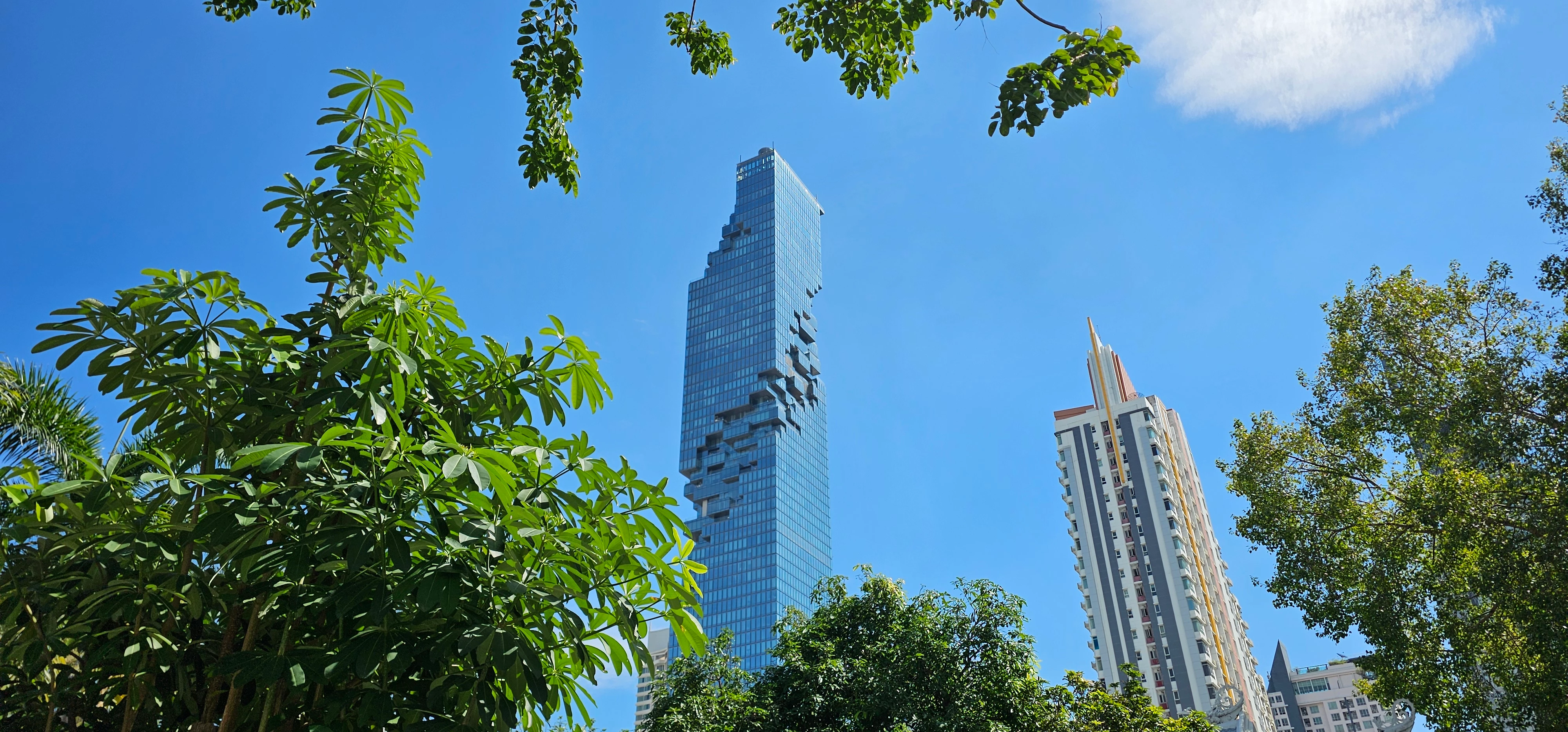
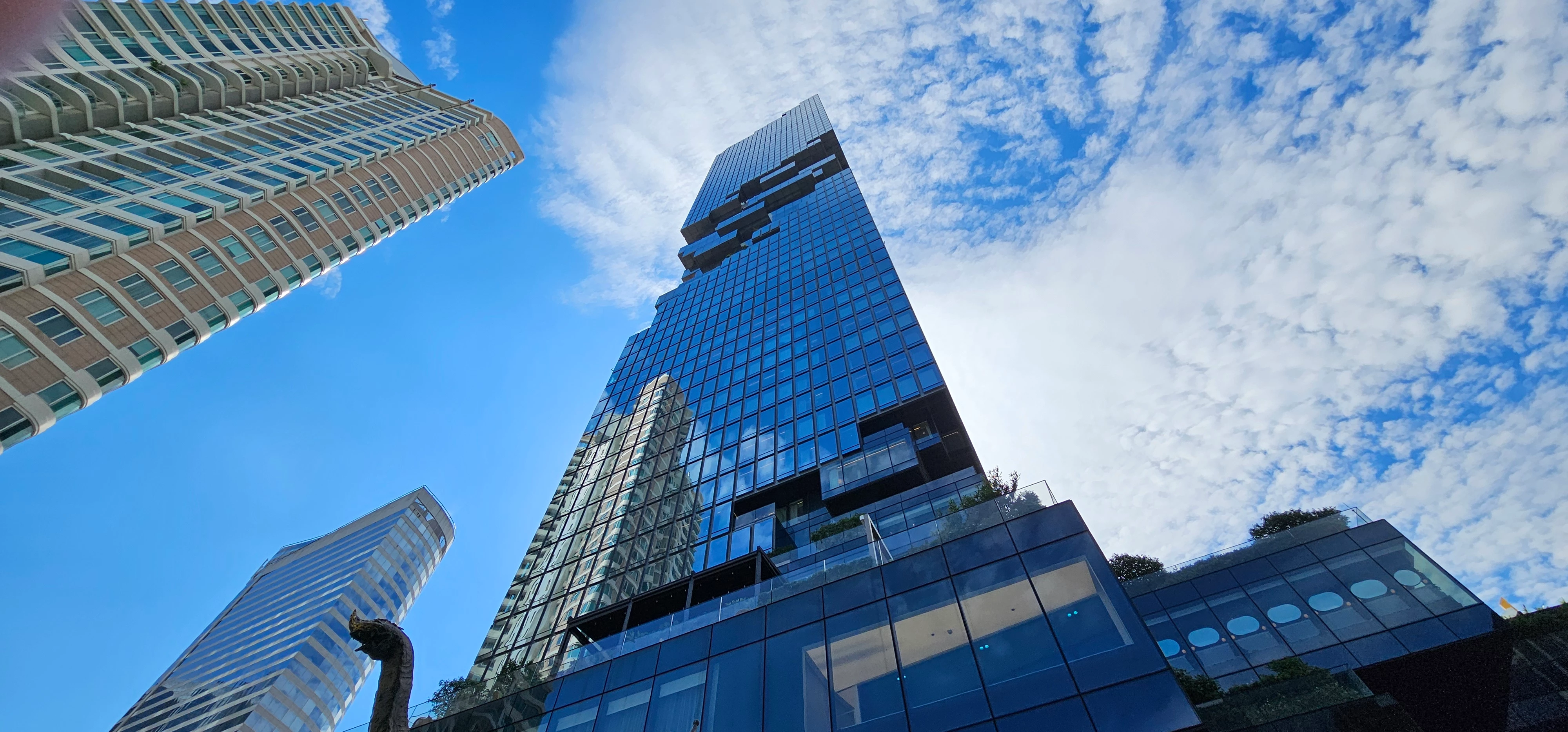


I admit that the skyline photo was taken from inside a window, which might be the reason, right? (reflections). About the buddha idk, maybe too dirty surface?! but that's the original state. Not sure about the rest ...


3x images were not approved due to copyright:
 

Absolutely not sure why they got rejected. I just added keywords like Koh Phi Phi, Maya Bay (about the location etc.), but these words should be allowed, or not?


All pictures are original files, not edited (I thought it's better to not edit them at all - for giving a real authentic impression). Can be uploading too many images in one day be a reason too?


I'm happy about any feedback.  Thanks for your help!


Luminicae

6 replies

LuminicaeAuthor
Participant
June 23, 2025

Thank you ALL for the great feedback! 🙏This helps me a lot! I have a Sony Alpha 6000 but didn't take it on vacation - now I regret it 😄 next time the smartphone won't do it .. but it's a process, still learning photography skills and hopefully grow a nice stock inventory one day too 👍

Ricky336
Community Expert
Community Expert
June 19, 2025

Hello,

Rejected due to copyright - IP - Intellectual Property.

Because of this:


Generally, you will have problems with boats—especially if there are markings/signs/logos, etc on them.


Also—same photo—banding in the sky. The gradation of colours is not even.

The problem is due to the compression of the JPEG file that is done in your smartphone's software.


Jill_C
Community Expert
Community Expert
June 18, 2025

Adobe stock definitely expects that you will edit images before submitting them. All images require at least minimal editing. 

Jill C., Forum Volunteer
daniellei4510
Community Expert
Community Expert
June 18, 2025

Blue color cast in some assets. Poor cropping (the overhanging tree leaves, for example). Leaning verticals. 99.9% of photographs, even taken with the best cameras, will need some degree of editing. 

Adobe Community Expert | If you can't fix it, hide it; if you can't hide it, delete it.
ZALEZPHOTO
Inspiring
June 18, 2025

I understand the frustration. Cell phone pictures are rarely accepted by Adobe. For the record, some cell phone cameras are better for video, and suitable quality for stock (Idk about the Galaxy S23 Ultra) You also have some issues with flaring in the lens, one photo you can see the tip of your finger on the upper left corner, and overall... all your photos get pixalated very fast as you zoom in.

If you do a lot of traveling, get yourself a compact camera with at least 20mg pixel sensor.

Think about it, your photos are competing with literaly millions, and Adobe has to have a criteria for selecting the best.

You have a good eye, so don't get discourage by the rejections.


https://www.bhphotovideo.com/c/product/1795707-REG/fujifilm_x_t30_ii_mirrorless_camera.html 

ZALEZPHOTO
RALPH_L
Community Expert
Community Expert
June 18, 2025

Way too many for me to explain so I will give you a summary of what I do see.
Buildings are not straight.
Some towers are cut off at the top.

Shadow areas are aoften underexposed.

Tree branches at the top which should be removed.

Identifying markings on signs or on the boat which need to be removed or a release form must be provided.

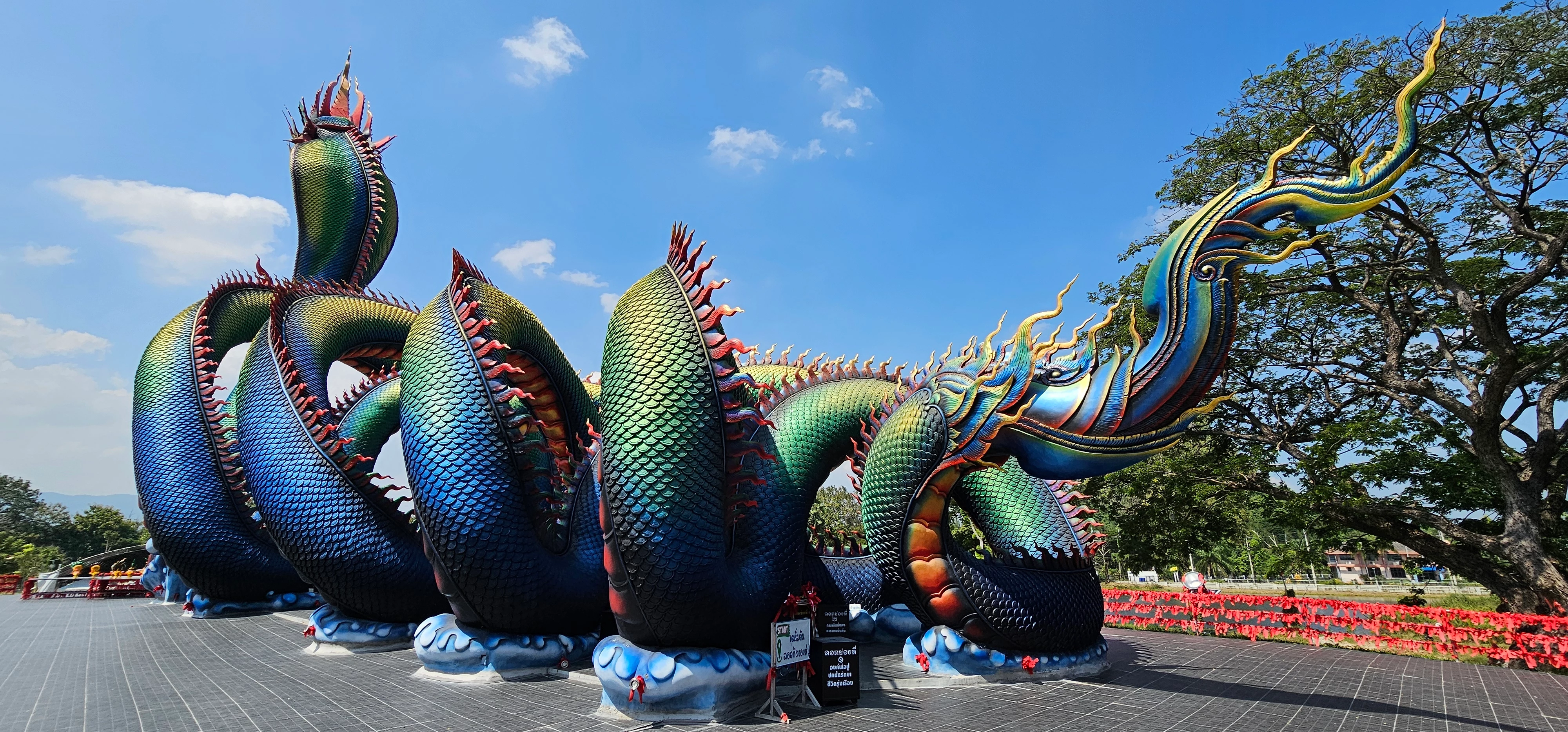
Sculptures and buildings that may need a release form.