Participant
August 8, 2023
Answered

Quality problem AI

  • August 8, 2023
  • 7 replies
  • 821 views

Hello everyone! I'm having trouble accepting my AI images on Adobe Contributor. Quality problem. Below are examples of my AI generations. Honestly, I don't understand the reason for the refusal, and it's even more insulting, because other photo stocks sell the same photos quite well. And Adobe does not even want to accept 😞


[moderator cured the topics]

This topic has been closed for replies.
Correct answer daniellei4510

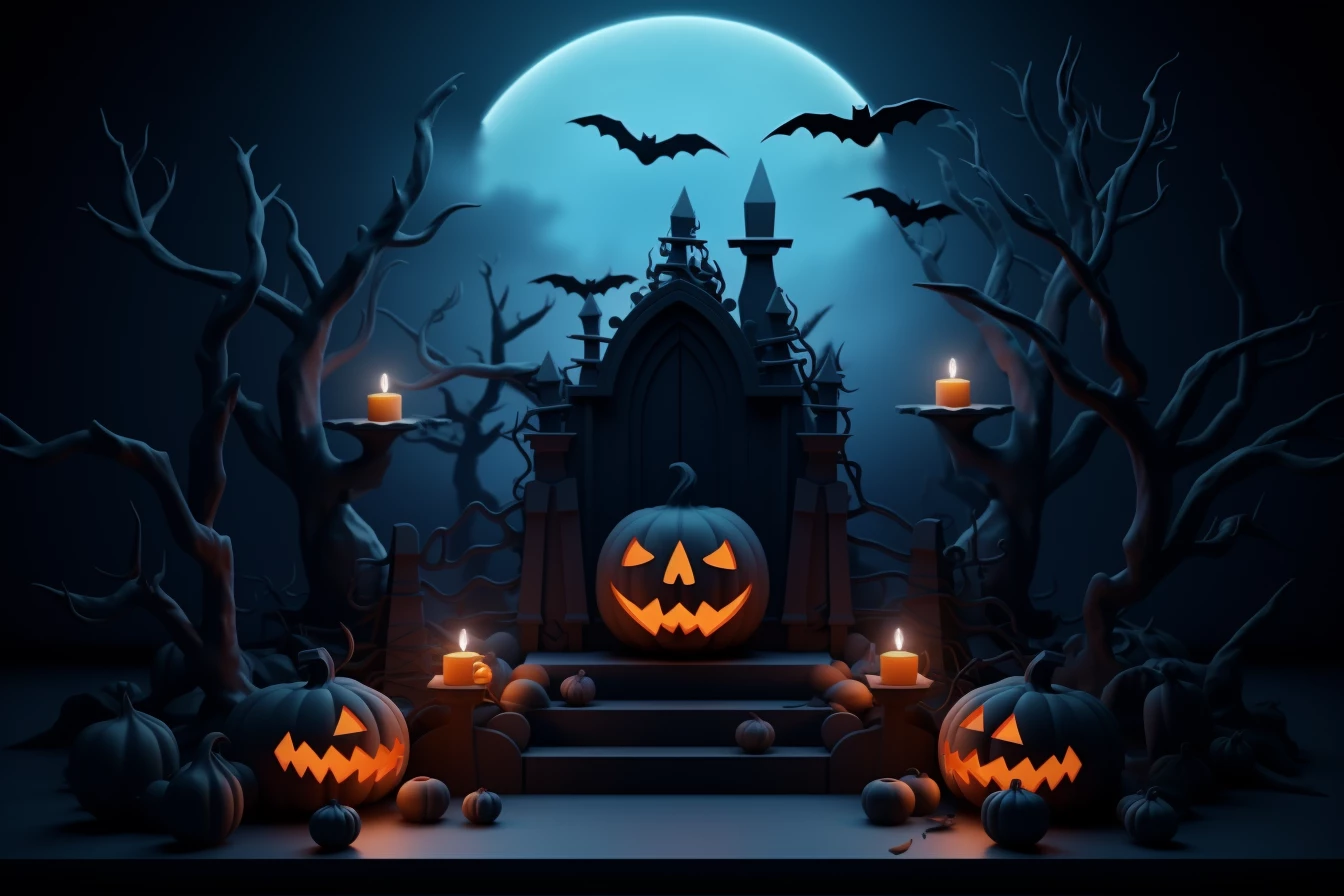
The pumpkin on the left is missing an eye. You should be able to steal one from the pumpkin on the left and flip it horizontally.

7 replies

jacquelingphoto2017
Community Expert
Community Expert
August 10, 2023

Hi @Уляна31554420qbbc 


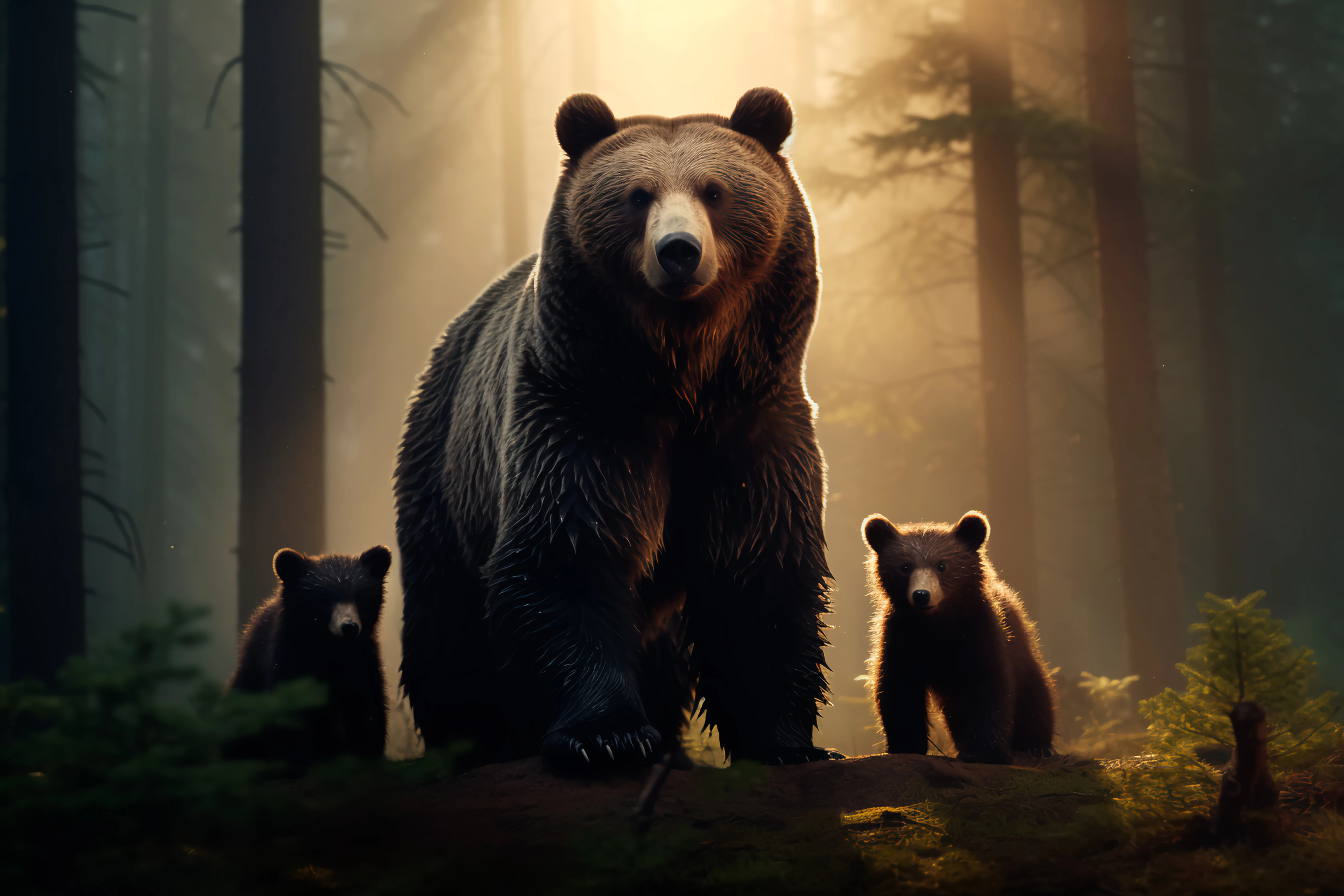
The first image has areas without details. It's day all details should be visible. Also there is a halo with sharp edge around some sections.

The next file has a section with feathered edge that I think should not be there.

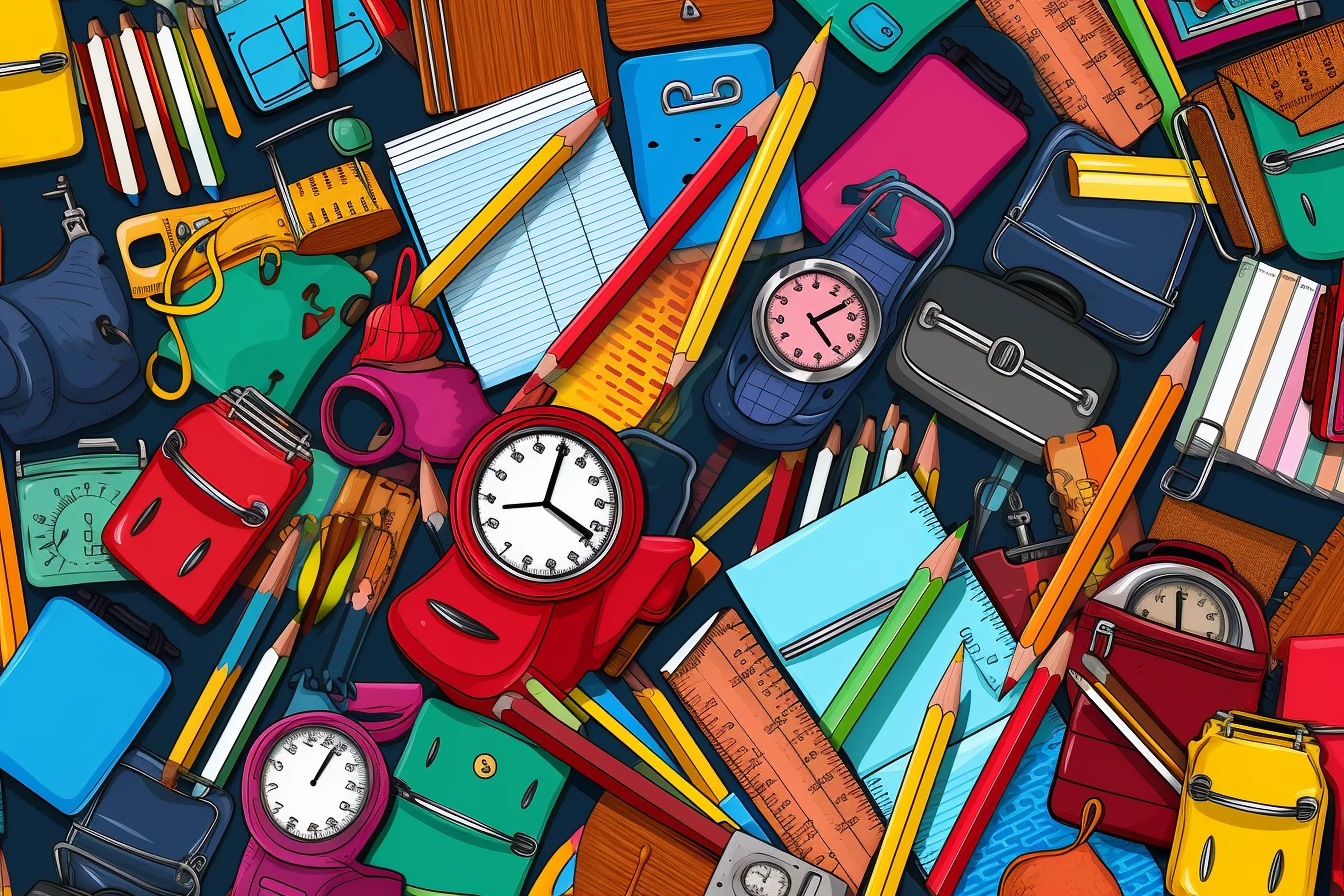
The fourth file has elements that are fragmented and also without proper perspective. In this clip pay attention to the pencils and rulers. Your will identify many errors.

Best wishes

Jacquelin

Participant
August 9, 2023

Thank you all for the answers


daniellei4510
Community Expert
Community Expert
August 8, 2023

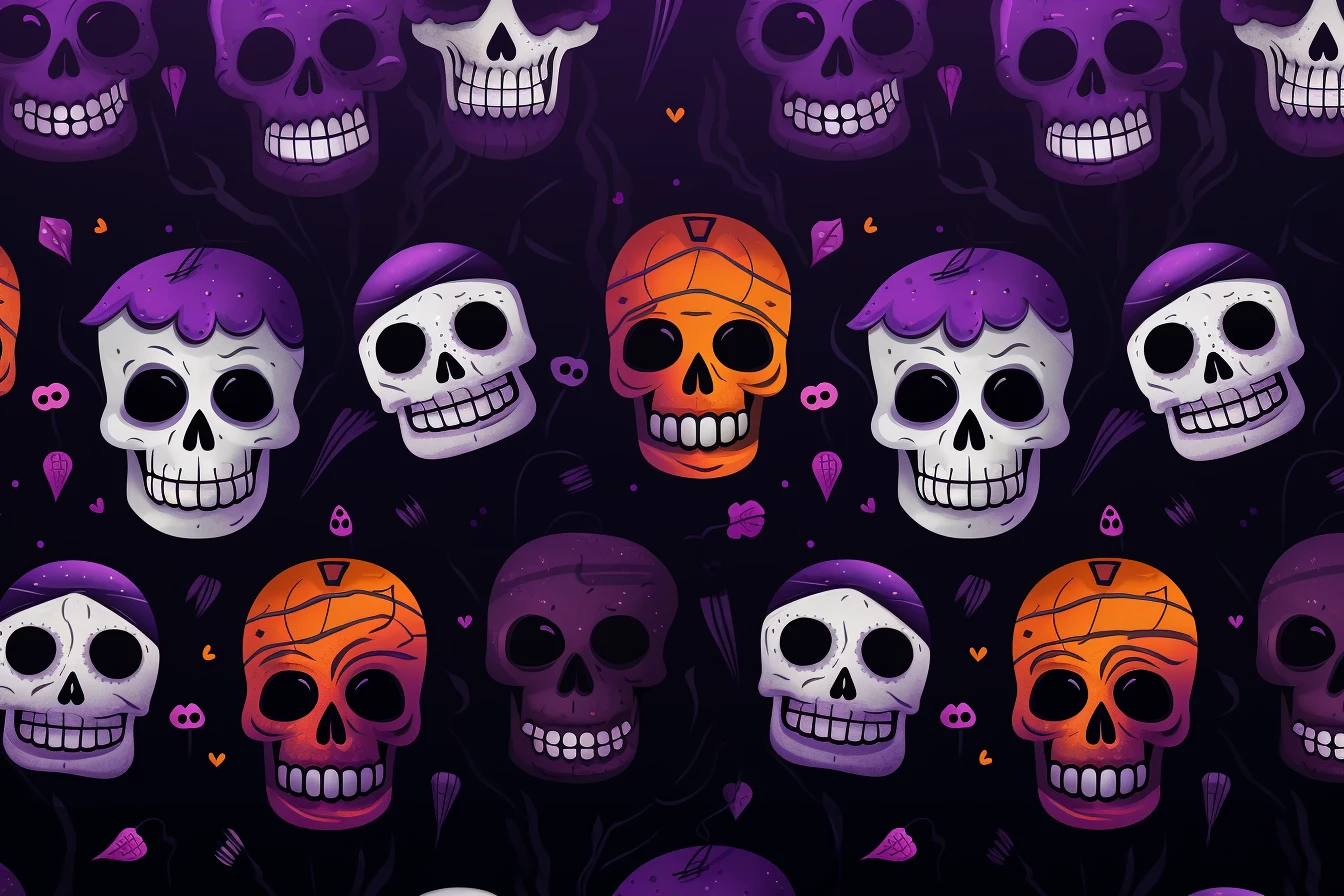
At first, the skulls come across as having the potential for use as a seamless tiled image, which I think would be accepted. And yet it's not, as I can see that things wouldn't line up properly. So that could limit its potential usage for commercial purposes. But just my opnion. 

Adobe Community Expert | If you can't fix it, hide it; if you can't hide it, delete it.
Abambo
Community Expert
Community Expert
August 9, 2023
quote

At first, the skulls come across as having the potential for use as a seamless tiled image, which I think would be accepted. And yet it's not, as I can see that things wouldn't line up properly. So that could limit its potential usage for commercial purposes. But just my opnion. 


By @daniellei4510

That's an important remark. First correct the skulls' teeth, also those with 3 rows of teeth (AI can't count). Then make the asset seamless.


You last image looks nice at a first sight, but even on the small thumbnail I see here on your post, you detect the errors. At 100%, they will hurt your eye. You will need to edit all clocks and rulers to make a sense out of the numbers. Also here, it would be easier to use single elements and do your composition yourself. A seamless texture would also here add some added value.


BTW: I would ask for a bunch of single skulls, and cut the correct ones cleanly out. Correct any remaining artefacts and do your own composition for a seamless texture. 


BTW2: Refusals are never insulting. They are very often (99.99%) for cause. When other platforms accept them, fine for you, if they sell, better for you. However, Adobe tries to maintain a high quality database, and sometimes they are not stringent enough.

ABAMBO | Hard- and Software Engineer | Photographer
daniellei4510
Community Expert
daniellei4510Community ExpertCorrect answer
Community Expert
August 8, 2023

The pumpkin on the left is missing an eye. You should be able to steal one from the pumpkin on the left and flip it horizontally.

Adobe Community Expert | If you can't fix it, hide it; if you can't hide it, delete it.
daniellei4510
Community Expert
Community Expert
August 8, 2023

The pumpkin on the right, I mean. My fingers think faster than my brain sometimes.

Adobe Community Expert | If you can't fix it, hide it; if you can't hide it, delete it.
Abambo
Community Expert
Community Expert
August 9, 2023
quote

The pumpkin on the right, I mean. My fingers think faster than my brain sometimes.


By @daniellei4510

You should be able by now to correct your typos. Try the "… More" menu.

ABAMBO | Hard- and Software Engineer | Photographer
Jill_C
Community Expert
Community Expert
August 8, 2023

The first 3 seem to be rather low res - blurry with some jagged edges. Some of the skulls have only one row of teeth?

Jill C., Forum Volunteer
George_F
Community Expert
Community Expert
August 8, 2023

I can confirm these all have quality issues:

  • There are random spots and artifacts to be cloned out in every image except the skull image.
  • The skull image has skulls partially out of the image all the way around.  Some are just slightly cut off.
  • The bear image and pumpkin image are too dark to me.
  • Like @RALPH_L pointed out, I also noticed the odd structures in pencil & watch illustration.


I hope this perspective helps.  Cheers!

George F, Photographer & Forum Volunteer
RALPH_L
Community Expert
Community Expert
August 8, 2023

Dont think that AI is going to produce perfect images. At least not yet. Check your images at 200-300%. Mistakes start to appear. They must be corrected. Here just a few:  

 Especialy the lines in the shadow on the notepad.