This topic is closed to new replies. Start a new post to keep the conversation going.
Ricky336
Ricky336Correct answer
Community Expert
March 23, 2024

Hello,

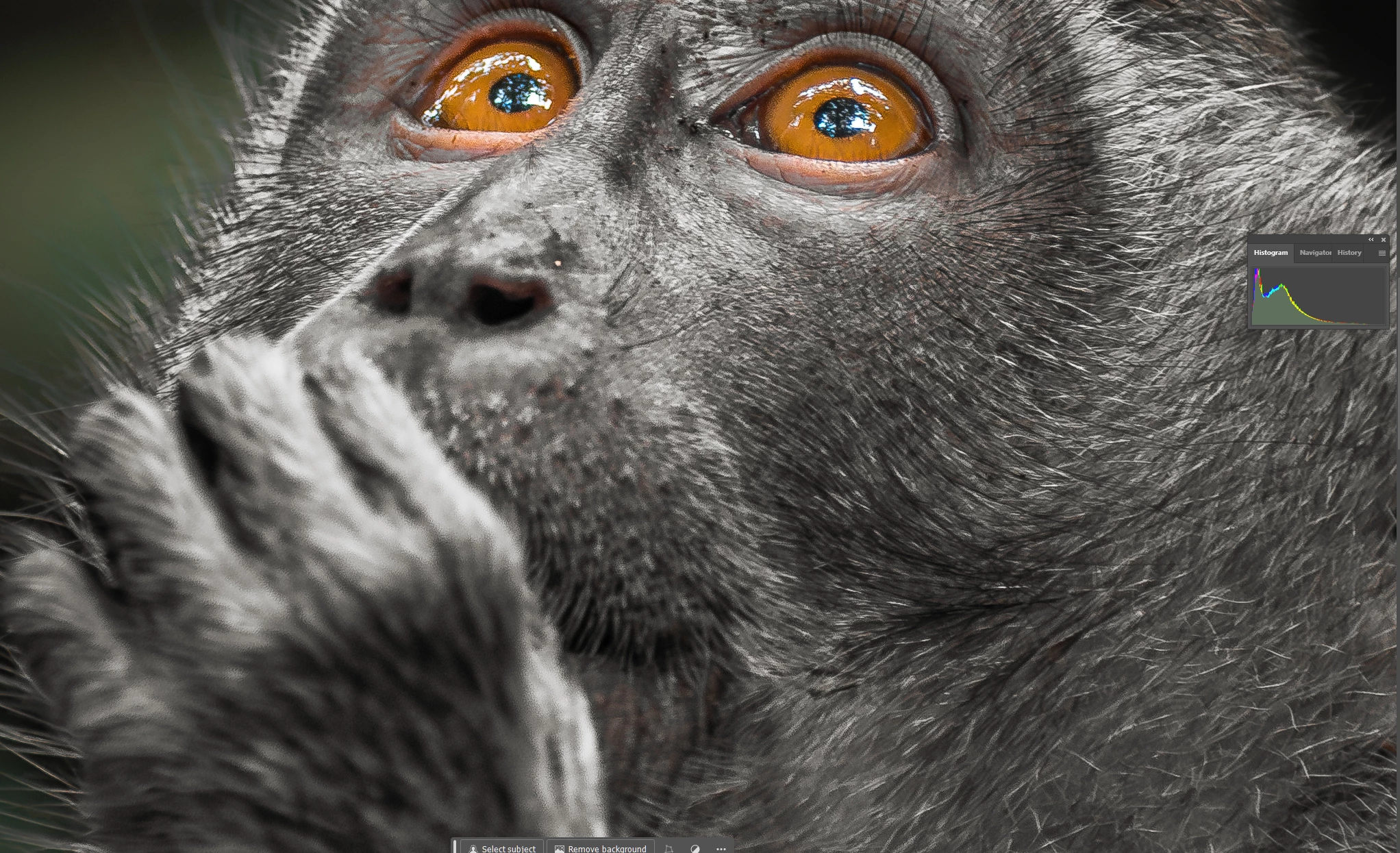
Firstly, your image is a little underexposed- take note of the histogram:

And there are signs of noise - it looks like you used the noise reduction filter - it's noticeable on the nose and mouth.

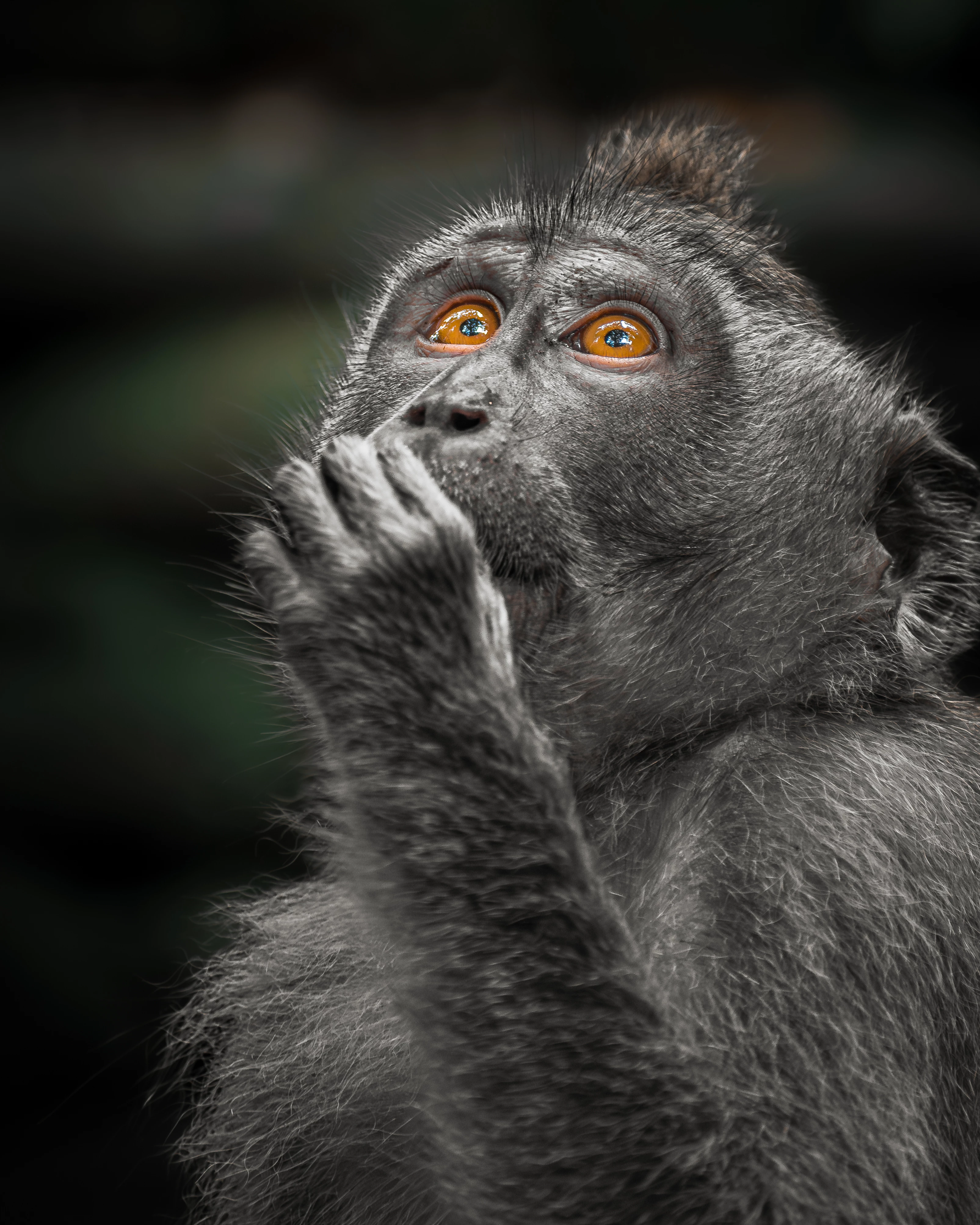
In my view the DOF is fine. You want the viewer to focus on the eyes, and you have done this well. The main issue I think, is exposure and possibly noise.


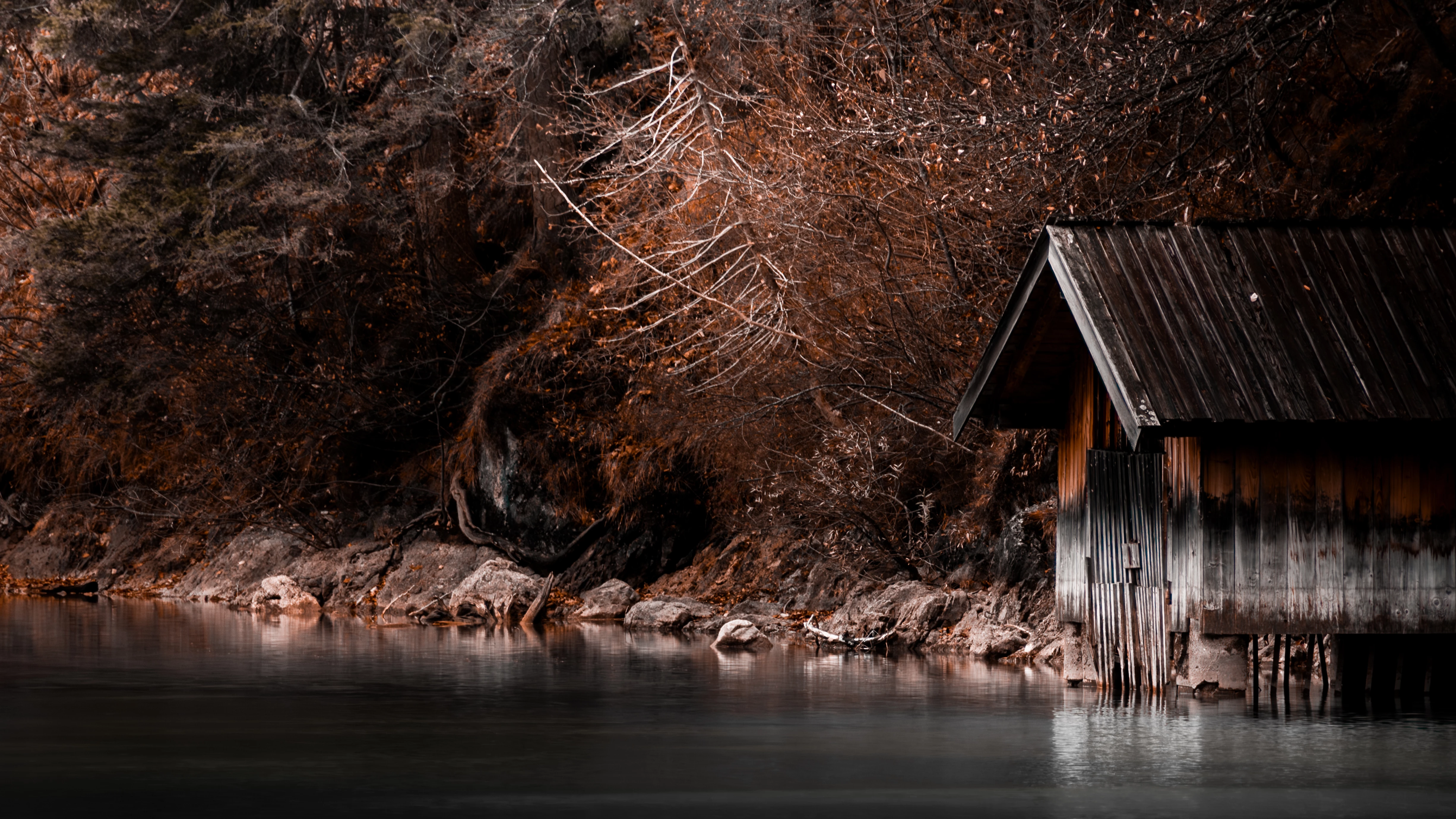
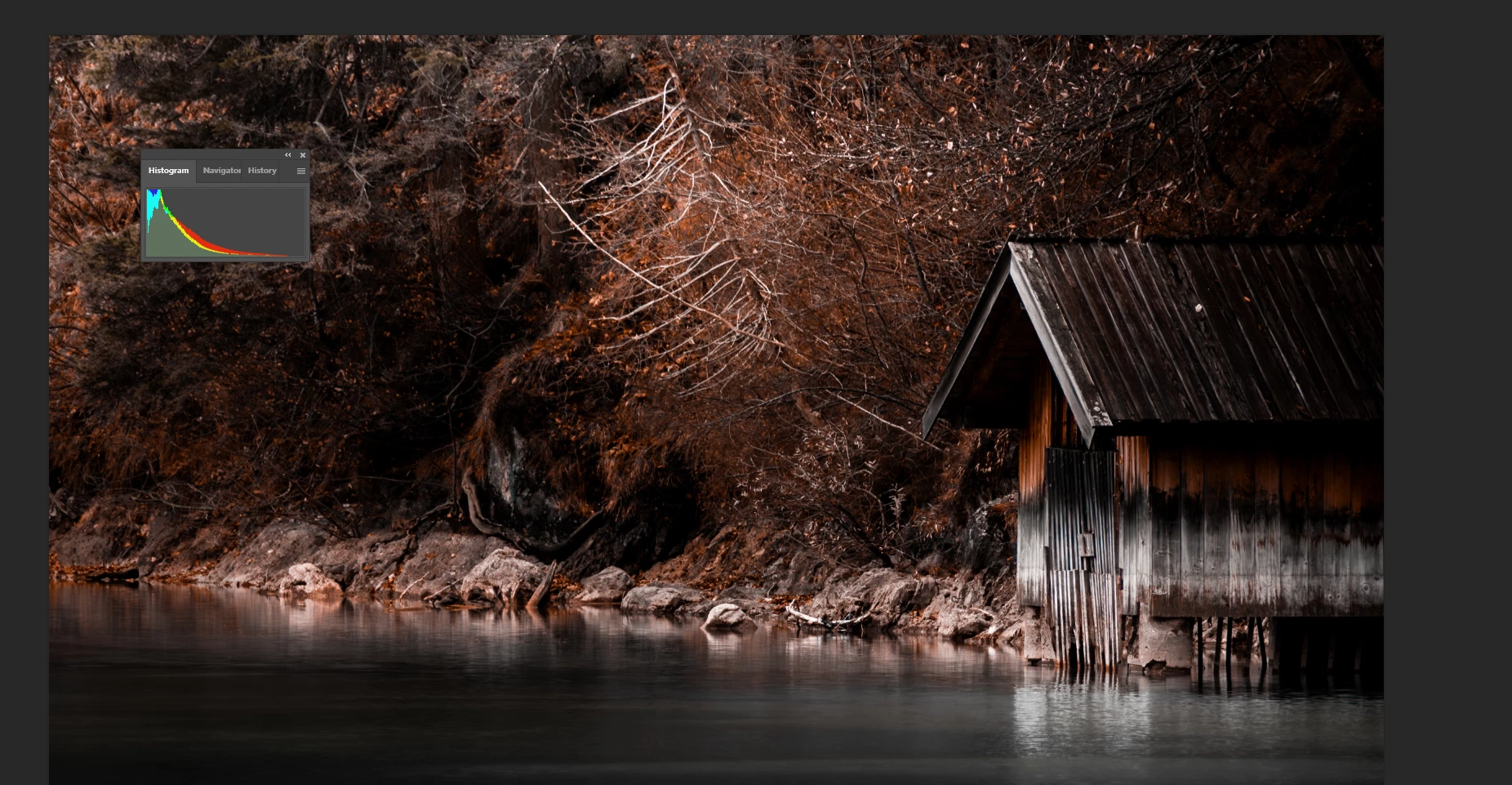
The same issue with the shed - exposure:


And if you used colour grading to tone the photo, don't. Leave it natural looking.


3 replies

Ricky336
Community Expert
Ricky336Community ExpertCorrect answer
Community Expert
March 23, 2024

Hello,

Firstly, your image is a little underexposed- take note of the histogram:

And there are signs of noise - it looks like you used the noise reduction filter - it's noticeable on the nose and mouth.

In my view the DOF is fine. You want the viewer to focus on the eyes, and you have done this well. The main issue I think, is exposure and possibly noise.


The same issue with the shed - exposure:


And if you used colour grading to tone the photo, don't. Leave it natural looking.


Translate
Jill_C
Community Expert
Community Expert
March 22, 2024

The depth of field is too shallow in the monkey image, causing large sections of the image, including his nose, to be out of focus.


The landscape image is quite underexposed and looks like you've applied a filter, which is not allowed by Adobe Stock.

Translate
Jill C., Forum Volunteer
daniellei4510
Community Expert
Community Expert
March 22, 2024

The monkey's eyes are nicely focused, which is always important, but there appears to be some motion blur on its arm. The shed and water image seems a tad soft throughout.

Translate
Adobe Community Expert | I have miles to go before I sleep, but I'm all done on this end.