Participant
April 3, 2024
Answered

Real quality issues

  • April 3, 2024
  • 2 replies
  • 732 views

Dear forum participants.
I'm trying to understand the mistakes in my photos in order to improve the quality and post-processing.
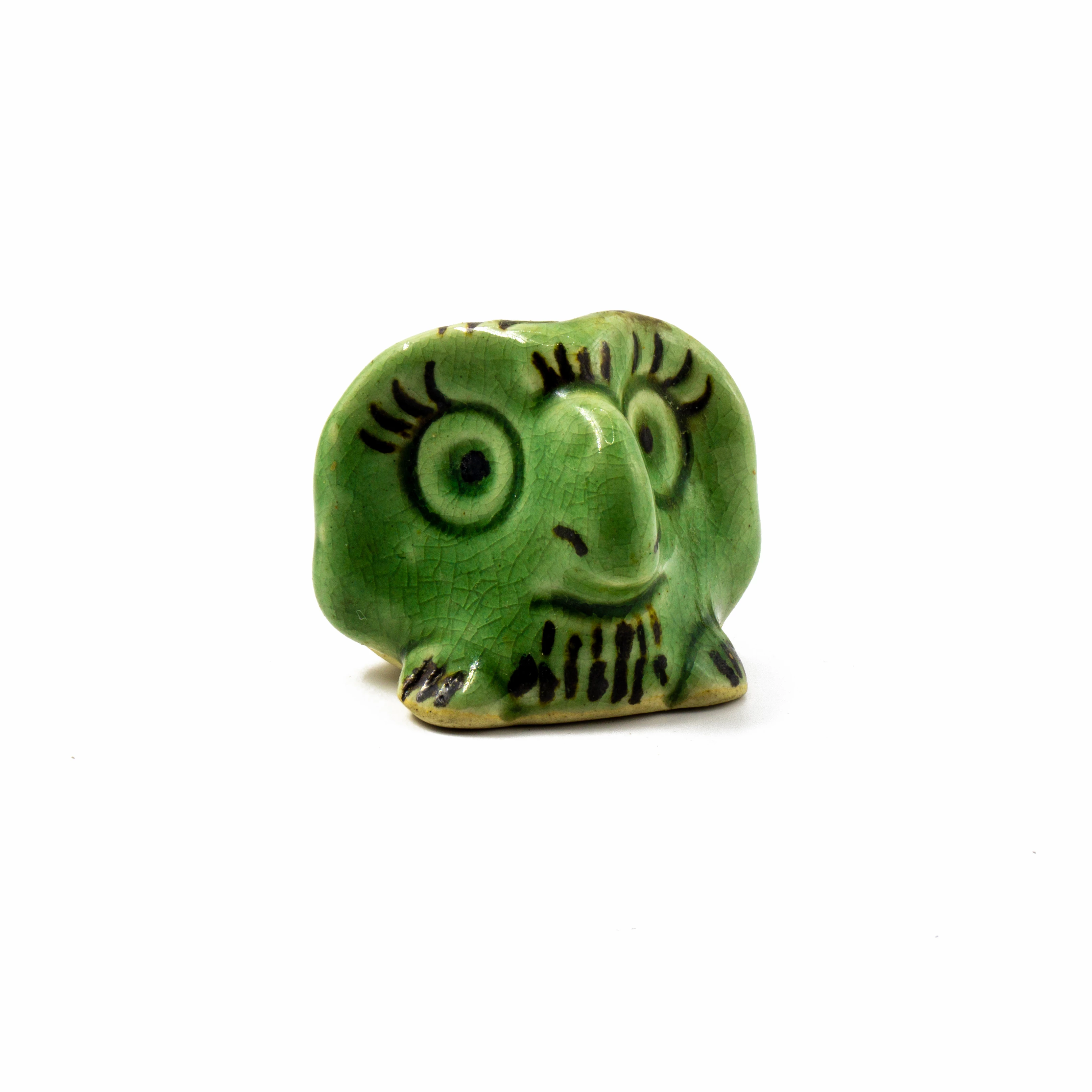
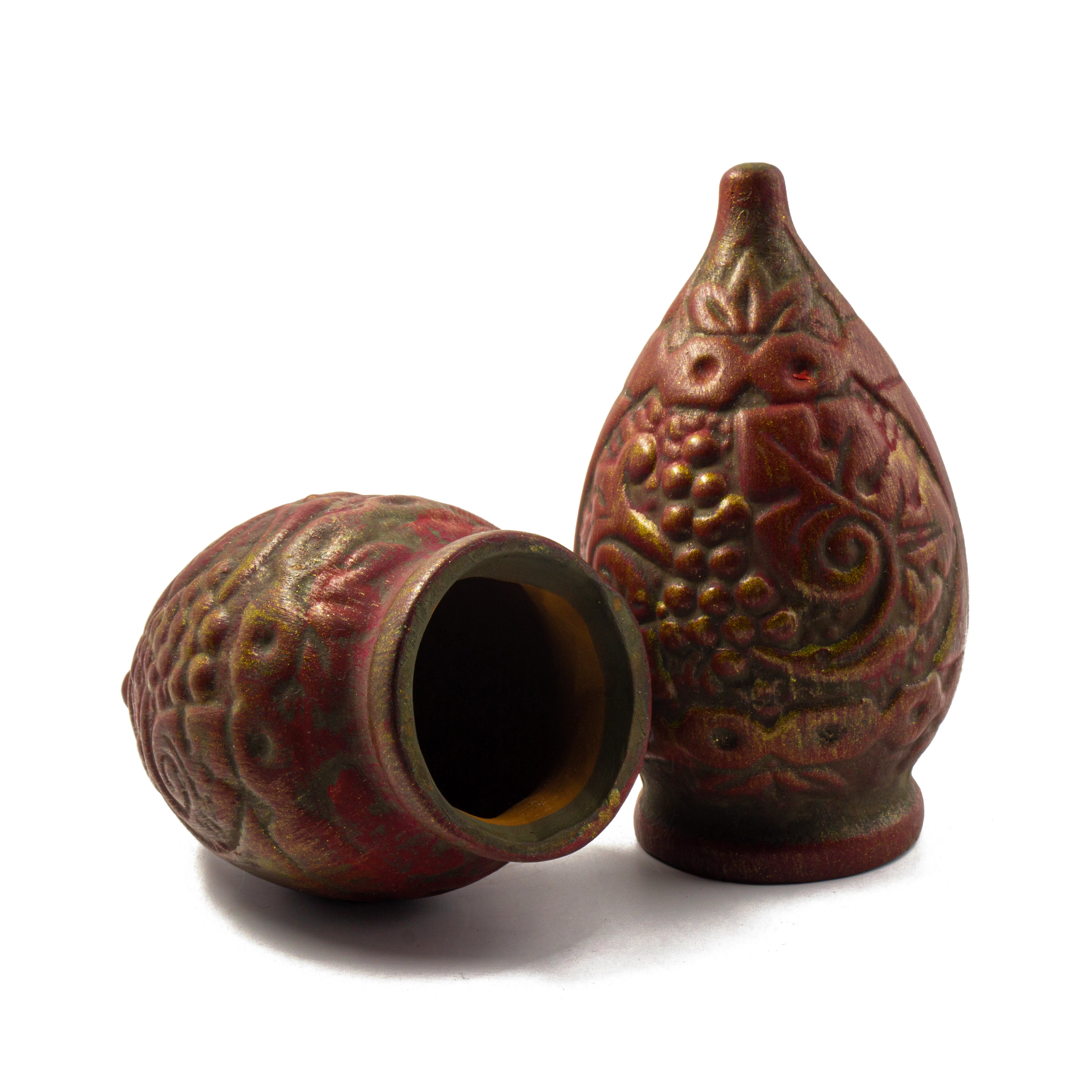
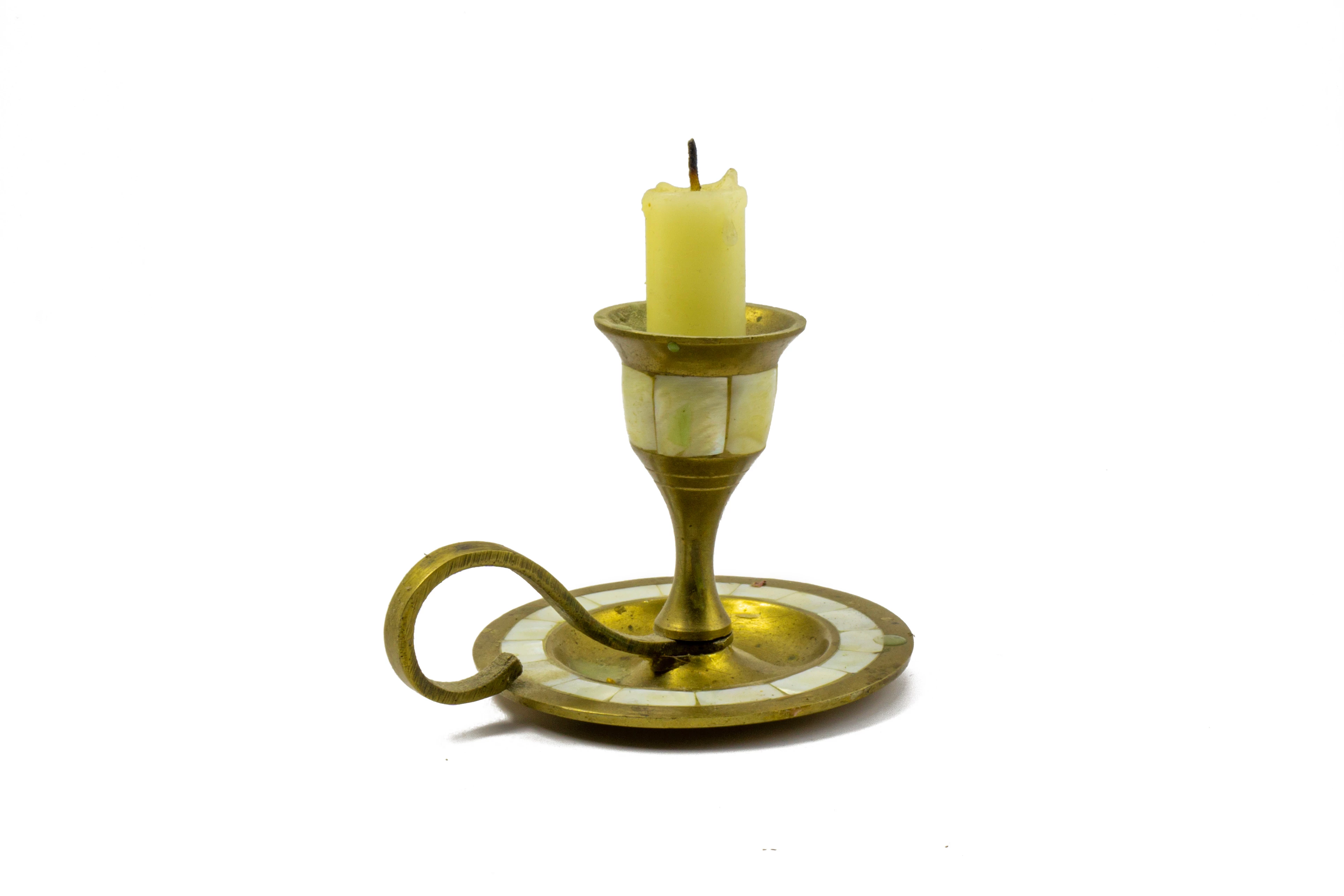
In any perfect photograph, quality errors can be found. Let's really evaluate why these few photos did not pass the Adobe Stock test, when other exactly the same photos were rated as acceptable.


Accepted by stock


Not accepted

Not accepted 

Not accepted 

This topic has been closed for replies.
Correct answer Abambo
quote

I want to say that the same photo can be approved today and rejected in a week.


By @Kochini

Well, indeed that is an issue, as the checking is done by humans. However, there are several points that you should keep in mind:

  • checking the assets is not done for your pleasure, but to protect the buyers from bad assets.
  • if a buyer buys your asset and makes a claim, the asset will be removed. If that happens a lot with your account, your account will be removed.
  • It should be your aim to meet the quality requirements. Submitting bad assets, that slip through sporadically, won't help you.

@Kochini wrote:

Yes, my photographs are not perfect like everything else in this world, but there is a limit to everything.

You can do better. The quality of your pictures is not a question of limits, but of knowledge. You should take the advice you get here serious to make you a better contributor. Every one of us has rejections, rejections do make us a better contributor.


2 replies

daniellei4510
Community Expert
Community Expert
April 3, 2024

There's an issue with the accepted one as well. The blue one appears to be floating, while the other is touching the ground.

Adobe Community Expert | If you can't fix it, hide it; if you can't hide it, delete it.
Abambo
Community Expert
Community Expert
April 3, 2024
quote

There's an issue with the accepted one as well. The blue one appears to be floating, while the other is touching the ground.


By @daniellei4510

Did you never see a floating Christmas tree? But yes, indeed, that one should also have earned a refusal. Sales on that object will be low anyhow, so chances are good that nobody will complain.

ABAMBO | Hard- and Software Engineer | Photographer
Abambo
Community Expert
Community Expert
April 3, 2024

Your pictures are not perfect:


Artefacts in the shadow area:

Blue line around the candle, probably because of bad cutout work:

In addition, the asset is not sharp and the picture is noisy. The colour profile of all your pictures posted here is P3, it should be sRGB.


Vases:

Artefacts, noise, and spots in the shadows:

The objects are underexposed, and not as sharp as they should be.

Idem green monster:

The highlights are blown out and need to be corrected:

Maybe, you already did some corrections, as these lines are quite strange:

As the screenshot is at 100%, you see that here also the picture is not as sharp as it could be.

Best for such objects is a very diffuse light and not a direct flash.


With your Christmas tree, you have several errors:


(1) unexplained shadow, maybe an editing left over.

(2) a yellow seam.

(3) colour noise.


The shadow here is very flat, unnatural. You have probably applied too much noise reduction.

Another shadow artefact.

Whatever object you used for your artwork, it was not clean. You would need to clean up these places:


ABAMBO | Hard- and Software Engineer | Photographer
KochiniAuthor
Participant
April 3, 2024

Yes, my photographs are not perfect like everything else in this world, but there is a limit to everything. You found errors in the photo of Christmas trees, although this photo is approved by stock. I want to say that the same photo can be approved today and rejected in a week. In any case, thanks for the answer.

daniellei4510
Community Expert
Community Expert
April 3, 2024

Welcome to Adobe Stock. 😉

Adobe Community Expert | If you can't fix it, hide it; if you can't hide it, delete it.