Please consider using only “Contributor critique” for your topic for this kind of posting.
8922:
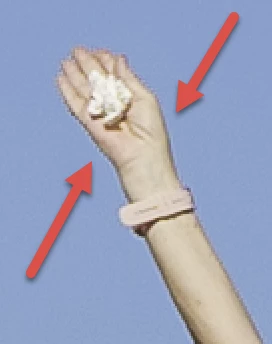
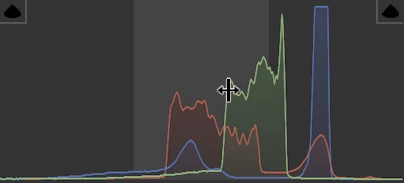
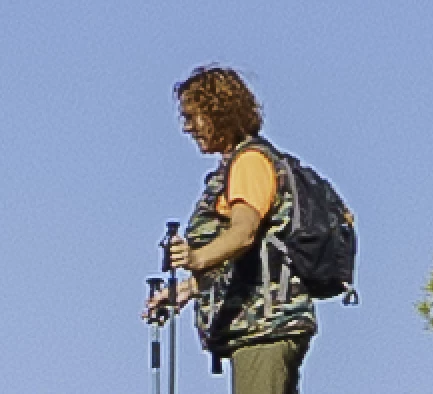
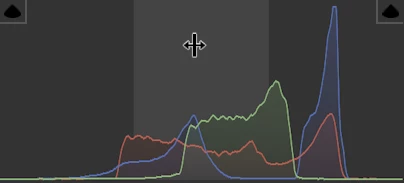
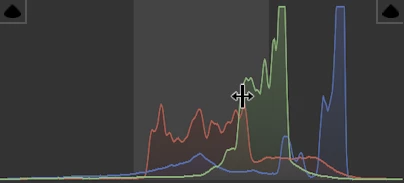
Strong aliasing. Lack of focus/detail of the lady's face. Exposure troubles, as shown on the histogram:
I agree with @RALPH_L on those points, that could be edited out.
8919: Similar to previous:
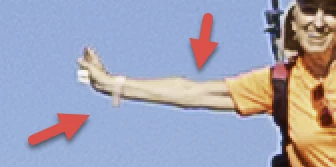 +background noise.
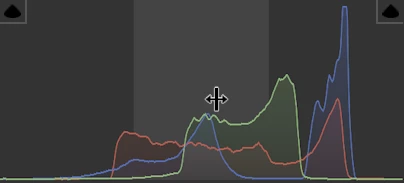
Same exposure troubles:
8912: Same as above.
8925: Same as above:
8924:
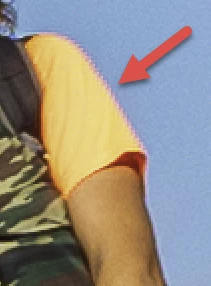
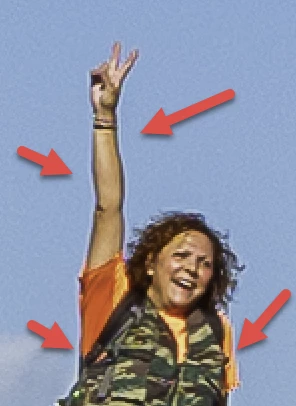
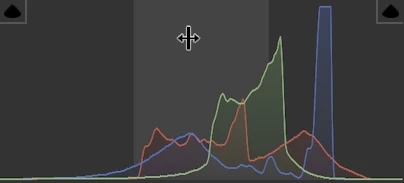
You are taking nice pictures, but they need also to be technically correct:
- In focus. Sharpening later with a program does not make an out of focus picture in focus. You need to know that all sharpening tools introduce artefacts. If you push the sliders higher, those artefacts get visible.
- Well exposed! I've probably not seen one of your pictures posted here that did not pose some exposure problems. Use the histogram to get it right. And get it right during the shot. I take normally exposure brackets, so I'm able to choose from 3-5 differently exposed pictures the best exposure to edit.
- Free of noise, respectively as little noise as possible. That's a question of the right ISO, but also the correct amount of noise suppression, without loosing detail.
Your editing needs to be such as nobody sees that you edited the picture. But it will be needed to have a “perfect” picture.




 AdChoices