This topic has been closed for replies.

4 replies

Ricky336
Community Expert
Community Expert
May 15, 2023

Hola,

White balance is something to be aware of!

Read this about adjusting white balance:
https://www.adobe.com/creativecloud/photography/discover/white-balance.html

Abambo
Community Expert
Community Expert
May 5, 2023

First:

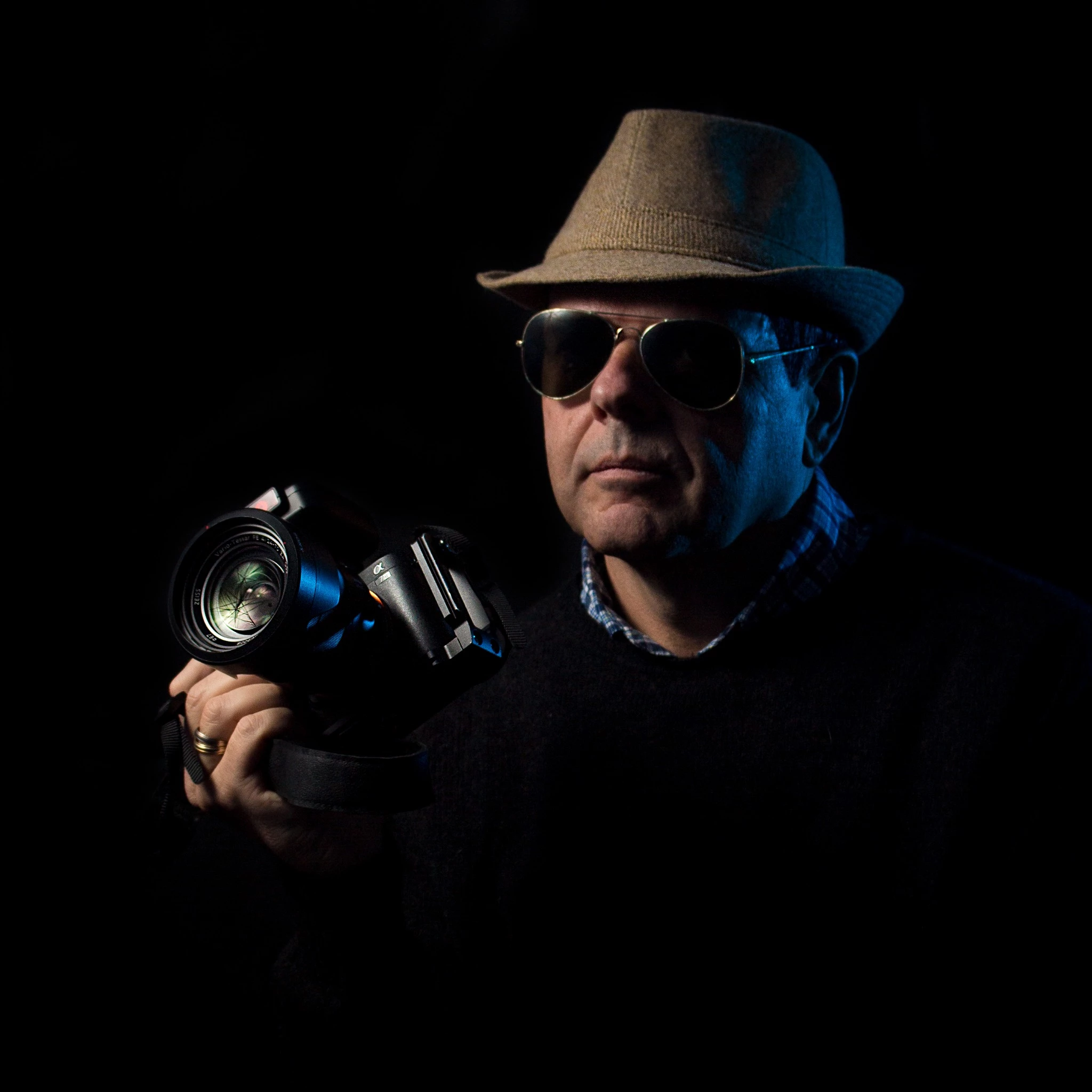
Keep an eye on the histogram. The blacks are missing. So, technically, the picture is overexposed. But as the major part of the image lies in the shadows, it gives you the impression to be too dark.

Just getting the histogram right, without much doing, only using the auto-feature of Adobe Camera Raw (same as with Lightroom) enhances the image.

You will need further fine-tuning the sky and the man. The man is the eye-catcher, so he should get special care. The sky needs to get dimmed down a bit to match the overall background. (the sky is always lighter, but should not be drawing the attention too much). This picture would have profited from a reflector (or a flash), to put more light on the man and his face.


ABAMBO | Hard- and Software Engineer | Photographer

alejandrom6594753
Known Participant
May 5, 2023

Gracias por la aclaracion. Tomo nota.

Abambo
Community Expert
Community Expert
May 5, 2023

You're welcome.

ABAMBO | Hard- and Software Engineer | Photographer

Jill_C
Community Expert
Community Expert
May 4, 2023

All 3 seem to be a bit underexposed, and the 3rd one has a noticeably blue tone.

Jill C., Forum Volunteer
Abambo
Community Expert
Community Expert
May 4, 2023

You make progress. I do not see the flaws at the first sight. I will need to take them on my computer. The iPad is not helping much here.

ABAMBO | Hard- and Software Engineer | Photographer
alejandrom6594753
Known Participant
May 12, 2023

Gracias por su ayuda
