This topic is closed to new replies. Start a new post to keep the conversation going.
RALPH_L
RALPH_LCorrect answer
Community Expert
March 14, 2023

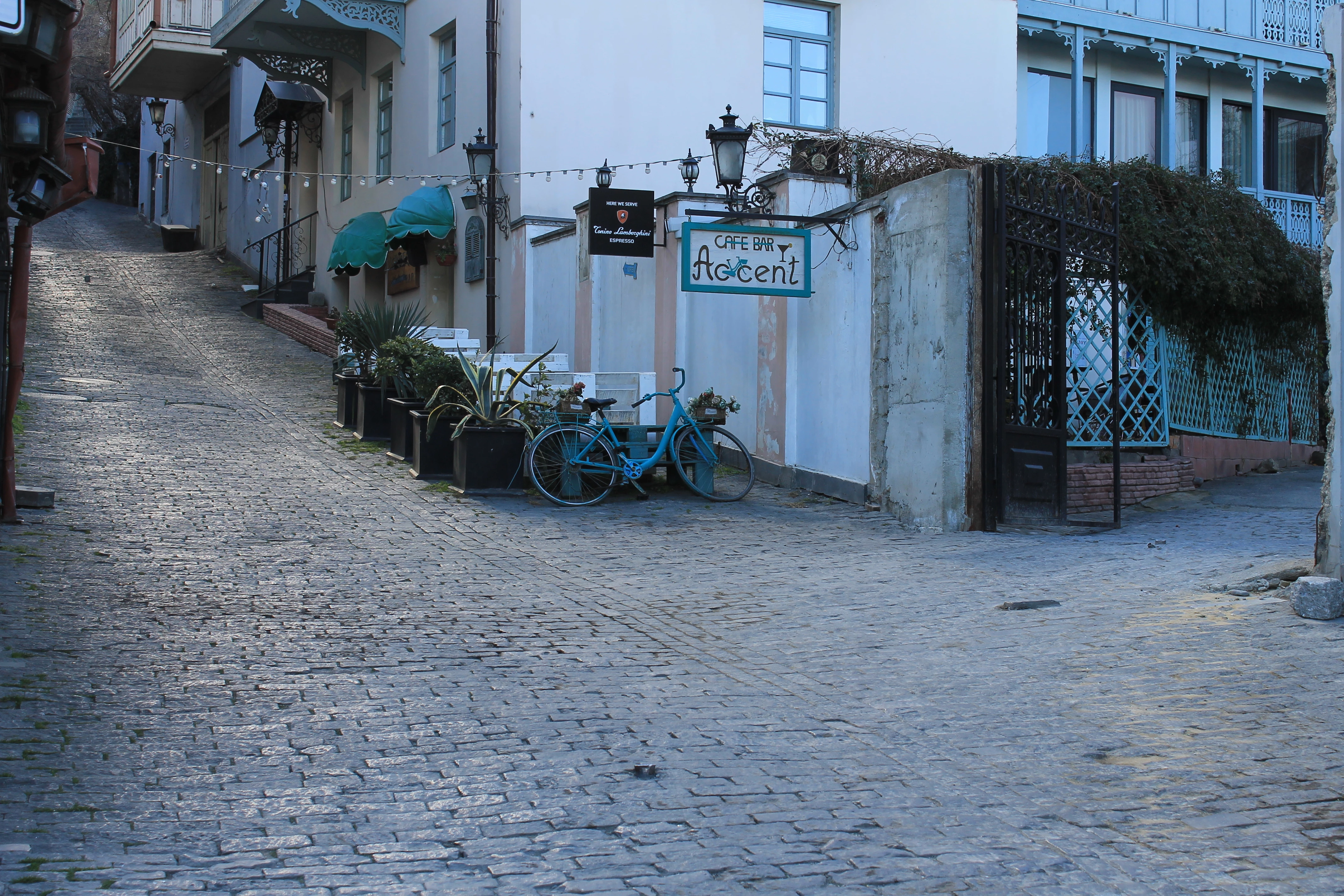
The white balance is off and it needs an IP release for the two signs.

4 replies

Jill_C
Community Expert
Community Expert
March 15, 2023

White balance is too cool, and the composition is odd - too much pavement in the foreground. You would also need to remove all logos and signs to avoid an IP rejection.

Translate
Jill C., Forum Volunteer
RALPH_L
Community Expert
RALPH_LCommunity ExpertCorrect answer
Community Expert
March 14, 2023

The white balance is off and it needs an IP release for the two signs.

Translate
Ricky336
Community Expert
Community Expert
March 14, 2023

Hello,

In this case, it could look like you added a filter actually, even if you didn't. You see, the problem is the colour temperature/white balance. You need to fix this. I guess it was taken in the shade. Correct the white balance - bring more warmth to the picture and crop out the sides a bit - e.g:


But, you do need to edit out the signs, because most probably it will get caught for IP reasons.

Have a read about IP release requirements:
https://helpx.adobe.com/stock/contributor/help/property-release.html


Translate
Abambo
Community Expert
Community Expert
March 14, 2023

The white balance is incorrect, and the framing is not good.

The exposure is erroneous:

(blacks are missing)

You have chromatic aberration and colour noise.

The signs will earn you a refusal for IP violation.

Translate
ABAMBO | Hard- and Software Engineer | Photographer