Participating Frequently
April 22, 2025
Question

Rejected Photos quality issues

  • April 22, 2025
  • 6 replies
  • 1181 views

Hi everyone, 
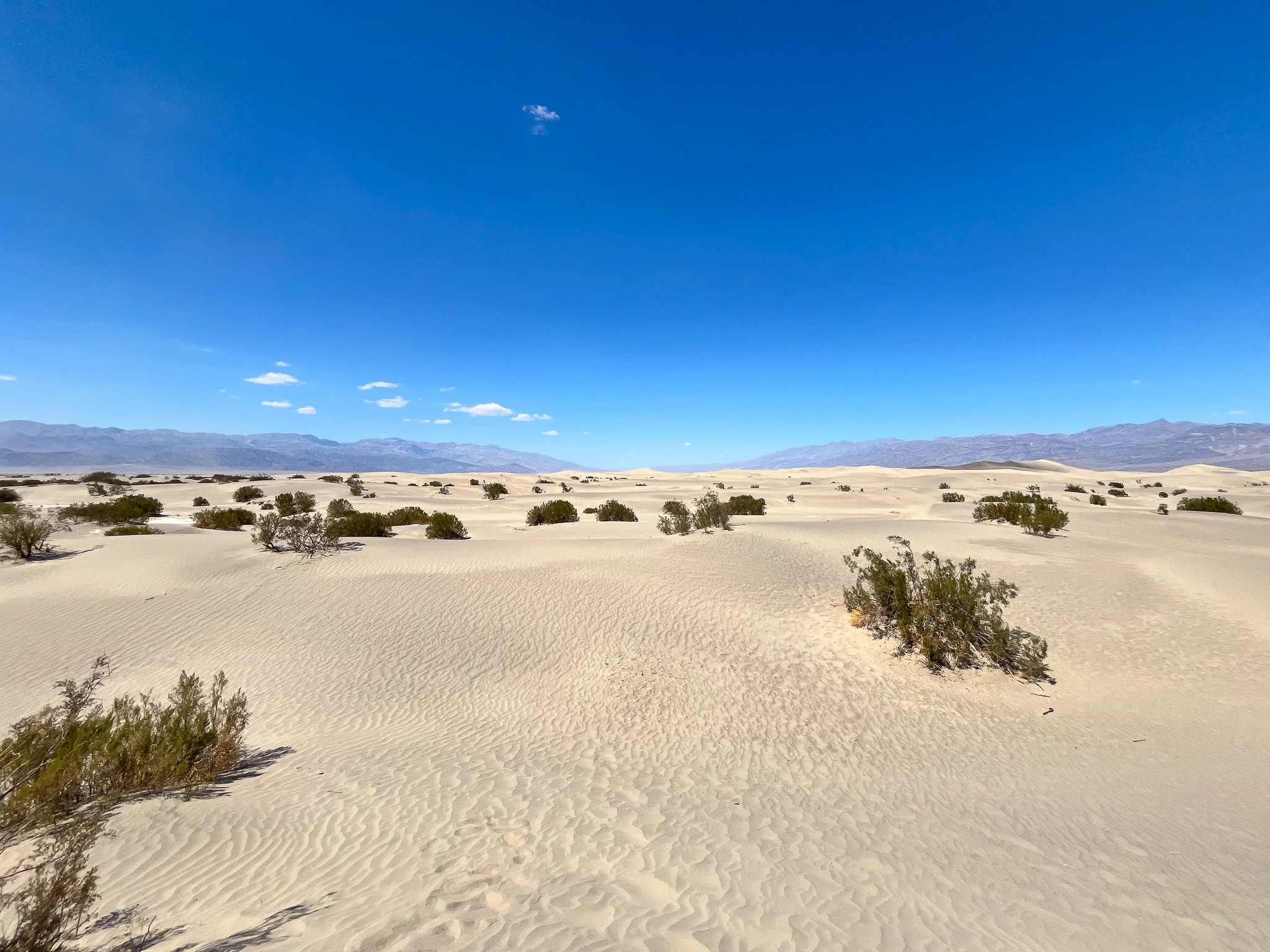
I am new to Adobe Stock (And new to photography) and i am trying to figure out, why these pictures have been rejected. 

I would be happy if you have any ideas or hints! 
6 replies

Legend
April 23, 2025

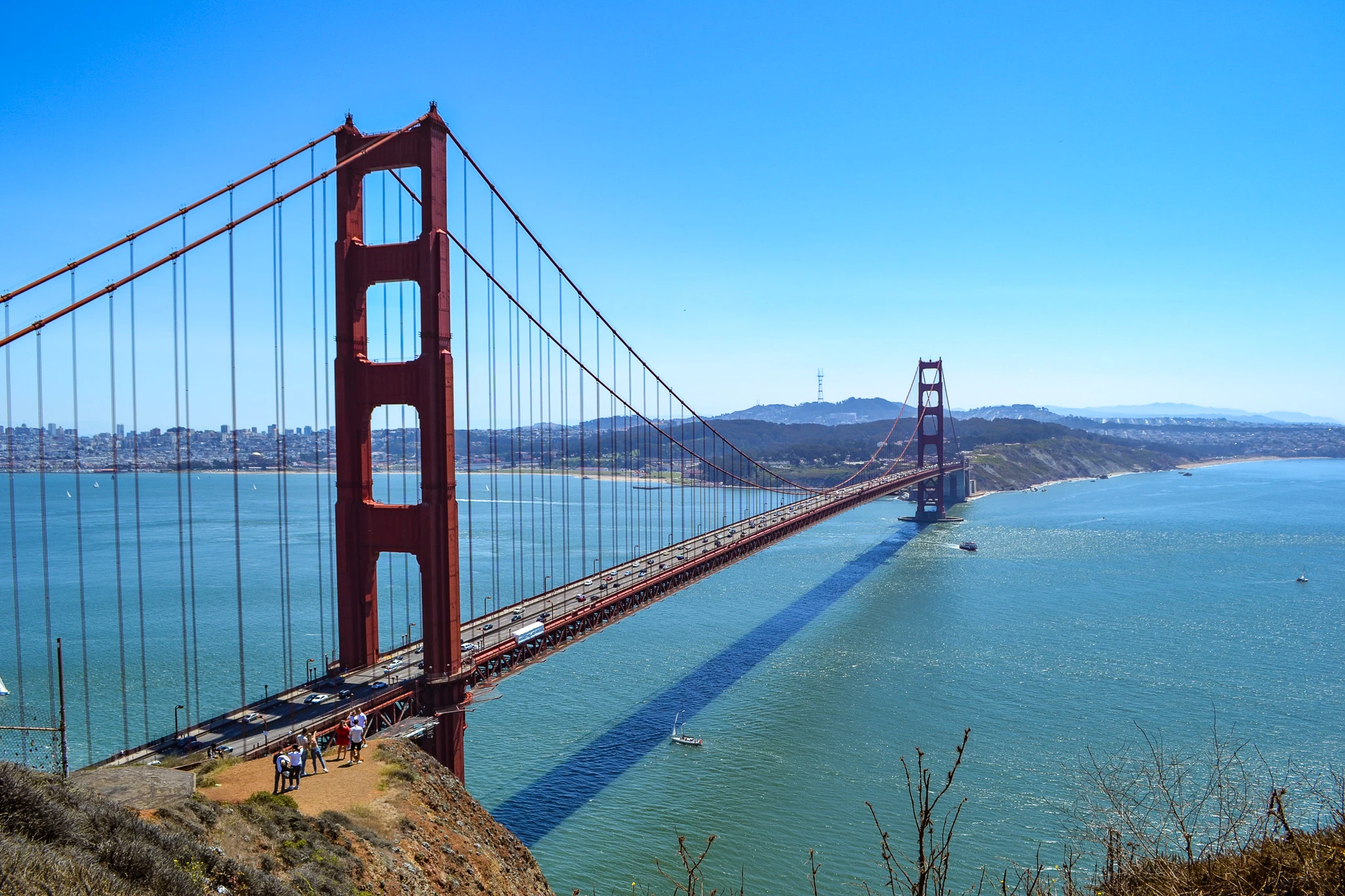
SaMedia - look at other images of Golden Gate Bridge.

Ricky336
Community Expert
Community Expert
April 23, 2025

Hello,

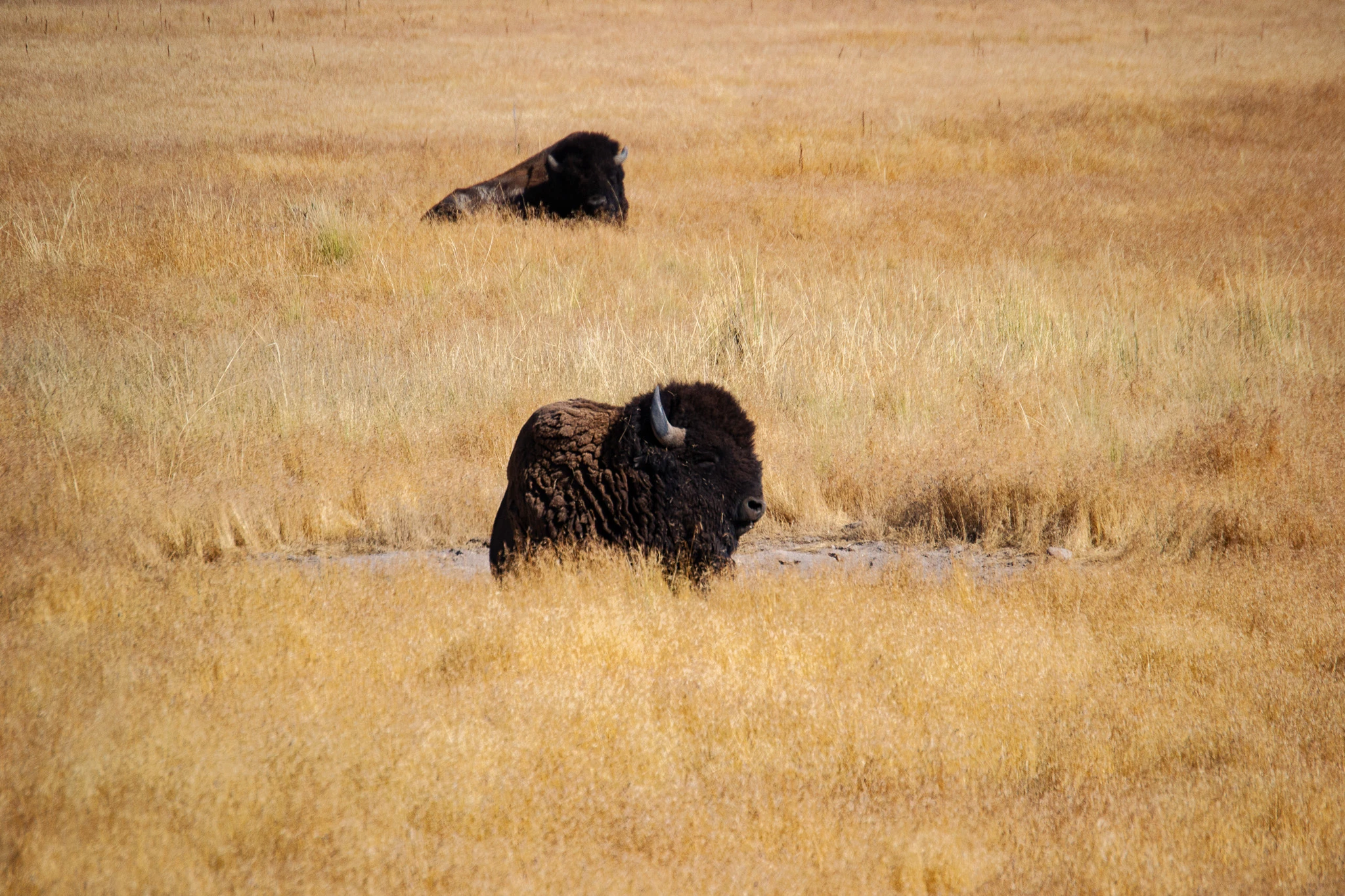
Your bison image is too yellow.

And, if you use Adobe Photoshop/Lightroom - you can mask the bison and increase the exposure/shadows to bring the face into more detail. E.g


Jill_C
Community Expert
Community Expert
April 22, 2025

1st image - bison underexposed, and you haven't achieved sharp focus on the eye of the bison in the foreground.

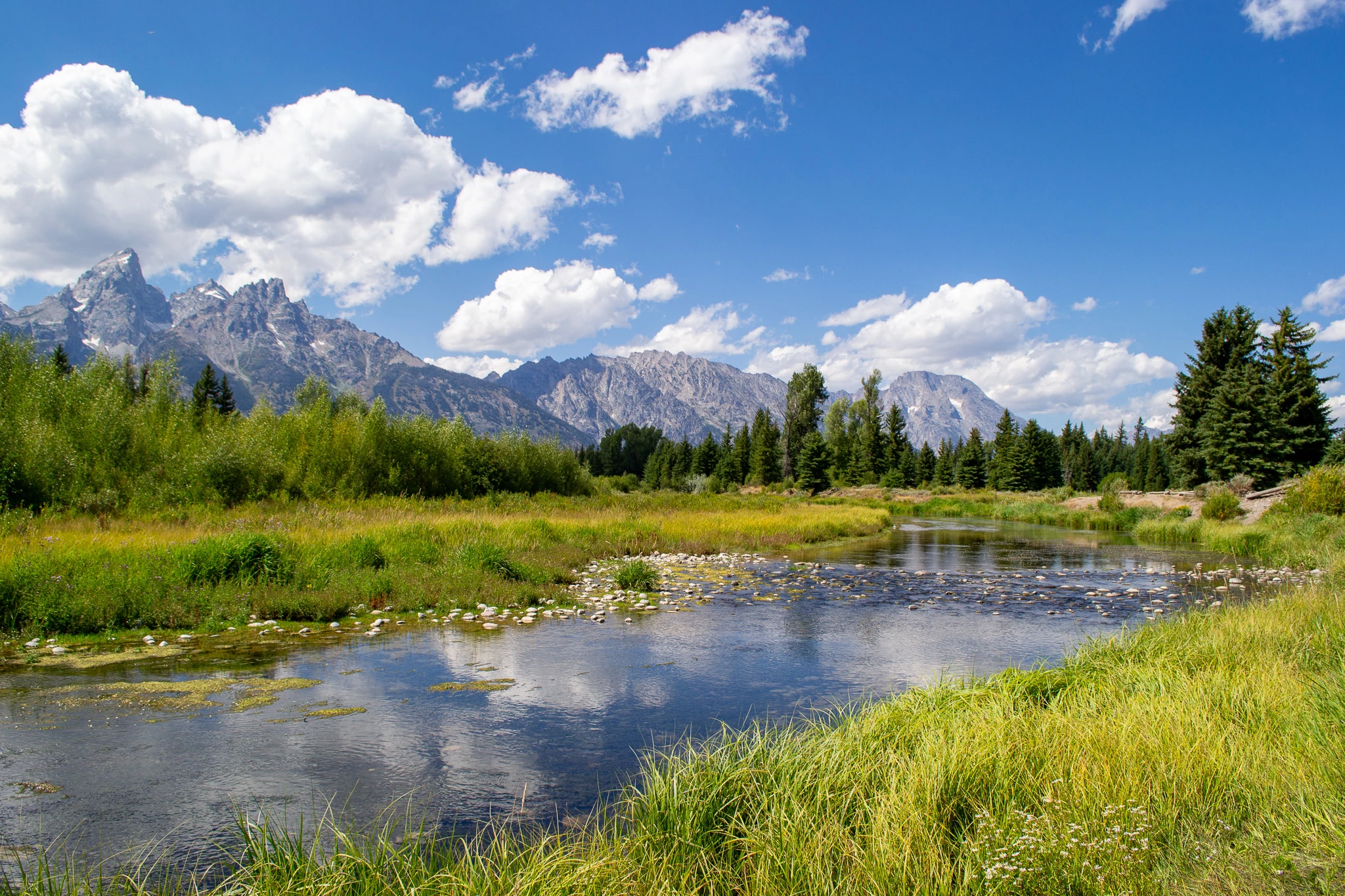
2nd image - chromatic aberration among the branches of the trees on the right

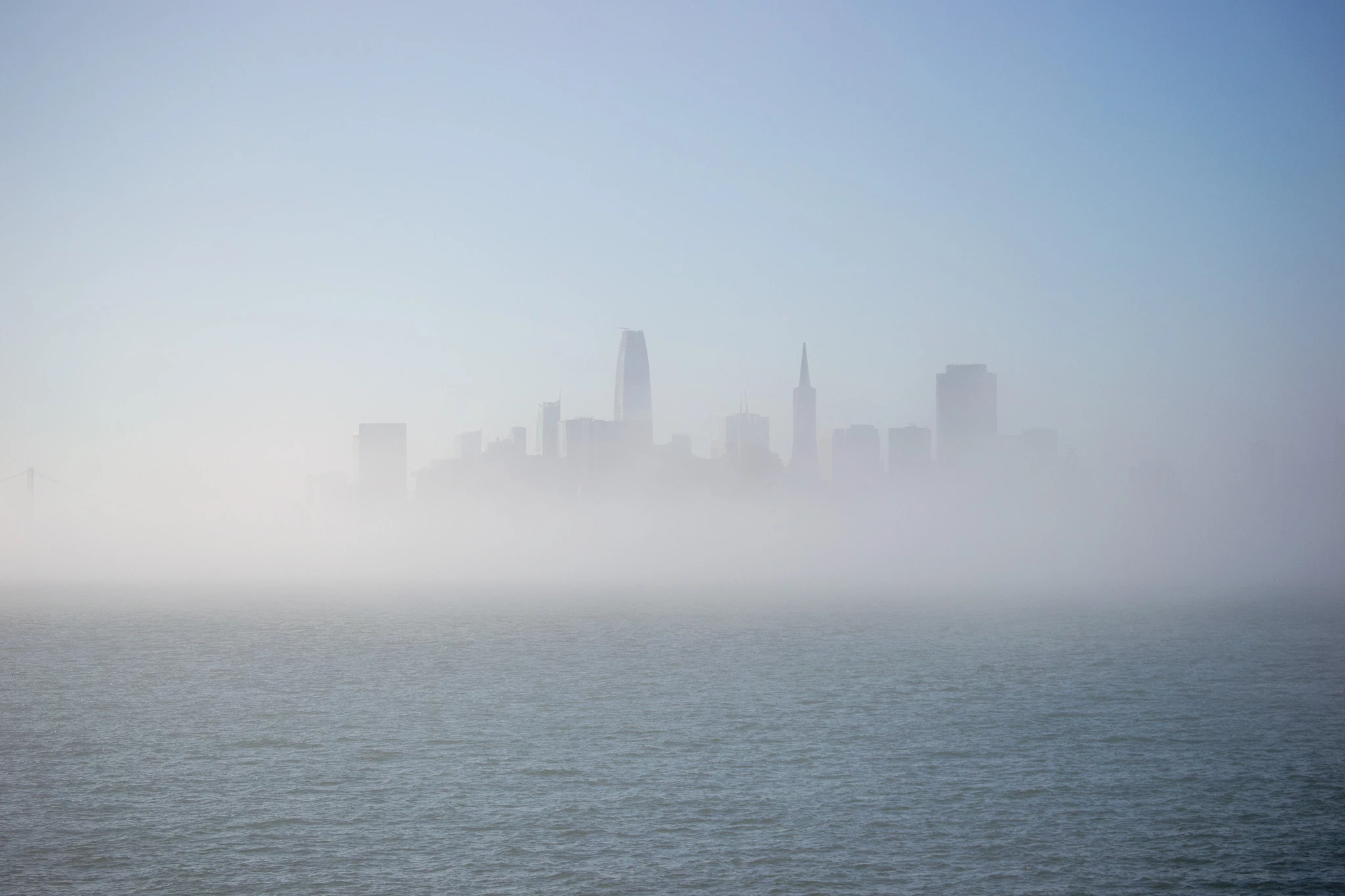
3rd image - it's difficult to get foggy/misty images accepted - I have failed numerous times. As @daniellei4510  suggested, improving contrast might help.


Jill C., Forum Volunteer
yamato713108855
Community Expert
Community Expert
April 22, 2025

The image is too small, so please post the actual image you submitted on the community.
The image will be enlarged to 100% for review.

Participating Frequently
April 22, 2025

The original pictures are about 13MB-20MB, I could not upload them here. it said 10Mb max are allowed. 

I will try to find a way to reduce the size without loosing quality. Thank you so far! 

Abambo
Community Expert
Community Expert
April 22, 2025

The maximum size is 47Mb in the Drag & Drop zone... So that should not pose any problem. 

ABAMBO | Hard- and Software Engineer | Photographer
RALPH_L
Community Expert
Community Expert
April 22, 2025

The stream photo has overexposed highlights in the clouds.

Participating Frequently
April 23, 2025

Hello Ralph, 

Thank you! I reduced the saturation a bit and the exposition of the lights. It got accepted now!

daniellei4510
Community Expert
Community Expert
April 22, 2025

The most obvious one is the bison. They are underexposed. Shadows could be opened up slightly on the others as well, and  more contrast on the skyline image.


Adobe Community Expert | If you can't fix it, hide it; if you can't hide it, delete it.
Abambo
Community Expert
Community Expert
April 23, 2025

The bisons are underexposed: 

The whites to the right are missing in the histogram. 


You will need to lift the shadows too. That will have a similar effect as @Ricky336 suggested. I would also guess that there are some artefacts with the background bison, but as you downsized the pictures, there is not really a possibility to assess that correctly. You also can't say something about noise or sharpness. So basically you can't get a full apreciation of any of your assets. Best is to post only one or two assets, but those in the same quality as submitted.

ABAMBO | Hard- and Software Engineer | Photographer
Participating Frequently
April 23, 2025

I think i figured out the the other pictures. I hope it works this time uploading the full quality.