June 29, 2024
Answered

Requested help uncovering incorrect details in some rejected images

  • June 29, 2024
  • 2 replies
  • 311 views
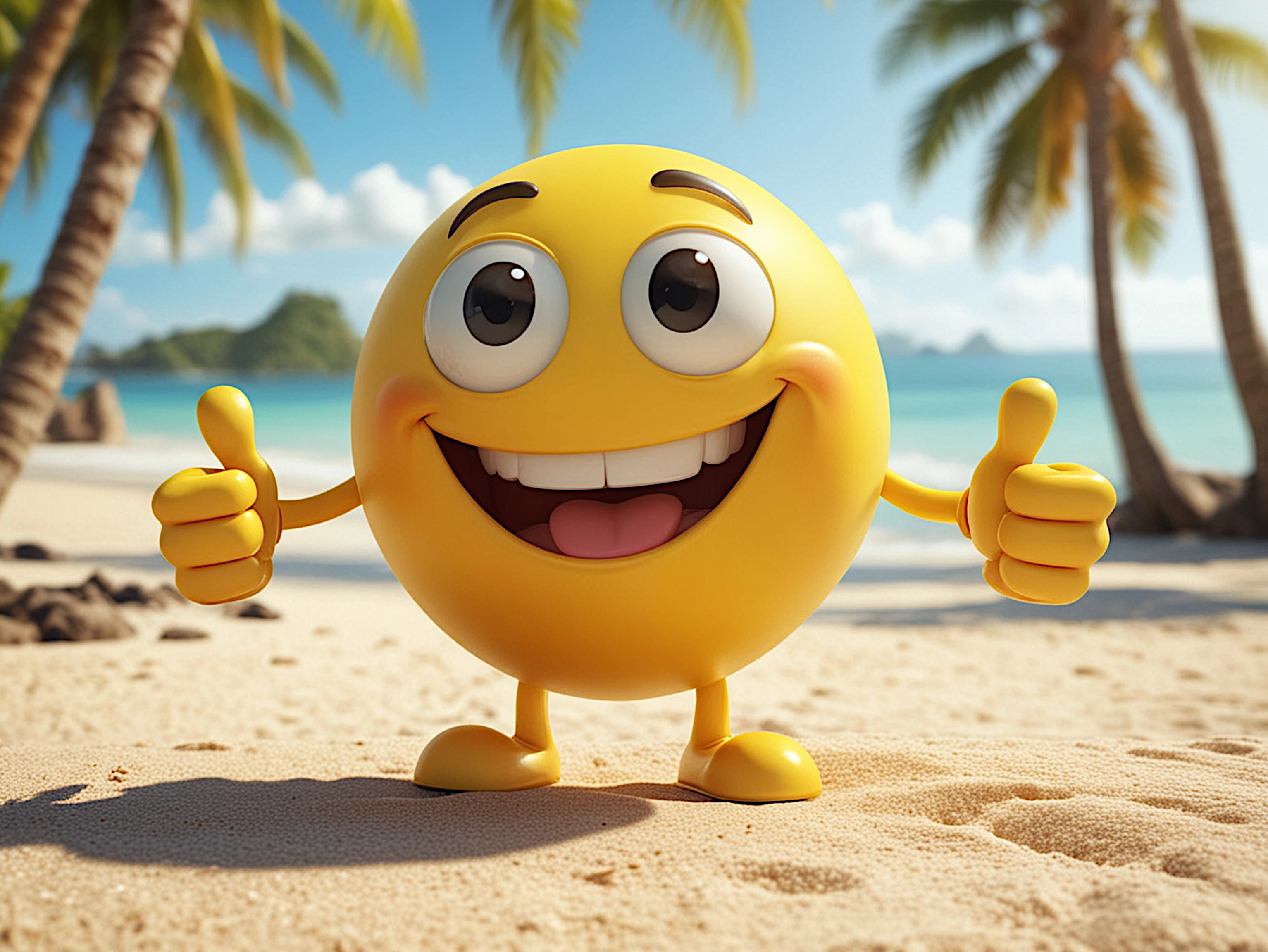
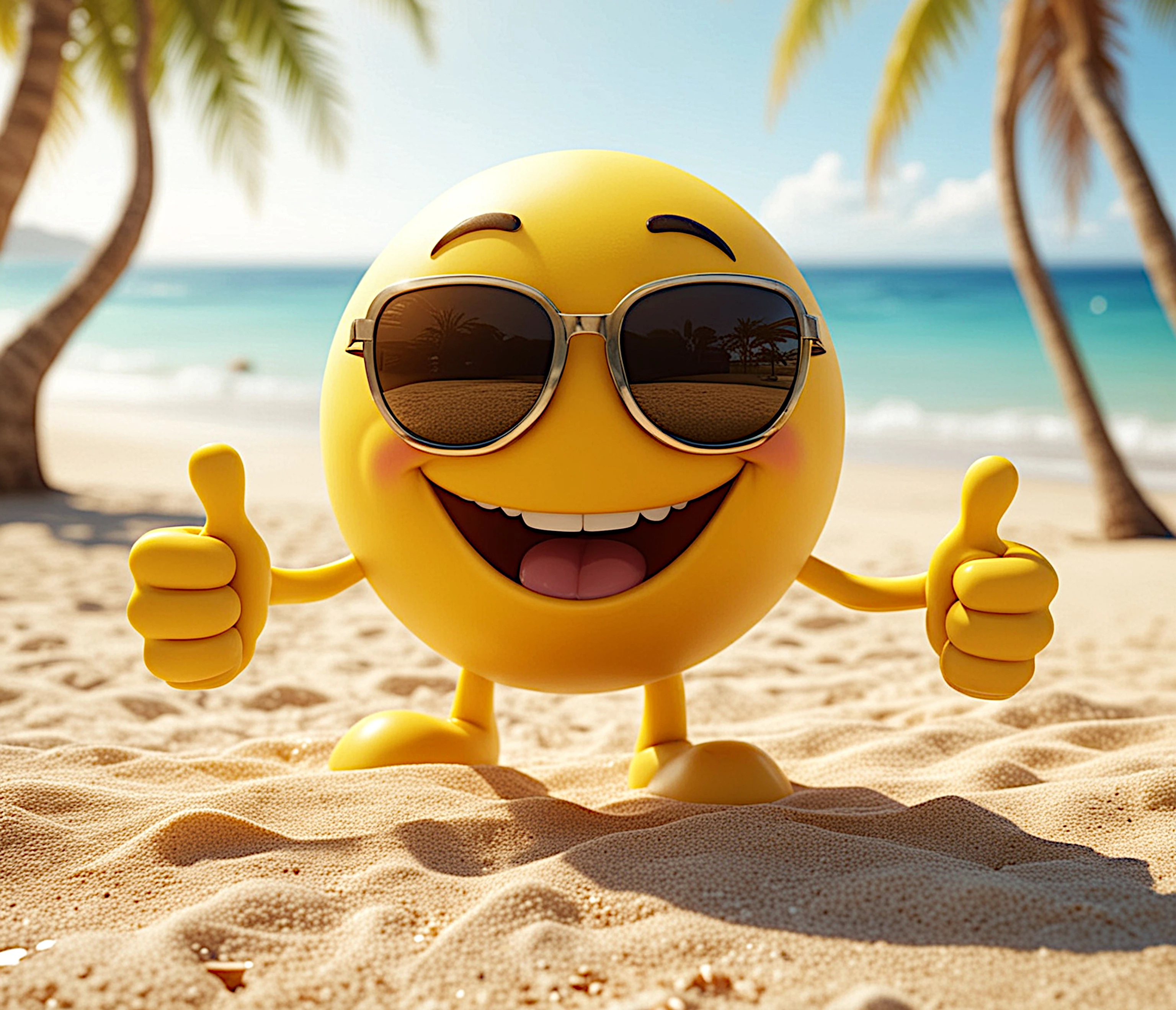
Good morning everyone, I'm a new contributor and for now I'm only uploading images generated by AI. I enlarged and carefully observed the rejected ones and discovered some defects (I apologize for not having noticed them before uploading them), but some of them seem technically perfect or almost perfect. I'll try to upload them, so that someone from the forum can help me understand where I went wrong and correct them. Thanks for the help.

 

This topic has been closed for replies.
Correct answer daniellei4510

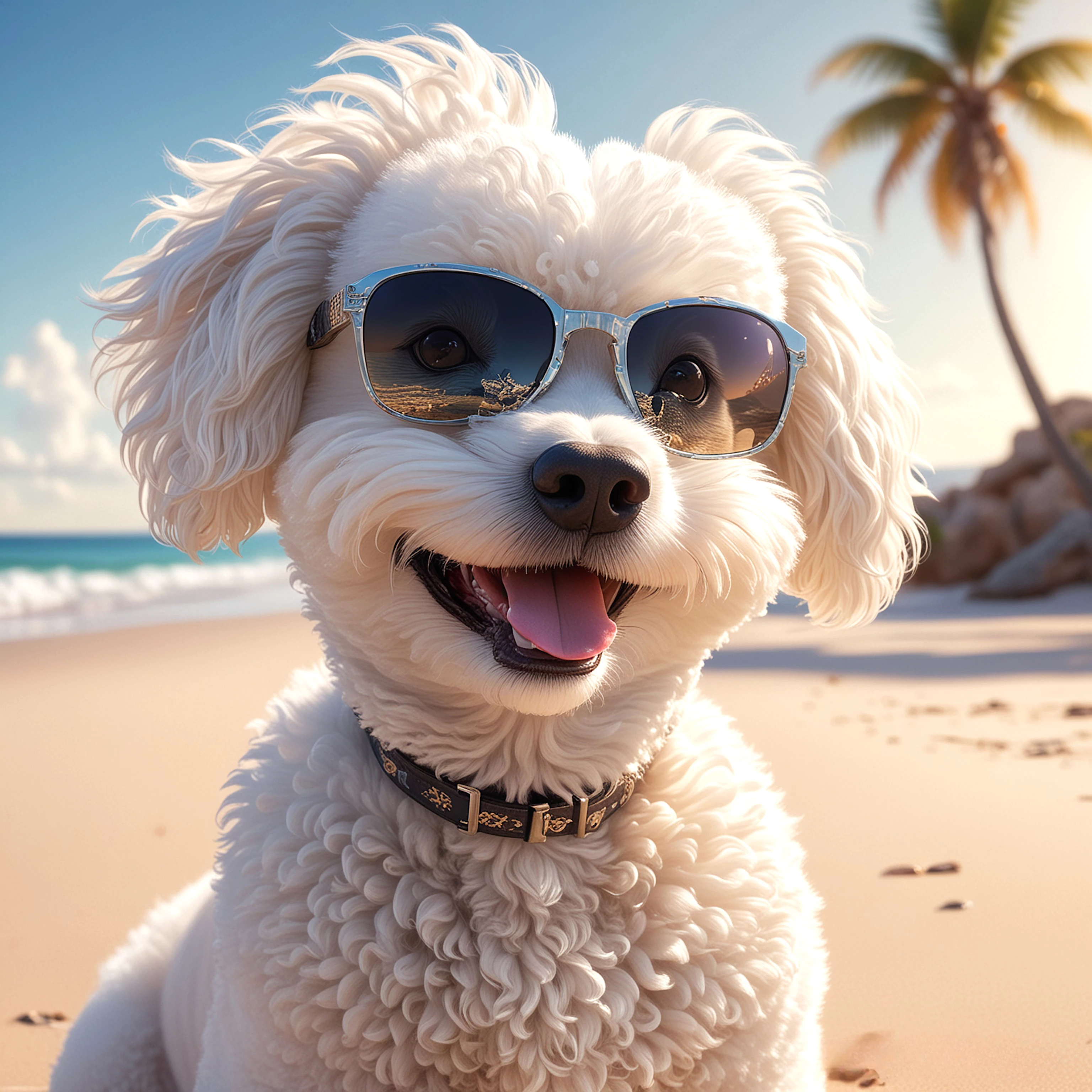
For the dog image, check the rims of the sunglasses. The one on the right especially is poorly rendered.

2 replies

Abambo
Community Expert
Community Expert
June 29, 2024

How many thongs does a dog have?

And as a dog owner, I know that the dog's teath are incorrect. This is in addition to the glasses.

I do not think that you can correct the errors in a reasonable time frame.

You should also check the hands of the smilies. I expect cartoonish hands to be 4 finger hands, but still, there are rendering errors with those hands:

Check also the glasses on the second smiley. And check the sand. The sand is poorly rendered, when in focus. 


ABAMBO | Hard- and Software Engineer | Photographer
daniellei4510
Community Expert
daniellei4510Community ExpertCorrect answer
Community Expert
June 29, 2024

For the dog image, check the rims of the sunglasses. The one on the right especially is poorly rendered.

Adobe Community Expert | If you can't fix it, hide it; if you can't hide it, delete it.
June 29, 2024

Yes, i see. Is it possible to correct the image and reload it?

daniellei4510
Community Expert
Community Expert
June 29, 2024

Yes, you can resubmit rejected images after fixing issues. 

Adobe Community Expert | If you can't fix it, hide it; if you can't hide it, delete it.