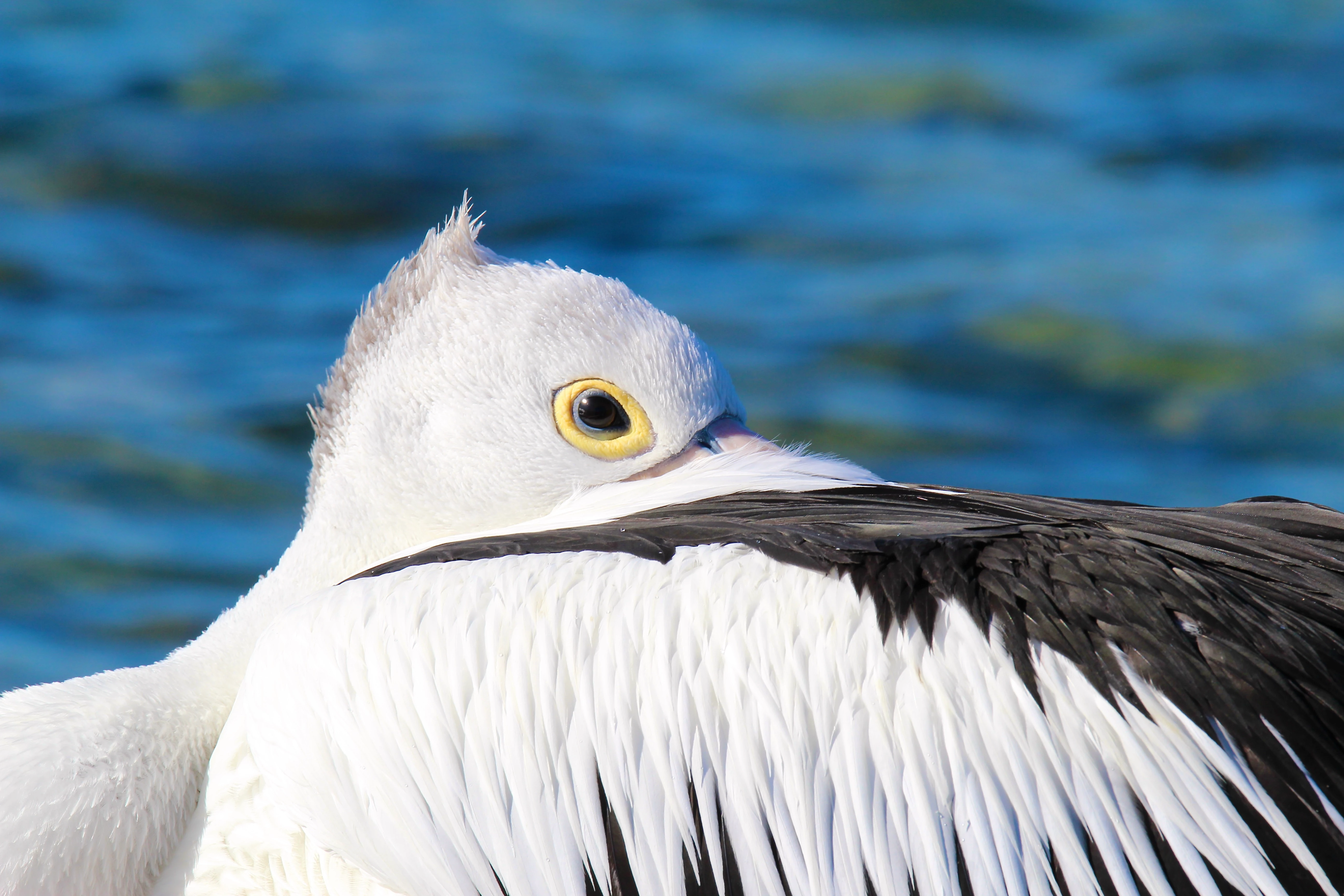
The feathers on the pelican's head are overexposed. You need to reduce the highlights. If these are 'straight-from-the-camera', you need to do some post-processing to fix some exposure issues in photo editing software - e.g. Adobe Photoshop.
Look at your histogram. There are alot of the pixels pushed to the highlighted portion (right side) of the histogram. The reason for your refusal is the iluminated highlight "clipping" indicator. (triangle in the upper right corner). This indicates that some highlights are so over exposed that all details are lost.
You can correct the exposure issues in Lightrooms basic settings. Notice how the histogram now looks?
Here the same issue except whites are missing and the shadow "clipping" indicator is on.
Always check the histogram. Clipping will result in "quality" rejection.
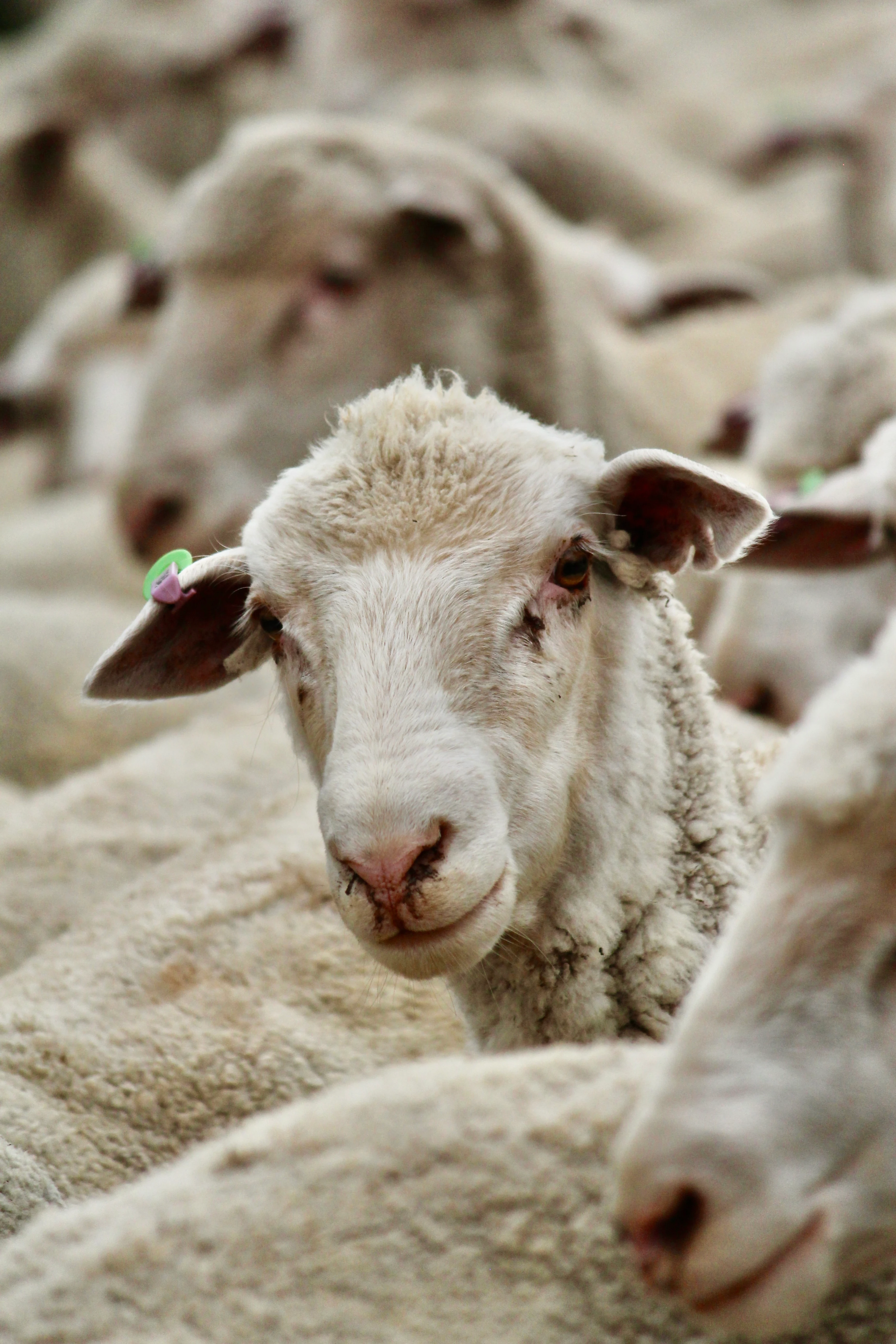
You'll be asked to provide a signed property release. The owner must give you written permission to use the animal's likeness commercially. Otherwise, you'll get a strike for IP violation.



 AdChoices