Participant
February 2, 2021
Answered

Selling Pictures

  • February 2, 2021
  • 2 replies
  • 399 views

Hi.
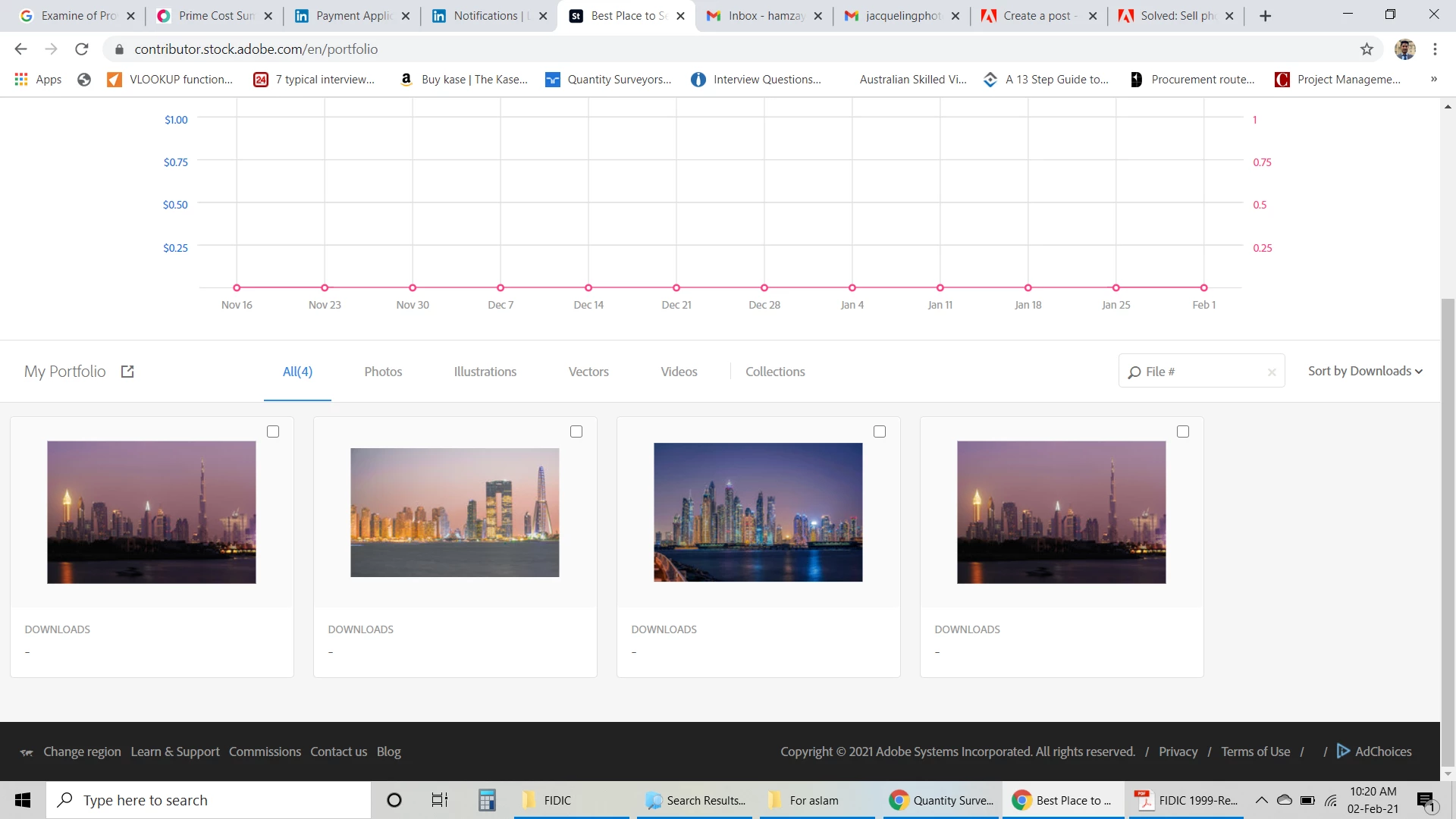
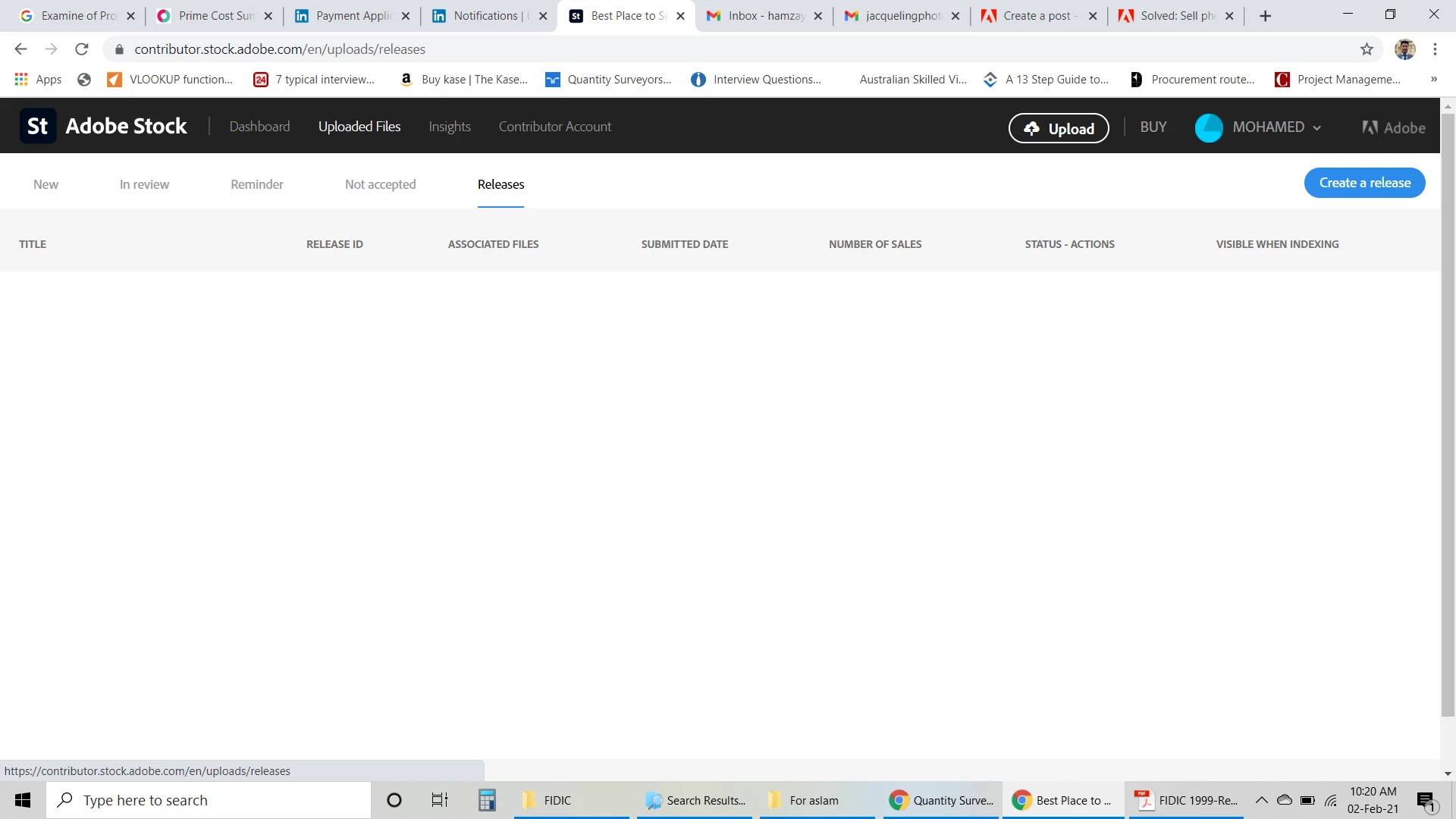
after lot of hardwork finally my 4 pictures are accepted. accepted pictures are in the "Dashboard" not in the "Release". can anybody explain me how to sell the pictures are accepted.
 

This topic has been closed for replies.
Correct answer RALPH_L

You are good to go. Once your photos are on your Dashboard they are available for customers to purchase. "Release" is fgor model releases. You don't have anything else to do but wait.

2 replies

jacquelingphoto2017
Community Expert
Community Expert
February 2, 2021

Hi @hamzaysm ,

Congratulations. 

Within 24 hours after approval the system will update to include your images on the Adobe Stock website. Adobe does their marketing, hence you do not really have to do anything except you really want to. 

Also you may click on "Contributor Account" on the top black menu bar, then click on "See my public profile" towards the top right to your file on the website.

Even though you do not have to do anything else, if you want to show off you picture you can post a link on social media.

Keep up the good work.

Best wishes

JG

RALPH_L
Community Expert
RALPH_LCommunity ExpertCorrect answer
Community Expert
February 2, 2021

You are good to go. Once your photos are on your Dashboard they are available for customers to purchase. "Release" is fgor model releases. You don't have anything else to do but wait.