Participant
April 14, 2025
Question

Some changes have been made to my portfolio after a re-review of some assets

  • April 14, 2025
  • 2 replies
  • 591 views


Hello Adobe Stock Community,

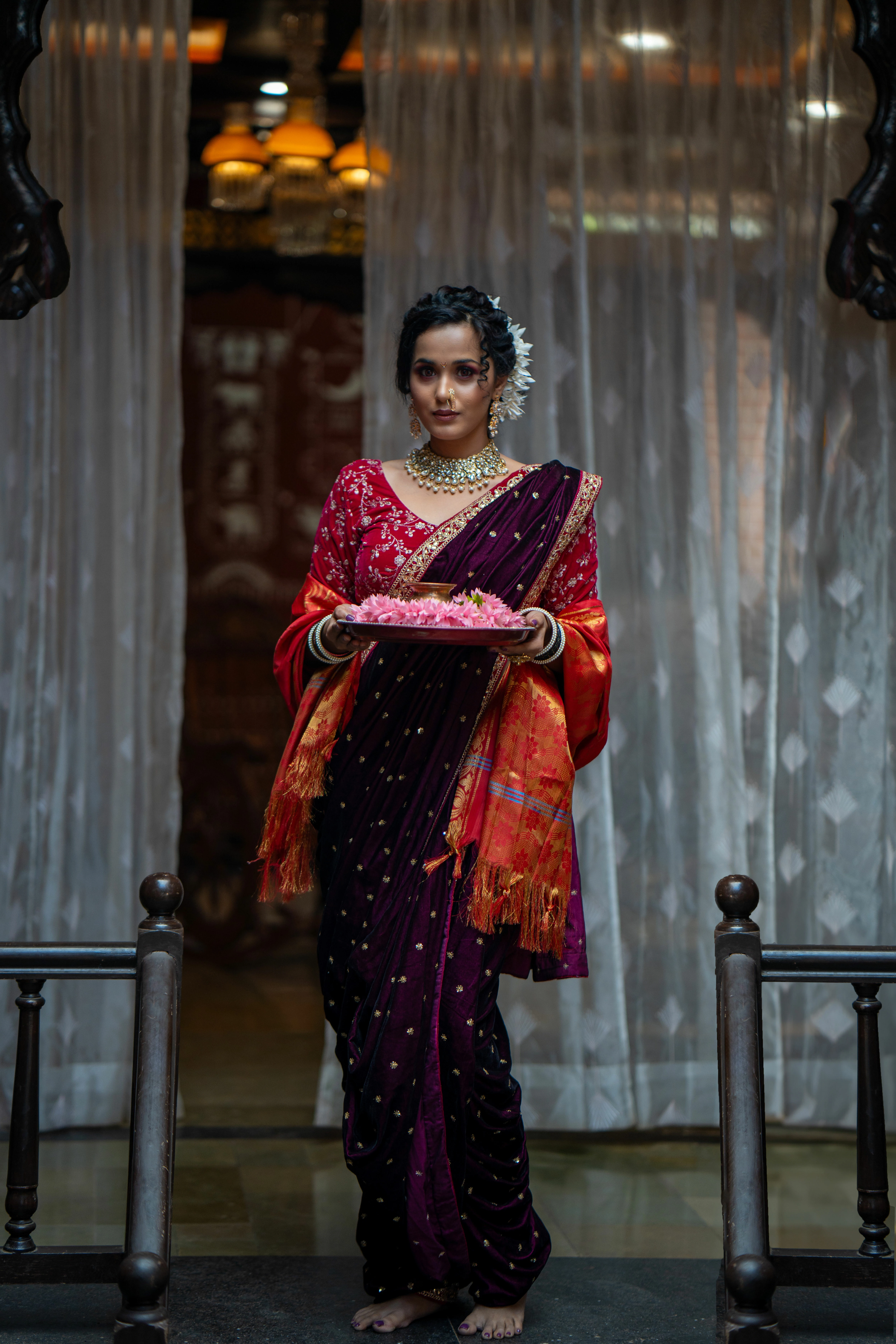
I recently received an audit notice regarding the removal of the following files from my portfolio, stating they are "Incompatible with Terms":

  • File ID: 987813323 | Filename: DSC06243A.jpg
  • File ID: 987813869 | Filename: DSC06269.jpg

The notification mentioned an internal audit but didn’t provide specific reasons. I have reviewed the Content Submission Guidelines and believe the images adhere to the terms.

I would appreciate if anyone from the team or community could help me understand:

  • What exact policy do the images violate?
  • Is there a way to appeal or revise and resubmit?

Looking forward to some clarity so I can ensure my future uploads comply fully.


2 replies

synthetick
Community Expert
Community Expert
April 15, 2025

Adobe are removing duplicates. We have received official confirmation of this. (On Adobe Stock's Discord server, just a short time ago.) Have a look in your portfolio and you should be able to find these files still online, with different file numbers from the ones that were move to the Not Accepted tab.

Abambo
Community Expert
Community Expert
April 14, 2025

Your assets have quality issues, and shouldn't have been accepted in the database. That's all. Check your assets at 100% and you will see, that the faces are underexposed, show a lot of noise and are not exactly sharp.


There is no way to appeal.

ABAMBO | Hard- and Software Engineer | Photographer
Participant
April 14, 2025

I understand that quality issues such as underexposure, noise, and sharpness are critical factors during both initial review and internal audits.

However, I was surprised as these assets were initially approved and even performed decently in terms of views. I’m now reviewing my entire workflow—mainly how I handle exposure and noise at 100% zoom.

Is there any documentation or visual reference Adobe provides showing how to best assess technical flaws (like noise thresholds or sharpness levels) from a reviewer’s perspective?

Thanks again for taking the time to respond. I appreciate your honesty—it helps in refining my portfolio further.

Abambo
Community Expert
Community Expert
April 14, 2025

Exposure: check the histogram.

Sharpness (with portraits): check your assets at 100%, especially the eyes. Noise: check your asset 1t 100%, sometimes, so that I have a better appreciation, you can also check at 200%.


If you are new to stock, you should consider these resources: https://helpx.adobe.com/stock/contributor/tutorials.html
Please read the contributor user manual for more information on Adobe stock contributions: https://helpx.adobe.com/stock/contributor/user-guide.html
See here for rejection reasons: https://helpx.adobe.com/stock/contributor/help/reasons-for-content-rejection.html
and especially quality and technical issues: https://helpx.adobe.com/stock/contributor/help/quality-and-technical-issues.html

ABAMBO | Hard- and Software Engineer | Photographer