
belindamora1015
Inspiring
April 9, 2026
해결됨

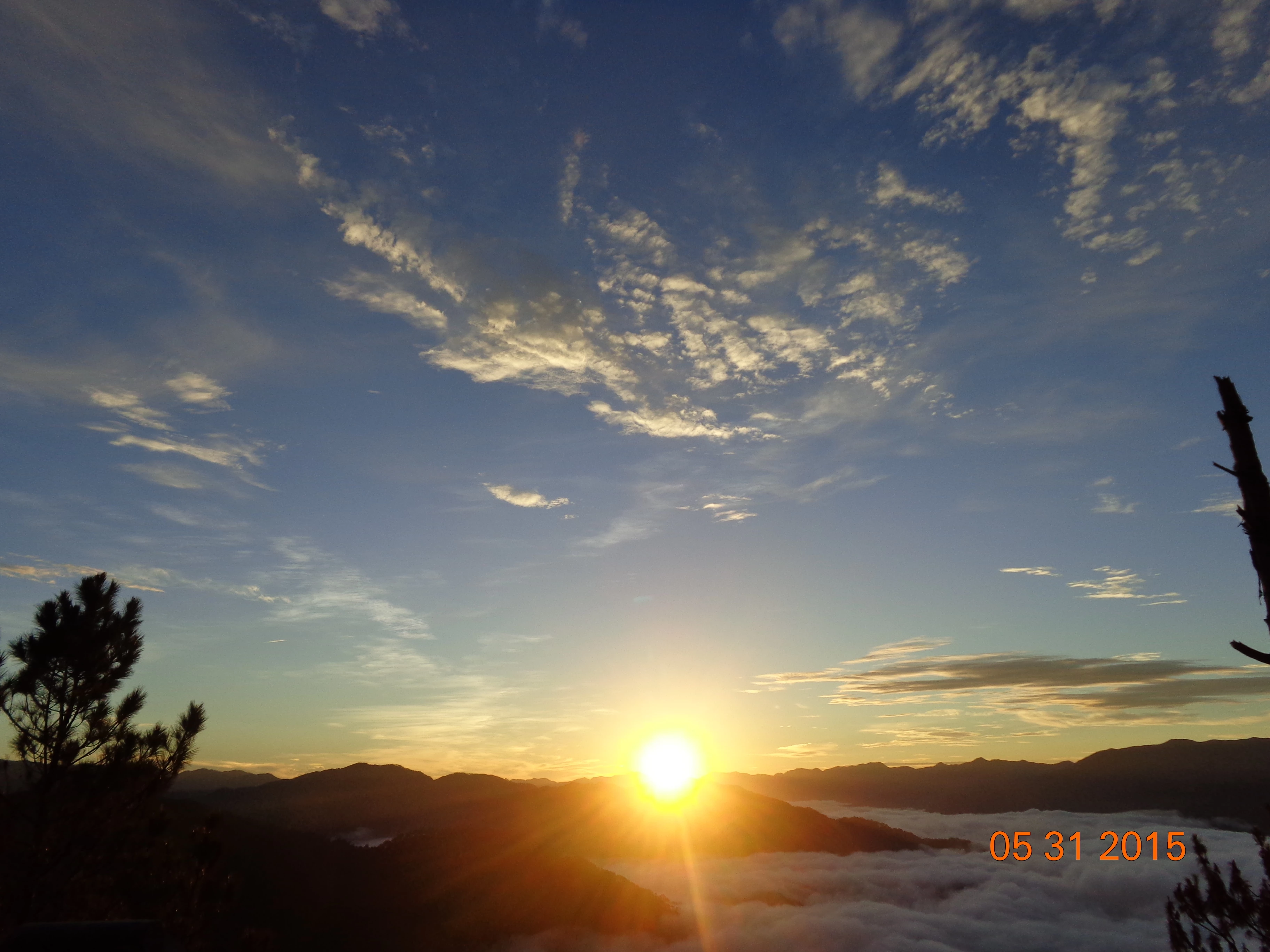
Some of my photo has date display in it due to camera setting, I assume that it is the reason why it is rejected, can I crop the original photo to remove the date , will it be accepted?

  • April 9, 2026
  • 6 답변들
  • 81 조회


    최고의 답변: belindamora1015

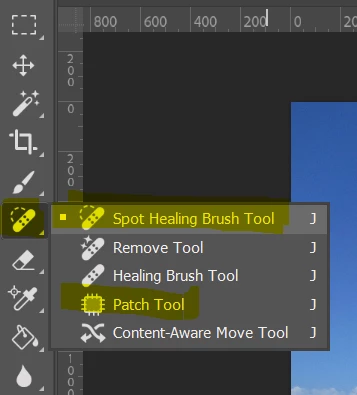
    Use Photoshop’s Spot Healing Brush or Patch Tool to remove unwanted content from photos.
     

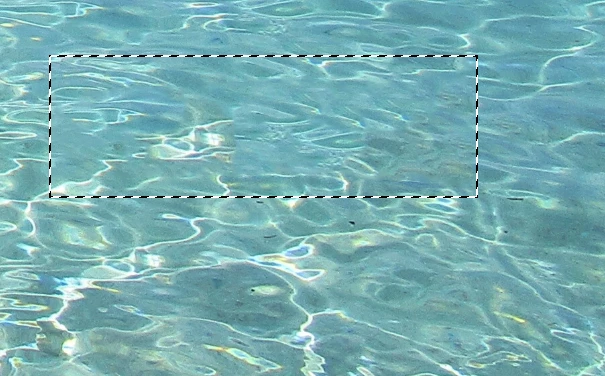
    After Spot Healing Brush. No more timestamp.
     

    Tha nks for the suggestion


    6 답변

    belindamora1015
    Inspiring
    April 10, 2026

    please mark this question "Answered"

    Nancy OShea
    Community Expert
    Community Expert
    April 10, 2026

    Use Photoshop’s Spot Healing Brush or Patch Tool to remove unwanted content from photos.


    After Spot Healing Brush. No more timestamp.


    Nancy O'Shea— Product User & Community Expert
    belindamora1015
    belindamora1015작성자답변
    Inspiring
    April 10, 2026

    Use Photoshop’s Spot Healing Brush or Patch Tool to remove unwanted content from photos.


    After Spot Healing Brush. No more timestamp.


    Tha nks for the suggestion


    daniellei4510
    Community Expert
    Community Expert
    April 9, 2026

    Do you have Photoshop or another graphics editing program? You shouldn’t need to crop; there are editing tools that can remove the dates.

    Adobe Community Expert | If you aren't submitting your assets in sRGB, you probably didn't read the rules.
    RALPH_L
    Community Expert
    Community Expert
    April 9, 2026

    The dates are one problem and yes you can remove them. However, your photos have other “quality” problems.
    1. The ocean is poorly cropped and the horizon is tilted. The photo also shows noise.
    2. The landscape is poorly cropped and underexposed.

    April 9, 2026

    Hey ​@belindamora1015 

    Keep in mind there are 7+ million ocean blue images 

    A bit of competition. You may be rejected for similar content.


    Cheers

    Nate

    belindamora1015
    Inspiring
    April 9, 2026

    the comment of the reviewer in my photo is technicality, not similar content. I had  my other entry where the reviewer says similar content issue.

    daniellei4510
    Community Expert
    Community Expert
    April 9, 2026

    A moderator can only give one reason for rejection out of potentially many. Even if approved, the asset would then be put under scrutiny by another process to determine if there is similar content in the database. 

    Adobe Community Expert | If you aren't submitting your assets in sRGB, you probably didn't read the rules.
    yamato713108855
    Community Expert
    Community Expert
    April 9, 2026

    It is possible to crop the image before submitting.

    However, if you zoom in to 100% to check, you will see a lot of noise.

    There is a possibility that the image may be rejected due to the noise.
