
Inspiring
November 4, 2017
Answered

Submitting .ai files

  • November 4, 2017
  • 1 reply
  • 849 views

I asked this before, but I don't know if I worded it such to get the answer I was seeking.

I followed forum links and made adjustments regarding color management but the result is the same.

My .ai files look great on my monitor. I have the color settings set as North America Web/Internet.

When I upload them to Adobe Stock. They turn extremely dark on my screen, nothing like the jpg or eps.
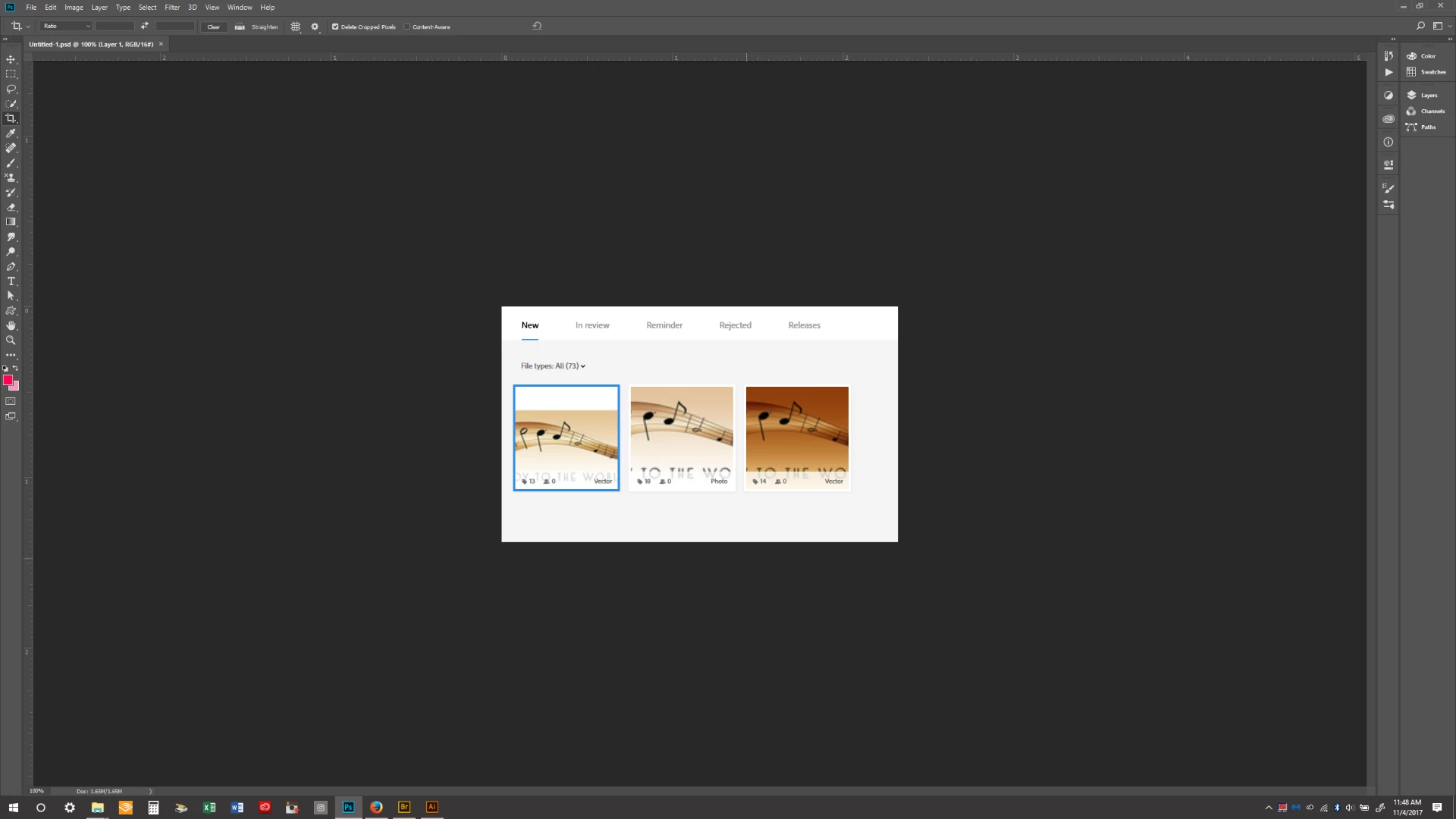
Any suggestions would be greatly appreciated!

This topic has been closed for replies.
Correct answer lkyp

Export the vector as a jpeg file at least 15MP in size using sRGB color profile.

Then add that exported jpeg into a zipped folder with the vector file and upload the zip to Adobe Stock.

Kind regards,

Mat Hayward


Perhaps, I wasn't clear my question was about submitting as an 'ai' file, not a jpg.

From the attached original image, why is the color of my 'ai' file darker than jpg or eps? How do I correct this?

1 reply

MatHayward
Legend
November 9, 2017

Try zipping the AI file in a folder with a 15MP jpg preview (srgb color profile) and uploading the .zip file. That should fix it for you.

-Mat

lkypAuthor
Inspiring
November 10, 2017

Sorry, I'm not following...save as an srbg file. Then put it in its own folder?  How do you submit a  zip folder to Adobe Stock?

MatHayward
Legend
November 16, 2017

Export the vector as a jpeg file at least 15MP in size using sRGB color profile.

Then add that exported jpeg into a zipped folder with the vector file and upload the zip to Adobe Stock.

Kind regards,

Mat Hayward