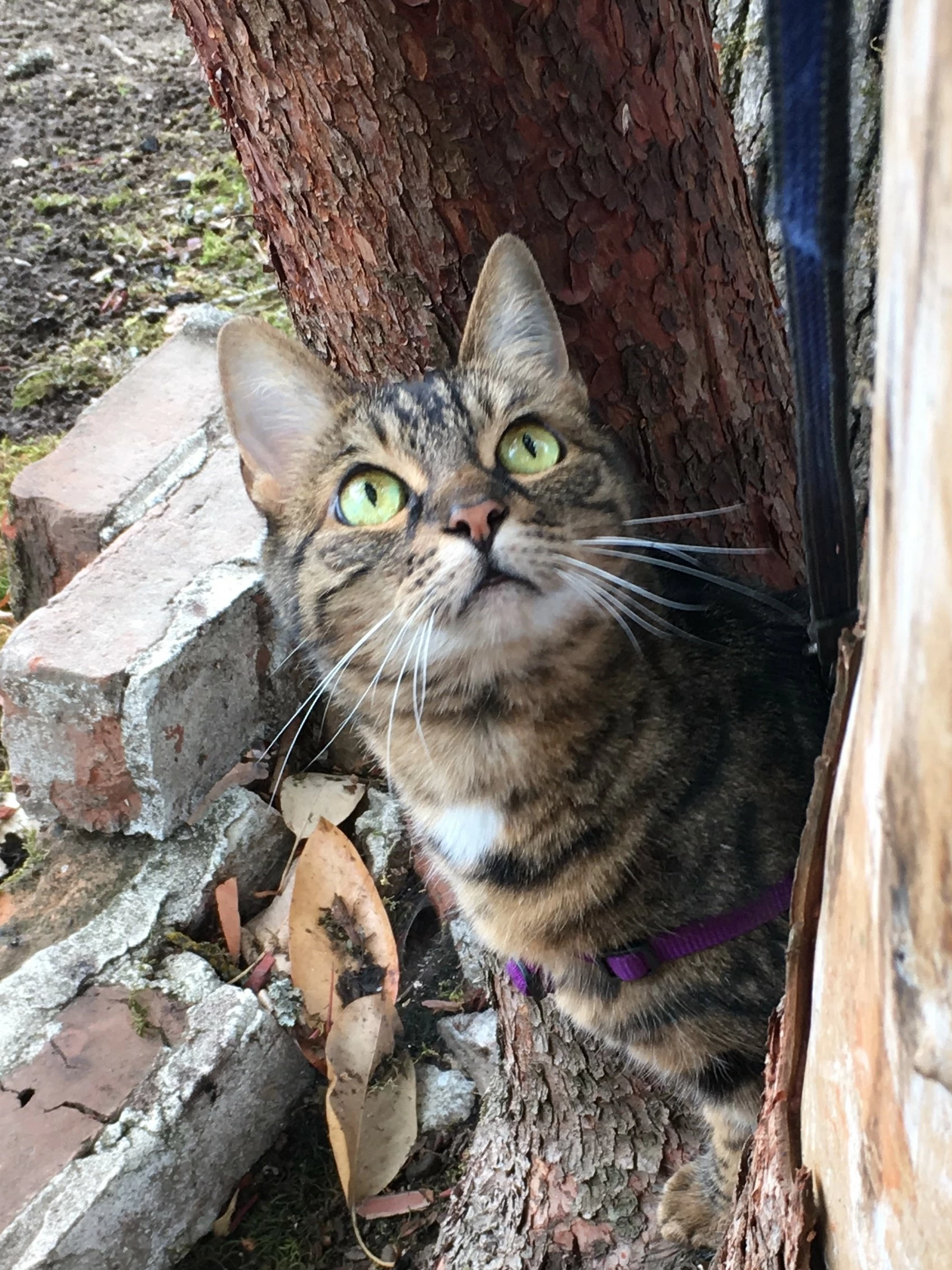
For your picture though, there are many pet photos. The photo should have the WOW factor. Make it special. Unfortunately, yours is just another photo of a cat!
The green leaves of a plant on the right are distracting, so you need to be careful of what is in the frame of the picture. When looking through the viewfinder, or at the screen, make sure you see what is around the edges of the frame. However, here you can always crop it out.
I just had the same thing ..... would be nice to know what the Technical Reason is for example "out of focus" , "incorrect file size" or "worng file format" .... what does it mean
I like the composition. The cake looks delicious also. It's making my mouth water. Please zoom in at 100 to 200% to inspect you file as you review the issues I've found. The issues are as follows:
The subject is not completely in focus. Most of the edges are soft. (That is not a technical issue)
There is not sufficient depth of field.
There is a white balance issue. It is a bit too yellow.
There is too much highlights.
The edges are not well defined, coupled with the highlights, and incorrect white balance causes plate edge on the left to be blown out,
There is red color fringe in the forefront along the edge of the plate.
This photo seem to have been taken in low light settings indoor. You might also have used auto settings that many times do not adjust accurately, otherwise your white-balance settings was incorrect.

 AdChoices