Answered
Technical Rejection
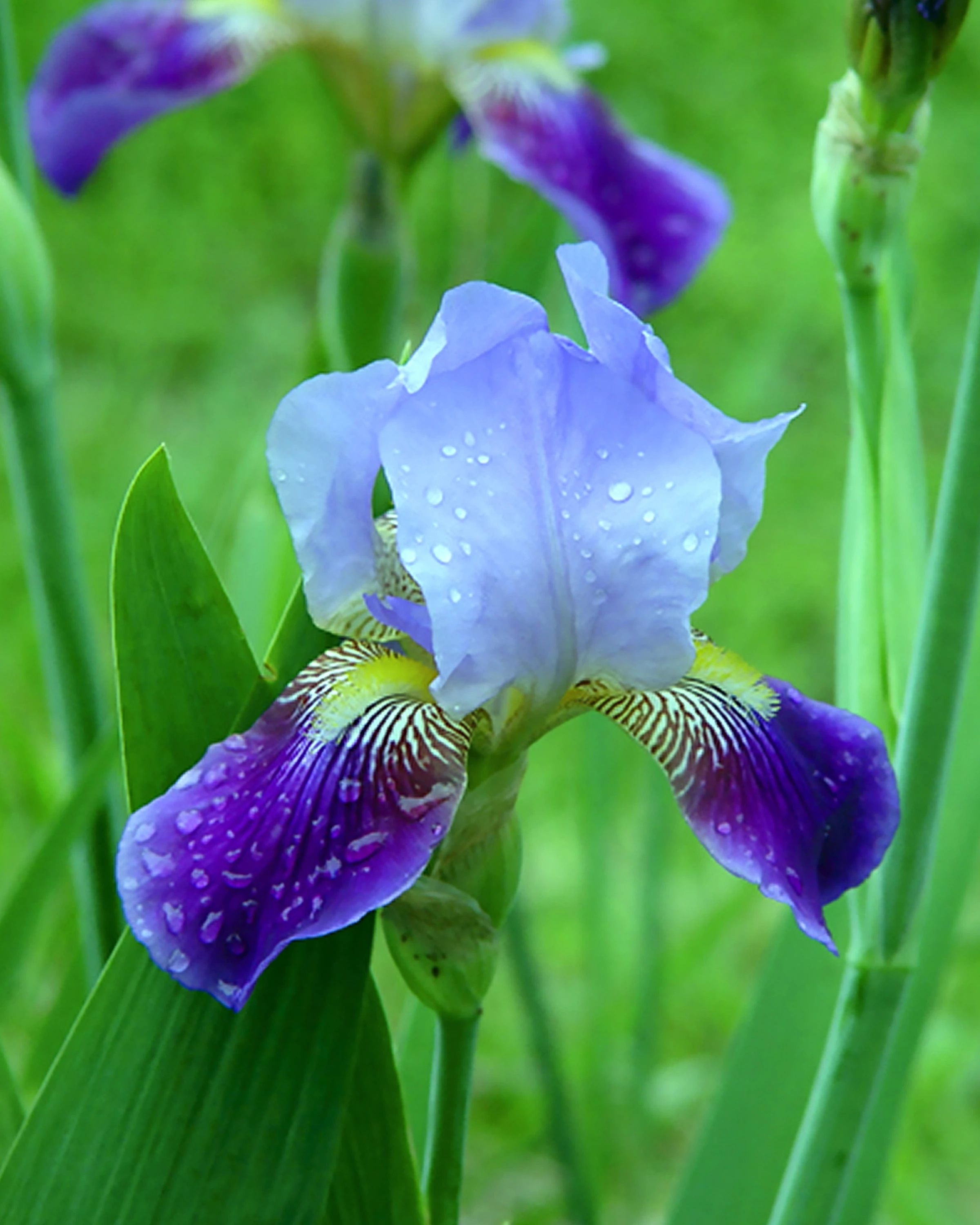 Do not understand reason for this image being rejected do to technical error.

Do not understand reason for this image being rejected do to technical error.
This is a beautiful fresh shot. However, since it is also something often photographed, your image must be perfect for it to become a stock photo for Adobe. Do you have Photoshop? In Photoshop you will find tools to fade the background and sharpen the focused flower. As it is now, there is the blur and noise problem for you to solve. Perhaps change the background - select the background - delete all color and then drop in a complimentary flat background color. Maybe select only the portion that is in perfect focus and resubmit it. Worth trying to improve and learn more about why it was rejected. Always follow the information provided by Adobe in the rejection notes. JH
Already have an account? Login
Enter your E-mail address. We'll send you an e-mail with instructions to reset your password.
 AdChoices