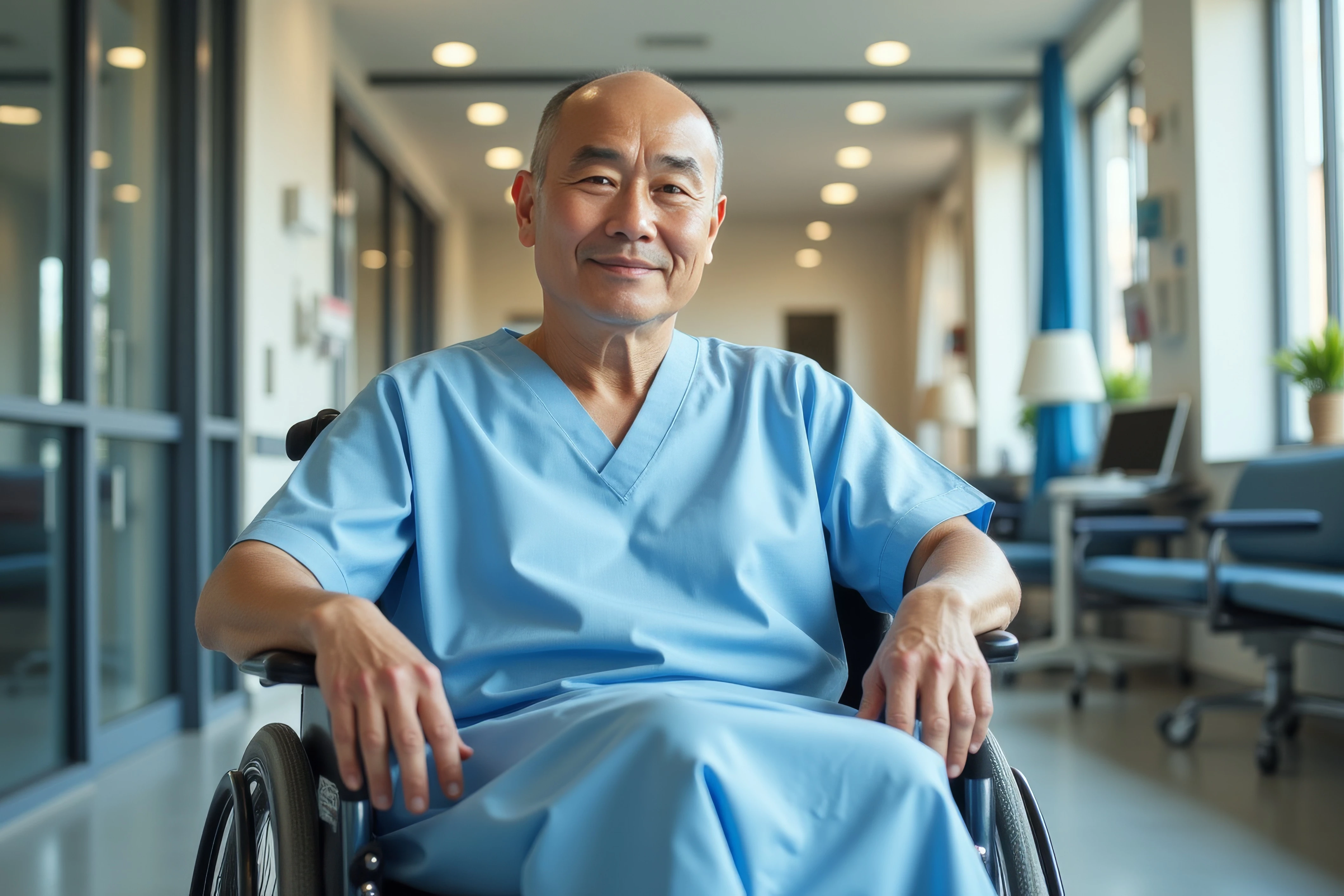
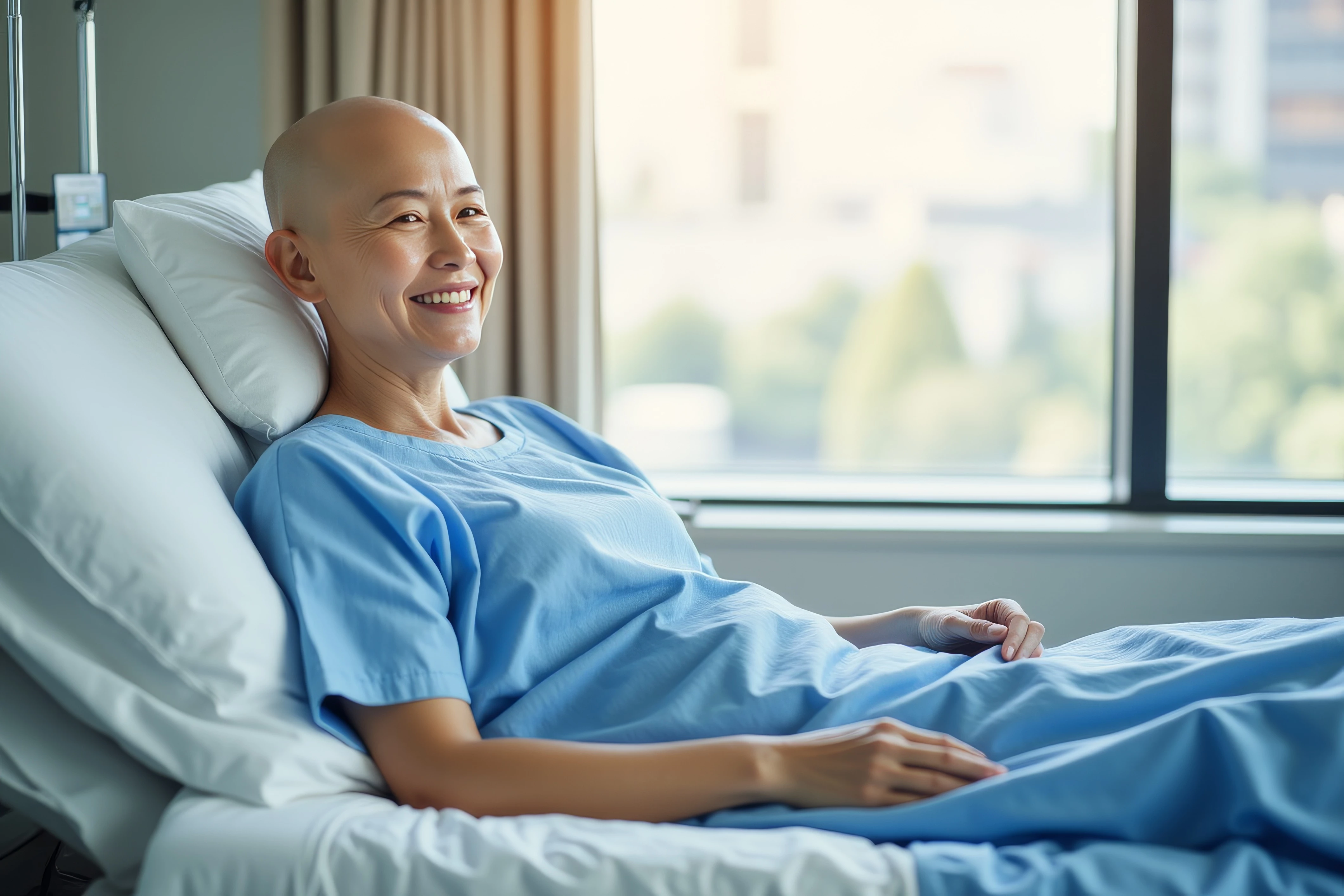
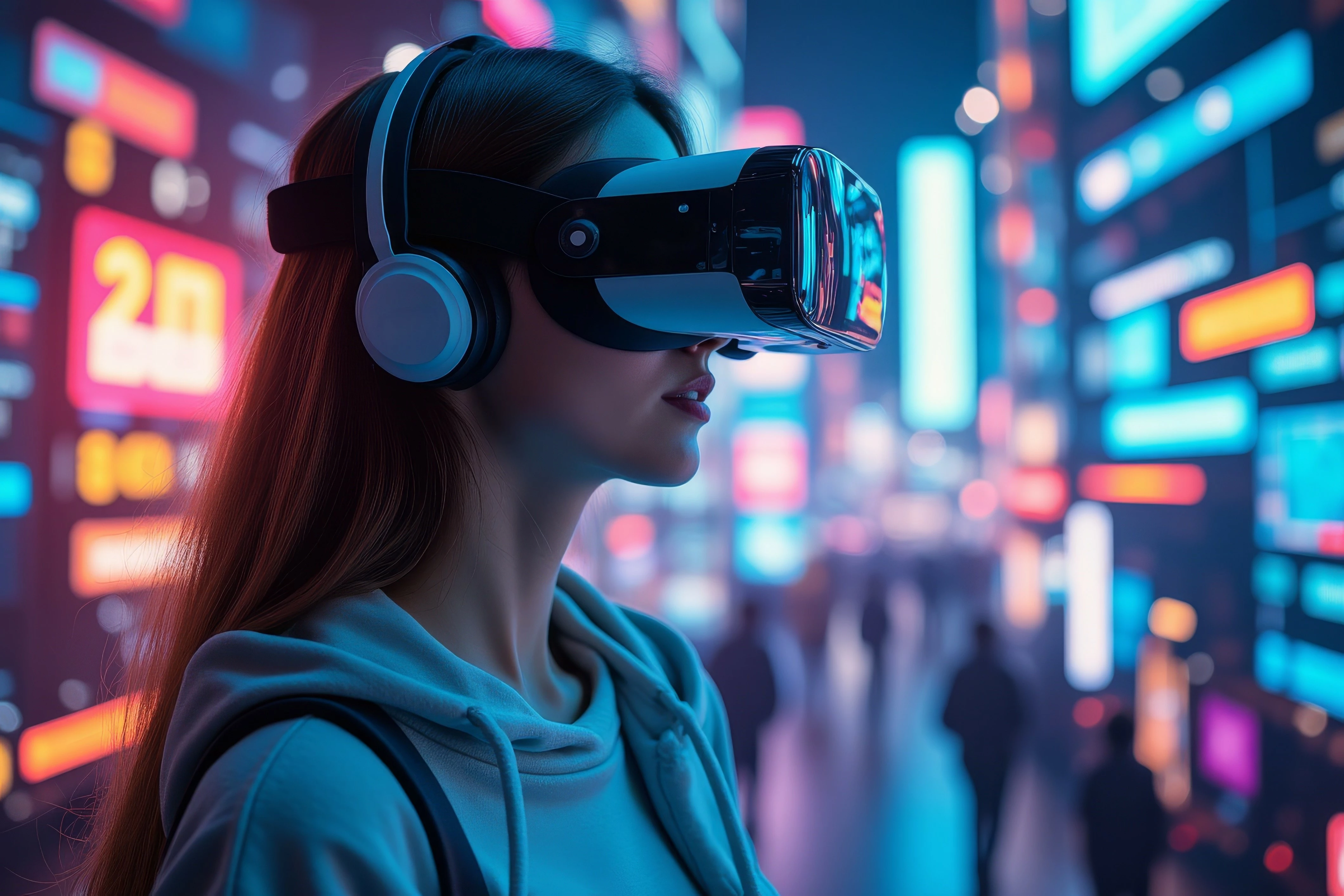
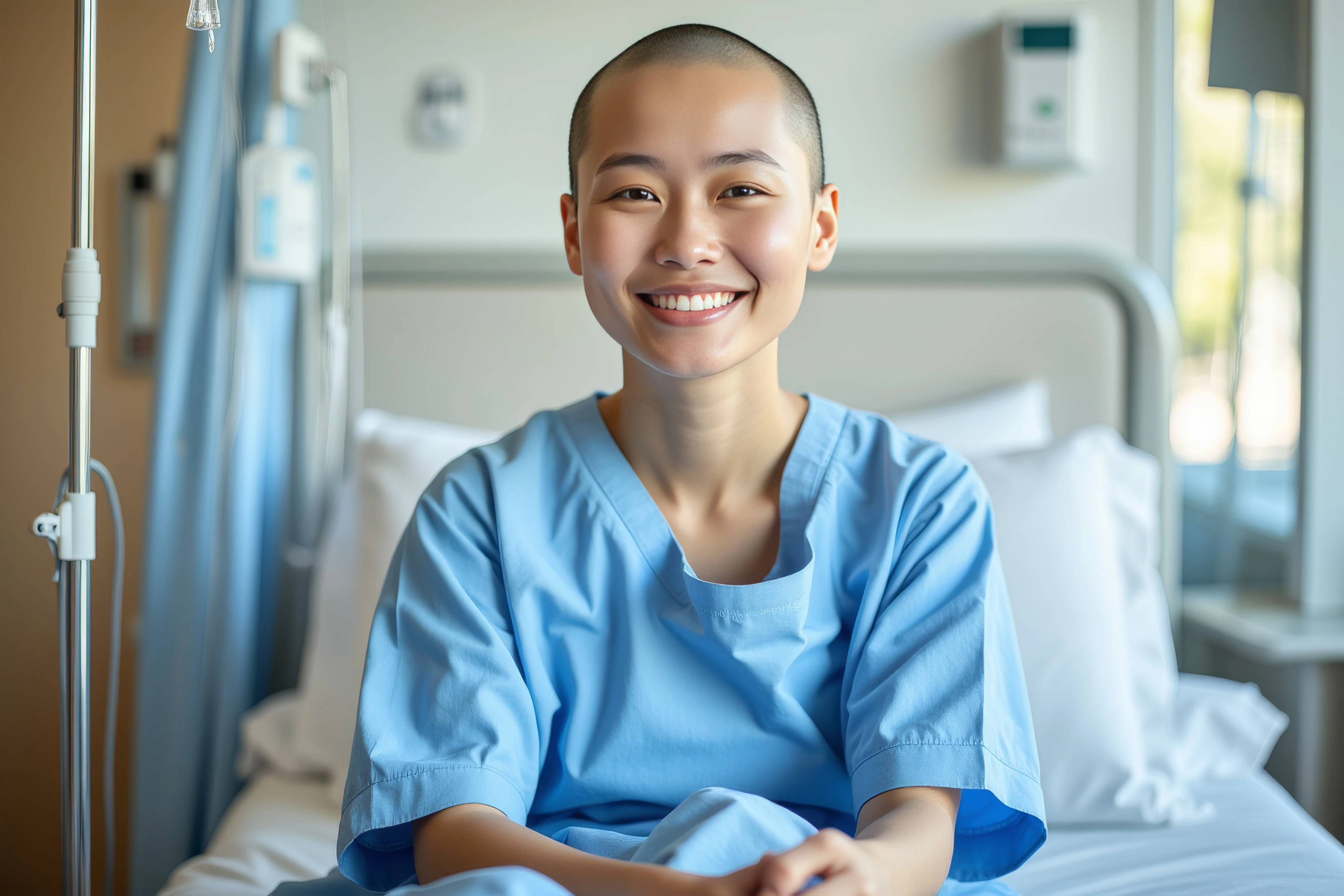
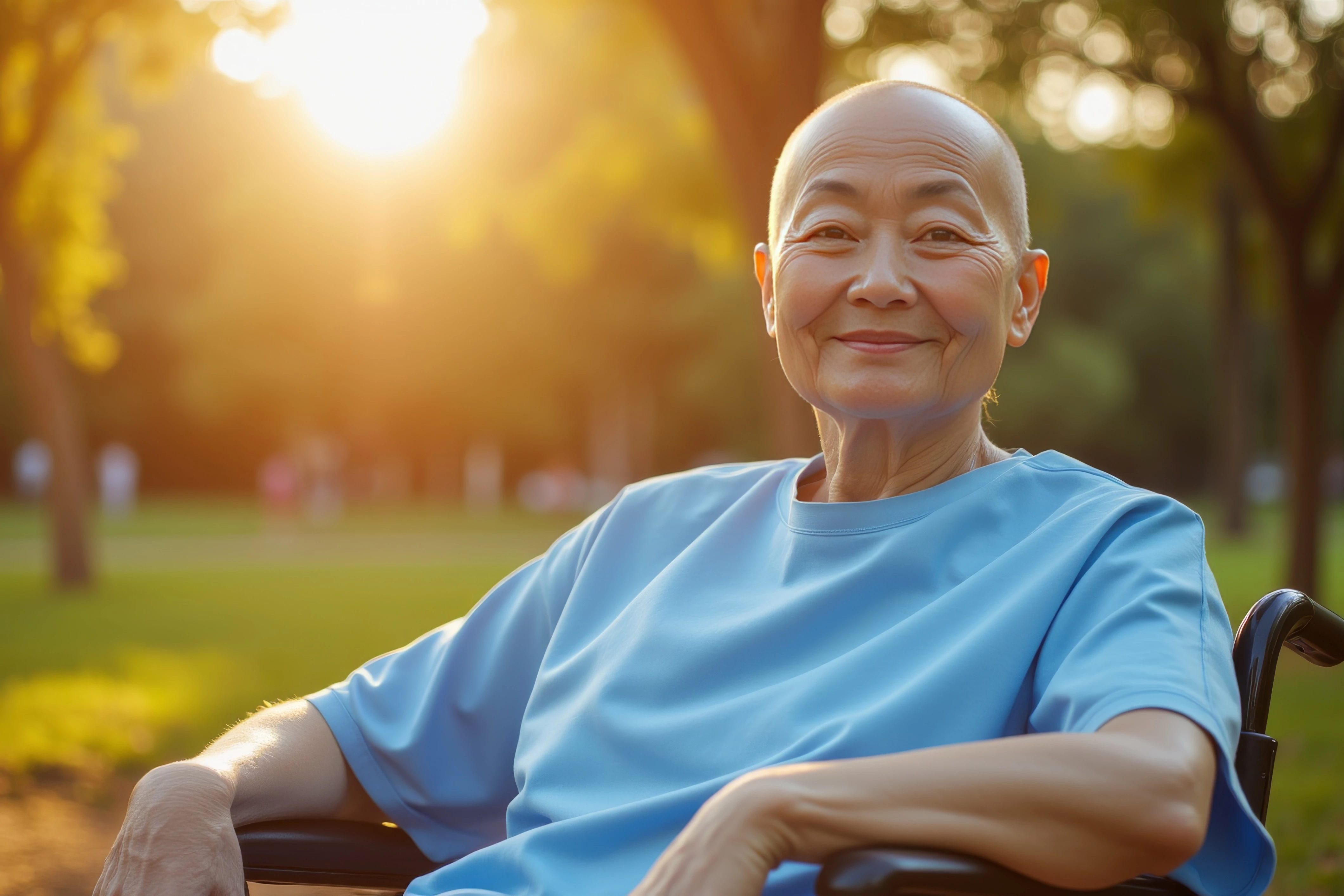
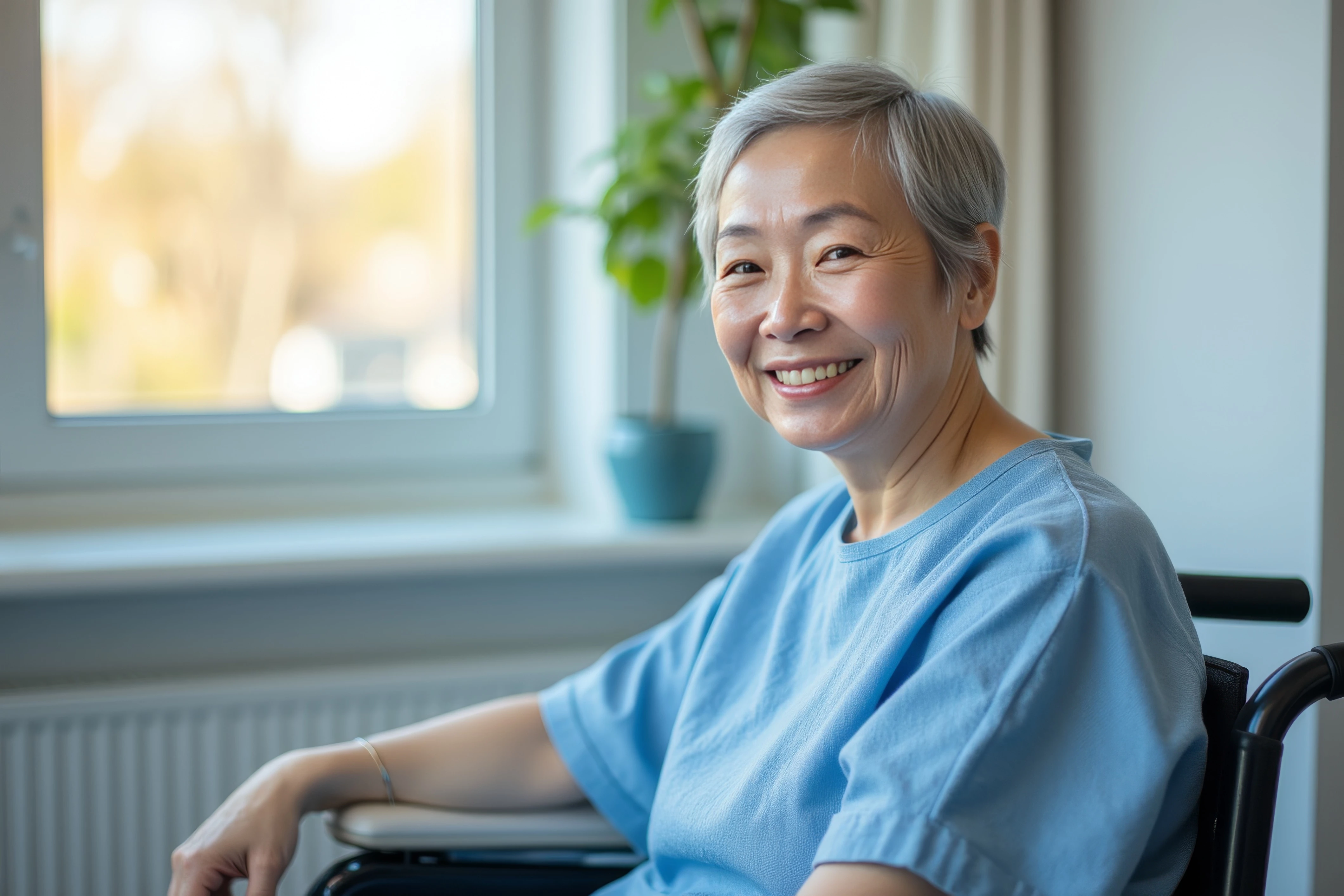
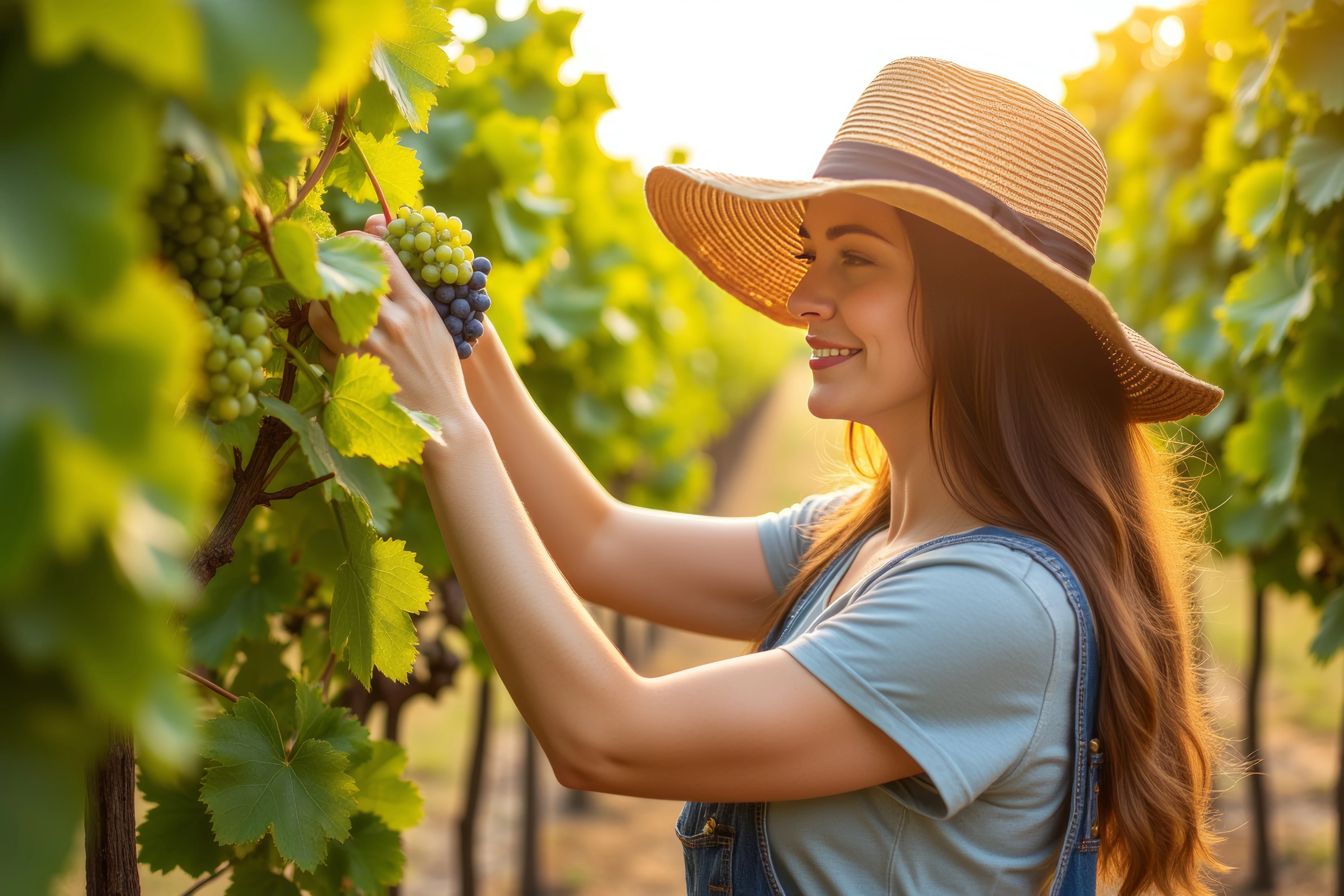
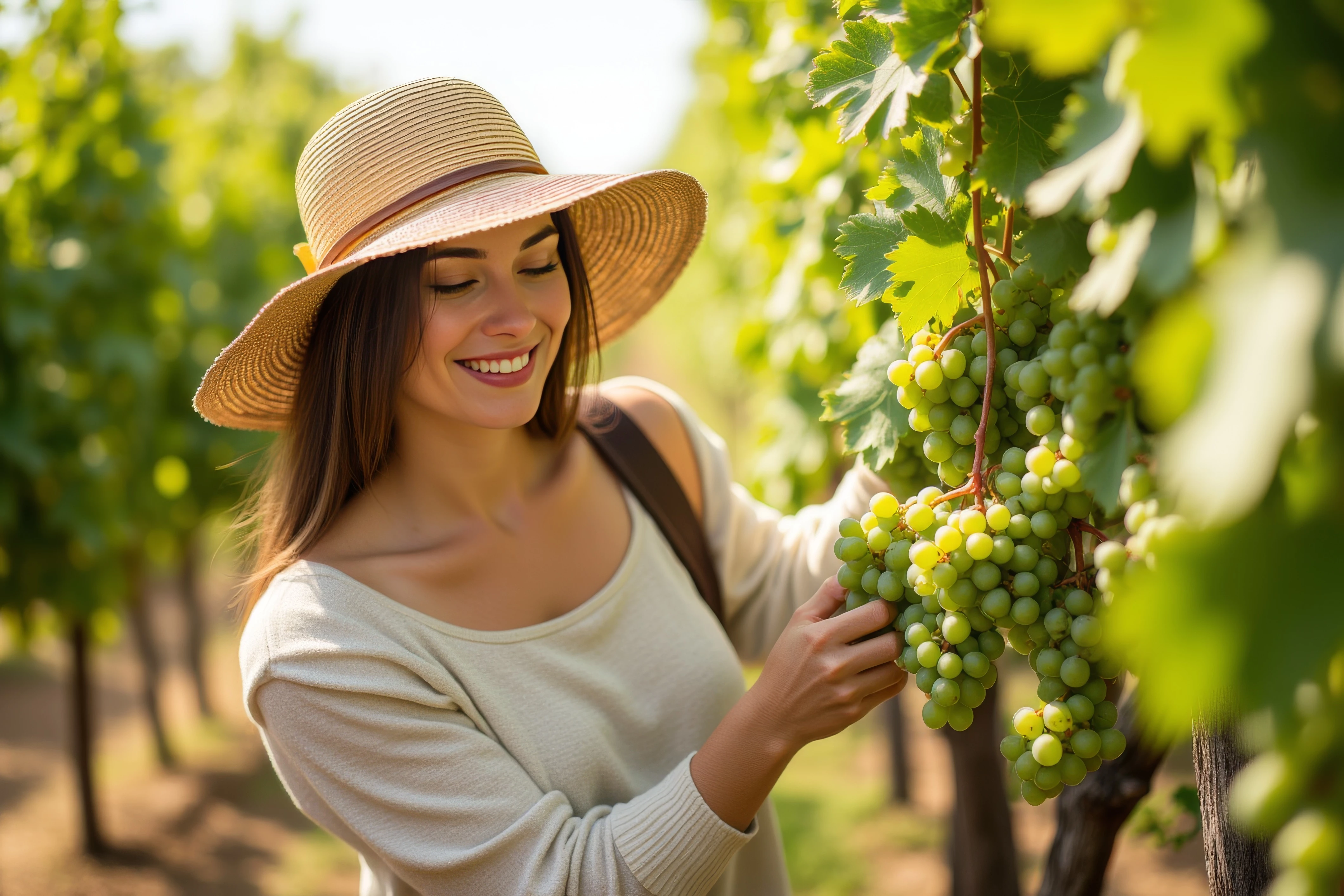
Here's three: (and first of all, remember: these are AI images; not photos). I think these two examples should help you understand that a) you need to view your assets at 100-200% to look for even the smallest errors and correct them before submitting them. You will always find errors. Always. And so will good moderators. If you're going to do photo-realistic AI assets, they must be that: photo realistic, right down to the buttons on a shirt.
I chose the girl with the grapes because it's a perfect example of how an image can look just great until viewed at 100-200% before issues become apparent. And I didn't necessarily mark them all.
Translate
Adobe Community Expert | I have miles to go before I sleep, but I'm all done on this end.
We are not the Adobe stock team. We are contributors like you, with our own share of refusals and a sharpened eye for errors in the pictures. I have to say that it is quite easy to spot at least one error in generative AI assets. Yours are no exception. The issue is that most contributors do not check their assets at 100%. That would spare a lot of us a lot of refusals.
Translate
ABAMBO | Hard- and Software Engineer | Photographer





 AdChoices