Participant
August 2, 2018
Answered

Trying to learn about rejected images

  • August 2, 2018
  • 3 replies
  • 381 views

Hello,

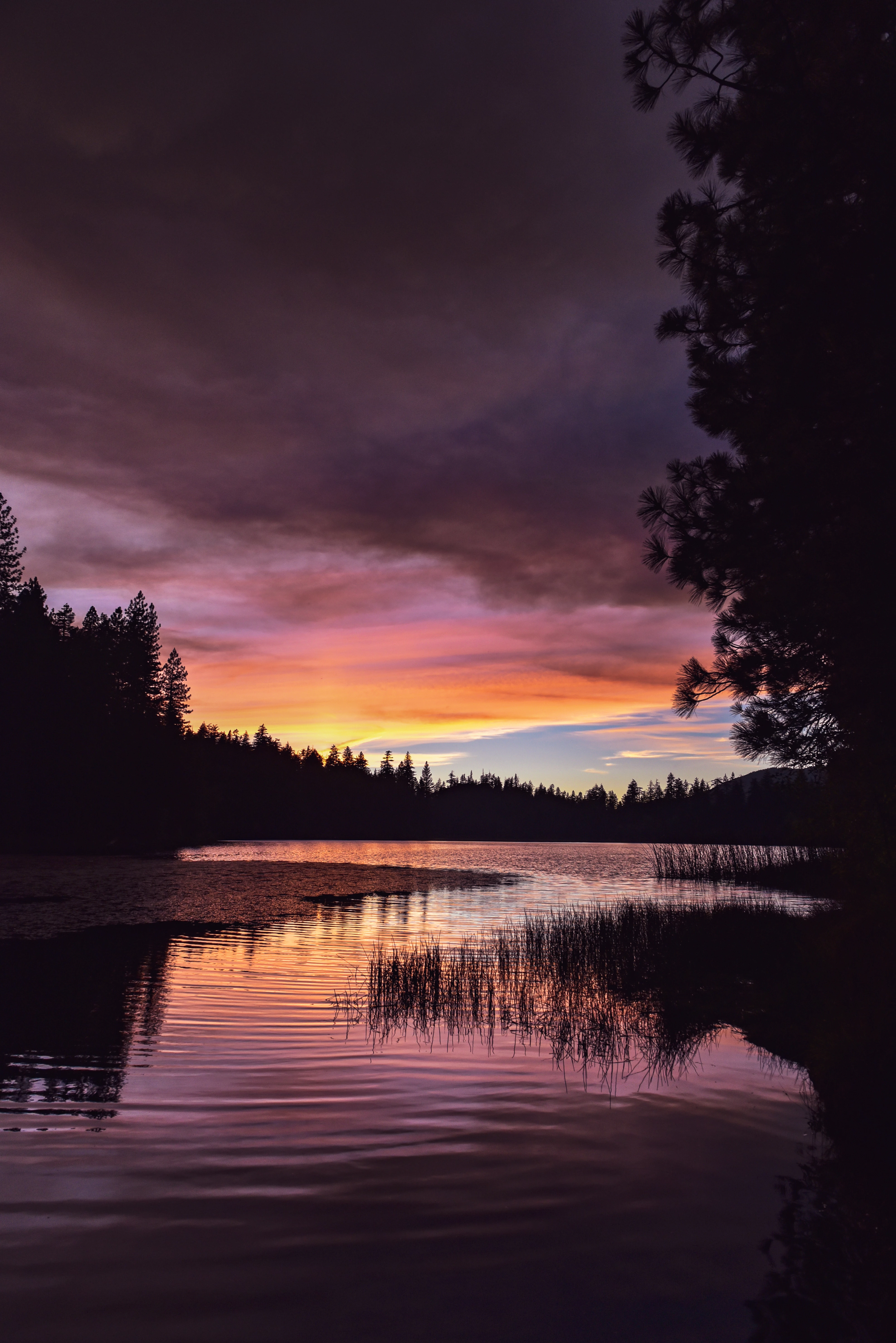
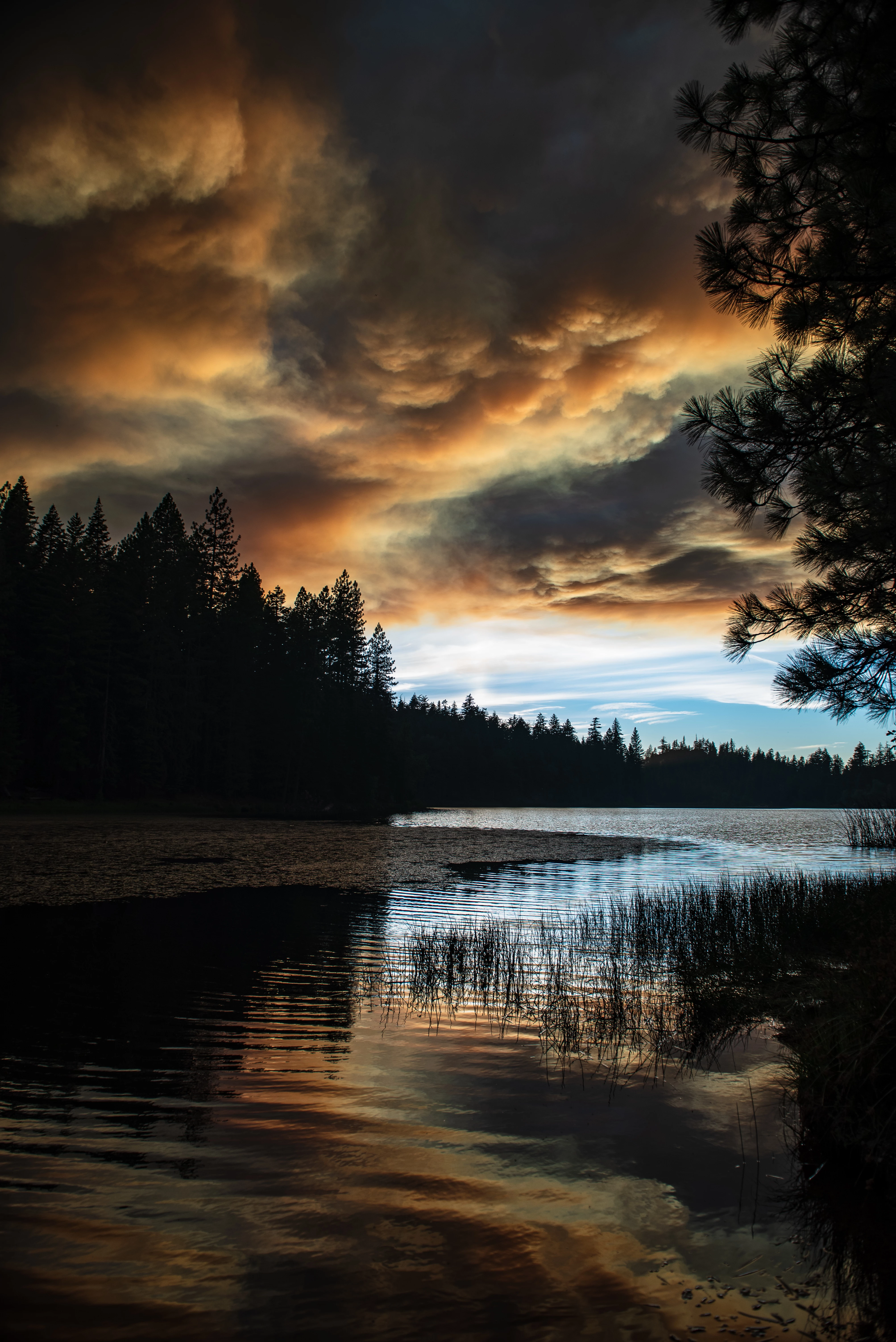
So I had two images and one was rejected for being too similar. While in my opinion the composition is the same so I understand that being to similar, but the subject of the image, which is smoke from the CA fires, are very different. I had hoped that the would both be selected because sky was so different. Since they did not take both is there anyway to remove the one that was accepted and replace it with the one that was rejected?

Thanks for any wisdom you can give this newbie!

Accepted:
Rejected:
This topic has been closed for replies.
Correct answer Ricky336

I can see why they rejected it - based on the composition - so try this, submit the other one a little bit later. Then they are not seen together.

By the way - really nice photos!! But a real tragedy at the same time!

3 replies

joanH
Inspiring
August 2, 2018

Greeting mmldriver, Yes, these are quite remarkable photos witnessing the real-life beauty and the beast. I think rickey336 gave you good information about submission one at a time. Take a little more time and look at these in Photoshop filter - camera raw and try a few things with exposure and contrast. If you can you might even try using curves to play with lighting in the clouds. Have you submitted them to the newspapers in local fire areas? There is great emotion behind these pictures - emotion almost anyone can feel. These are different to a firefighter observer, my husband did fight Oregon Forrest Fires in his early years. This is evidence of huge changes in the persona of the fire. Not unlike happy and angry shots of a beautiful model. Both are wonderful. Best regards, JH

Ricky336
Community Expert
Ricky336Community ExpertCorrect answer
Community Expert
August 2, 2018

I can see why they rejected it - based on the composition - so try this, submit the other one a little bit later. Then they are not seen together.

By the way - really nice photos!! But a real tragedy at the same time!

Inspiring
August 2, 2018

Hi,

In your 'portfolio' you can select the image you don't want with the checkbox, then click on 'delete' photo. Then resubmit the one you do want

Of course, there's no guarantees they will accept the new one for different reasons. I like both.