Hy.
Thanks for your request.
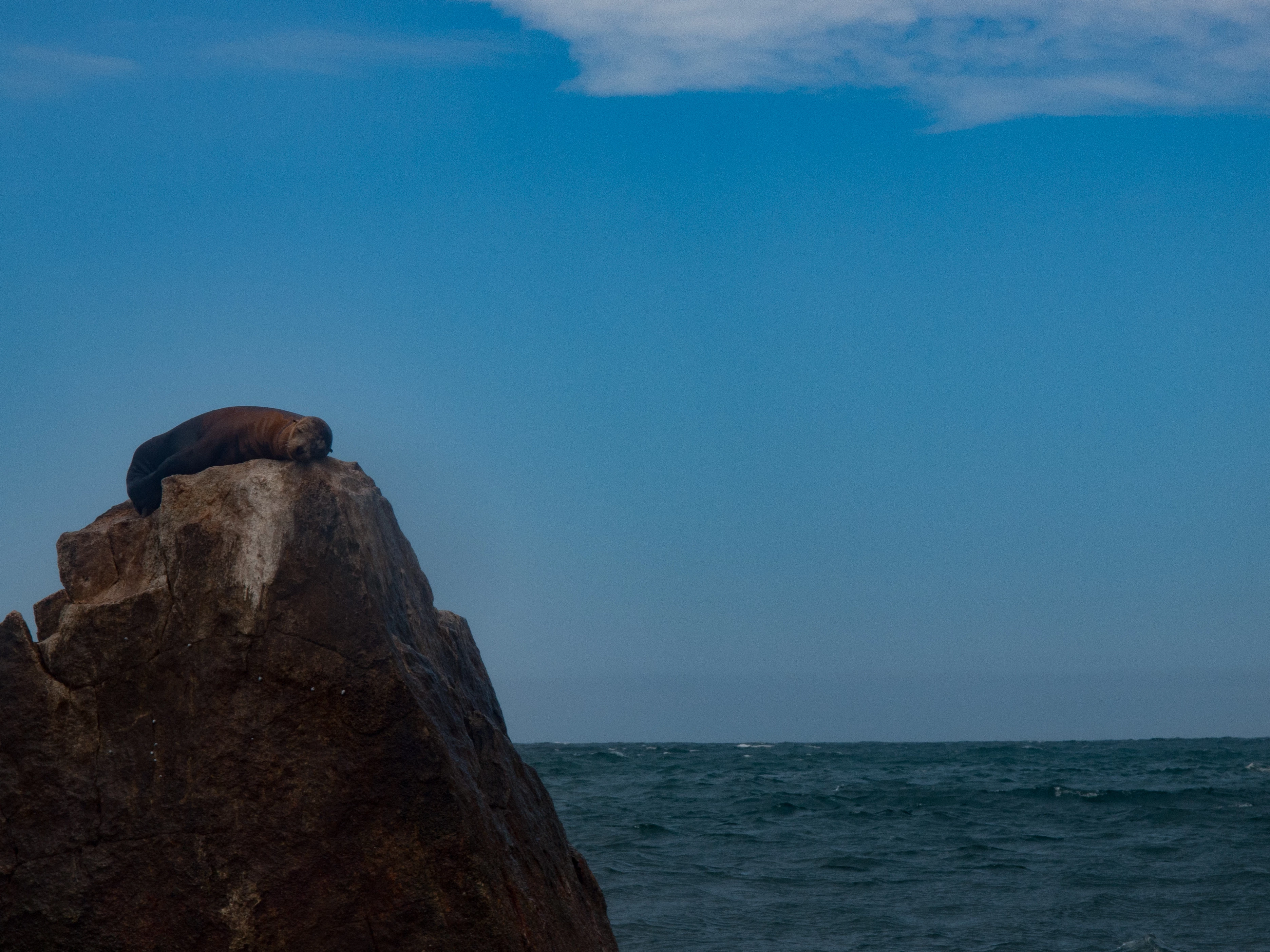
picture 1:
Please have a look at: Stock Contributor User Guide > Review process > Quality and technical issues > Artifacts
"Artifacts
The most common artifacts problem is excessive noise, which causes the image to look grainy. Artifacts are often caused by a high ISO setting for images captured in low-light situations. Get to know the limitations of your camera. Most cameras are excessively noisy at ISO 1600, and some at lower settings.
Artifacts can be caused by invasive post-processing. Always save your original file. If you get a rejection based on artifacts, compare the image you submitted with the original and assess where artifacts were introduced.
Finally, artifacts can be caused by sensor dust. The smallest speck of dust on your sensor can cause spots on your image. Sensor dust spots can be removed in post-processing, but a simpler solution is to keep your sensor clean. We recommend that you check with your local camera store for cleaning options and advice."
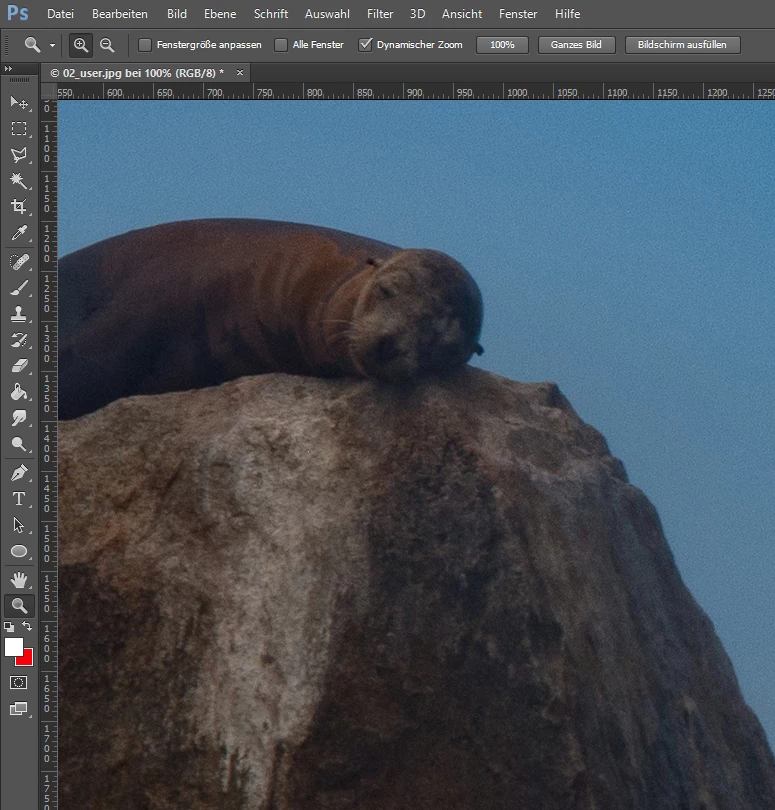
If you open your picture in 100% view you will see a noise.
You can reduce/remove the noise in photoshop. >>> Photoshop User Guide > Image repair and restoration > Reduce image noise and JPEG artifacts
picture 2:
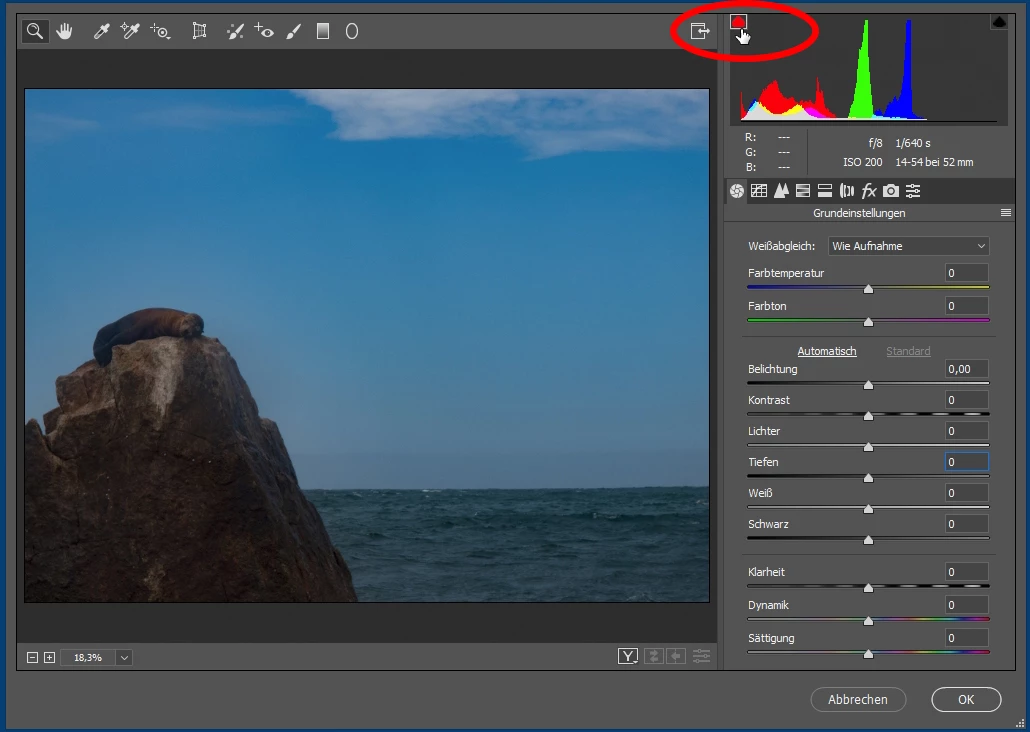
...stone on the left side is very dark:
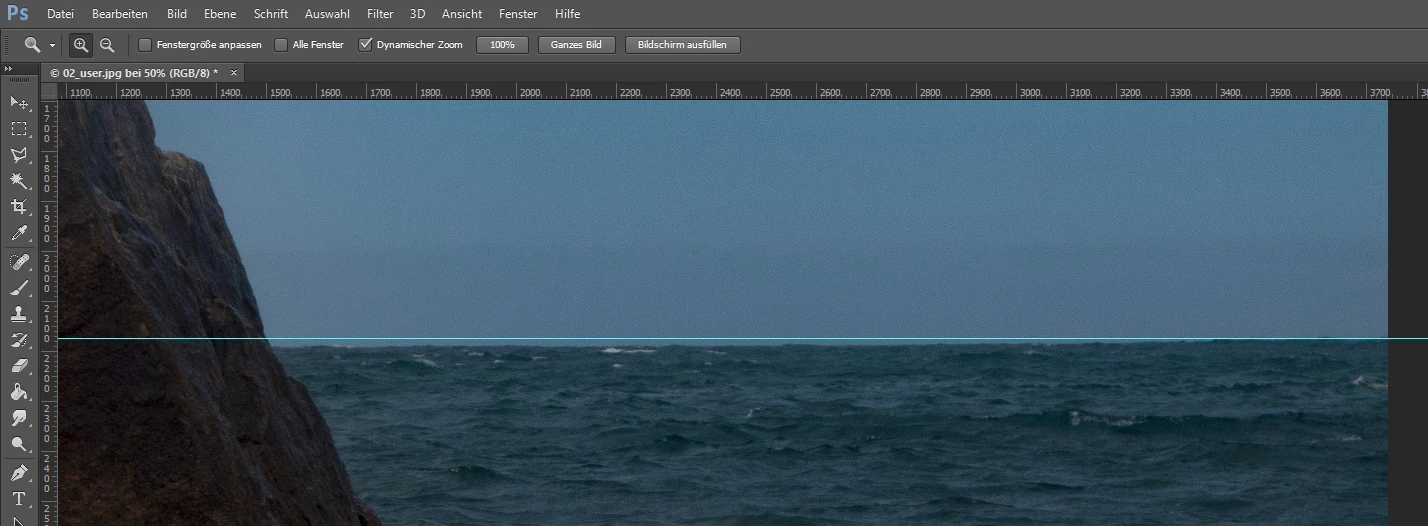
...align horizon:
...picture noise (100%):
I hope you don't take my opinions personally.
Best regards,
Mario



 AdChoices