Participant
July 17, 2025
Answered

Unable to connect Payoneer – Declined status for 3 days

  • July 17, 2025
  • 4 replies
  • 300 views


Hi everyone,

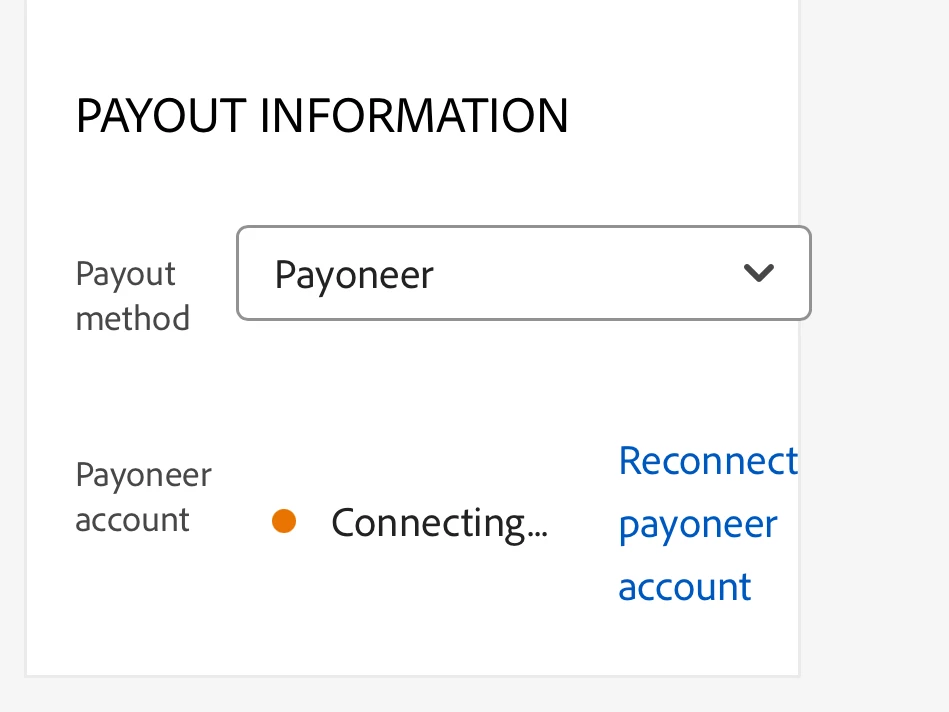
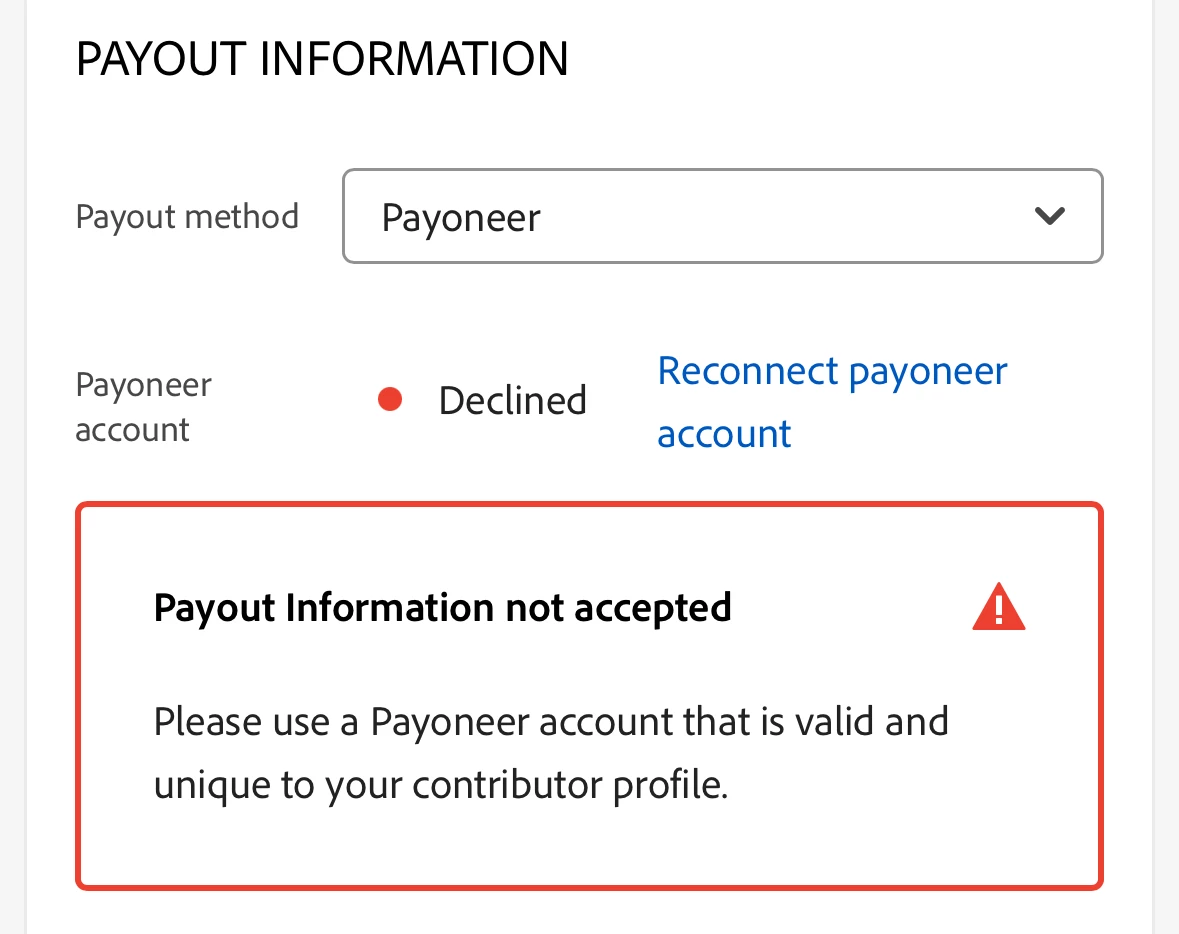
I’ve been trying to connect my Payoneer account to Adobe Stock for three days now, but I constantly get the Declined status with this error:

“Payout Information not accepted. Please use a Payoneer account that is valid and unique to your contributor profile.”


What I’ve tried:


  • Connecting from different devices (laptop, phone)
  • Clearing cookies and cache
  • Trying multiple browsers
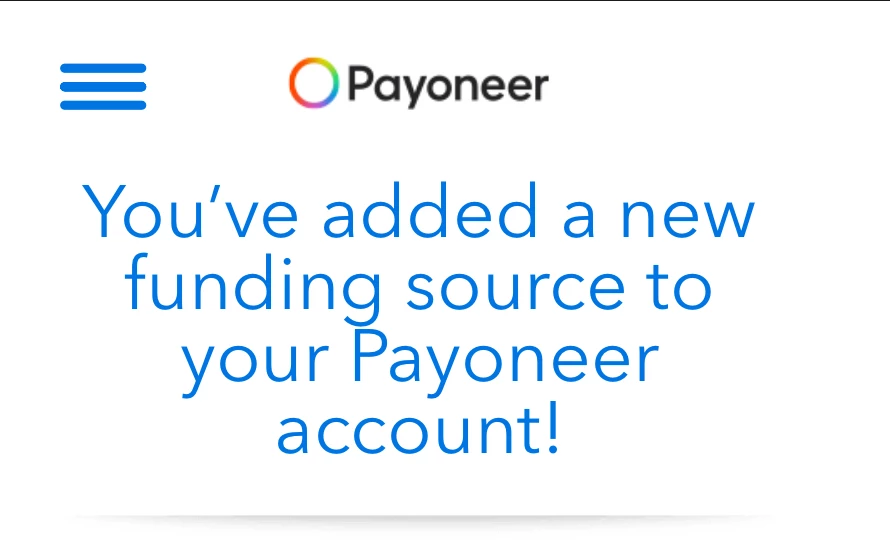
  • Contacted Payoneer support – they confirmed that everything is fine on their side (and I got the confirmation about the added funding source)


Screenshots are attached.

The system shows “Connecting…” at first, but always ends up as Declined.

It looks like something is broken on the Adobe side.


Can someone from the support team help me or manually connect the account?


Thanks in advance for any help!
 (moderator deleted attached images, was duplicate to the in-line images)

Correct answer Abambo
quote

What I’ve tried:


  • Connecting from different devices (laptop, phone)
  • Clearing cookies and cache
  • Trying multiple browsers
  • Contacted Payoneer support – they confirmed that everything is fine on their side (and I got the confirmation about the added funding source)

(...)

The system shows “Connecting…” at first, but always ends up as Declined.

It looks like something is broken on the Adobe side.


Can someone from the support team help me or manually connect the account?


By @olegk11987613

Great, you did most of the trouble shooting that would have been recommended. However, Adobe contributor support does not follow-up this forum. You will need to contact Adobe support via the official channel: https://helpx.adobe.com/stock/contributor/help/Need-Help-Contact-Us.html

4 replies

Participant
October 4, 2025

Did you find a solution to the problem because I am facing the same thing 

Vivdix
Participant
October 28, 2025

facing same issue, I had withdraw before but now its not connecting to same Payoneer Account. Any Solution?


Abambo
Community Expert
AbamboCommunity ExpertCorrect answer
Community Expert
July 18, 2025
quote

What I’ve tried:


  • Connecting from different devices (laptop, phone)
  • Clearing cookies and cache
  • Trying multiple browsers
  • Contacted Payoneer support – they confirmed that everything is fine on their side (and I got the confirmation about the added funding source)

(...)

The system shows “Connecting…” at first, but always ends up as Declined.

It looks like something is broken on the Adobe side.


Can someone from the support team help me or manually connect the account?


By @olegk11987613

Great, you did most of the trouble shooting that would have been recommended. However, Adobe contributor support does not follow-up this forum. You will need to contact Adobe support via the official channel: https://helpx.adobe.com/stock/contributor/help/Need-Help-Contact-Us.html

ABAMBO | Hard- and Software Engineer | Photographer
Nancy OShea
Community Expert
Community Expert
July 17, 2025

Check the Payoneer Terms of Service about receiving royalty payments.  

In some regions, you must have a verified Business Account to receive royalty payments from stock services.  A personal account alone isn't good enough.


Nancy O'Shea— Product User & Community Expert
Worker404
Inspiring
July 17, 2025

Here, are contributors like you. You can contact support from the contact us button in your portfolio, but note that it may take several weeks to respond to you.


-Have you already linked a card to your Payoneer account before trying withdrawal?