


Answered

daniellei4510Correct answer
Community Expert
April 6, 2025
Photoshop>Image>Image size and increesed the width and hight.
And that would explain why your images are soft. To enlarge AI results, you should be using an AI upscaler. Some are free on the internet. A commercial one is Topaz Gigapixel AI. If you DO want to use Photoshop, I would recommend Filters > Neural Filters > Zoom for improved results over standard enlargements. I was working with an extra soft version to begin with, but I ran the asset below through Topaz Photo (similar to Gigapixel AI). On the left is your original version. On the right is an upscaled, sharpened version.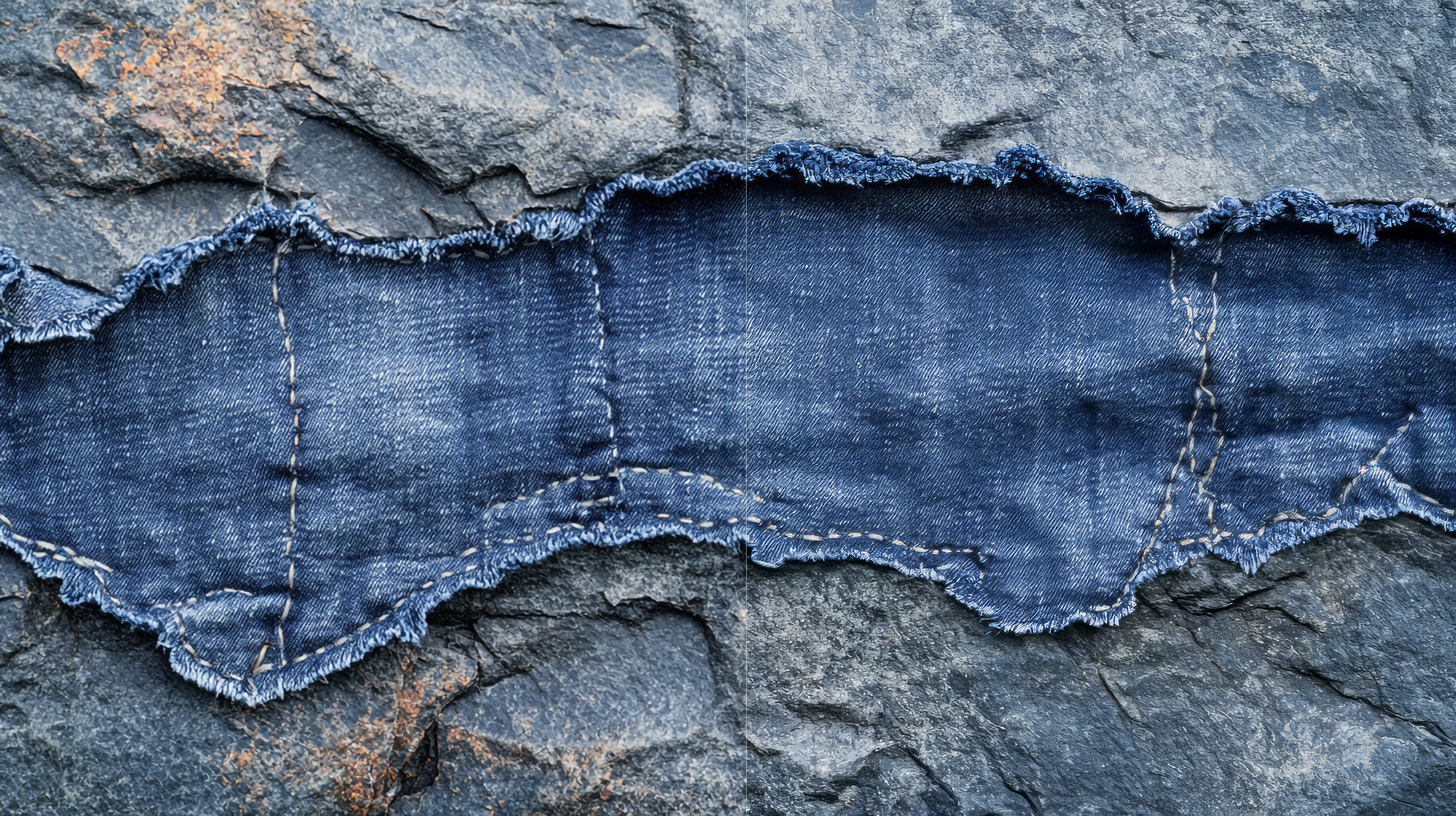
Adobe Community Expert | I have miles to go before I sleep, but I'm all done on this end.
 AdChoices