Known Participant
February 24, 2025
Answered

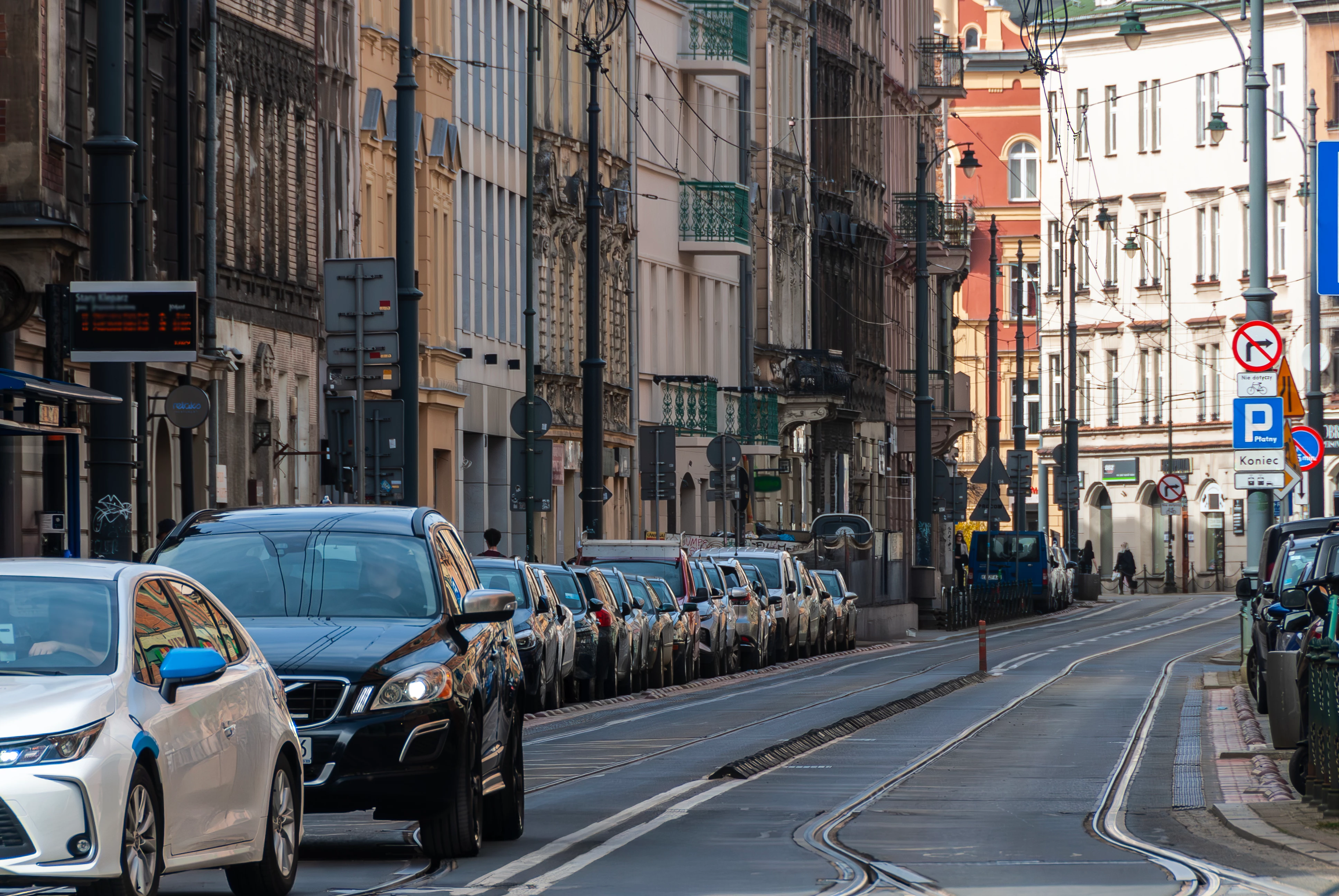
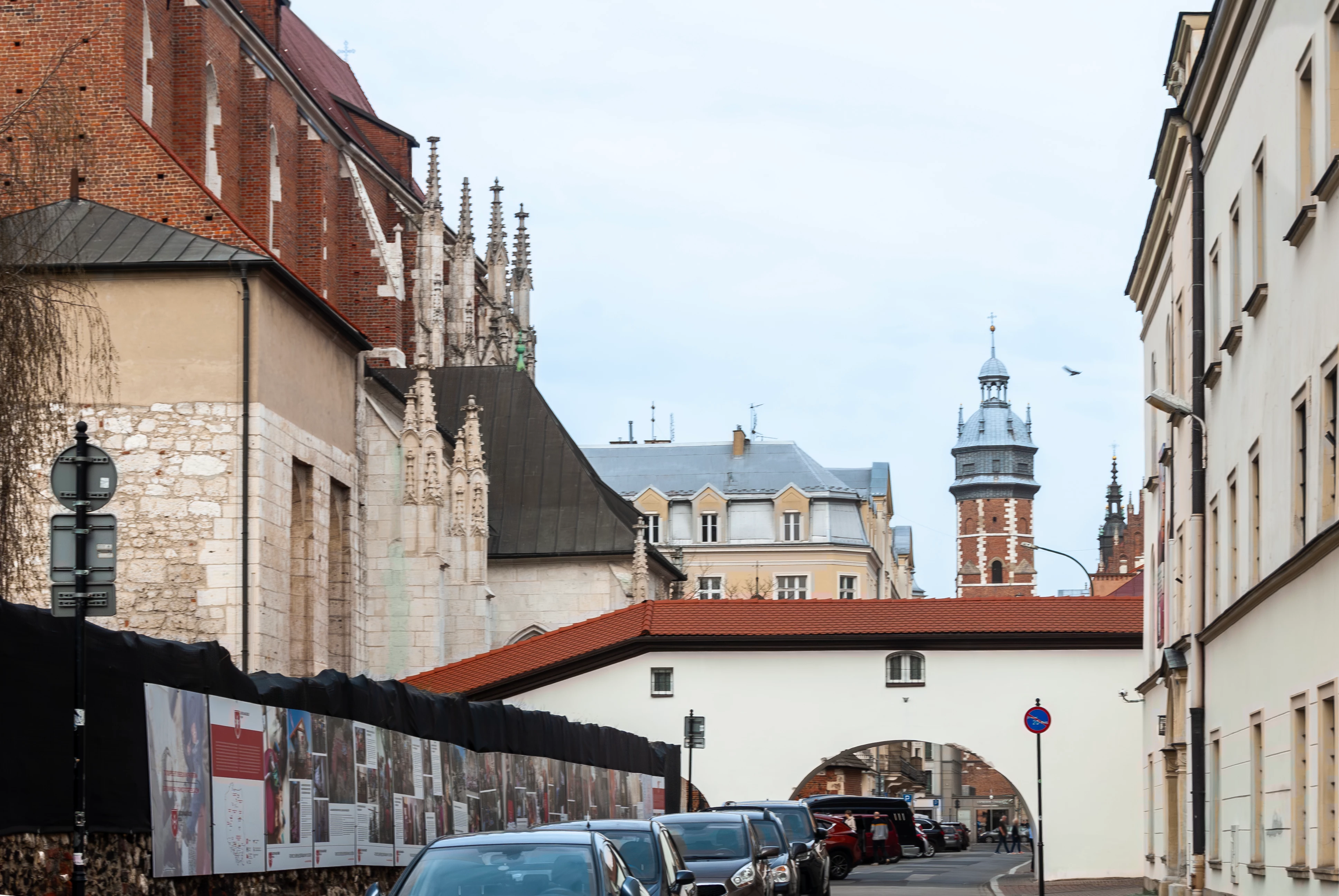
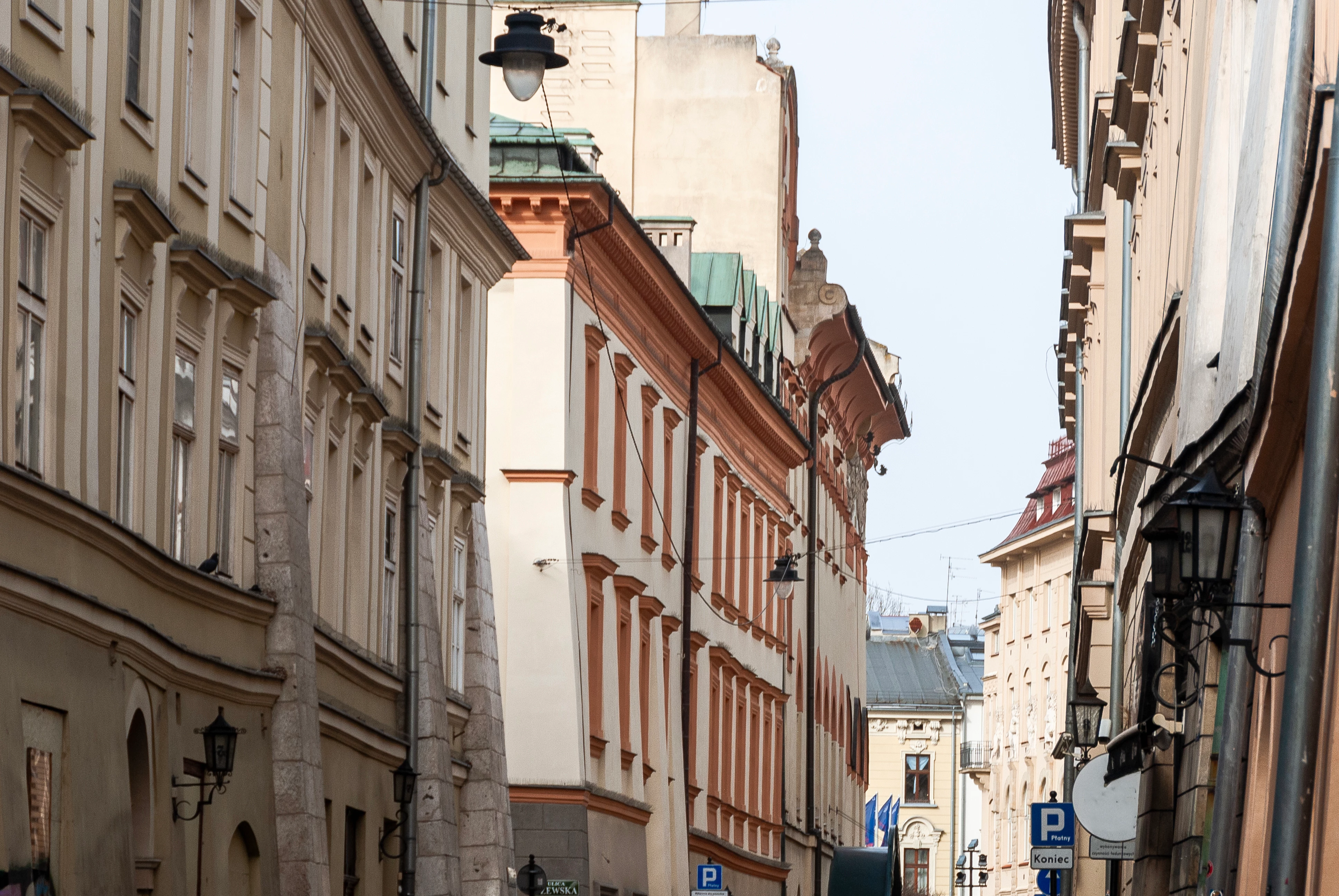
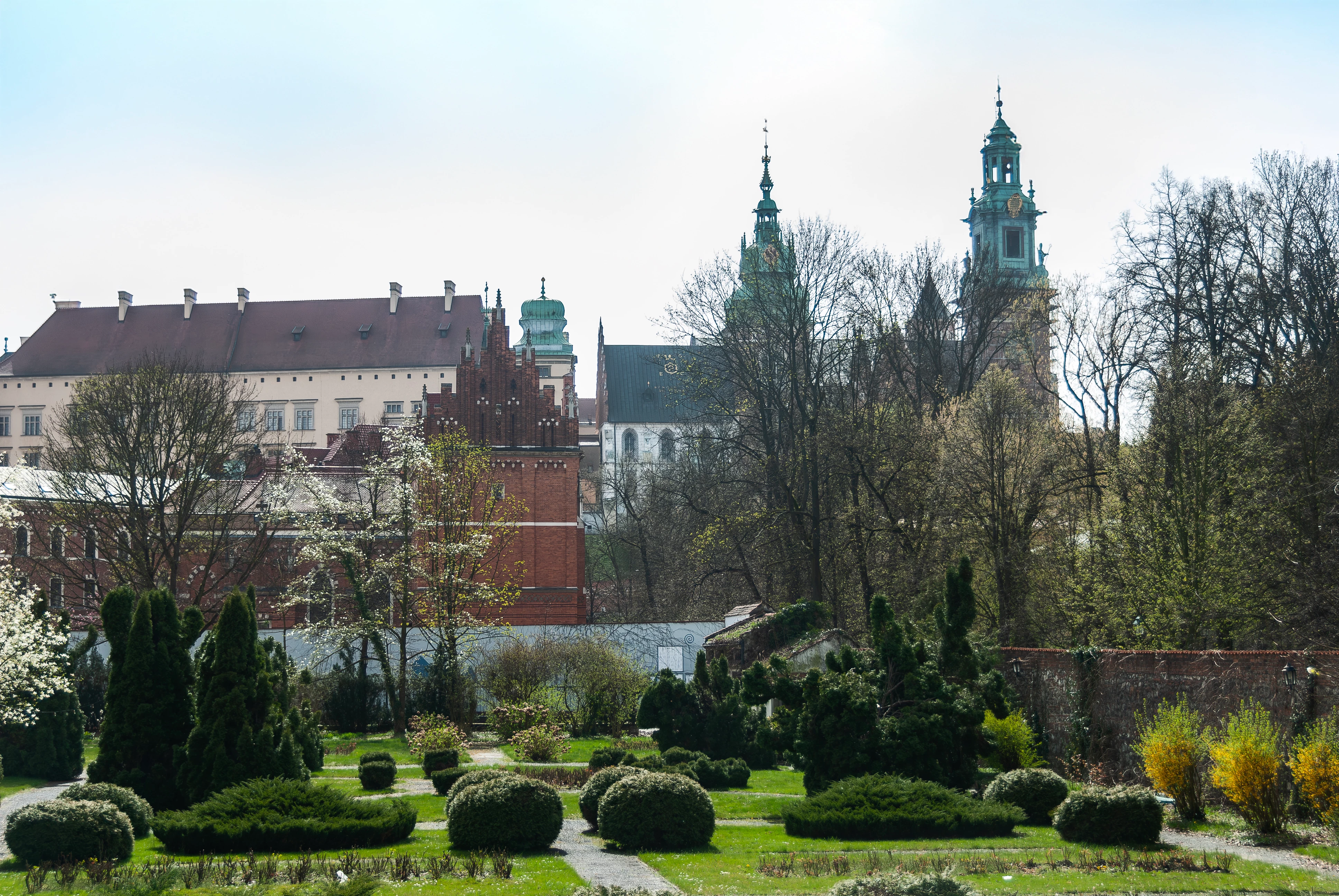
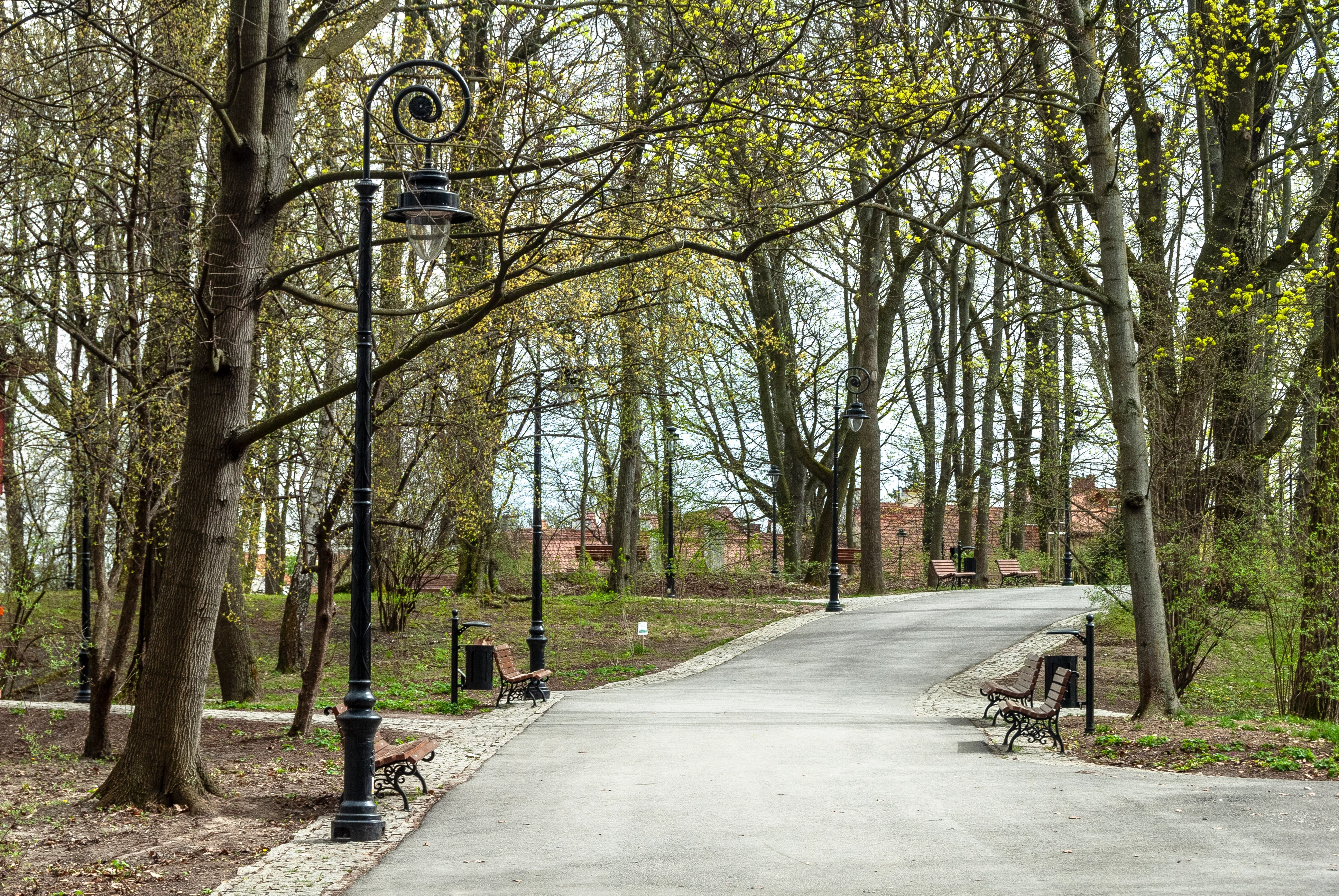
What is the reason for IP rejection? And quality rejection of this photo -Park?

  • February 24, 2025
  • 4 replies
  • 878 views


Correct answer Jill_C

The rule of thumb is that if a person could recognize themselves in your image, you need a model release. I usually just try to delete them. Photoshop Remove Tool usually does a good job of that.

4 replies

Jill_C
Community Expert
Community Expert
February 24, 2025

You have to zoom in and carefully inspect each image and edit out any signs, logos and recognizable people in order to avoid an IP rejection. 


Jill C., Forum Volunteer
asia_1500Author
Known Participant
February 24, 2025

Thank you I haven't noticed that, I thought these people are hardly recognizable, thank you for suggestions.

Jill_C
Community Expert
Jill_CCommunity ExpertCorrect answer
Community Expert
February 24, 2025

The rule of thumb is that if a person could recognize themselves in your image, you need a model release. I usually just try to delete them. Photoshop Remove Tool usually does a good job of that.

Jill C., Forum Volunteer
daniellei4510
Community Expert
Community Expert
February 24, 2025

2nd from the bottom, the shadows of the bushes could be opened up in order to see more detail.

Adobe Community Expert | If you can't fix it, hide it; if you can't hide it, delete it.
asia_1500Author
Known Participant
February 24, 2025

the first 4 was rejected for IP issue, the last i made smaller for quality, are you talking about the last one?


asia_1500Author
Known Participant
February 24, 2025

Thank you for your opinion, if you are talking about castles and churches maybe I thought maybe too distractive. Topic is panorama. 

RALPH_L
Community Expert
Community Expert
February 24, 2025

Anywhere part of a car plate number, a store sign or grafity is seen, results in an IP issue.

asia_1500Author
Known Participant
February 24, 2025

Thank you, what about image 3 and 4,?

yamato713108855
Community Expert
Community Expert
February 24, 2025

I want to check the photo I posted at its original size.
AdobeStock checks the photo at 100% size.


If there is a car in the photo, it may be rejected.
If there is lettering or a logo on a sign, it may be rejected.
If the photo is blurry or out of focus, it will be rejected.

asia_1500Author
Known Participant
February 24, 2025

The photos of IP are in original size they are panoramic images why they have been rejected, there is no sign there, there is the last one I have to make smaller because it didn't allow me to upload more than 9 MB, but it is pretty much the same. Park is not blurry, what can be the reason?

yamato713108855
Community Expert
Community Expert
February 24, 2025

All images were shot in Display P3 color mode.
Please submit in sRGB.


If the color profile is not the issue, the park photo will appear to have a low overall resolution.