

Known Participant
March 10, 2023
Answered

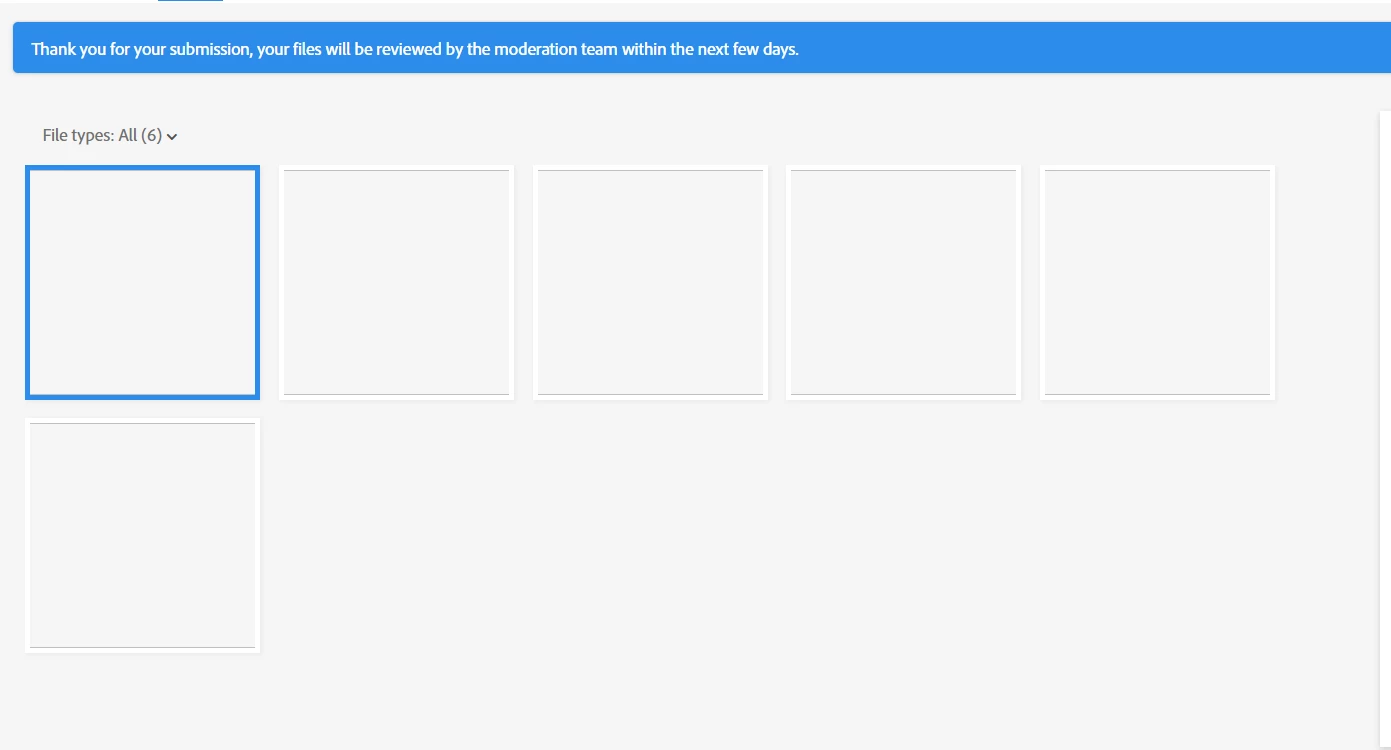
Why when I submit images it appear white?
  • March 10, 2023
  • 3 replies
  • 368 views

Hello,

Whenever I submit an image it apepars like that in the review area.

this problem was like 2-3 weeks ago

what shall I do? thanks.

This topic has been closed for replies.
Correct answer Nancy OShea

Delete the asset and resubmit an accepted file format.

  • Raster images - .jpg or transparent .png
  • Vector Illustrations - .ai, .eps or .svg
  • Video  - MOV or MP4


3 replies

RALPH_L
Community Expert
Community Expert
March 11, 2023

Try a different browser. If everything is ok in the new browser, delete the cookies and temp data in the old browser. Try the old browser again.

Abambo
Community Expert
Community Expert
March 10, 2023

I think it is only a display error in your browser. Contact Contributor Support to check if that is the case.

Need help? (Stock Contributor Support)


Browser errors (or ill configured add-ons) can cause this. Clearing cache and cookies sometimes helps.

Or you could confirm the browser error theory with a different browser. You may also check this, by using a different network, like home vs work. Or cell phone vs home/work.  Or using a different computer.


Report back when you did do your tests.

ABAMBO | Hard- and Software Engineer | Photographer
Nancy OShea
Community Expert
Nancy OSheaCommunity ExpertCorrect answer
Community Expert
March 10, 2023

Delete the asset and resubmit an accepted file format.

  • Raster images - .jpg or transparent .png
  • Vector Illustrations - .ai, .eps or .svg
  • Video  - MOV or MP4


Nancy O'Shea— Product User & Community Expert
Known Participant
March 11, 2023

I've changed the file format it did work ! thank you
