jodij28273193
Inspiring
April 10, 2026
Answered

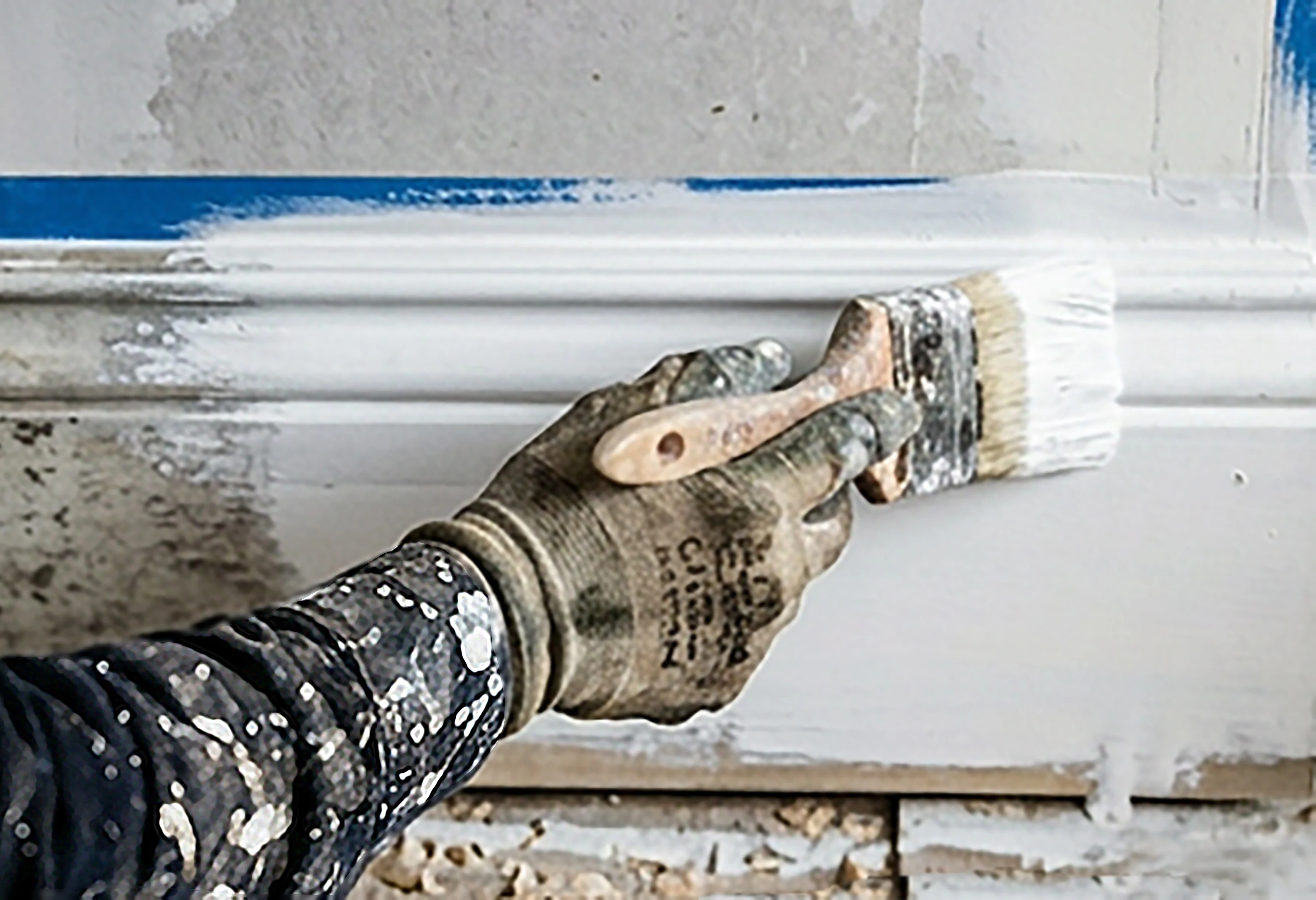
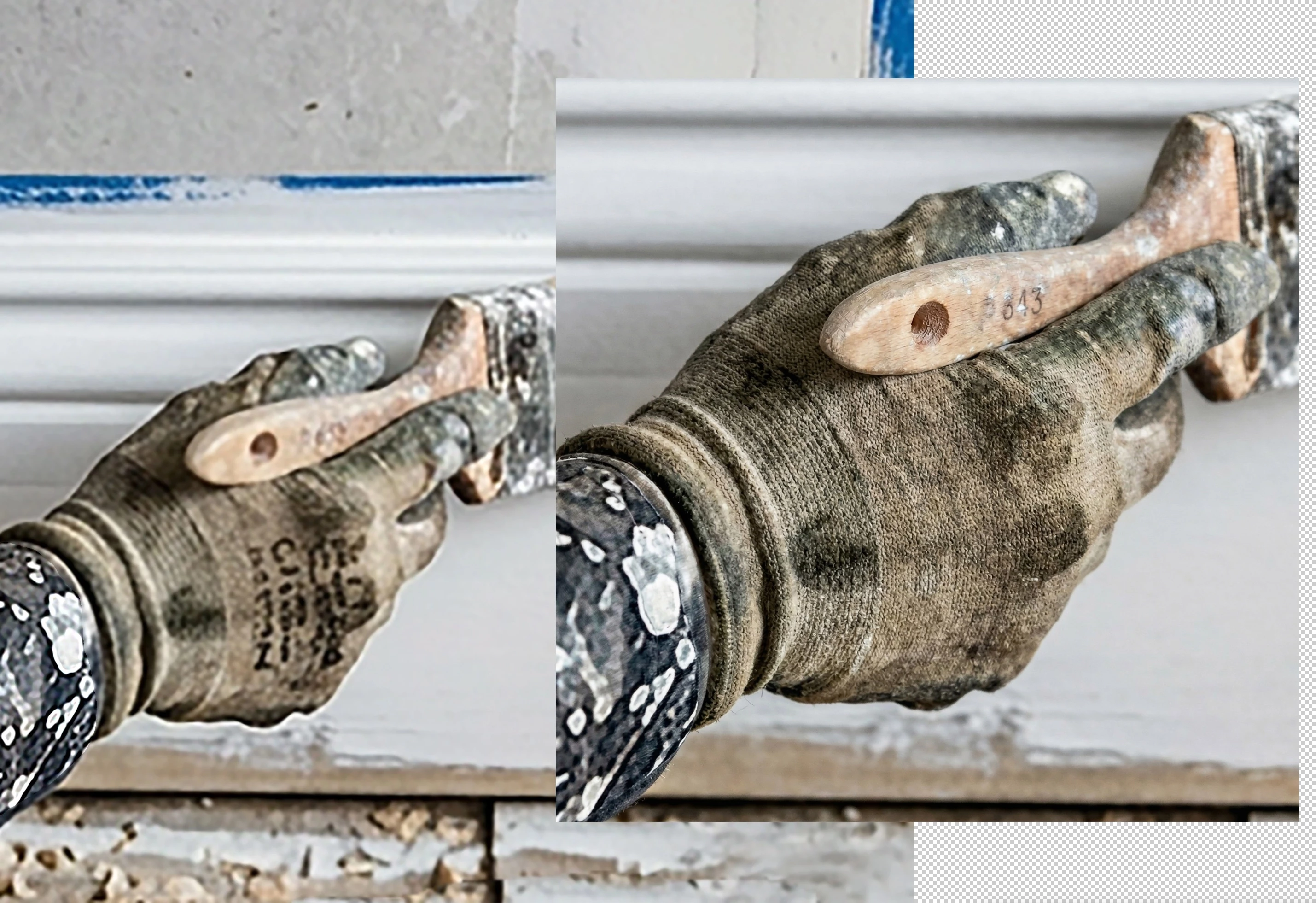
Would someone please tell me what is wrong with this AI image. Please circle so I can learn.


    daniellei4510
    daniellei4510Correct answer
    Community Expert
    April 10, 2026

    Lack of sharpness and detail throughout. Remove the “text.” 


    Adobe Community Expert | I have miles to go before I sleep, but I'm all done on this end.

    6 replies

    N8.
    Community Expert
    April 11, 2026

    Hey ​@jodij28273193 

    The arm is blurry. 
    With an image like this take it into Photoshop and remove the unwanted bits:
    - the black specks, the border underneath the bit that is being painted.

    - extend the white bit to the right and to provide some room for a bit of copy/ text

     

    Cheers

    Nate

    Translate
    Jill_C
    Community Expert
    Community Expert
    April 10, 2026

    It’s quite blurry 

    Translate
    Jill C., Forum Volunteer
    yamato713108855
    Community Expert
    Community Expert
    April 10, 2026

    The image quality is degraded during the enlargement process.

    The enlargement process after image generation needs to be reviewed.

    Please try enlarging it to 100% and checking.

    Translate
    daniellei4510
    Community Expert
    daniellei4510Community ExpertCorrect answer
    Community Expert
    April 10, 2026

    Lack of sharpness and detail throughout. Remove the “text.” 


    Translate
    Adobe Community Expert | I have miles to go before I sleep, but I'm all done on this end.
    Nancy OShea
    Community Expert
    Community Expert
    April 10, 2026

    Gibberish text is disqualifying. 

    Focus should be on the paint brush, not the sleeve.


    Translate
    Nancy O'Shea— Product User & Community Expert
    jodij28273193
    Inspiring
    April 10, 2026


    Thank you. I will work on it and address the issues.. 

    Translate