




Adobe Firefly Newsletter - April Edition (MAX London Updates and More!)

Hi Everyone,
Much has changed since our last newsletter edition, but don't fret if you've missed out on the latest updates. We're here to catch you up on everything, including the exciting features in the newest MAX release.
Grab your favorite snack and get ready to relax because we've got a lot to catch up on! And hey, if you missed a newsletter while we were away, no worries! You can find all the past editions in our handy archive here. Let's dive in!
What's new - Adobe Firefly MAX London release

Try the Firefly Image 3 Model—it's in beta right now! 🌟 Get better images, understand prompts more easily, and enjoy more detail and variety. It's all about boosting your image game! 🔥
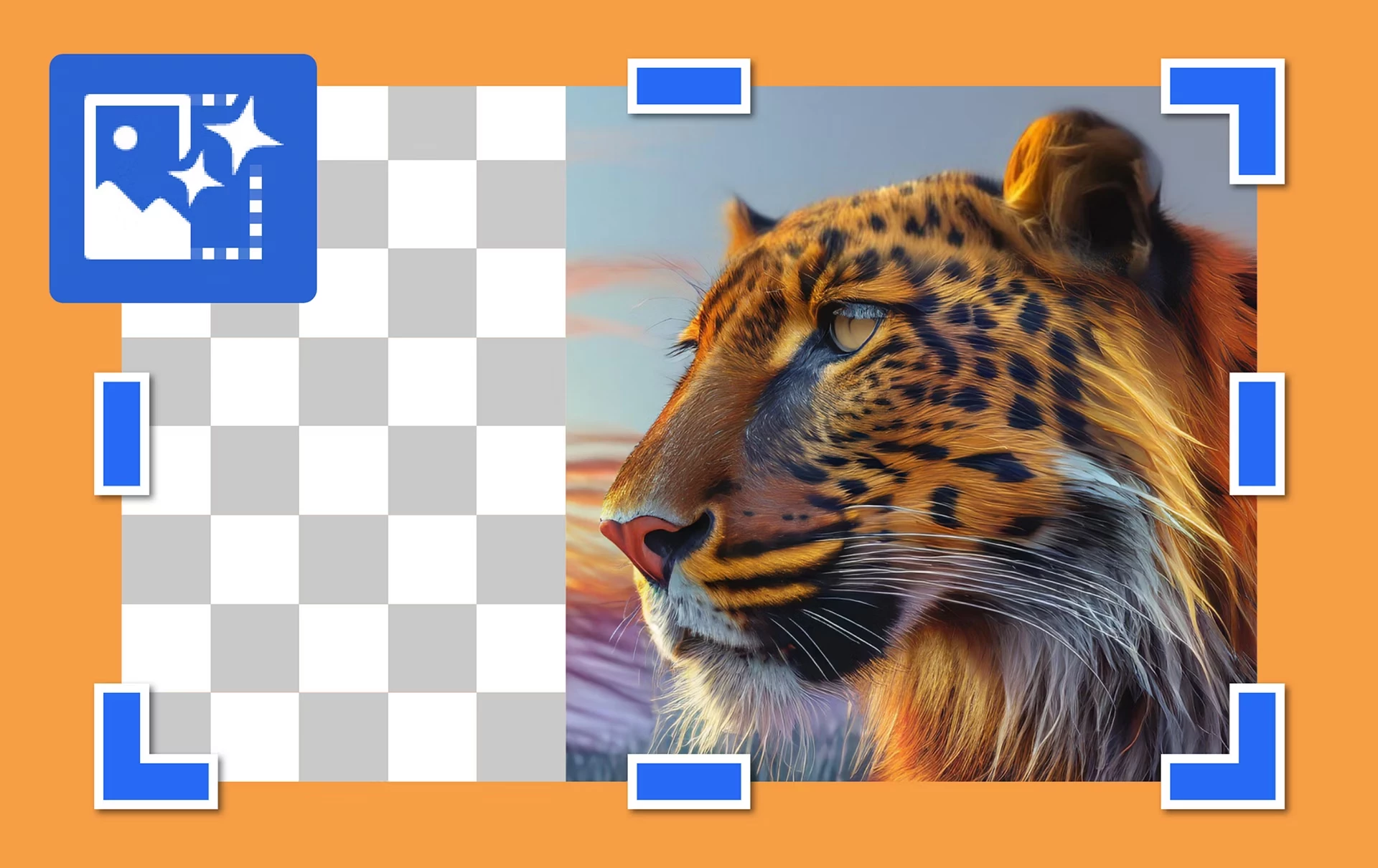
Generative Fill enables you to effortlessly enlarge images and utilize text prompts to generate and fill the enlarged space. Simply use the crop tool to extend the canvas area, describe your desired output with a text prompt, and fill in your expanded canvas accordingly. The resulting content seamlessly integrates with the original image.

Save and share your favorite prompts, settings, and templates to streamline generative content creation within your team! Boost consistency and efficiency while sparking creativity.

Effortlessly integrate product shots and objects into generated scenes, ensuring a perfect match in tones, colors, lighting, shadows, and textures.
Latest Enhancements
We've listened to your feedback from our last update and made several improvements to enhance your user experience!
- Download All - The Download All button in the app header now lets users download all four images with a single click.
- Grid View - In addition to the carousel view, you can now switch to a grid view to see all four results side by side in text-to-image.
- Share Menu - To address user confusion, we returned the Share menu with options to copy an image, copy a link, etc., to its original position on the image results (on hover).
- Generative Recolor - Clicking on the generative recolor card will redirect users to Illustrator on the desktop to try the experience with a sample file.
Recap of Firefly 1st Anniversary with Cyn & Phoebe
From content creation to publishing, Cyn and Phoebe shared a wealth of tips & tricks that cater to both novices and experienced creators alike. Watch the recap as they guide you through each step, ensuring there's something valuable for everyone in this insightful video tutorial.
Build, share, and learn with the Firefly community
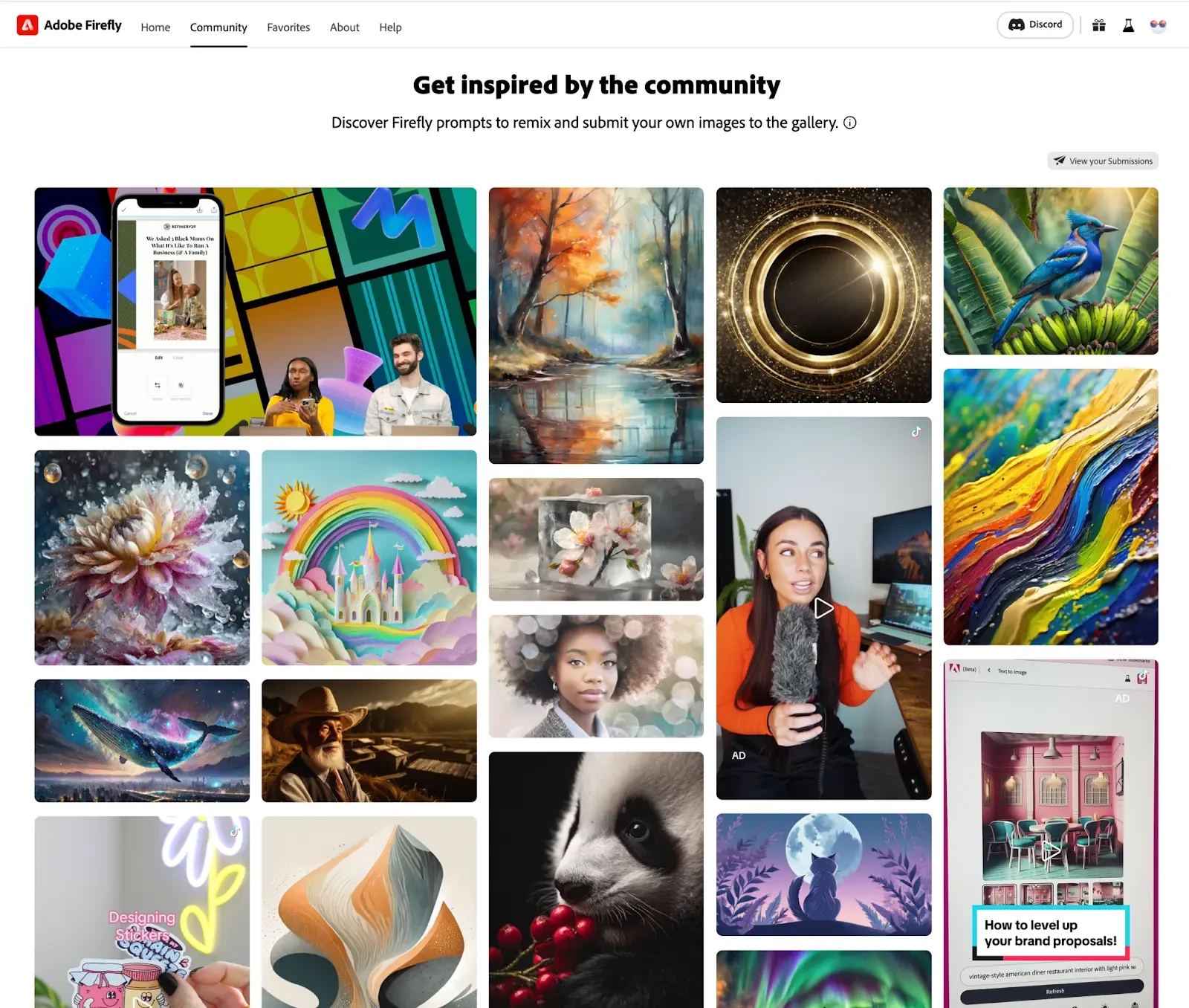
The Firefly Community is a source of inspiration. Browsing through projects created by other talented individuals can spark new ideas and approaches to your own creative endeavors. The gallery features selected user images, curated social media videos, and Adobe Live videos. To learn more, please click here.
Helpful Links
- Adobe Firefly FAQ Get answers to common questions about Adobe Firefly.
- Content Credentials for assets generated with Adobe Firefly What information is included when they are automatically applied to assets generated with Adobe Firefly.
- Firefly issues and errors Learn about the known issues in Adobe Firefly and how to troubleshoot them.
- Adobe Firefly technical requirements Technical requirements for creating content using Adobe Firefly.
- Discord Join the Adobe Firefly Discord server to connect with others, get creative feedback, and share resources!
Community Newsletters
Are you curious what's going on with our other apps? Check out their Newsletters, too:
Photoshop | Lightroom | Lightroom Classic | Illustrator | InDesign | Premiere Pro | After Effects
 AdChoices