
All "Veo" video generation fails almost immediately, including a simple text-only prompt with no reference images. “Something went wrong. Please try again.” Signing in again and private browsing have not resolved it. Earlier generations worked.
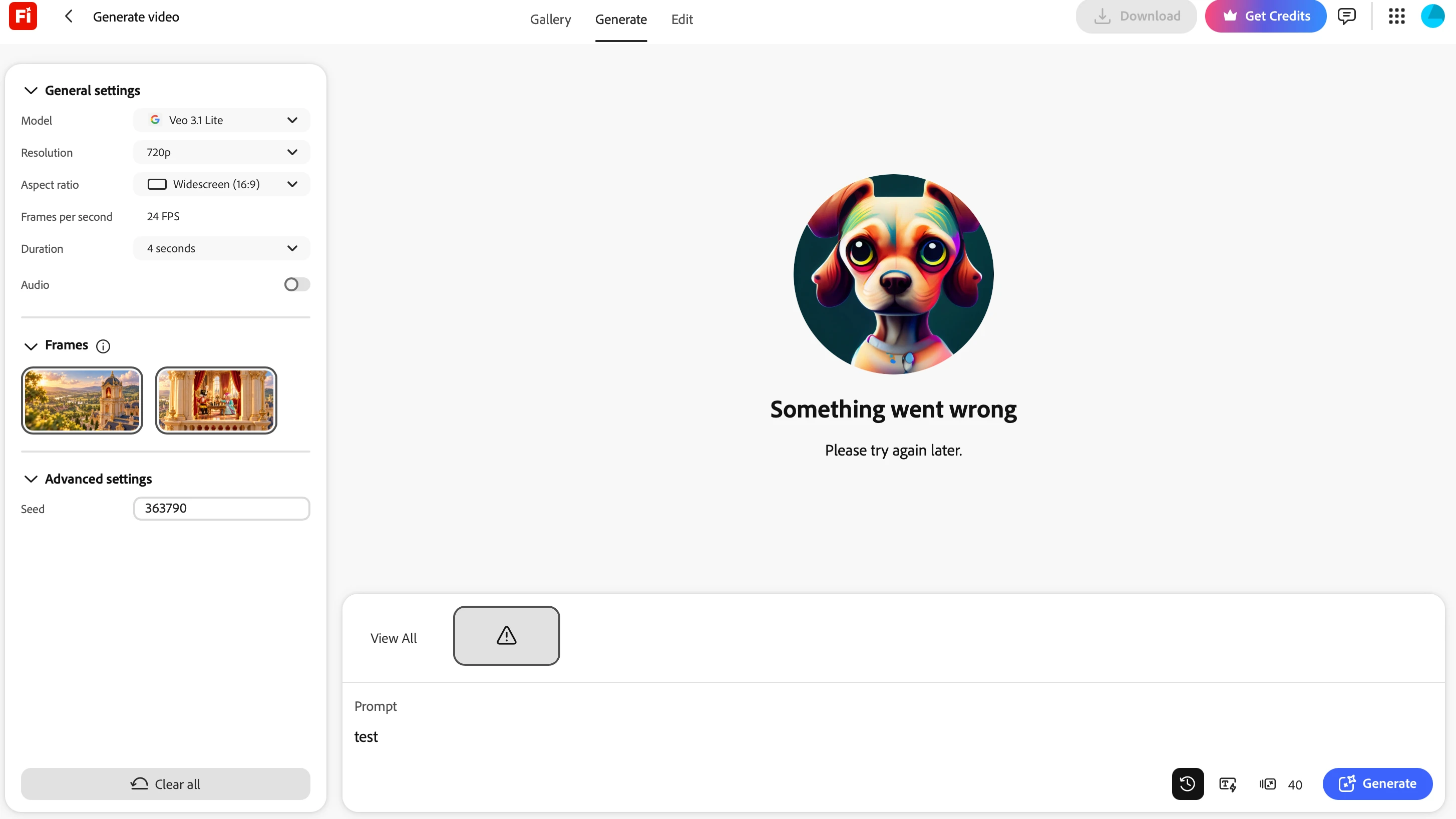
Video generation using Google Veo 3.1 Lite fails almost immediately with the error: “Something went wrong. Please try again later.”
It previously worked on the same account and browser, and I successfully downloaded several generated videos.
Steps to reproduce:
- Open Adobe Firefly’s Generate Video page.
- Select Google Veo 3.1 Lite.
- Set resolution to 720p, aspect ratio to 16:9, duration to 4 seconds and audio off.
- Upload first and last frame images, enter a prompt and click Generate.
- The generation fails almost immediately.
The issue also occurs with no images uploaded and this simple text-only prompt: “A camera slowly approaches a sunlit stone tower.”
Troubleshooting attempted:
- Refreshing the page.
- Opening Firefly in a new tab.
- Signing out and signing back in.
- Testing in a Safari Private Window.
- Simplifying the prompt and removing both reference images.
Opening a new tab and signing in again temporarily resolved the issue earlier, but no longer helps.
When I switched to Adobe Firefly Video, the request began processing rather than failing immediately. I cancelled that test before completion, so I cannot confirm whether it would have finished successfully.
I’m using Safari on a Mac. Please investigate whether there is a Veo 3.1 Lite provider issue or an account-specific problem, and check that credits for failed generations have been restored.
 AdChoices