Hi Pip of Redcar, Thank you for bringing this to our attention.
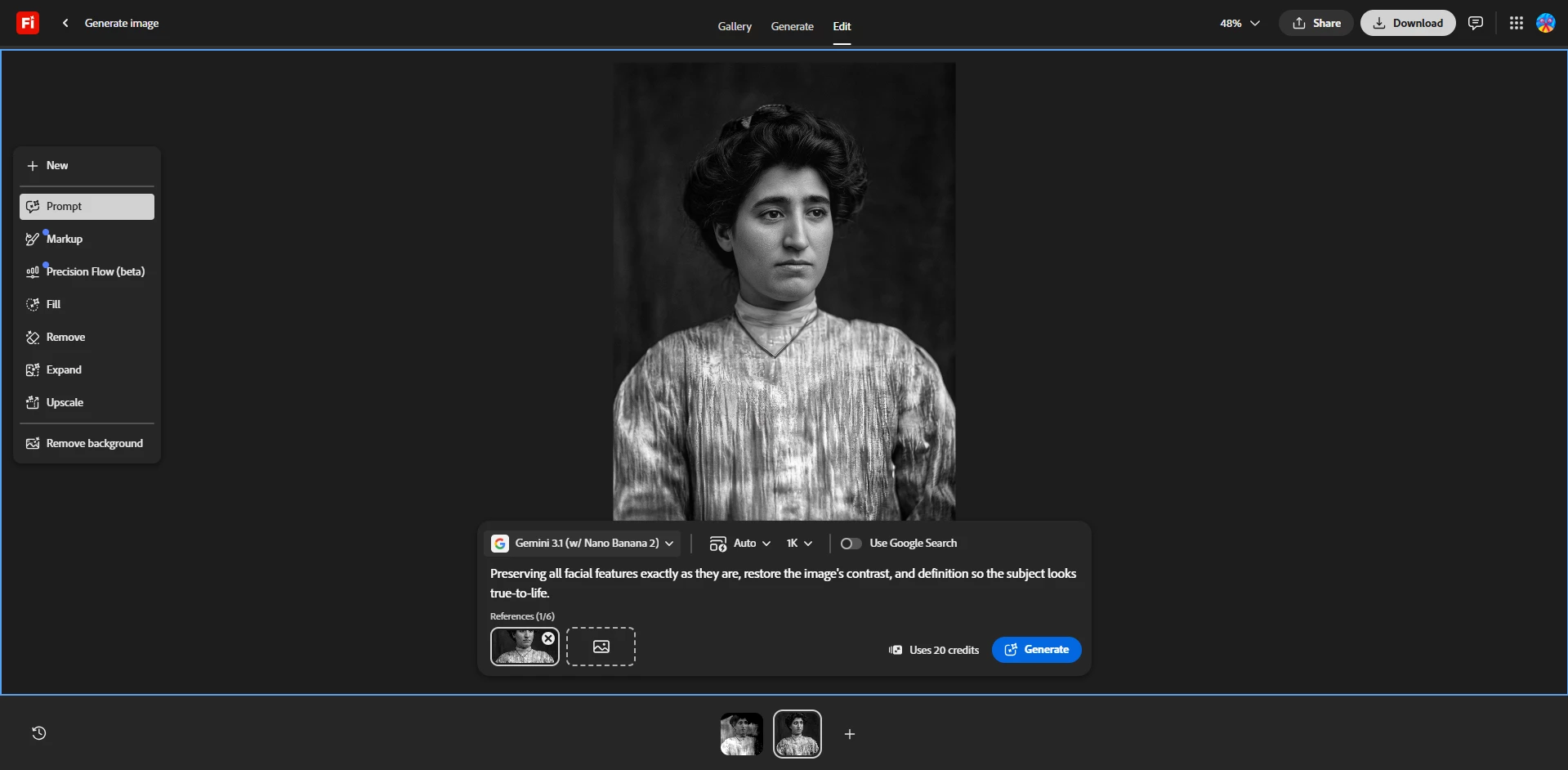
For this workflow, I decided to use Edit > Gemini 3.1 model and used this prompt: “Preserving all facial features exactly as they are, restore the image's contrast, and definition so the subject looks true-to-life”. The results returned a better version:
Let us know if this helped you get better results.
Hi Pip of Redcar, Thank you for bringing this to our attention.
For this workflow, I decided to use Edit > Gemini 3.1 model and used this prompt: “Preserving all facial features exactly as they are, restore the image's contrast, and definition so the subject looks true-to-life”. The results returned a better version:
Let us know if this helped you get better results.





 AdChoices