
Participating Frequently
August 18, 2026
Question

Cant generate image

  • August 18, 2026
  • 3 replies
  • 42 views

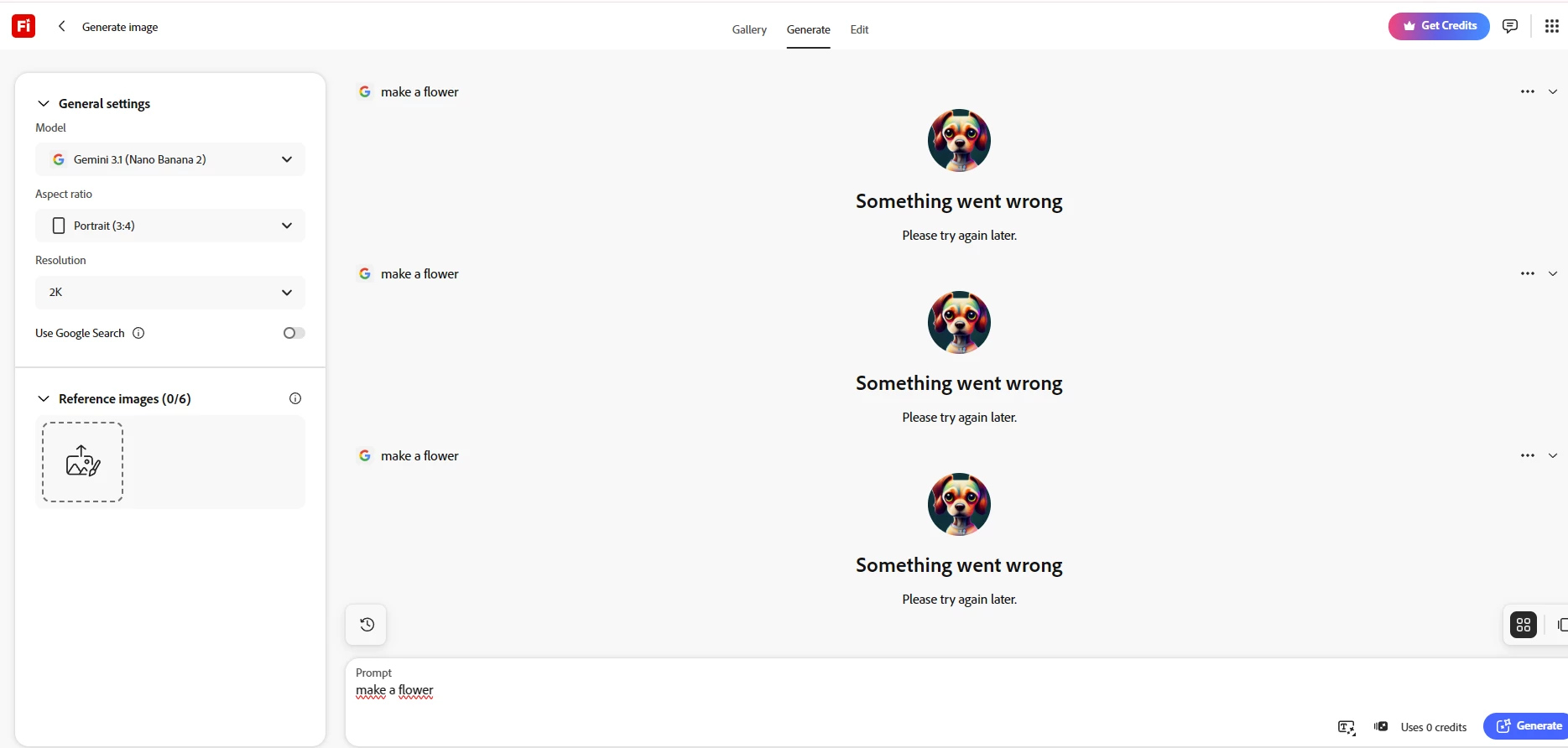
I’ve been experiencing this issue for over a day now. Image generation fails every time, both with reference images and without reference images. Even a very simple prompt like “make a flower” fails and shows “Something went wrong. Please try again later.”

I’m using Gemini 3.1 (Nano Banana 2) with 2K resolution and Portrait (3:4). The issue happens consistently with every generation attempt.


    3 replies

    N8.
    Community Expert
    August 20, 2026

    Hey ​@Spirited_youth8f8e 
    This behaviour has been caused by interference from browser extensions in the past (such as ad blockers). Can you try in private browsing/incognito mode or in another browser as a test?

    Cheers

    Nate

    Eager_Wave168c
    Participating Frequently
    August 19, 2026

    This looks more like a service or integration issue than a prompt problem. As even a simple prompt such as “make a flower” fails with both reference and text-only generation, you should first rule out the model settings.

    Try switching from 2K to a lower resolution and test another aspect ratio. Also try a different browser or a private window, since users have reported Firefly generation failures being resolved after clearing cached data or changing browsers.

    If the same error persists across browsers and settings, I’d report the exact model, resolution, aspect ratio, browser, and time of failure to Adobe support. At that point, the consistent failure suggests something on the Firefly side rather than your prompts.

    N8.
    Community Expert
    August 19, 2026

    Hey ​@Spirited_youth8f8e 

    Could you have a look in your Creative Cloud App and see if the image/video is hiding there?

    >>Press generate: ONLY ONCE<<. If the generation is taking forever or not generating, check your CC App.
     

    How to reliably download your files
    In your Adobe Creative Cloud you can find your files there and download them. Here s a short video showing the steps

    https://youtube.com/shorts/fCgb1ZR48tU?feature=share


    Cheers

    Nate