Participant
September 9, 2025
Answered

Characters

  • September 9, 2025
  • 2 replies
  • 319 views

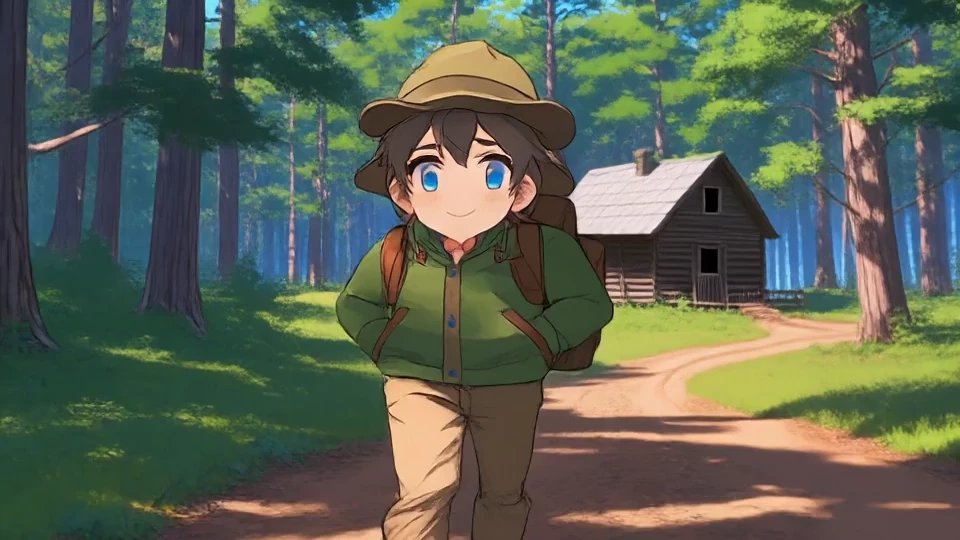
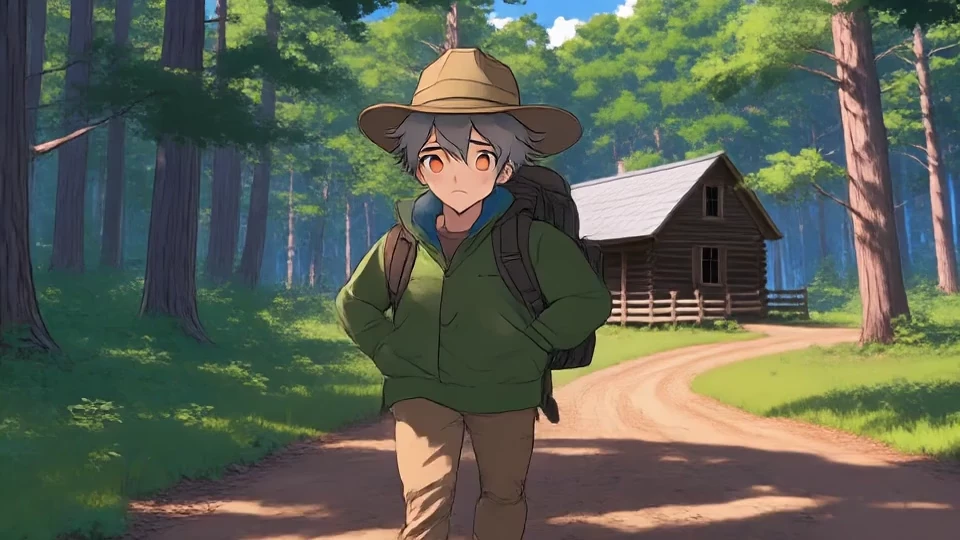
I am trying to create several videos with the same character.  Each time I create a new video, or edit a video, the character changes.  How do I create mulitple videos with consistent characters?
Correct answer Oh.N8

Hey ​@Bluemoon007 

Here is a link about consistent characters.
Character animation
https://helpx.adobe.com/uk/firefly/how-to/create-cinematic-posters-consistent-characters.html


Cheers

Nate

2 replies

Bluemoon007
Participating Frequently
July 25, 2026

Can someone from Adobe Post a video of how to keep the same character. Also, when you favorite a character where does it go. This application is like a puzzle with many missing pieces and just a black hole that sucks up your credits...pretty sure the Adobe Board is laughing their a** off and giving themselves big bonuses.

Please create HOW TO VIDEOS and for your Tutorials a Step by Step Tutorials. One SHOULDN’T have to search the internet on how to solve this puzzle called FIREFLY! Thank you

Oh.N8Community ExpertCorrect answer
July 26, 2026

Hey ​@Bluemoon007 

Here is a link about consistent characters.
Character animation
https://helpx.adobe.com/uk/firefly/how-to/create-cinematic-posters-consistent-characters.html


Cheers

Nate

Community Expert
September 9, 2025

Did you apply the anime style to this? If you use anime in your prompt, could you try not using it? Here it seems it's adding an anime style on an anime image making it 10x more anime

Participant
September 9, 2025

I tried again without the anime style and it went a completely different direction.  I'm trying to create a video with the bear character shown below.  In the prompt I refer to the 'reference image character' and each time Firefy created a completely new character.

Kartika Rawat
Community Manager
Community Manager
September 9, 2025

Hi knowledgeable_Echo5C1E!

Thanks for writing in. Please try the following steps to create multiple videos (or images) with consistent characters: 

1. Generate the image with a detailed prompt, then download the one that represents your character

2. Use the image as a reference image 

3. Modify the prompt for different scenes


Let us know how it goes.

^KR