



Known Participant
February 15, 2025
Answered

Continuos errores

  • February 15, 2025
  • 1 reply
  • 221 views

Desde que Firefly ha renovado su diseño últimamente, surgen demasiados mensajes de error a la hora de generar imágenes. Incluso cuando ya ha generado muchas imágenes anteriores con exactamente el mismo prompt. Como nunca se especifica la causa del error, corregirlo es cuestión de suerte. Me parece que no debería ser así. Gracias.

Correct answer Oh.N8

Thanks @Ersi Marina  for your feedback,

In cases like this, I found the following to help.
1) Open a new tab and start over. Sometimes I have had to start over several times. 
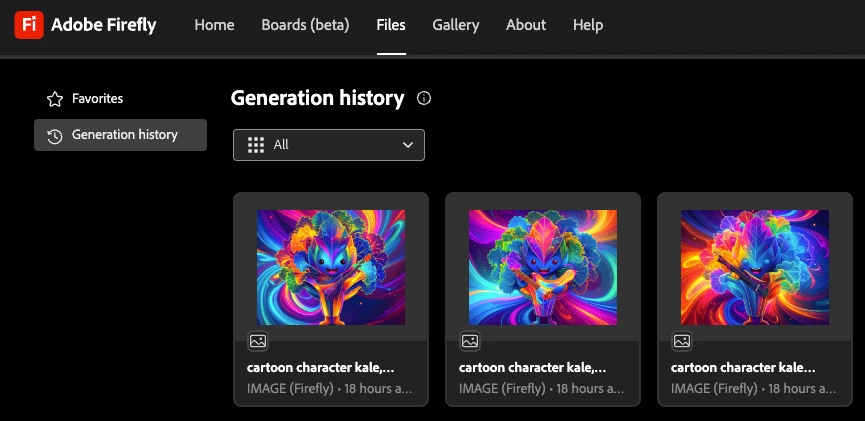
Once I open a new tab, I go to files and open an image that I would like to start working with or to use as a style image or composition image.


2) I do find turning my computer off and on again helps. 
3) I also attempt to change the word order or use words that are similar.

Cheers

O. Nate

1 reply

Oh.N8Community ExpertCorrect answer
June 14, 2025

Thanks @Ersi Marina  for your feedback,

In cases like this, I found the following to help.
1) Open a new tab and start over. Sometimes I have had to start over several times. 
Once I open a new tab, I go to files and open an image that I would like to start working with or to use as a style image or composition image.


2) I do find turning my computer off and on again helps. 
3) I also attempt to change the word order or use words that are similar.

Cheers

O. Nate

Known Participant
June 14, 2025

Thank you. It does seem like a 1990s solution to a 2025 problem but I'll keep it in mind. I'm sure Adobe will be able to smooth the workflow down soon 🙂

June 14, 2025

Yes, sometimes the traditional methods are the simplist solutions. 
Start w the basics and work from there. 🙂

Cheers

Nate