

Hugh Betcha
Legend
July 3, 2024
Answered

Control Scale in Generated Objects/Images

  • July 3, 2024
  • 3 replies
  • 2074 views

This might be a Photoshop question - but if I were to start with, let's say, a Cereal Box - closecut image, what is the best way to generate a kitchen / kitchen counter / objects nearby that are the appropriate scale - is there a way to control that?
This topic has been closed for replies.
Correct answer Kevin Stohlmeyer

Here is an example:

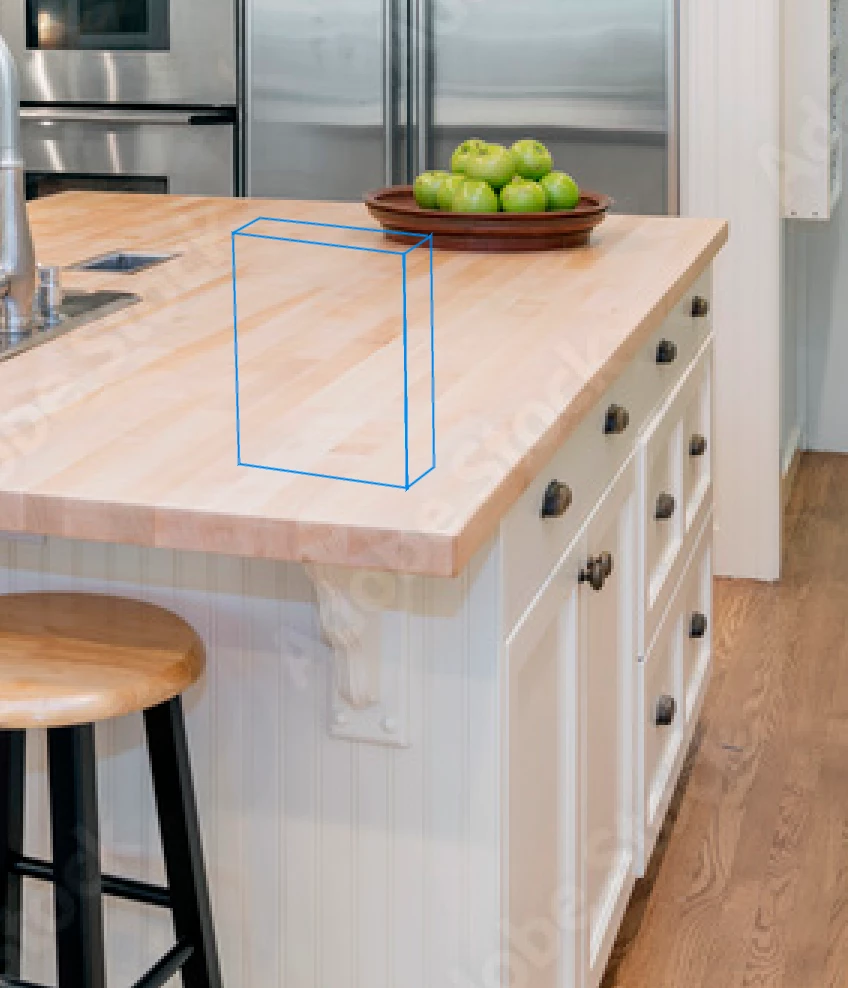
Reference structure-


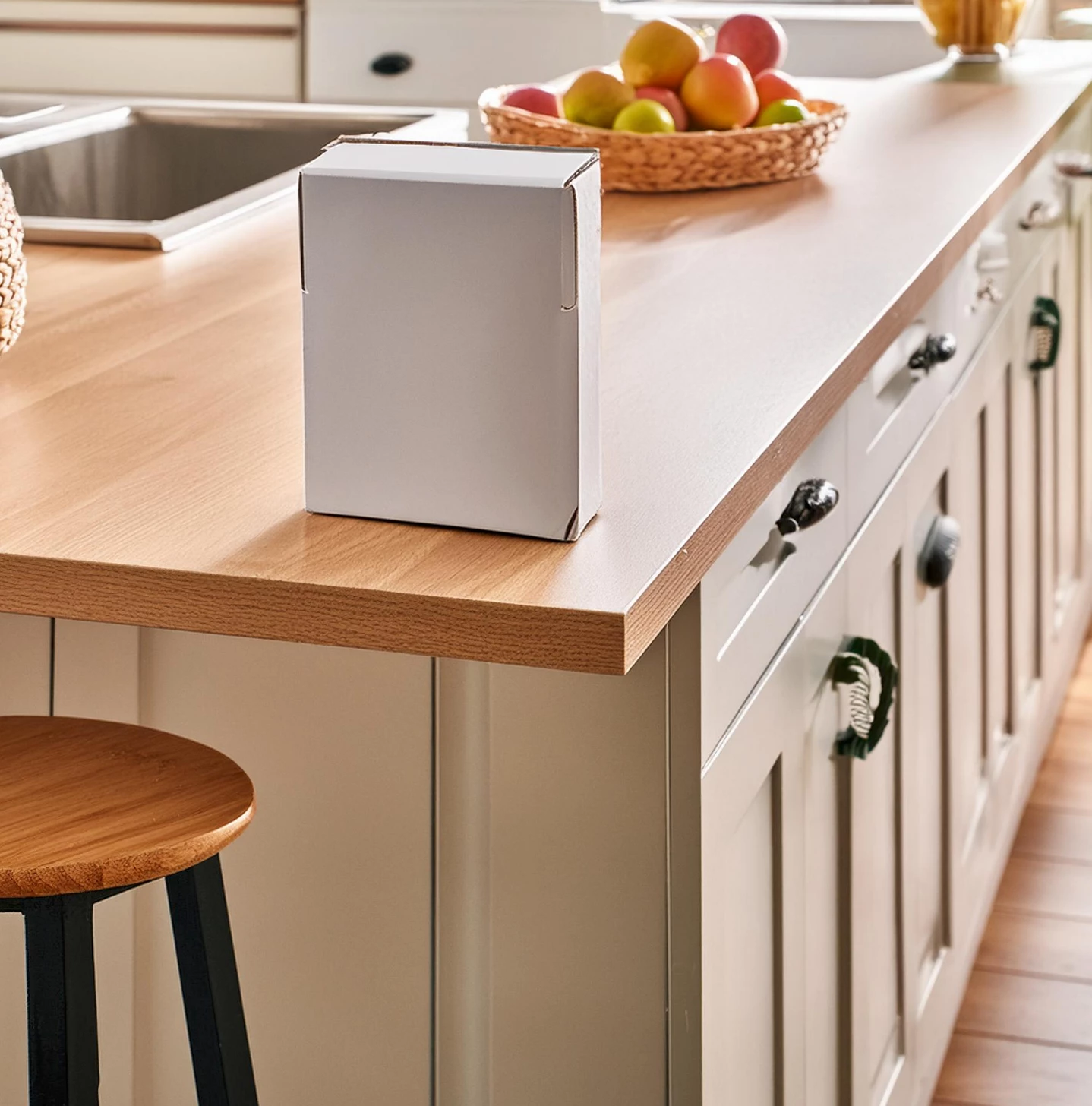
Firefly "cereal box sitting on a kitchen countertop"


If you want to integrate your design with the generated image, you would use Photoshop to composite.

3 replies

Kevin Stohlmeyer
Community Expert
Community Expert
July 3, 2024

I think @Monika Gause meant structure reference. You can sketch out your image, load it up and add your prompts to produce.

Monika Gause
Community Expert
Community Expert
July 3, 2024

Probably a style reference. You can draw that and upload it to Firefly. Some people have shown short clips about that kind of stuff for mockups. Make sure your style reference has the exact same proportions as the image you want to generate

Hugh Betcha
Legend
July 3, 2024

Thanks Monika - So if I start with a closecut image of a Cereal box (that I generated in 3D via a separate program), I could do a rough sketch of a counter/kitchen etc., and use it as my Structural reference, but I guess my question is: Is there a way to 'integrate' my original closecut image into the Generated kitchen image (ie. have reflections)?


Hugh Betcha
Legend
July 3, 2024

This might be a Firefly question - but if I were to start with, let's say, a Cereal Box - closecut image, what is the best way to generate a kitchen / kitchen counter / objects nearby that are the appropriate scale - is there a way to control that?

Hugh Betcha
Legend
July 3, 2024

This might be a Firefly question - but if I were to start with, let's say, a Cereal Box - closecut image, and I select the inverse, what is the best way to generate a kitchen / kitchen counter / objects nearby that are the appropriate scale - is there a way to control that?

Participant
July 3, 2024

If you want to place a close-cut image of a cereal box into a kitchen scene and control the scale of nearby objects, you can use these steps:

  1. Scale the Cereal Box: Adjust the size of the cereal box to fit the desired scale in your scene.
  2. Use a Scene Generator Tool: Tools like Adobe Firefly or similar can help generate a background.
  3. Control Object Scale: Use the tool's settings to match the scale of the kitchen counter and objects to the cereal box. Ensure you can manually adjust sizes if needed.
Hugh Betcha
Legend
July 3, 2024

When you say: "Control Object Scale: Use the tool's settings to match the scale of the kitchen counter and objects to the cereal box. Ensure you can manually adjust sizes if needed."
Is there a 'Control Object Scale' tool of some kind? Is ther a way to 'position' the subject within the scene - in the example, have the cereal box near a wall vs. in the middle of the counter, for example?

I see now that there's a 'Content-aware Scale' - but that doesn't work...


This might be a Firefly question - but if I were to start with, let's say, a Cereal Box - closecut image, what is the best way to generate a kitchen / kitchen counter / objects nearby that are the appropriate scale - is there a way to control that?