


Participant
June 25, 2025
Answered

Difficulty blending a generation into my reference image.

  • June 25, 2025
  • 1 reply
  • 202 views

Not sure what I am doing wrong here. I need to adapt an isometric soccer field image, into ( onto? ) a logo.


Firefly seems to be completely ignoring the reference image. I have watched many videos where this seems to work effortlessly but no matter how I adjust my prompt or prepare my reference image It seems to be ignored.


The reference image I am using is generated and exported from Illustrator as a PNG or a jpeg, have tried both at about 2k pixels. Firefly has no trouble generating the soccer field view but cannot blend them. Why?


Need to do something like this....
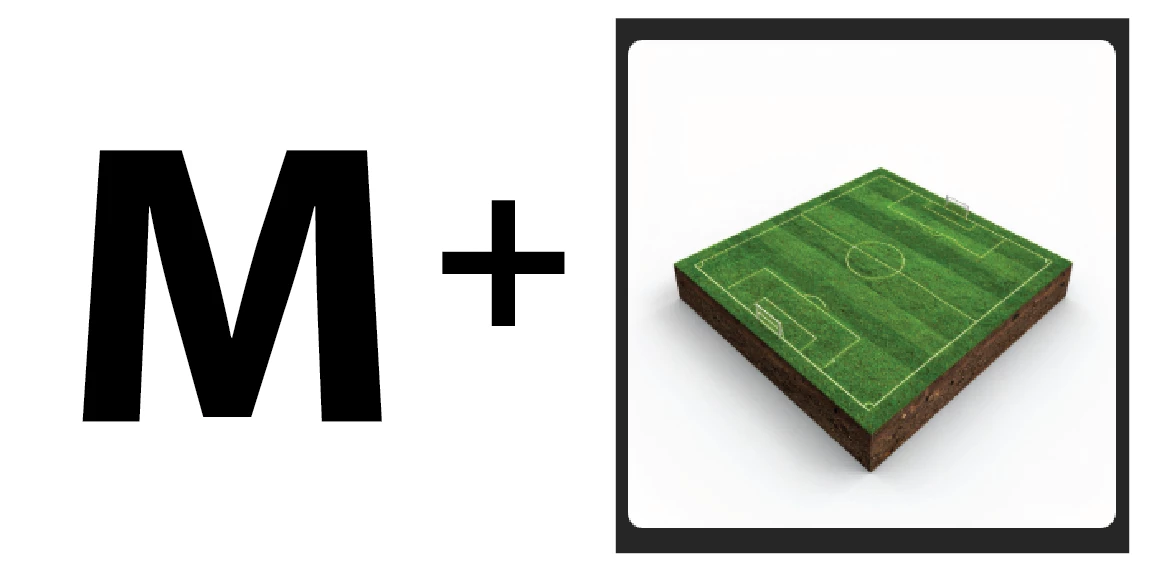
 

My reference image and generations are the same aspect ratio, have tried the reference as a jpeg and png. I just keep getting versions of the soccer cake with the slightest outline of my reference image on top.


Correct answer Monika Gause

So you want an M being distorted in a way that it looks like it's lying on the floor?

In that case you need to create that as a reference image. Like this perhaps: 

1 reply

Monika Gause
Community Expert
Community Expert
June 25, 2025

Not quite sure what you expect. The composition reference needs to be the exact same propotions as your generated image. Is that the case?

Participant
June 25, 2025

You mean aspect ratio? yes they are the same 1:1.

To be clear, I am expecting the software to blend the soccer cake into the shape of the reference image. Have seen adobe advertise this thing doing much heavier lifts. should be a trivial task based on the marketing material I have seen.


This is what I am getting as a solution. there is no change to the soccer cake it just lays an outline of the letter on top. Either I am doing something wrong or the marketing is disingenuous 


Monika Gause
Community Expert
Monika GauseCommunity ExpertCorrect answer
Community Expert
June 25, 2025

So you want an M being distorted in a way that it looks like it's lying on the floor?

In that case you need to create that as a reference image. Like this perhaps: