Participant
Sep 27, 2026 6:56 AM UTC
Answered

Firefly Video generation fails with “Something went wrong” on every model and browser

[PII removed by moderator]
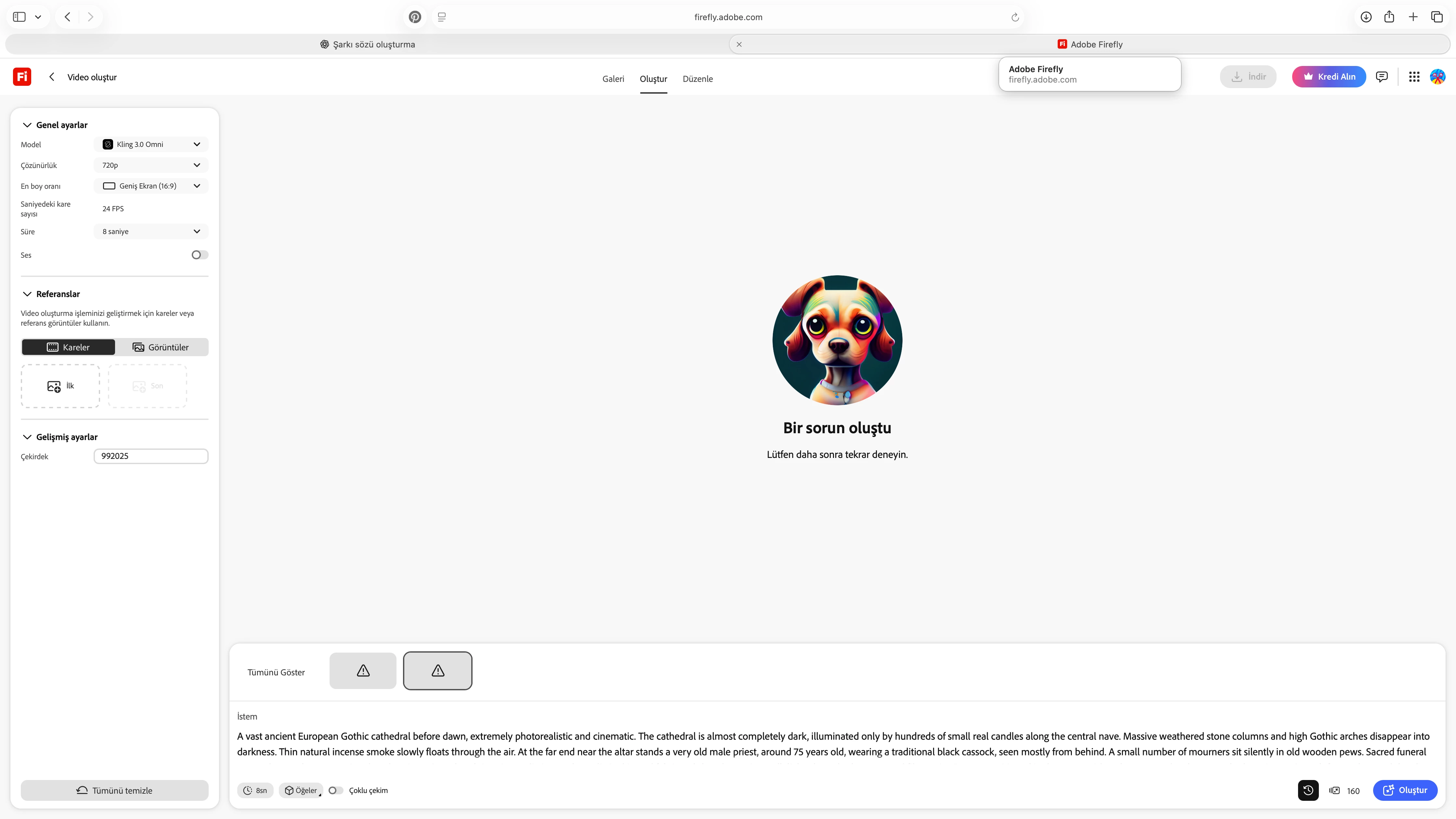
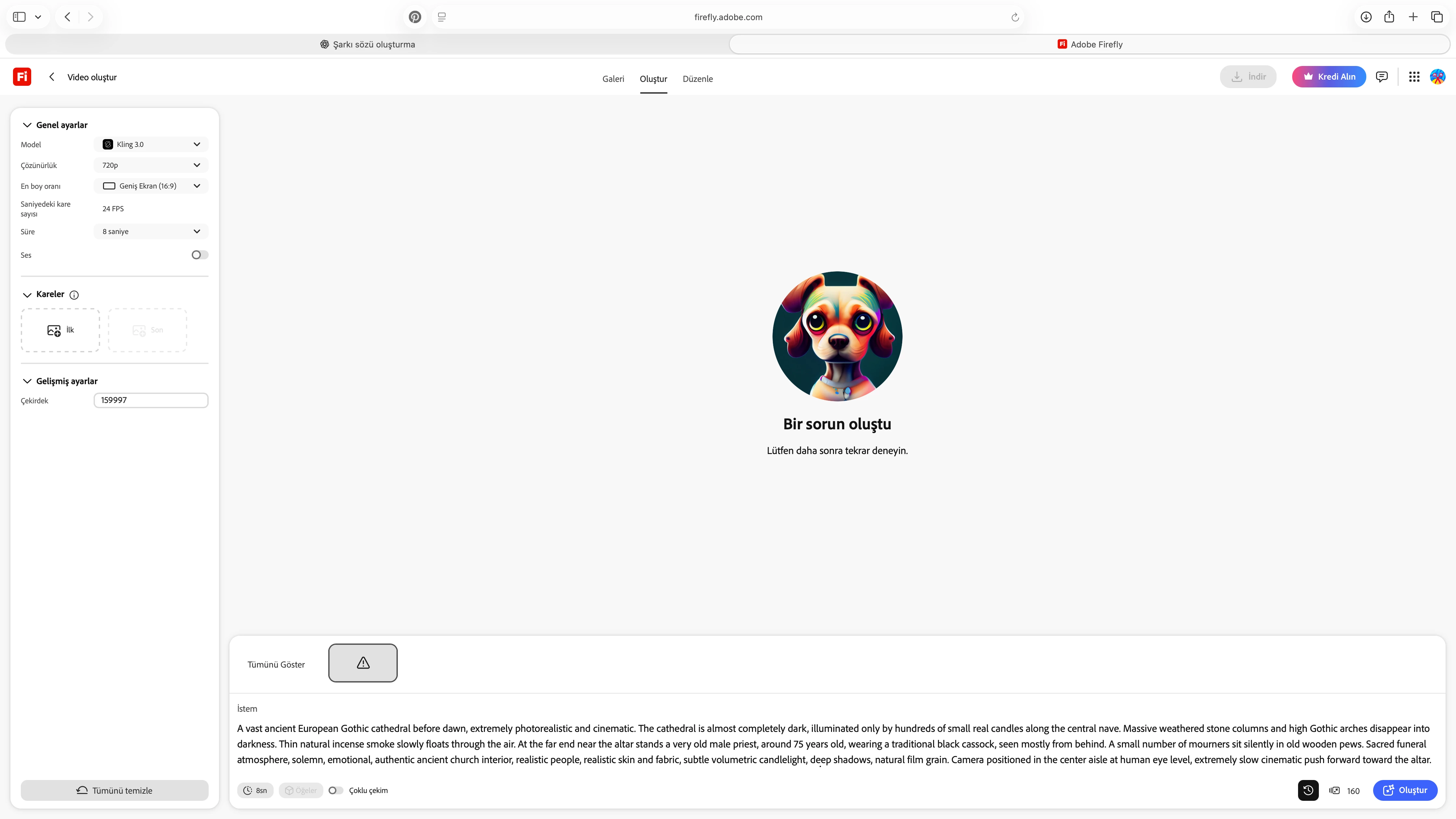
I have an active Adobe Firefly Pro subscription with Premium features enabled and 4,000/4,000 generative credits available.

Firefly Video generation fails on every attempt with the message: “Something went wrong. Please try again later.”

I tested multiple video models including Adobe Firefly Video, Google Veo 3.1 Fast, Kling 3.0, and Kling 3.0 Omni. The same error occurs with all of them.

I tested both Safari and Google Chrome, refreshed the session, reopened Firefly, and also tried a very short simple prompt: “Ancient Gothic cathedral interior, candlelight, slow cinematic camera movement, photorealistic.”

I tested 720p, 16:9, 24 FPS with no reference images. The problem occurs with both 5-second Firefly Video generation and 8-second third-party model generation.

Failed attempts do not appear to consume my credits, and my account still shows 4,000/4,000 credits.

Since the issue occurs across different browsers, prompts, and both Adobe and third-party video models, please check whether Firefly Video generation is correctly provisioned/enabled for my account or whether there is an account-level/backend issue.

Please escalate this to the Firefly technical team if necessary.

    Kartika Rawat
    Kartika RawatCorrect answer
    Community Manager
    Oct 22, 2026 4:38 PM UTC

    This appears to be an account issue if you are not able to use the partnered models in Firefly. Please reach out to the support team for a secure 1:1 conversation.


    Kartika

    10 replies

    Participant
    Oct 2, 2026 4:42 PM UTC

    yes me too !, whats wrong with adobe

    Translate
    N8.
    Community Expert
    Oct 5, 2026 3:47 PM UTC

    Help us. Help you ​@romantic_finderf600 
    Sorry to hear you're running into that "Something went wrong" error. Could you provide more information; so, the team can proceed to troubleshoot? Without the requested information it is difficult to assist you and resolve the issue. By providing the requested info we can better assist you. 

    Something went wrong troubleshooting

    A Full Screenshot or short video:  Please provide a screenshot of your entire browser or application window, including your avatar in the upper right corner. Many errors have multiple causes; seeing the full context is much more helpful than a zoomed-in image of the error message alone.
    >>Make sure to remove person details: email address, name... before posting<<

    • System Details: Specify your Operating System (OS) and Browser (including version numbers).
    • Workflow Context:
      • Which Firefly function were you using? (e.g., Text to Image, Generative Fill, Text to Video, etc.)
      • Which model was selected? (e.g., Firefly Image 3, Image 4 Ultra, Imagen 3).
      • The full prompt you were using.
      • Copies of any reference images, keyframes, or original images used.

    Other suggestions

    1. Try a different web browser (or an Incognito/Private window) to rule out browser extensions or cache issues.
    2. Disable any active VPN, ad-blockers, or strict firewall settings temporarily.
    3. Clear your browser's cache and cookies (see image below):

     For more details and additional troubleshooting steps, you also check this article as well!


    Resources & Suggestions on How to Prompt
    Generate images from text descriptions
    Writing Effective Prompts
    Adobe Firefly Resources
    Cheers

    Nate


    Translate
    Participant
    Oct 1, 2026 11:41 AM UTC

    Same issue here. Seedance 2.5 generates fine with a photo and image references, but the moment I add an audio reference (or a video reference) I get "An error occurred, please try again later." Tried [different files / formats / browsers] with no luck. Has anyone found a workaround, like a specific audio format or length that works?

    Translate
    Participant
    Oct 1, 2026 3:42 PM UTC

    I would like to buy Pro subscribition if this helps on overloaded error(Timeout error) shows on Network

    Translate
    N8.
    Community Expert
    Sep 27, 2026 9:07 AM UTC

    Thank you  ​@Delightful_knightbb91 for sharing the details and the screenshots. 
    I was able to generate a video. 

    After getting a new plan, log out of the creative cloud app to reset the functions of Firefly. Log out then back in to the Creative Cloud App, after you get a new subscription or change subscription.

    If this doesn’t resolve the issue, please tag me.
    Nate

    Translate
    Participant
    Sep 27, 2026 7:15 AM UTC

    I have the same problem. The only models that seem to work are Adobe’s.

    Translate
    N8.
    Community Expert
    Sep 27, 2026 9:09 AM UTC

    Help us. Help you.​@Marvelous_socialitec5e4 


    We want to assist you and help resolve the challenges you are encountering. When things are not working as expected it is frustrating.
    Could you provide more information to proceed. Without the requested information it is difficult to assist you resolve the issue.


    Steps to take
    This behaviour has been caused by interference from browser extensions in the past (such as ad blockers). Can you try in private browsing/incognito mode or in another browser as a test?

    Could you create a full screen video of your workflow showing us what is happening? This would help considerably.

    Provide your prompt and reference image(s) if there are any?

    Which model(s) are you using?
    Consider clearing cache, cookies, and using a different browser.

    Could you give us more information: what msg are you receiving? Are the images your own photos/ images? Were the images generated by another AI Source, if so which one(s)?
    >>Make sure to remove person details: email address, name... before posting<<

    Nate

    Translate