

yogi lee
Participant
April 23, 2026
Answered

Firefly won't use my image to create a video.

  • April 23, 2026
  • 1 reply
  • 37 views

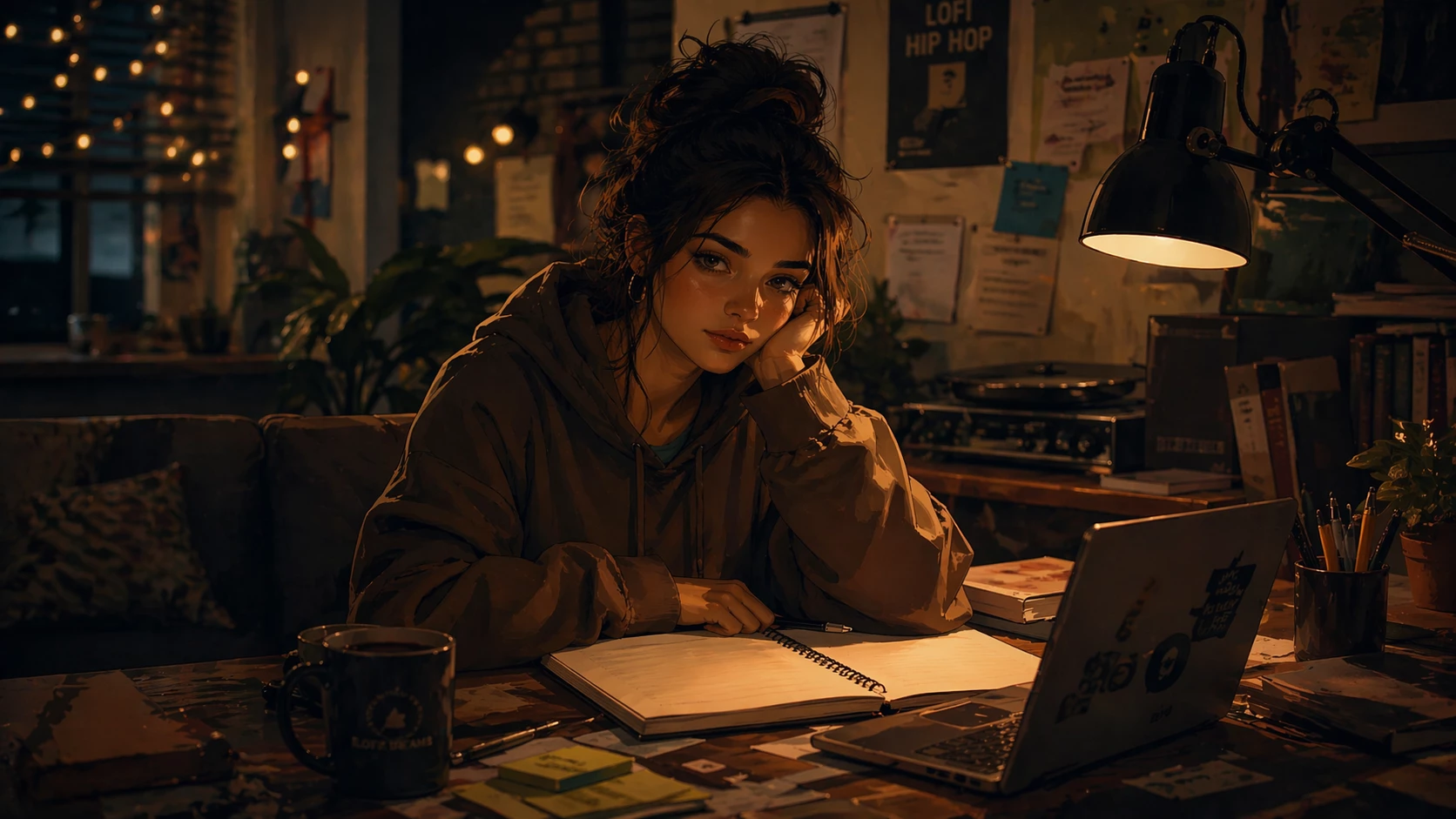
I am creating a short AI video and starting with an image. Firely says “Can't load. We can't process this prompt because the reference image doesn't meet our User Guidelines. You can upload another 
image and try again.”

The prompt I am using starts “A young woman in her early 20s sits at a cluttered desk, semi-realistic illustration style. She twirls her hair with her fingers and looks up, lost in thoughts. The desk is filled with a blank notebook, a warm practical lamp, and sticky notes with unfinished ideas. The background has a lo-fi aesthetic with soft bokeh...”

Any ideas what guidelines this doesn’t meet?

Thank you
 

    Correct answer daniellei4510

    Just a guess, but your first sentence, “A young woman in her early 20s sits at a cluttered desk, semi-realistic illustration style.” The reference image itself covers this description, as does the “the blank notebook,” the lighting, the bokeh, etc. The only action you're describing is that she’s twirling her hair. Maybe formulae a prompt that only describes the action you want, rather than the scene itself. Again, just a guess, as I see no reason the prompt violates any guidelines. But maybe the bot is confused with details that are already described in the image itself. Side note, based on the histogram of the image, the shadows and exposure could be corrected a bit to show more detail.

    1 reply

    daniellei4510
    Community Expert
    daniellei4510Community ExpertCorrect answer
    Community Expert
    April 23, 2026

    Just a guess, but your first sentence, “A young woman in her early 20s sits at a cluttered desk, semi-realistic illustration style.” The reference image itself covers this description, as does the “the blank notebook,” the lighting, the bokeh, etc. The only action you're describing is that she’s twirling her hair. Maybe formulae a prompt that only describes the action you want, rather than the scene itself. Again, just a guess, as I see no reason the prompt violates any guidelines. But maybe the bot is confused with details that are already described in the image itself. Side note, based on the histogram of the image, the shadows and exposure could be corrected a bit to show more detail.

    Adobe Community Expert | If you aren't submitting your assets in sRGB, you probably didn't read the rules.
    yogi lee
    yogi leeAuthor
    Participant
    April 23, 2026

    Many thanks for the reply Daniel. I’ll have a rethink of the prompt and I will drop it in Lightroom and tweak exposure and shadows. Thanks for the suggestions