A.Glenn
Participant
May 1, 2026
Question

Generated image edits missing

  • May 1, 2026
  • 3 replies
  • 24 views

I just used up all of my credits creating images and editing them, and now I don't see any of my edits where I removed the backgrounds on images. That's where most of my credits went. Where are these images?

    3 replies

    kelvinjack7
    Participant
    May 3, 2026

    That usually happens when the generation history doesn’t fully sync or the edits weren’t saved as separate outputs, so it’s worth checking the recent generations or refresh/relogin to see if they reappear this kind of workflow is pretty common with Online games too where progress sometimes needs a quick refresh to show up properly.

    A.Glenn
    A.GlennAuthor
    Participant
    May 2, 2026

    Hi ​@Oh.N8 thanks for your response. I was using this feature while in the generation area...


    ...and so I assumed that when I used this option to remove the background it cost me credits. But based on what you just showed me, I pulled one of my original images up in the firefly generator area, and performed this action again, and it absolutely removed the background without costing credits. Thank you!!! 

    And to answer your other question, none of my images were in the “your stuff” folder. 

    So I guess the lesson is that when you remove the background in the generator, it doesn’t save that image to the generation history, but I can always revisit the original that is saved there, and make edits to it without any credit costs. 

    Thank you so much again. I actually spoke to someone with Adobe support for almost an hour, and they could not help me with this. They actually told me that there was a syncing issue and I should see my edited images within 24 hours...but I didn’t. 

    May 3, 2026

    @A.Glenn 

    You are welcome. Sorry to hear that you are having to do it again. Glad that this method works for you.

    Cheers

    Nate

    May 2, 2026

    Hey ​@A.Glenn 


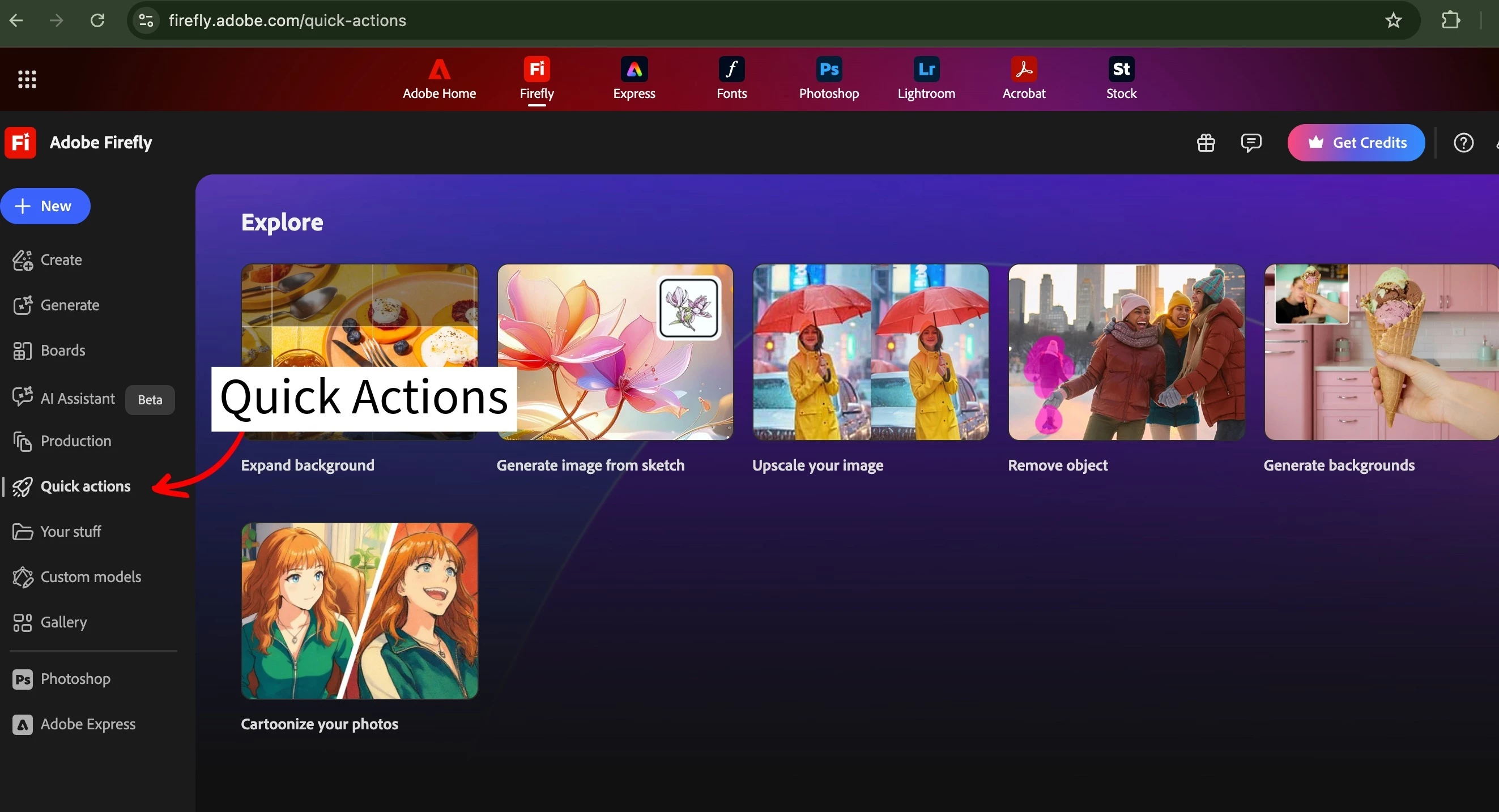
    Not sure of your workflow under Quick Actions
    You can choose remove background. That should not charge you credits as it will take you to 
    Adobe Express

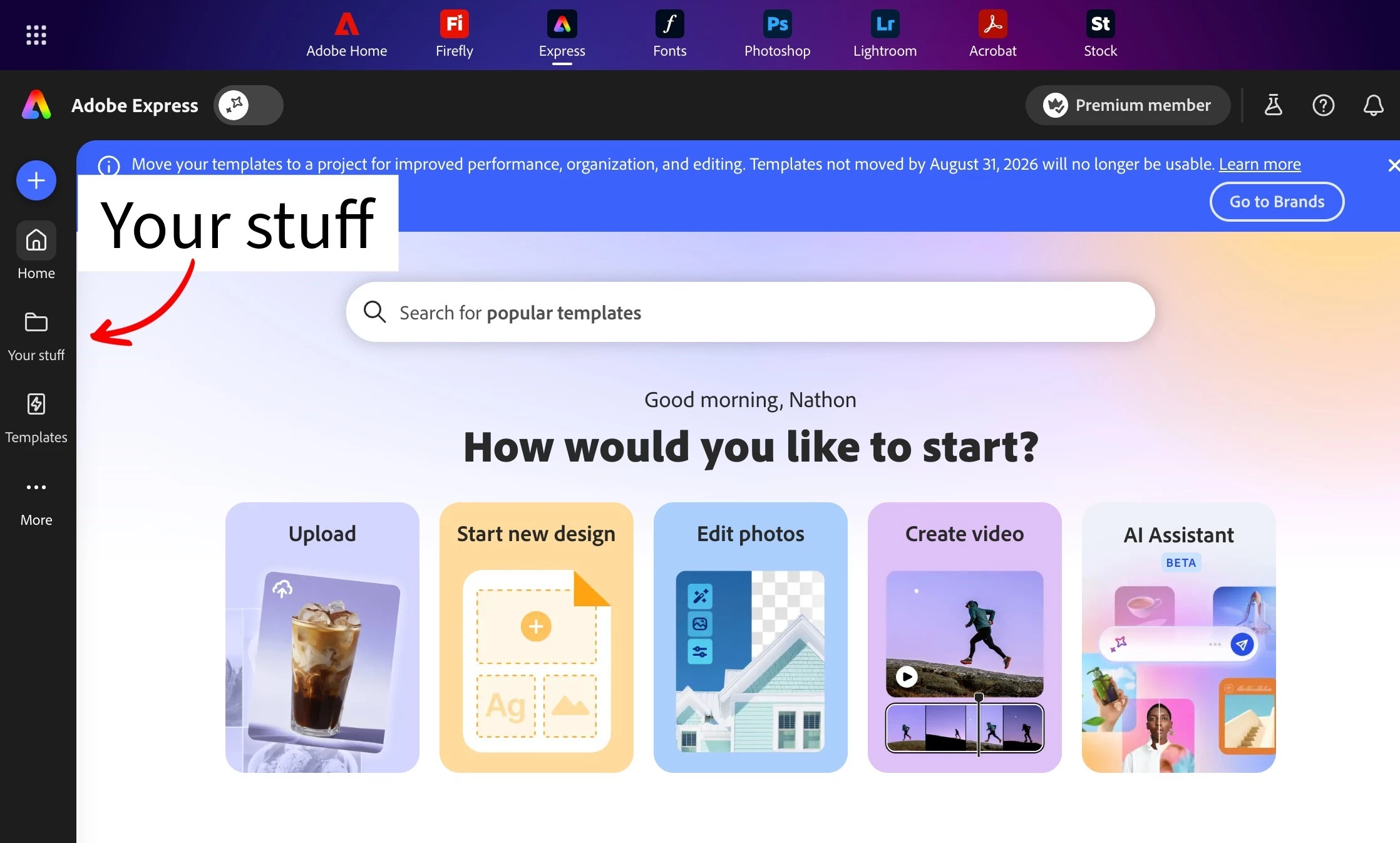
    Your files should be in Adobe Express


    Could you check Within Adobe Express Your Stuff


    Cheers

    Nate