This topic has been closed for replies.
Correct answer Kartika Rawat

Thanks for writing back. Seems like the image is already upscaled to maximum resolution. Are you getting the same message when hovering on the upscale icon? 
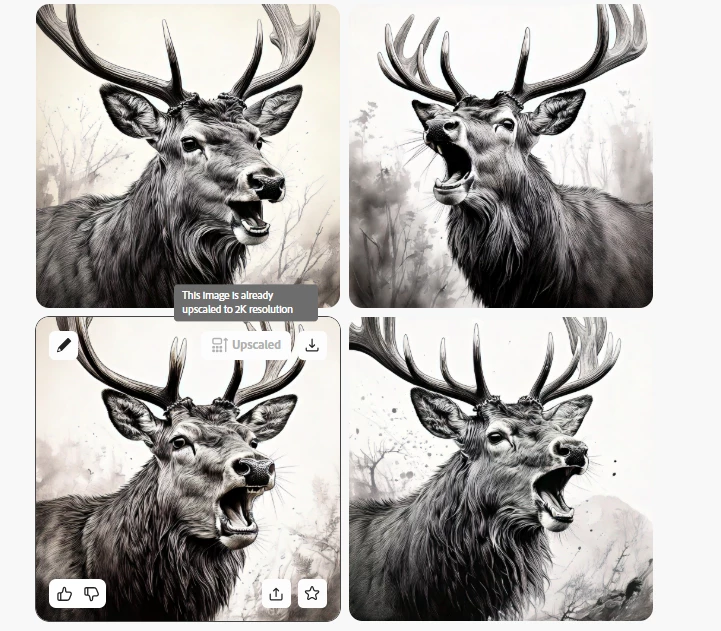


Let us know. Happy to help.

KR

2 replies

sebastianf72413814
Participant
December 16, 2024

Unfortunately, I can't select the "Upscale" option at all. The button is greyed out, and I can't click on it.

Kartika Rawat
Community Manager
Kartika RawatCommunity ManagerCorrect answer
Community Manager
December 16, 2024

Thanks for writing back. Seems like the image is already upscaled to maximum resolution. Are you getting the same message when hovering on the upscale icon? 


Let us know. Happy to help.

KR

sebastianf72413814
Participant
December 16, 2024

Browser: Safarie 

OS: Ventura 13.7.1

Kartika Rawat
Community Manager
Community Manager
December 16, 2024

Hi sebastianf72413814!

Thank you for reaching out. The image you shared is from the Firefly community. You can try using a similar prompt to generate your image, and you should then be able to access the upscale option. 

Also, the attached image shows the upscale option. What happens when you upscale?


Let us know if you still need help. 

KR


Moved to discussions.
