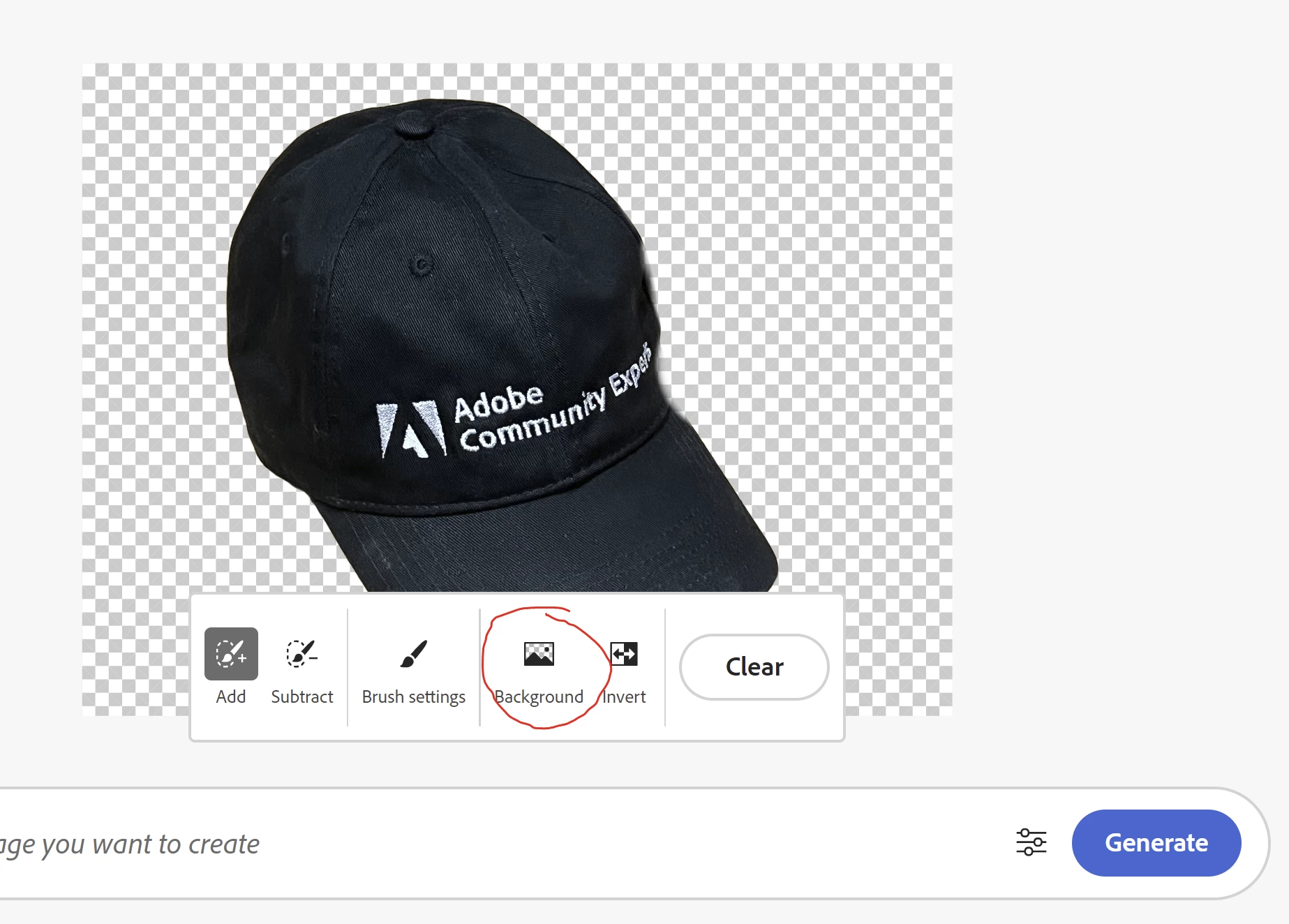
In Adobe Firefly you go to the "Generative Fill" Module, Upload your Photo and click on "background" to select your background.
After that you can insert whatever Background you want in the Generative Fill Prompt bar. Instead of selecting "Background" you also can paint out the parts of the Image you want to change or insert something else. Hope that helps.


 AdChoices