WebHostPro
Participant
October 7, 2024
Answered

How can you keep the reference image still looking similiar

  • October 7, 2024
  • 1 reply
  • 626 views

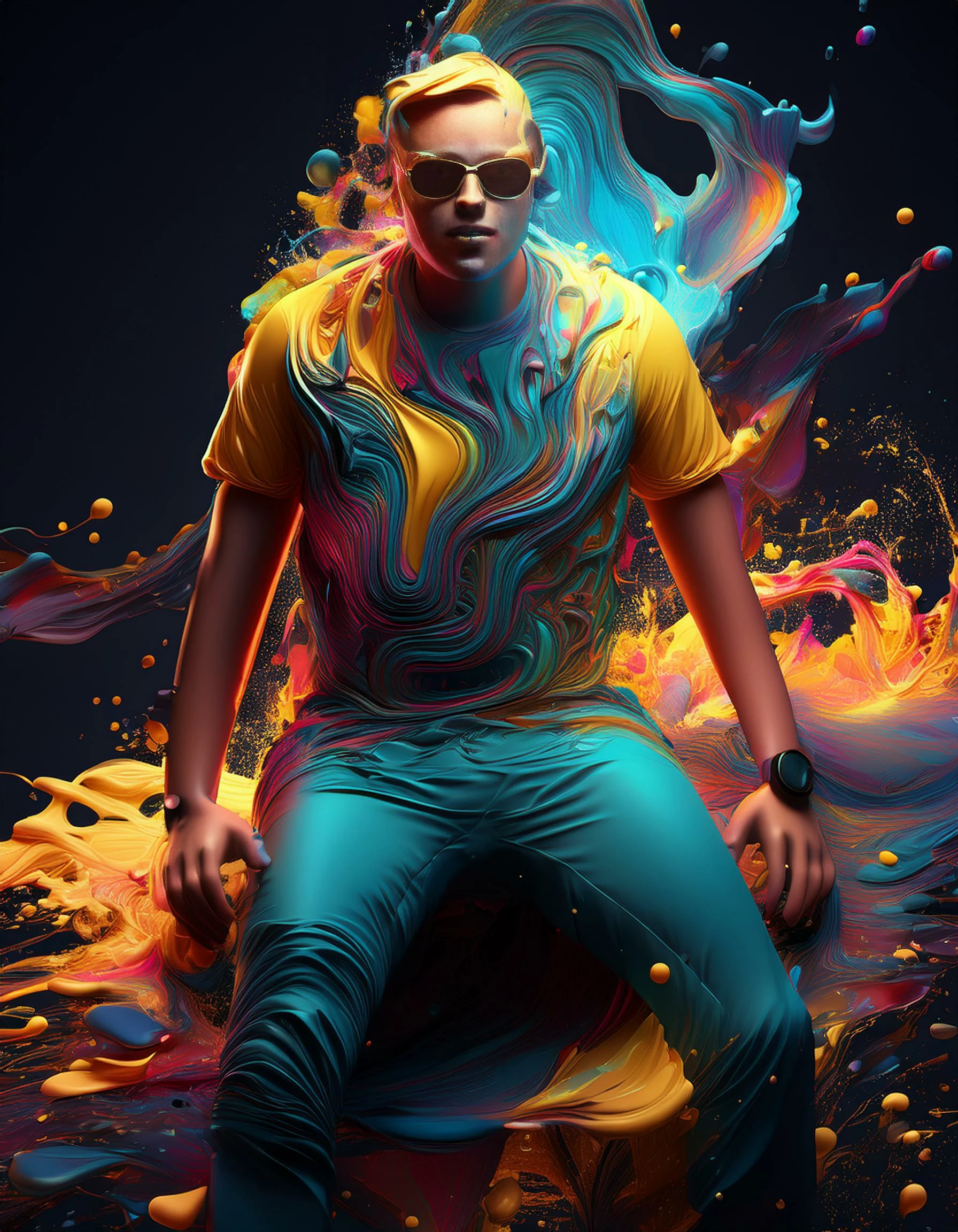
I've tried three runs with a reference image, and each time it creates a new image that's so different you can't tell the people in the first. I am trying to just make an image of look hyperrealistic and maybe more professional. Like an up-scale. So far, it completely changes the picture no mater what settings I choose.


Can you tell me the best settings to keep the original image still somewhat readable and just enhance it a little?


I see other services like Firefly have upscaling, which might be close to what I was hoping for.

 

This topic has been closed for replies.
Correct answer Kevin Stohlmeyer

@WebHostPro I would use Generative Fill not Firefly outright- select the portions you want to enhance, leaving areas like the face intact. Otherwise you can blend the images together using Photoshop.

1 reply

Kevin Stohlmeyer
Community Expert
Kevin StohlmeyerCommunity ExpertCorrect answer
Community Expert
October 8, 2024

@WebHostPro I would use Generative Fill not Firefly outright- select the portions you want to enhance, leaving areas like the face intact. Otherwise you can blend the images together using Photoshop.