
Participant
November 3, 2025
Question

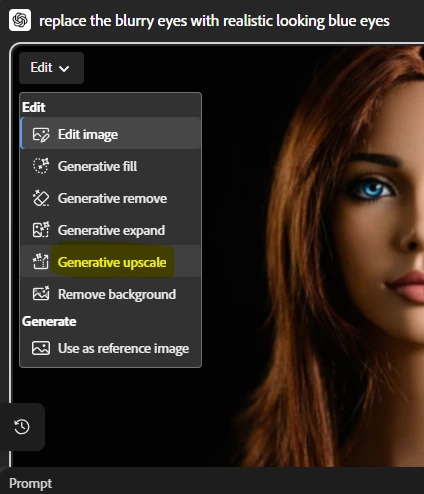
How to create high resolutions images in Firefly for submitting in Adobe Stock

  • November 3, 2025
  • 1 reply
  • 371 views
Hi! I'm trying to create images with Firefly for sale on Adobe Stock, but they're getting rejected for poor quality. They're actually 72 dpi images, but I see other sellers selling high-quality AI-generated images. How can I create high-quality images (300 dpi) with Firefly so they'll be accepted for sale on Adobe Stock? Thanks so much for your help!


1 reply

Community Manager
November 3, 2025

Hi @Andrea_Diez


Thanks for reaching out! I understand how frustrating it can be to have your images rejected due to quality concerns. Currently, Adobe Firefly generates images at 72 dpi, which is standard for web use but not ideal for Adobe Stock, where 300 dpi is recommended for print-quality submissions.


After generating your image in Firefly, upscale the resolution using programs like Adobe Photoshop. You can use the 'Image Size' dialog in Photoshop to increase the pixel dimensions and set the resolution to 300 dpi.  Also, ensure that your final image has dimensions of at least 4000 x 3000 pixels and is exported as a high-quality JPEG or PNG at a resolution of 300 dpi.

Please let us know if you require further assistance. 

^Sam
Participant
November 10, 2025

Will this really work? My understanding is if an image is already low res to start with, it's not possible to turn it into a high res image.

Participant
November 10, 2025

You're right, Miguel. In fact, even following Sam's advice, the result didn't change: my image was rejected anyway due to its low quality. @SamarthS